Prepare clean SVG paths for Cricut, Silhouette, laser cutters, CNC, 3D printing, vinyl, sublimation, signs, and apparel. Check the file first to avoid wasting time or material.
Featured
Your machine cuts every line twice because the trace outlined both edges of it. Here are the three causes of double-cut SVGs and the fix for each.
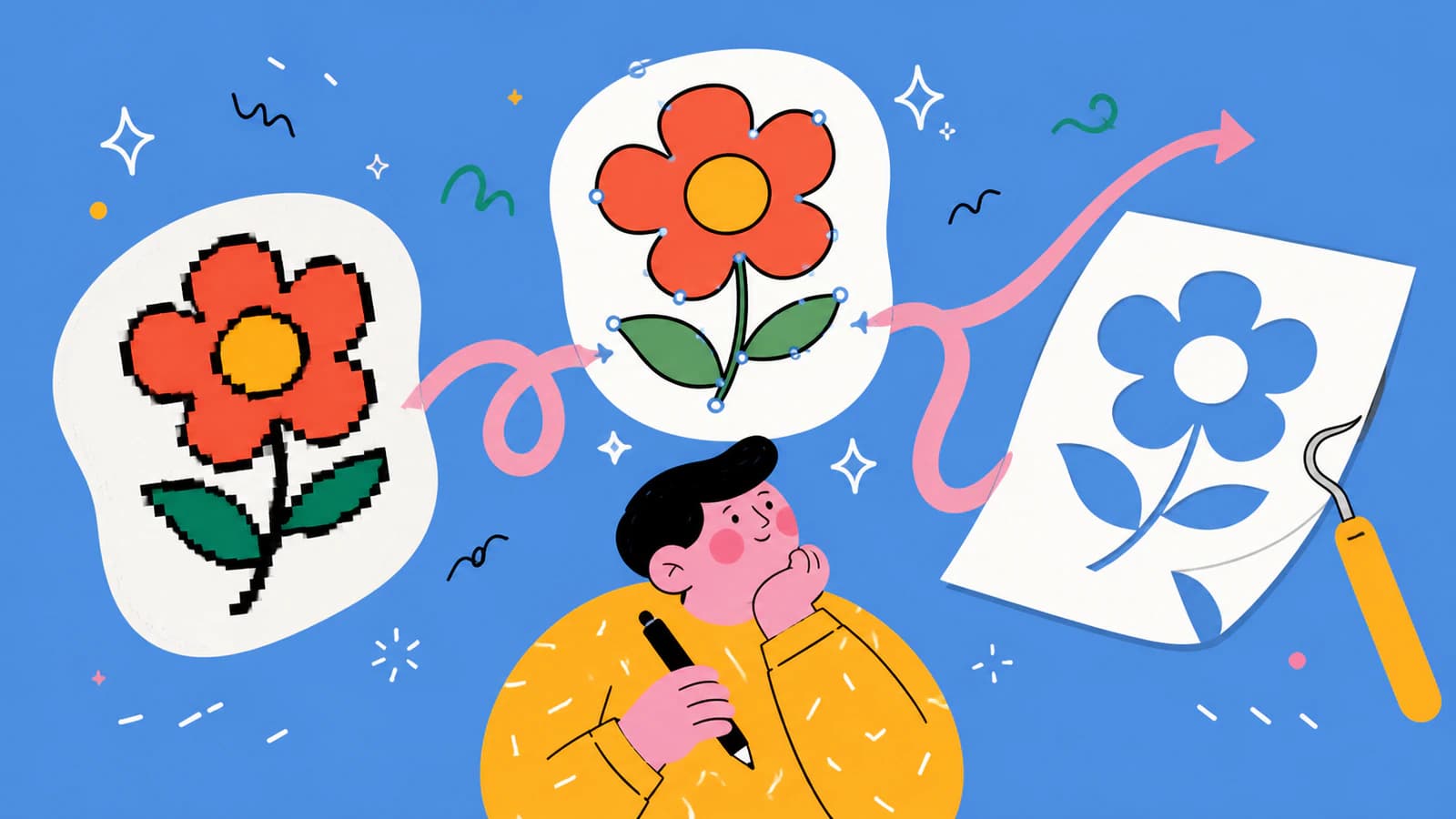
Your printer asked for vector art and all you have is a PNG. Here's why shirt printing wants vectors, where to get them, and how to turn your own design into one.
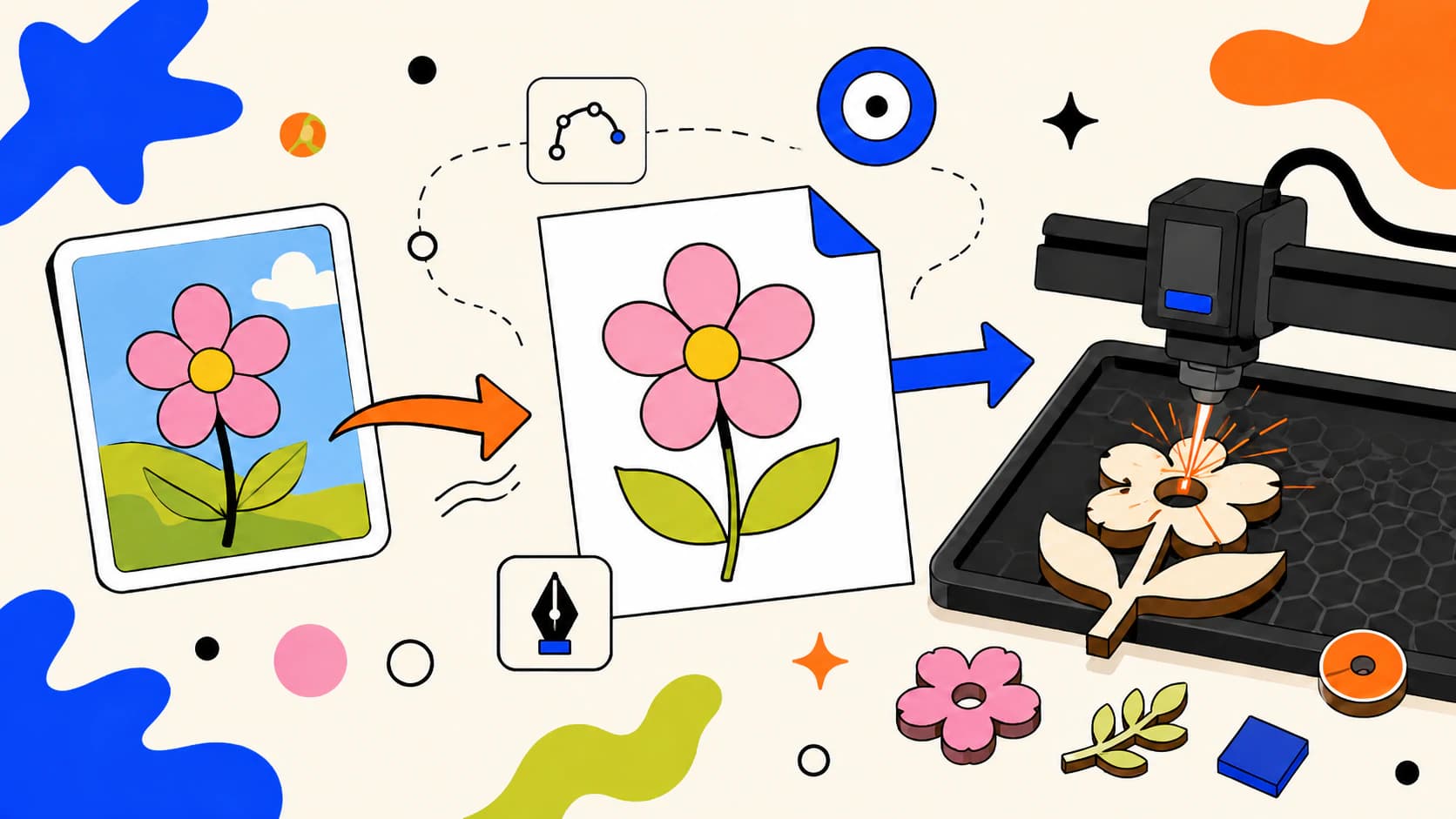
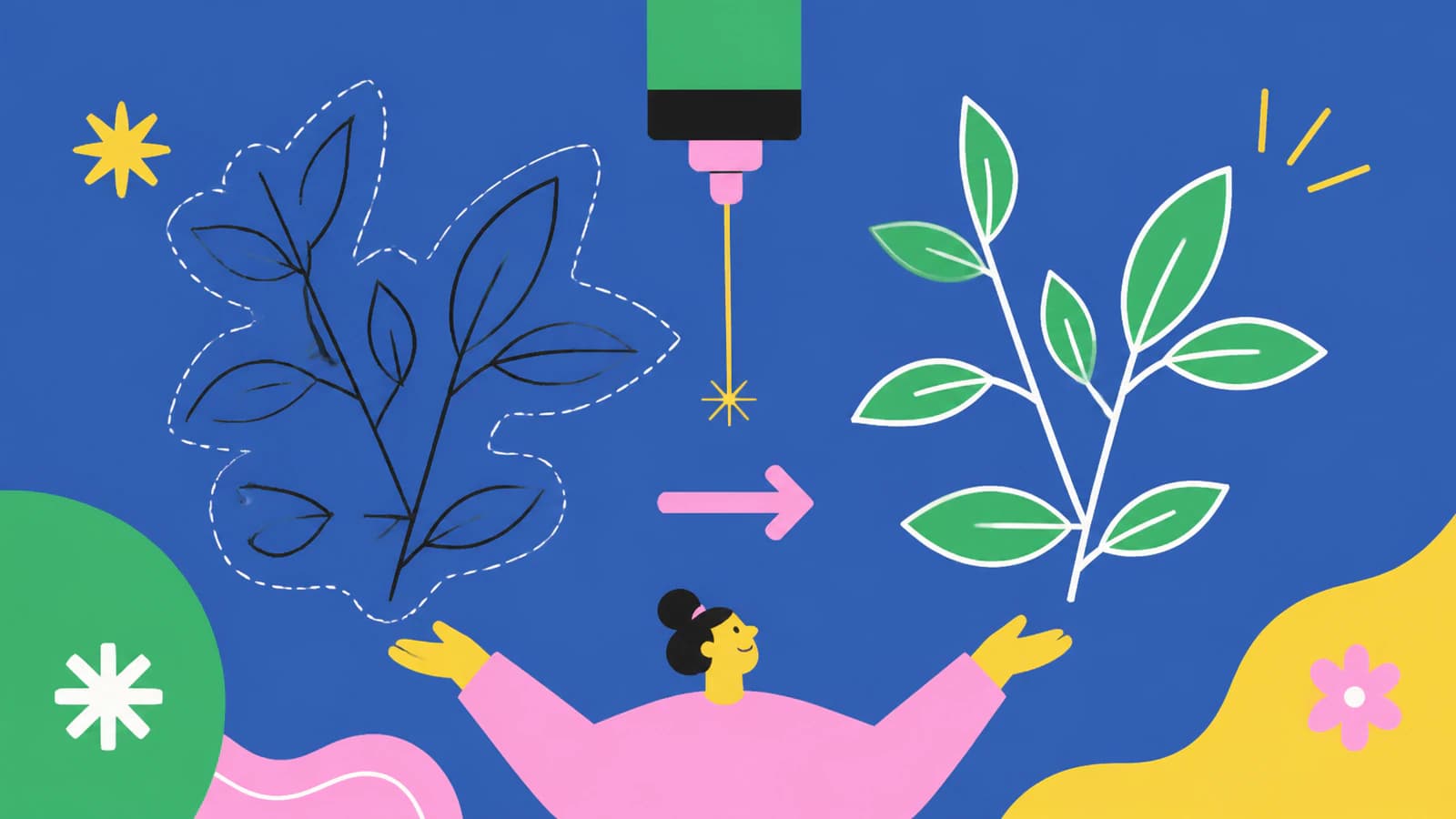
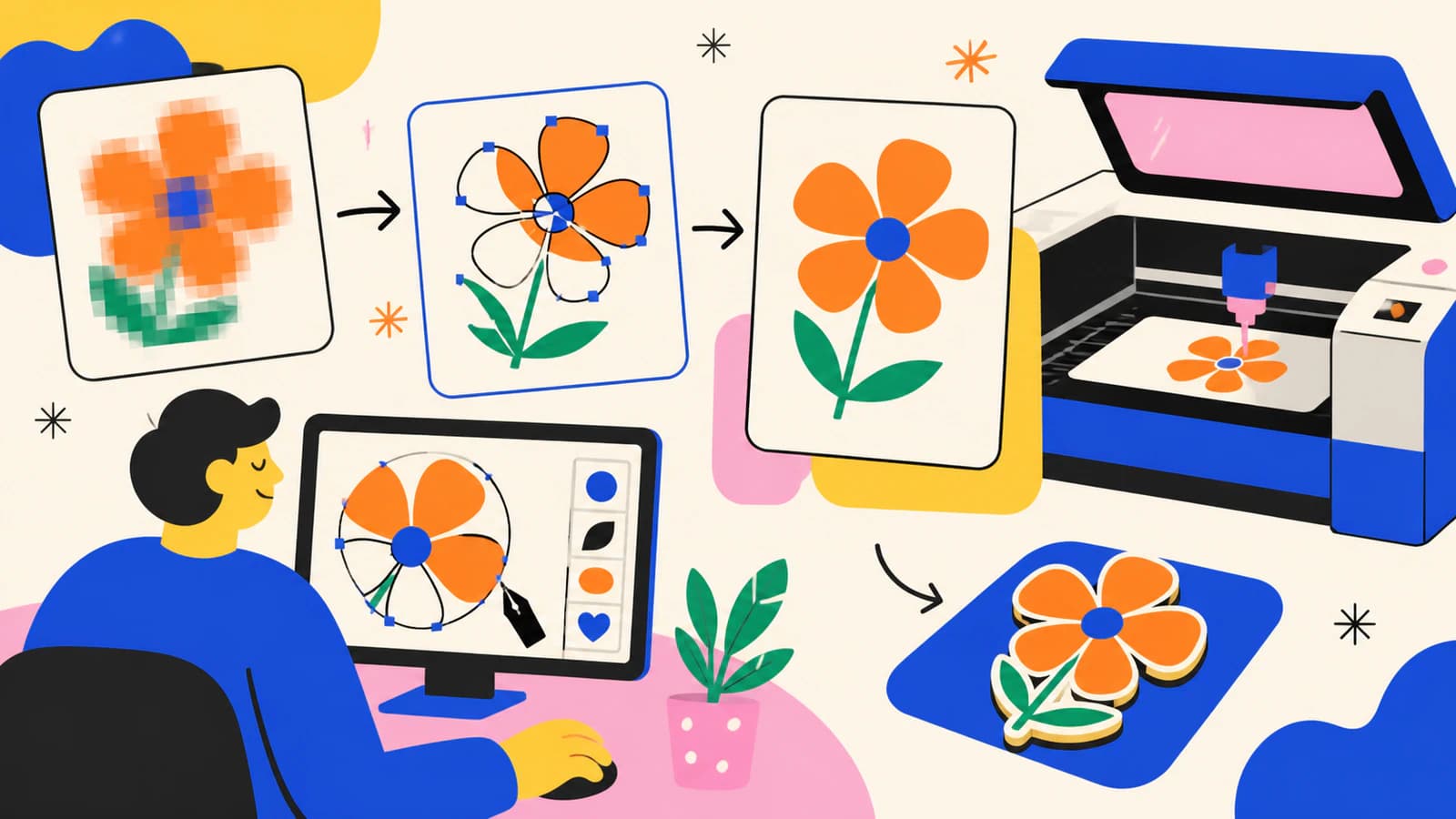
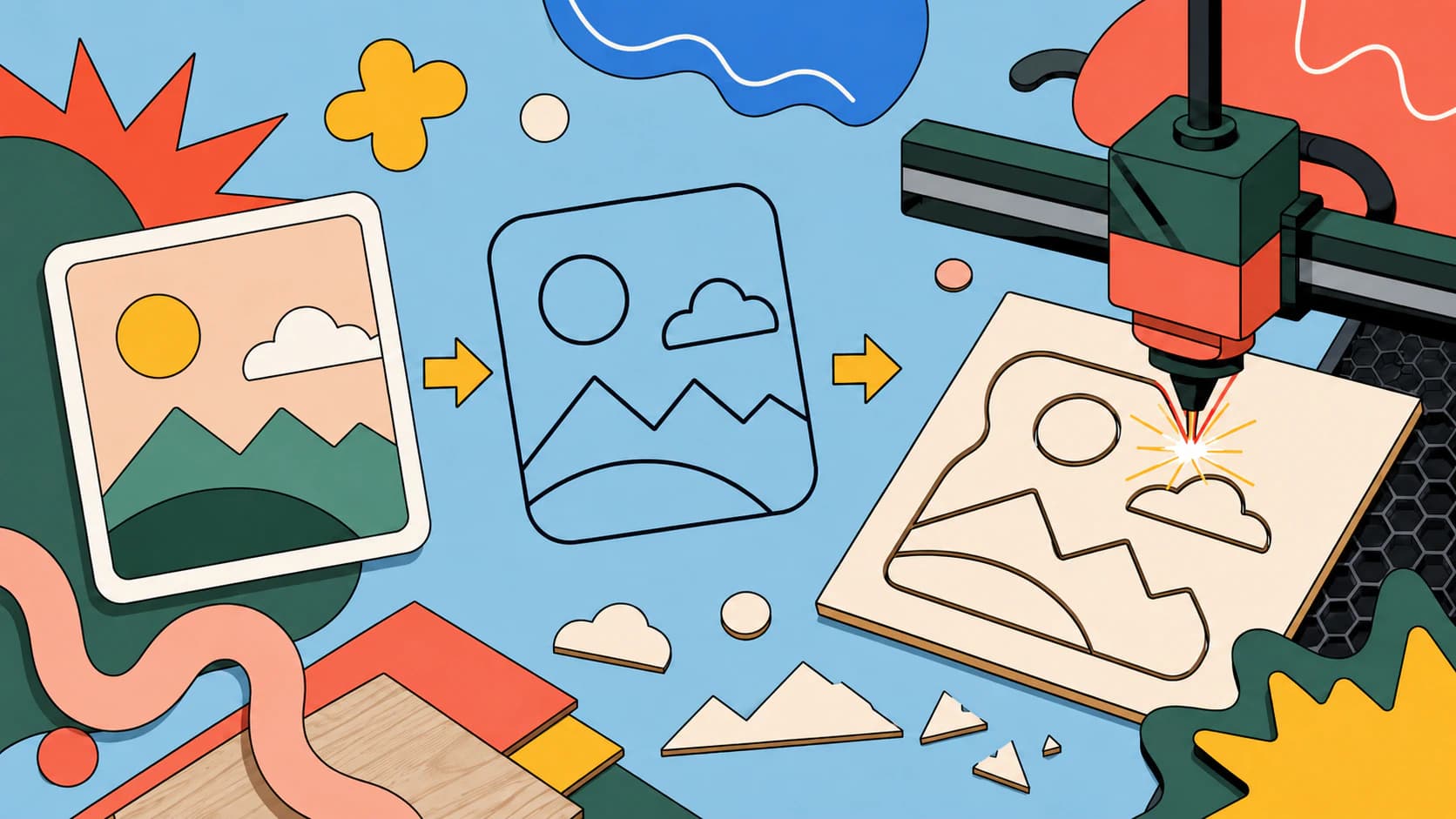
Laser cutters follow paths, not pixels. Here's how to turn a PNG or JPG into a clean, closed-path SVG your machine can cut, and when to engrave instead.
Cricut's own AI is personal-use only. For art you make in Midjourney or Nano Banana, here's how to turn it into a clean, layered cut file you can sell.
Generating the artwork is solved. Turning it into a file your laser will cut, score, or engrave correctly is where AI art gets difficult. Here is that half.
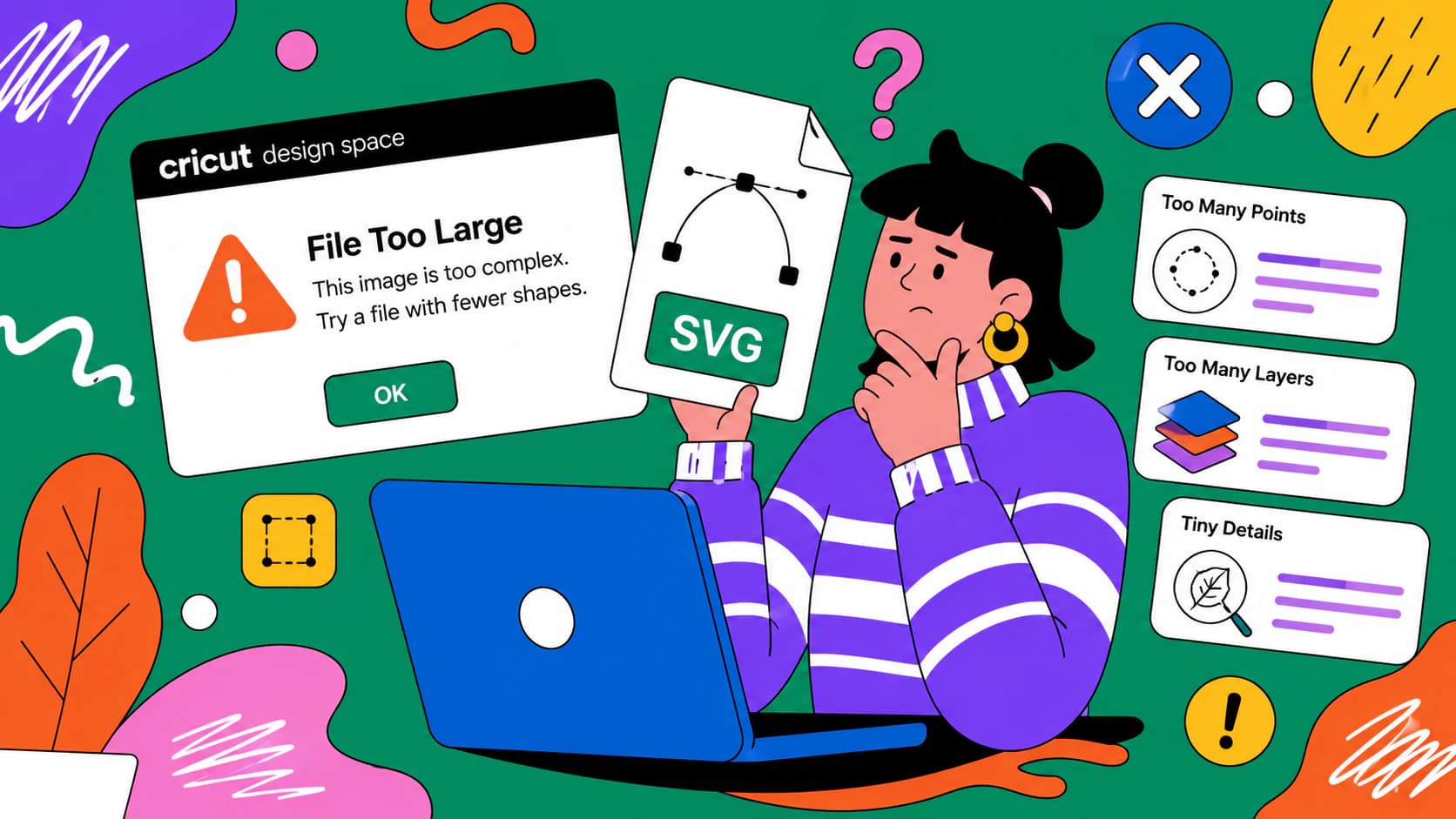
Design Space calls a file too large for four unrelated reasons, and the fix for one does nothing for the others. Here is how to tell them apart in ten seconds.
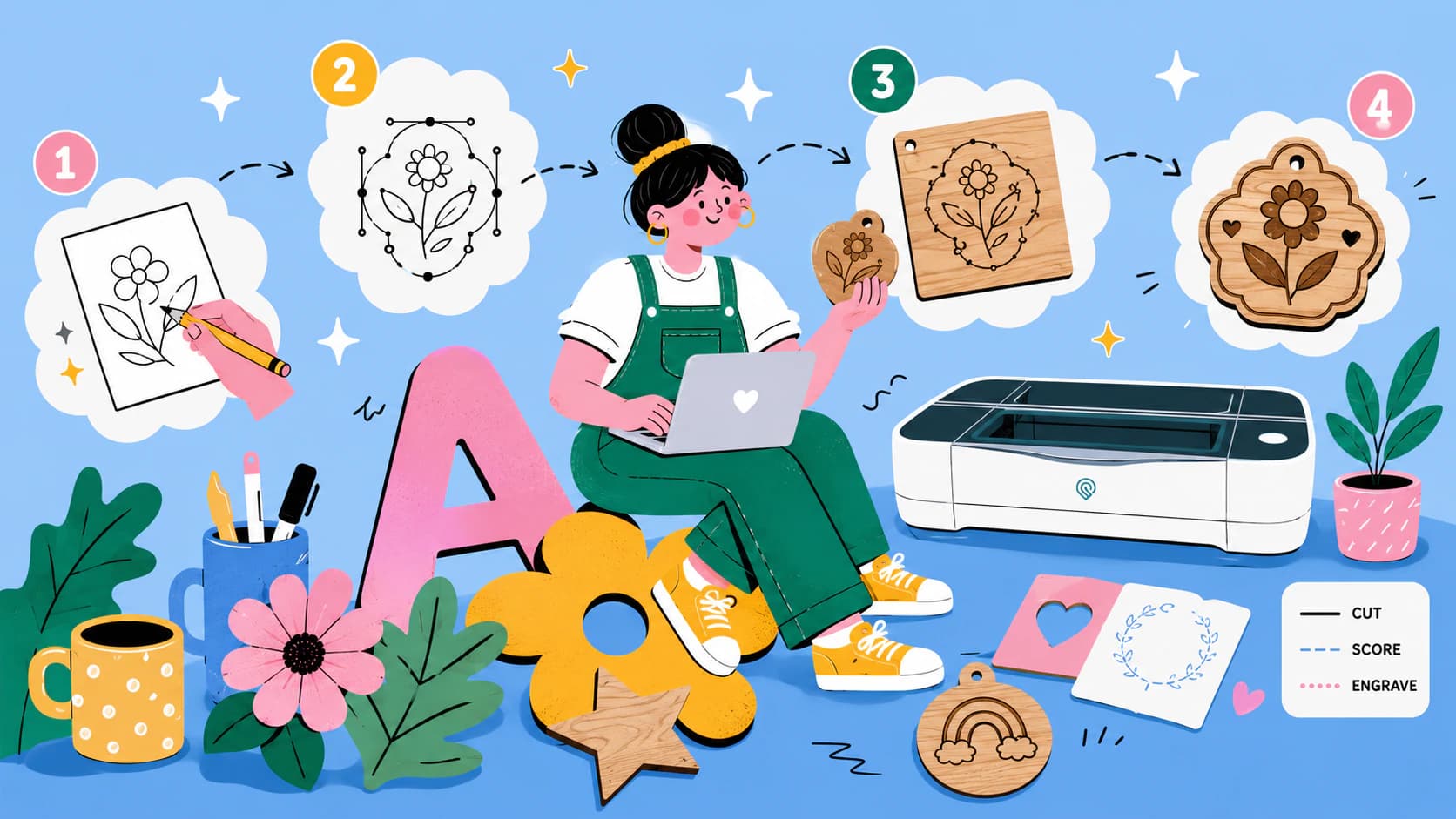
Make Glowforge-ready SVG files from your own images: what the app accepts, how strokes become cuts and fills become engraves, and a clean no-Illustrator path.
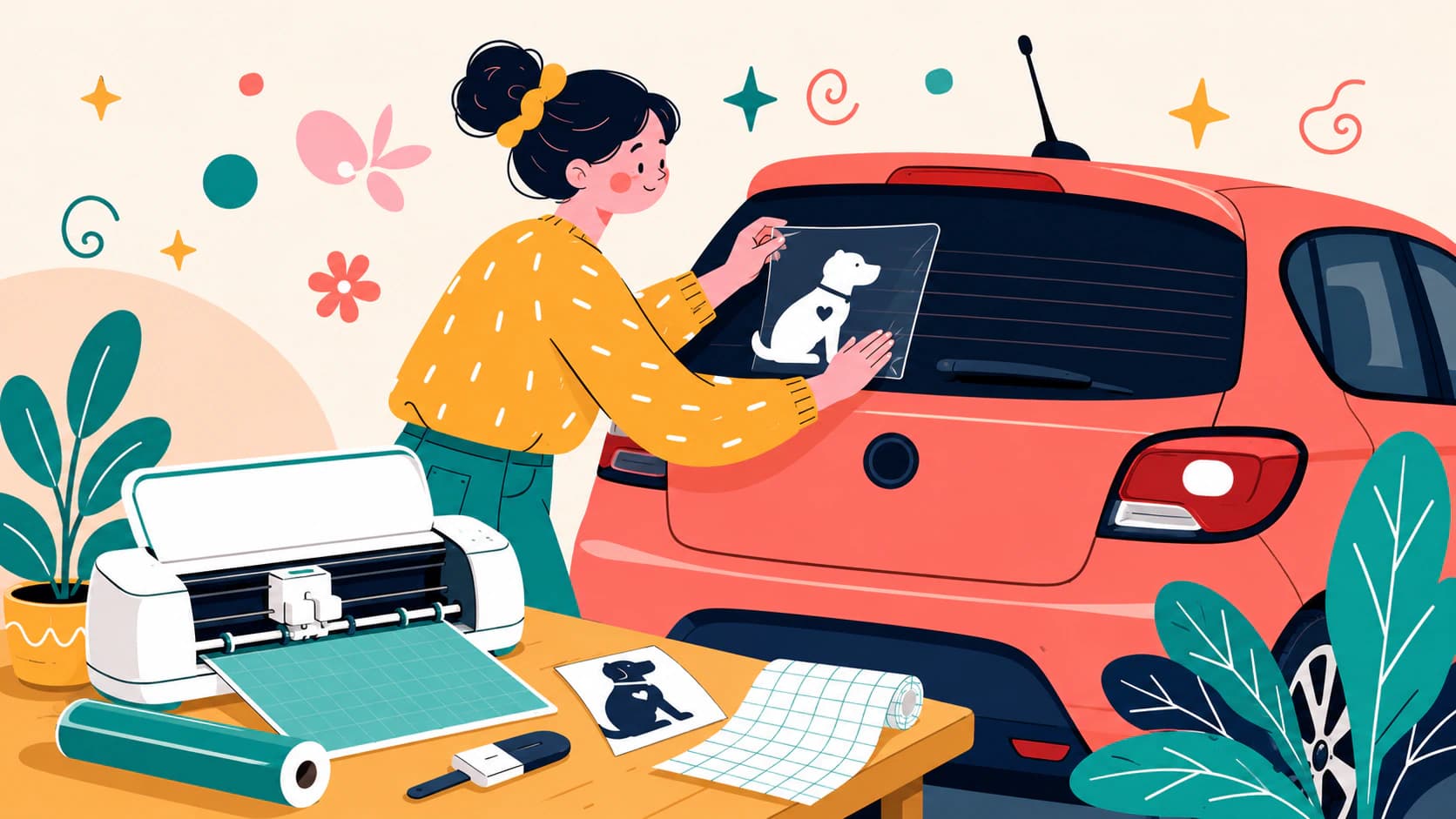
Make a car decal from your own logo, drawing, or pet photo: design rules that survive at distance, a cut-ready SVG, and the honest cases for buying instead.
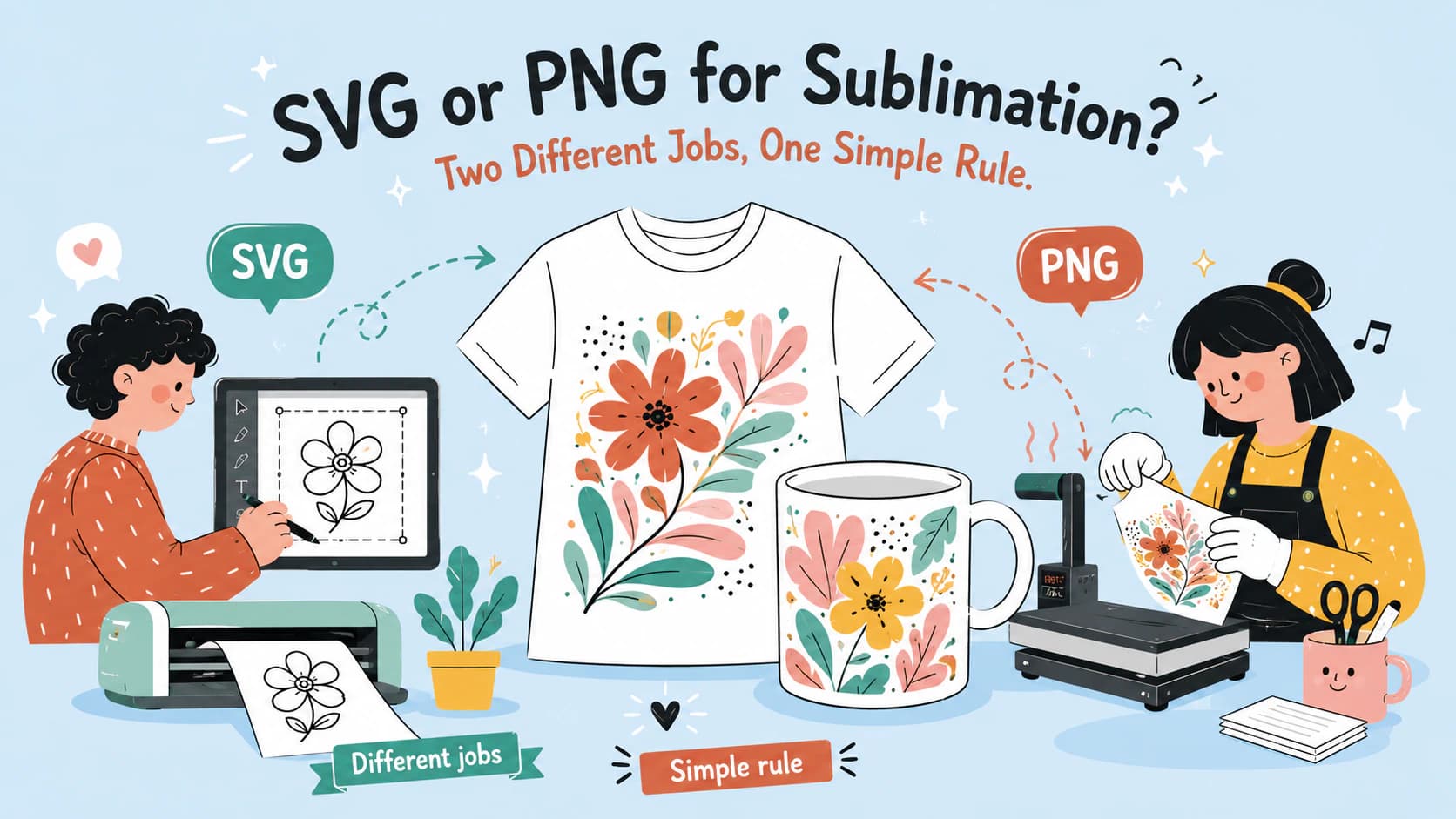
Sublimation presses print raster images, so PNG wins the print side. Where SVG earns its keep: the scalable design master and the matching cut file.
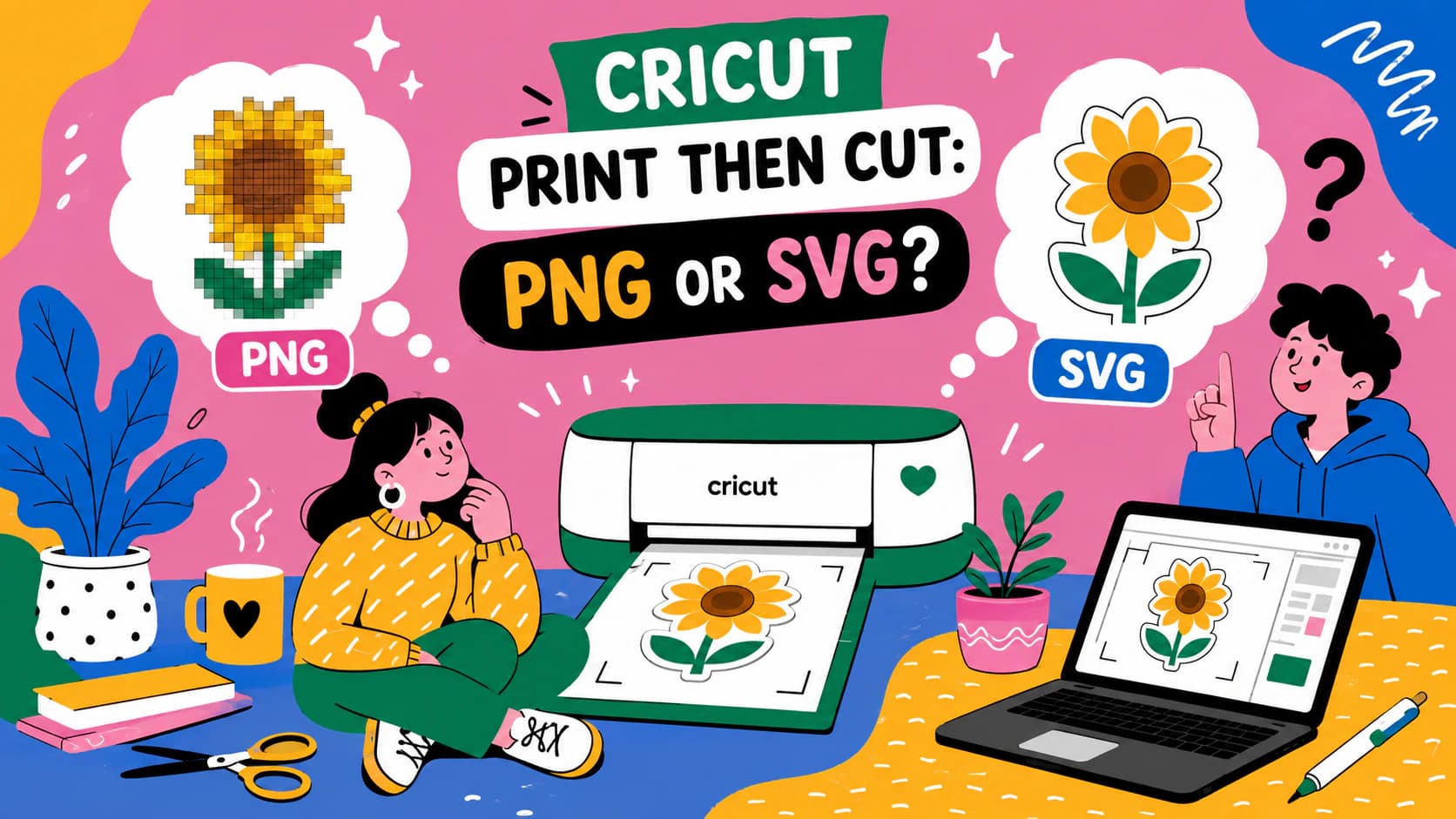
Print Then Cut prints pixels either way, so a good PNG is the native choice. Where SVG still earns its place: resizing, clean cut lines, dual-use designs.
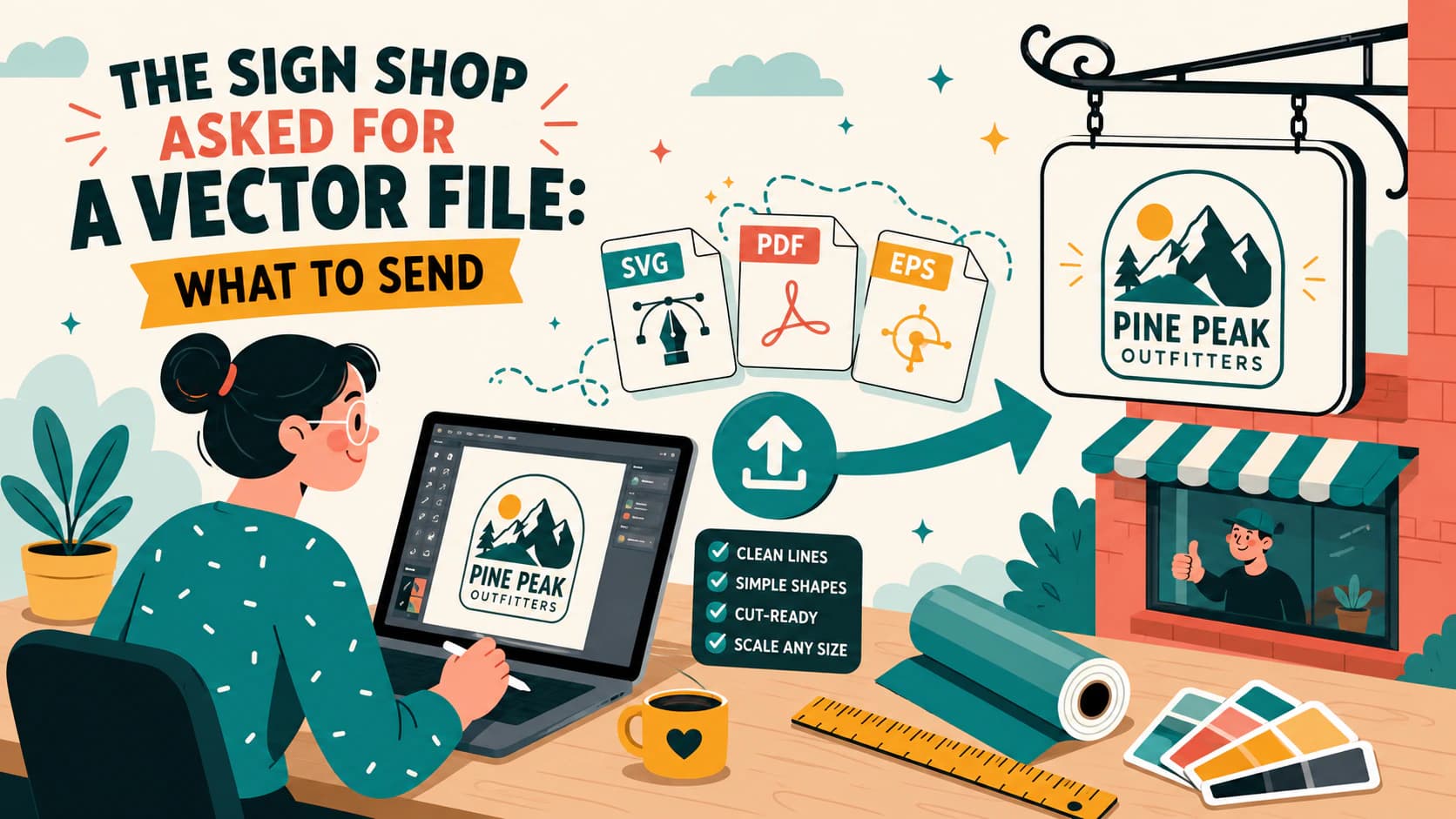
Why sign makers insist on vector art, how to check whether your logo file actually is one, and how to deliver an SVG, EPS, or vector PDF they can cut and scale.
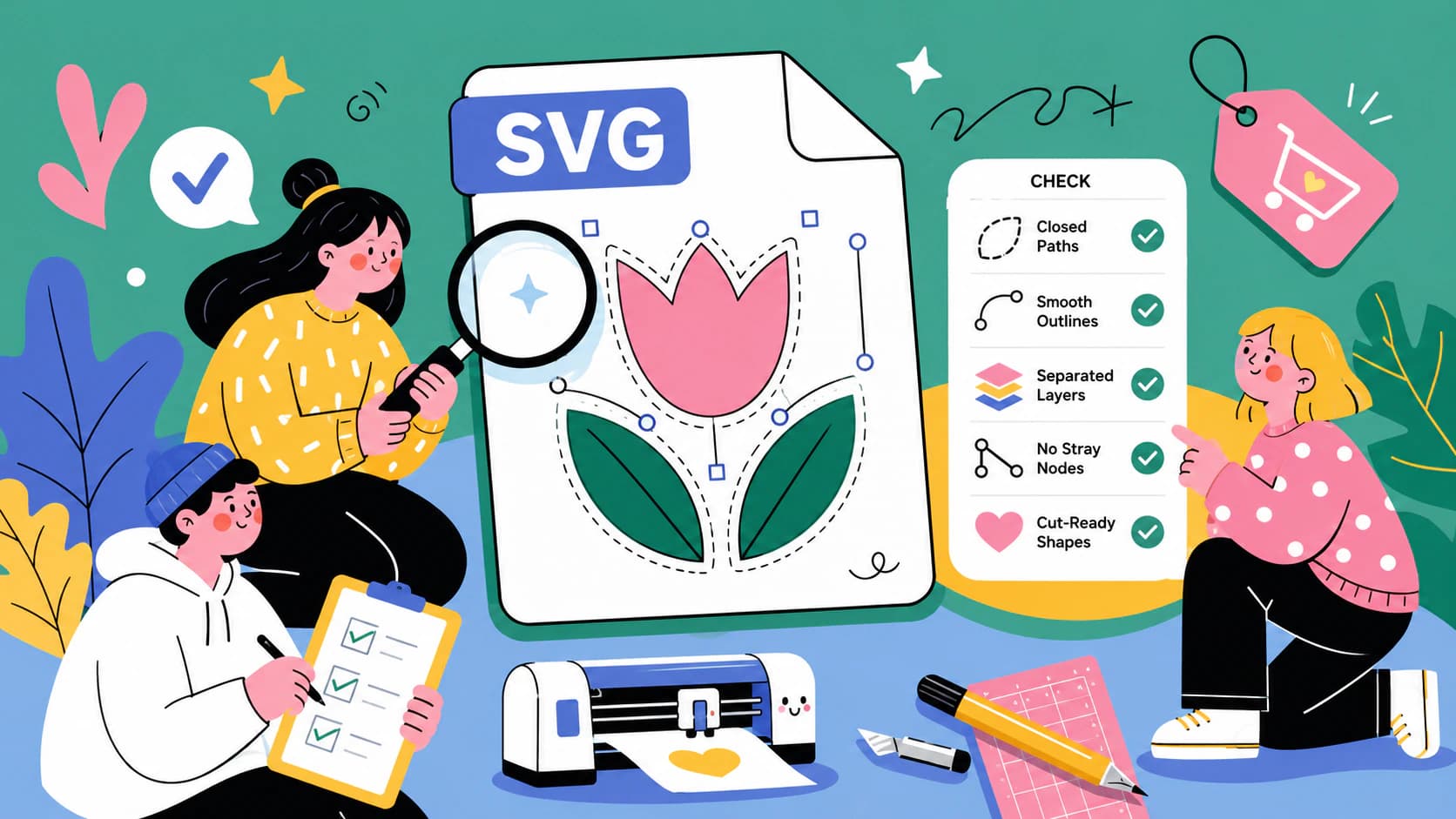
The five-minute preflight for cut files: spot fake vectors, doubled paths, node bloat, and stray boxes before you waste vinyl, plus what to check before buying.
Turn a scanned floor plan into clean vector lines, calibrate it from one known measurement, and verify the scale before you use the SVG or DXF downstream.
Convert a scanned drawing into centerline SVG paths a pen plotter follows once, without the doubled edges produced by ordinary outline tracing.
An SVG will not extrude when its paths fail to define a usable face. Find open endpoints, line-only art, overlaps, holes, and excessive nodes before converting formats.
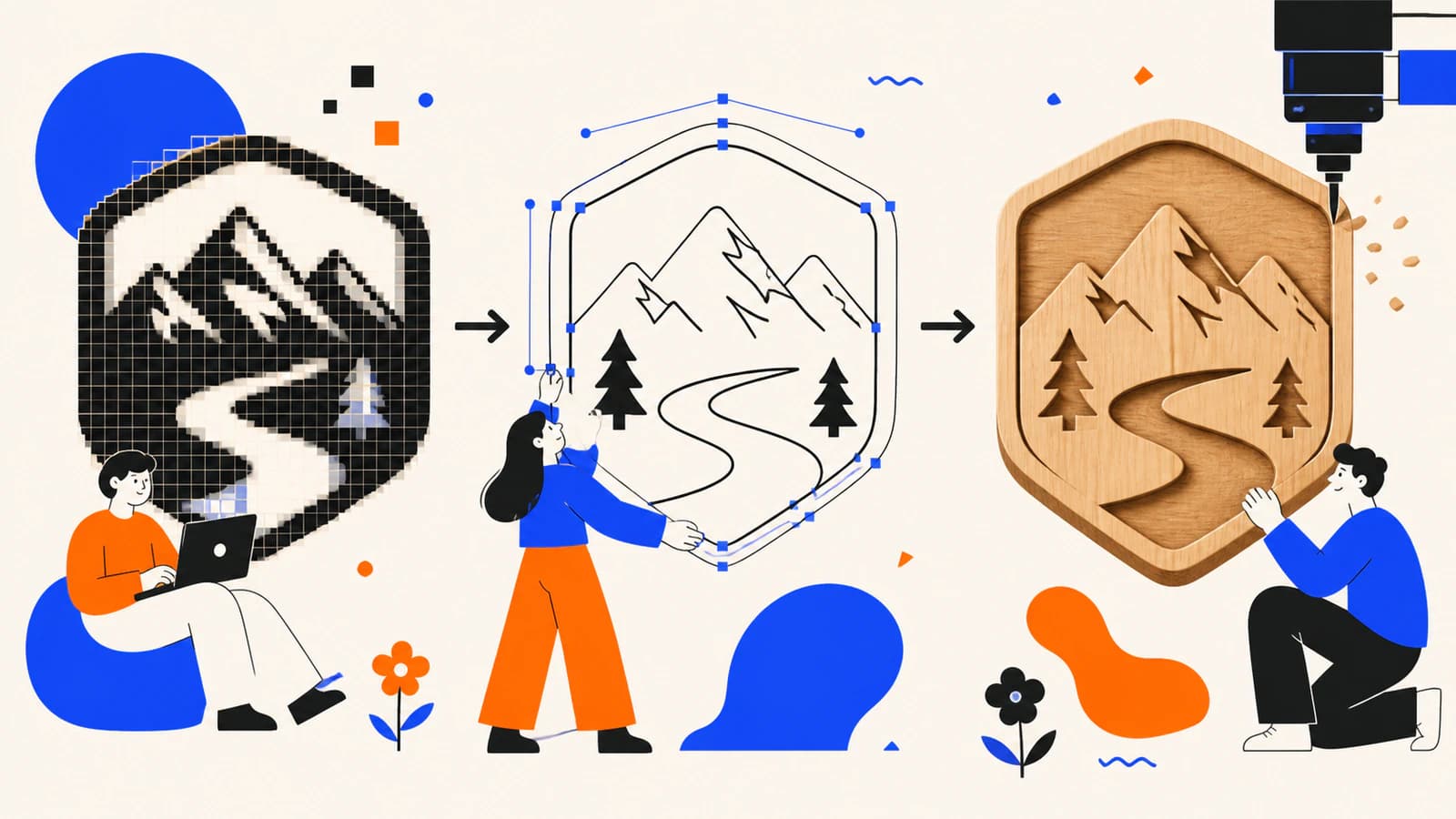
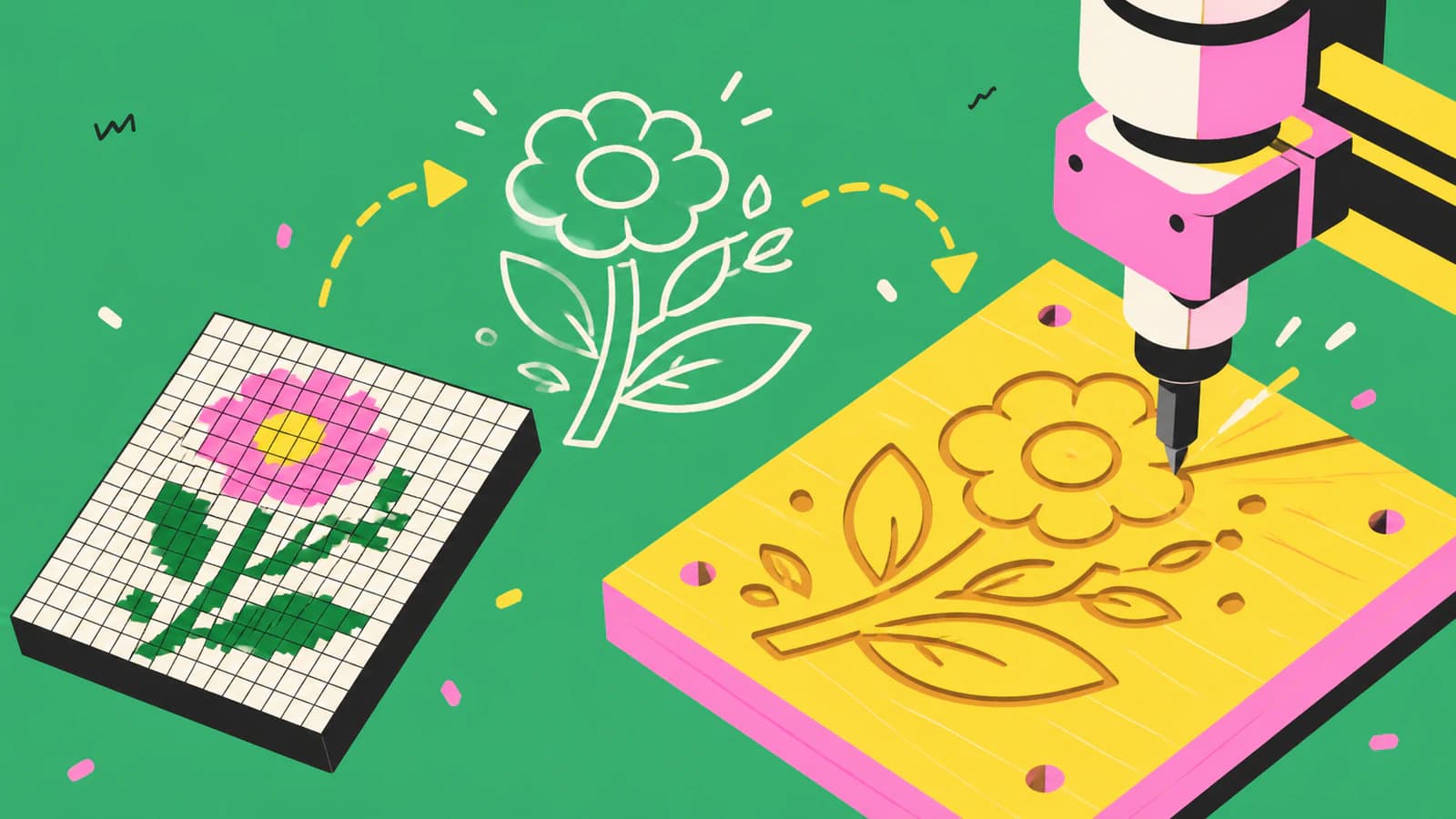
A CNC follows vector paths, not pixels, so your design has to become a clean SVG or DXF first. Here's how to convert an image into CAM-ready, closed-path vectors.
A 3D printer can't extrude pixels, so flat designs start as an SVG. Here's how to turn an image into a clean, closed-path SVG that imports and extrudes the first time.
Hard weeding is usually a mix of your blade, your vinyl, and your design. Here's how to tell which, and how to make the SVG file itself far easier to weed.
A sticker SVG is the clean cut path behind a die-cut sticker. Here's how to turn your own image into one, when you need a vector vs a PNG, and what won't work.
On Etsy, the file is what buyers review, and messy files are what get refunded. Here's how to make a clean, layered SVG cut file that's good enough to sell.
For most desktop laser cutters, SVG is the answer, but not always. Here's when to use each, what conversion does to your design, and why clean paths matter more.
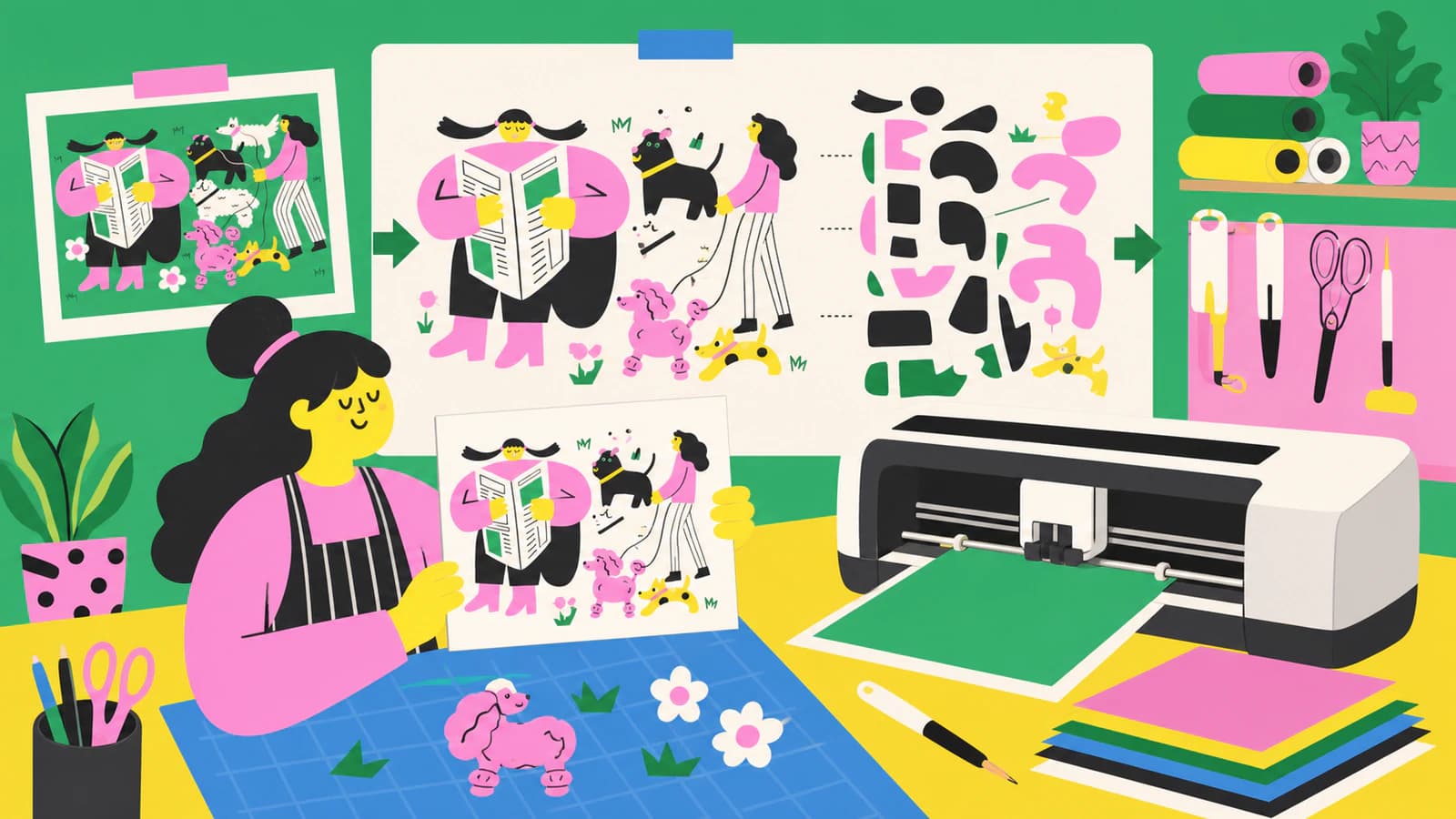
A layered SVG cuts each color as its own piece. The clean way is to color-separate your image into an SVG first, so it uploads to Cricut already layered.
Converted a PNG to SVG for Cricut and it won't cut right? Blurry edges, a stray box, thousands of nodes. Here's what causes each problem and how to fix it.
Cricut Design Space needs clean SVG files to cut well. Here's how to turn any image into a cut-ready SVG — and avoid the messy paths that jam your machine.
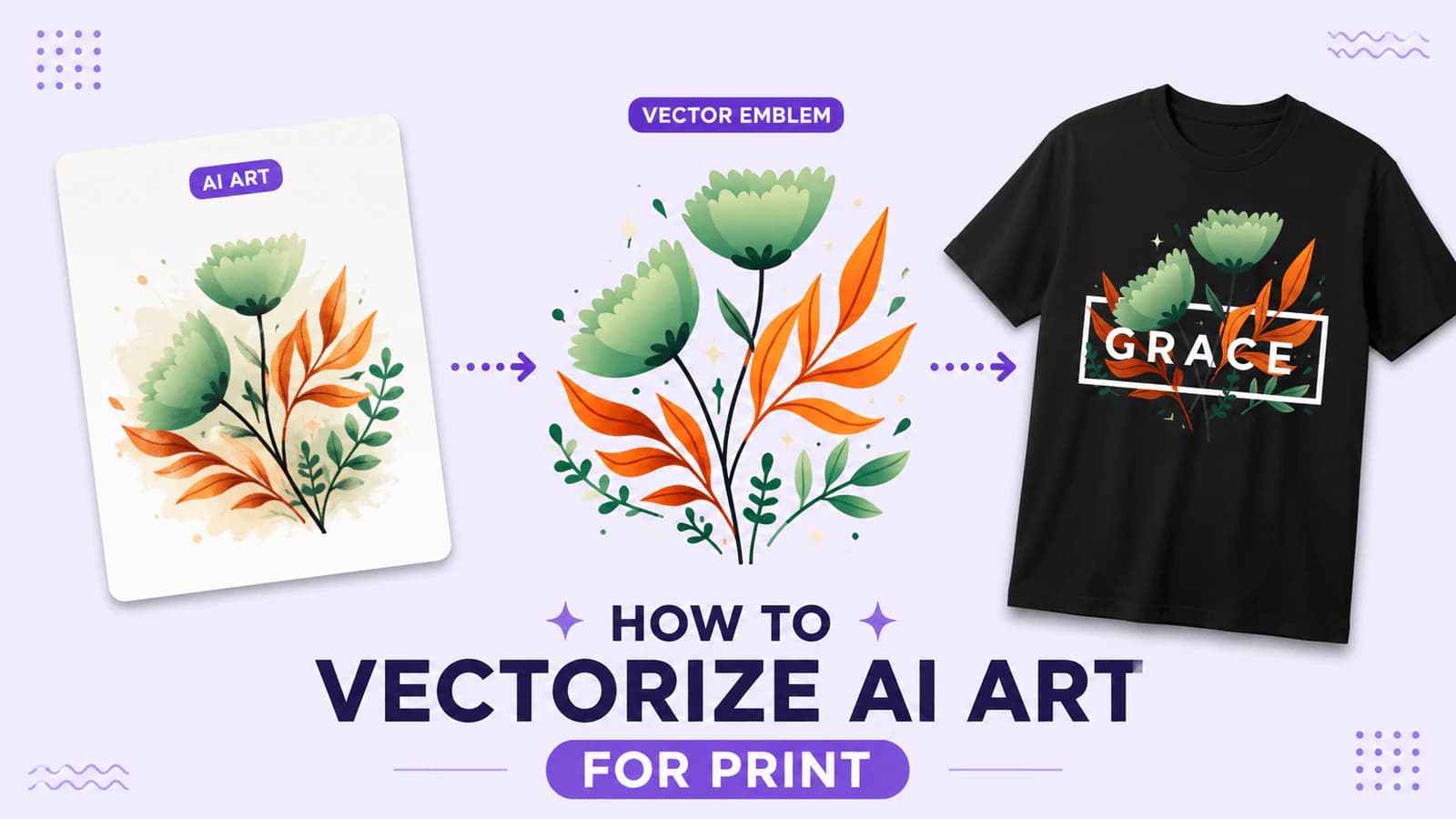
AI tools make gorgeous art — but it's raster, so it blurs on a poster and jams a cutting machine. Here's how to turn Midjourney, DALL·E, or Stable Diffusion output into clean, print-ready vectors.
The free Silhouette Studio can't import SVG files. Here's the edition you actually need, the free DXF workaround, and how to import an SVG that cuts cleanly.