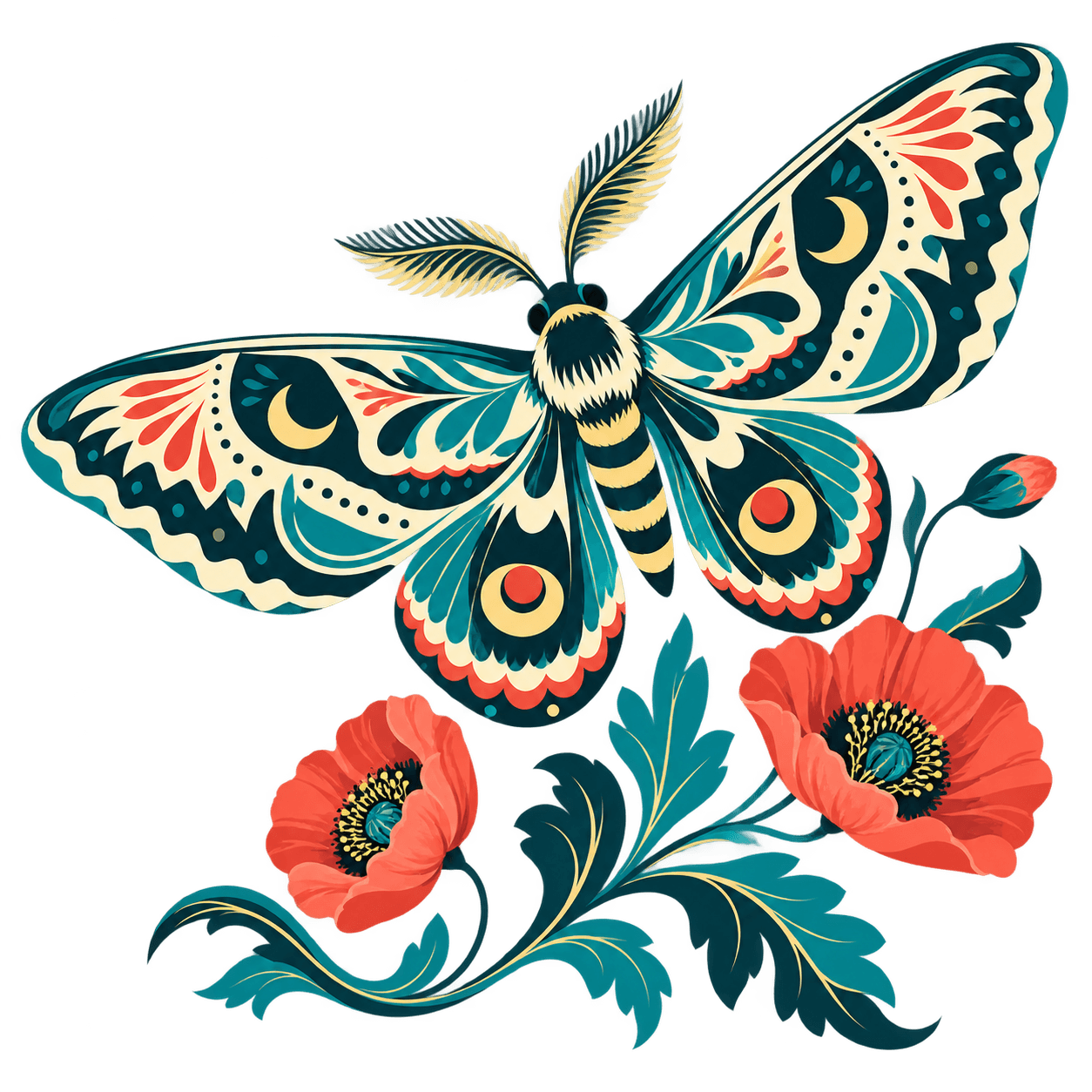
FRONTIER AI VECTORIZER
Make images into vectors.
Turn images into clean SVGs. Advanced AI tracing for logos, print, cutting and design.
or try by clicking an image
Vectorize and inspect protected previews for free, with no usage limit.
Credits to unlock a finished result: 1. Repeat downloads are free.
Take your SVG into the tools you already use.
- Illustrator

- Affinity
- Figma
- Canva
- Inkscape
- Cricut Design Space
- LightBurn
- xTool Studio
- CorelDRAW
- Sketch
- Penpot
- Linearity Curve
MADE OF PATHS
Keep creating. At any scale.
Hover the artwork to compare a lower-res raster with the saved SVG. Inspect the shapes and colors in the file.
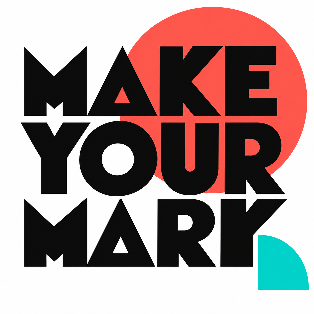
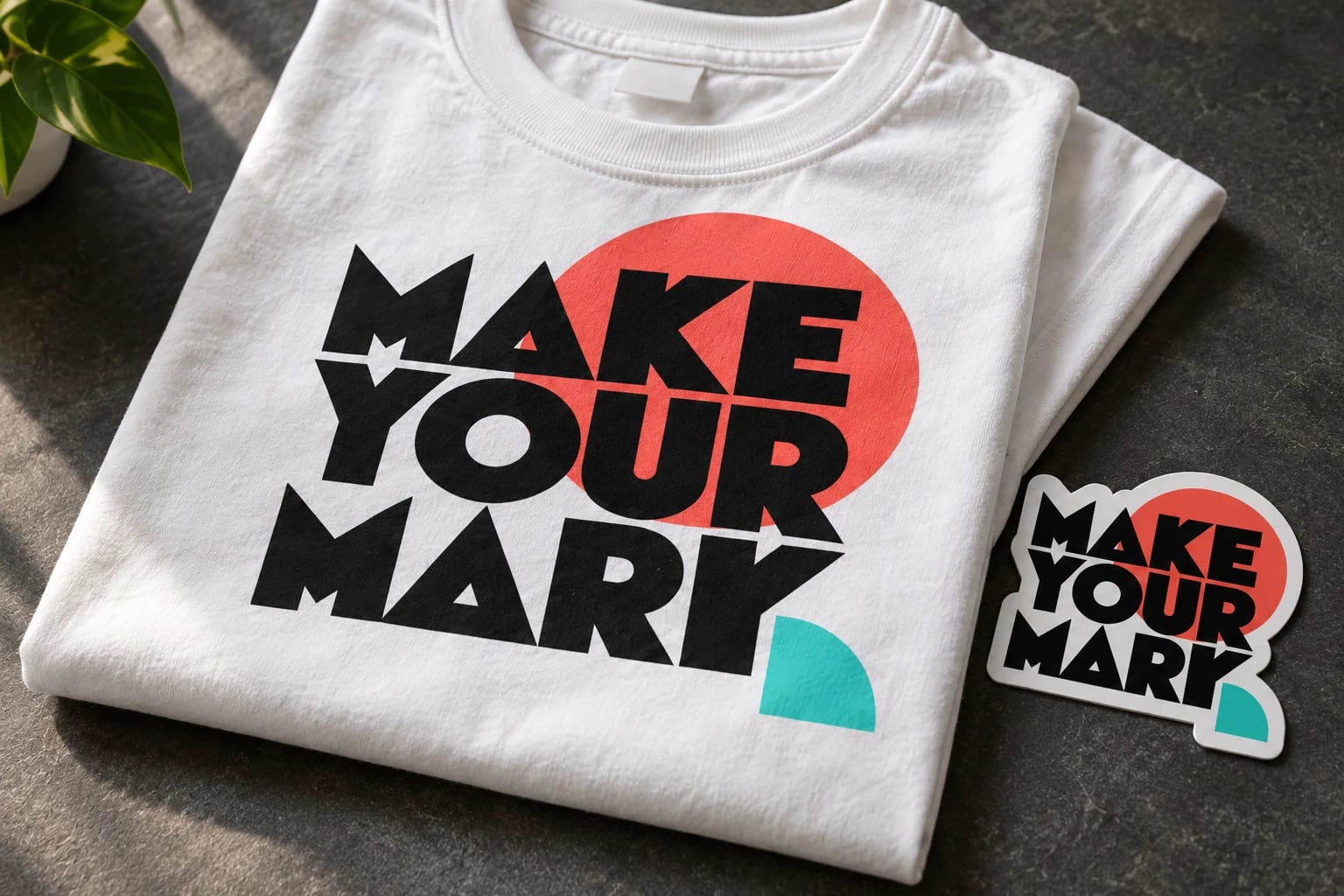
Make your mark — Paths: 19; Fill colors: 4.

THE MODEL WE BUILT
Pixels in. Editable paths out.
Make your mark
- Paths
- 19
- Fill colors
- 4
The colors in this SVG
- #FEFEFE
- #FE564B
- #0B0B0B
- #00D1C8
From your image to your next project.
Upload your image
Start with your own artwork, or choose a sample above.
Preview and refine
Vectorize and inspect protected previews for free, with no usage limit.
Unlock your download
Credits to unlock a finished result: 1. Repeat downloads are free.
MAKE IT YOURS
Your artwork. Your finishing touches.
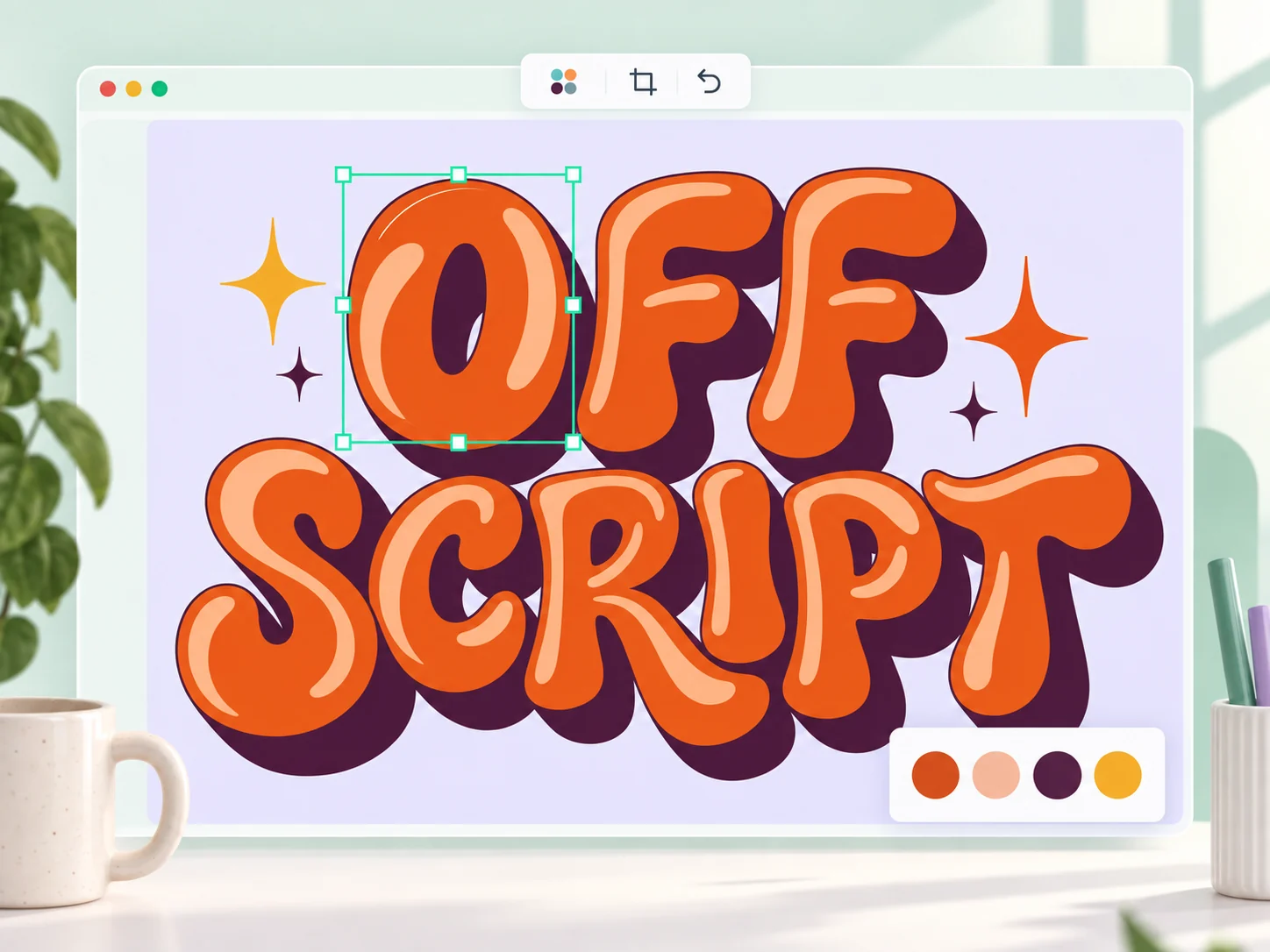
Get the colors just right. Simplify your palette, crop the canvas and refine your vector in our editor—all in the same place you made it.
Recolor · simplify · crop
LET YOUR ARTWORK STAND OUT
Turn PNG and JPG files into editable vectors
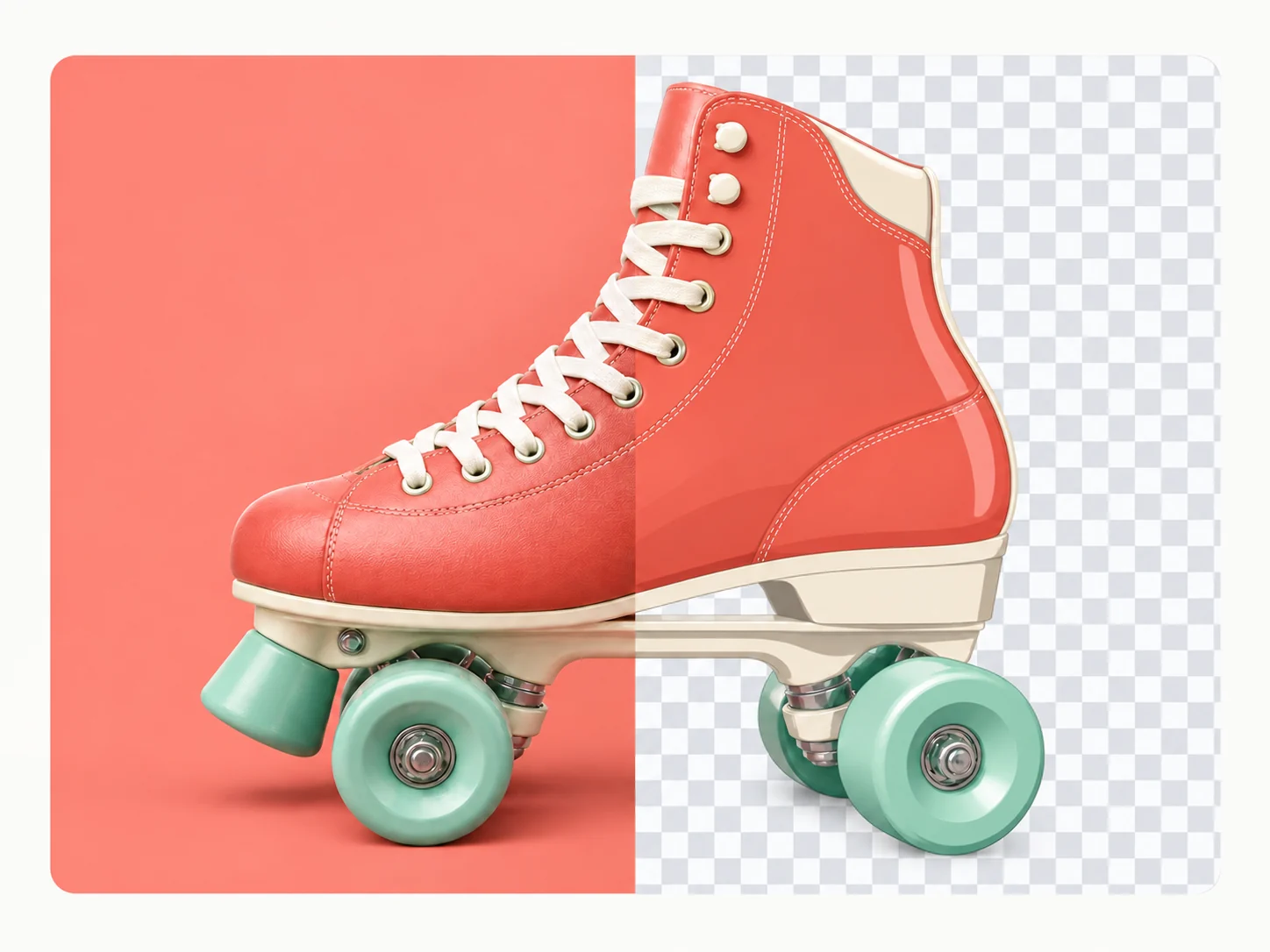
Turn your PNG or JPG into an editable SVG, then remove the background. Keep the artwork you want and give it a new home on a sticker, a package or your next design.
Remove the background from your vector
A FEW COLORS. YOUR WHOLE BRAND.
Vectorize images without Illustrator
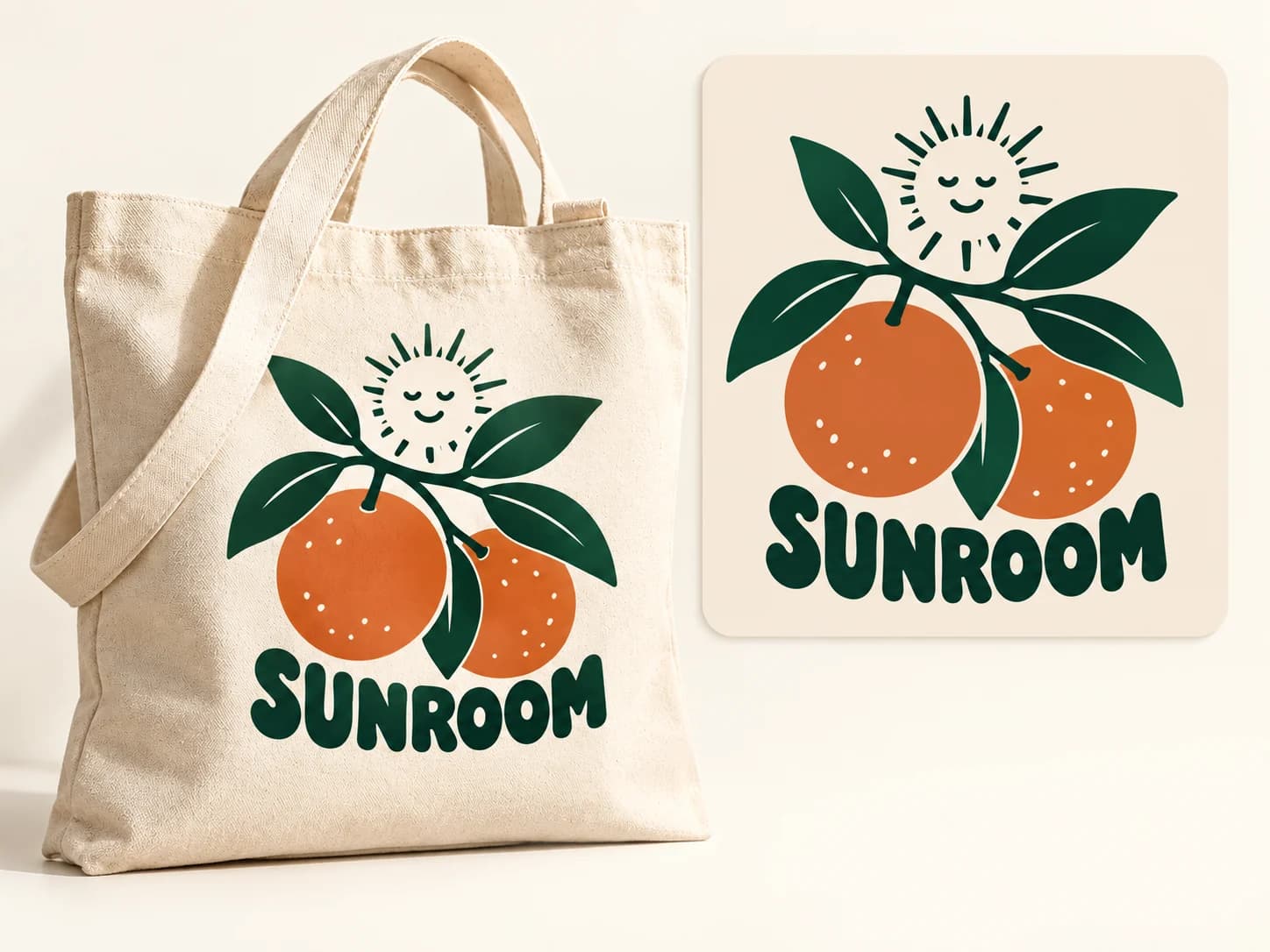
A few good colors can go a long way. Vectorize your artwork, simplify its palette and export an SVG for your next T-shirt, tote or brand project—right from your browser.
No desktop design app to install
VECTORS IN THE REAL WORLD
Put your artwork to work.
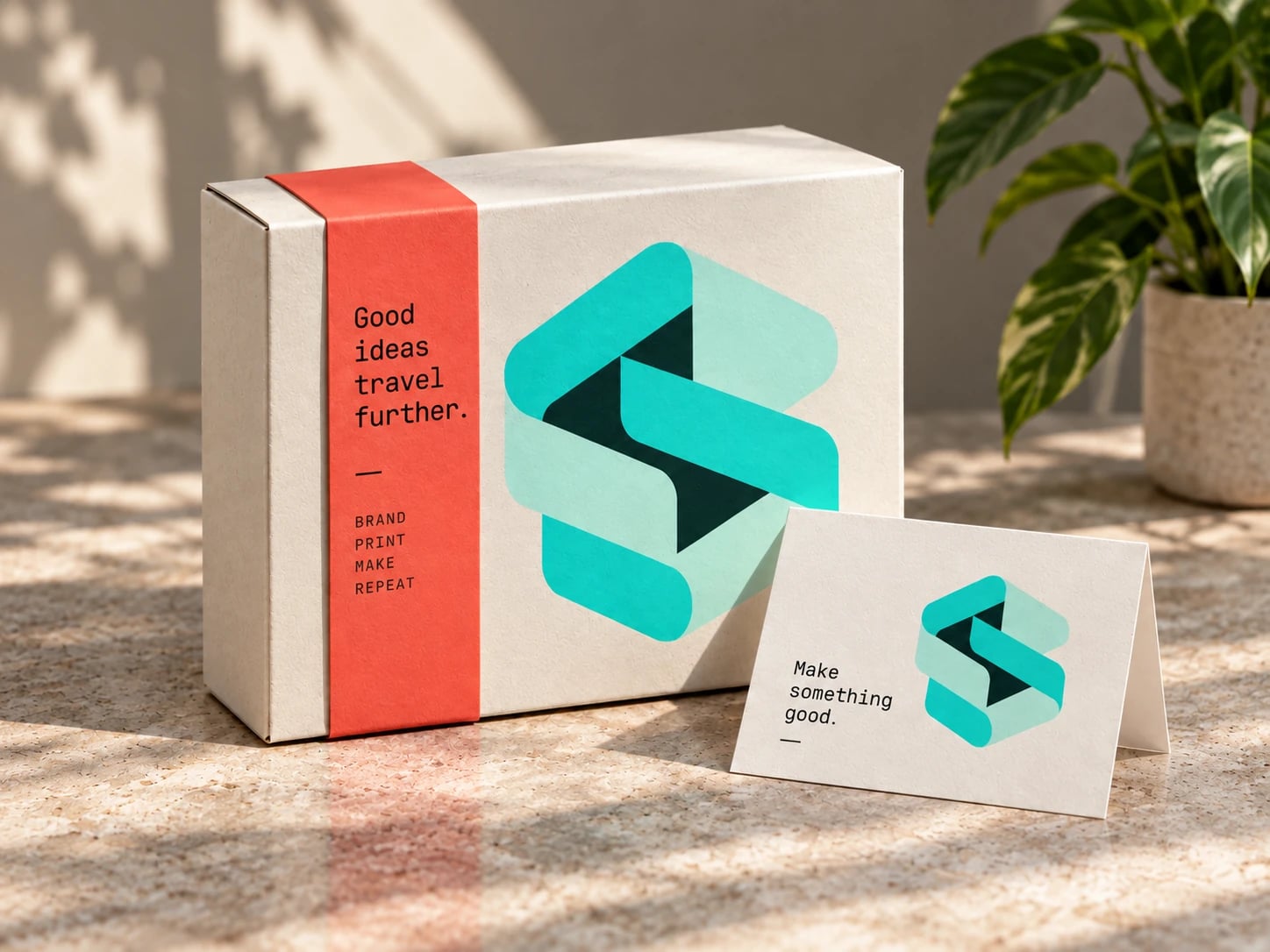
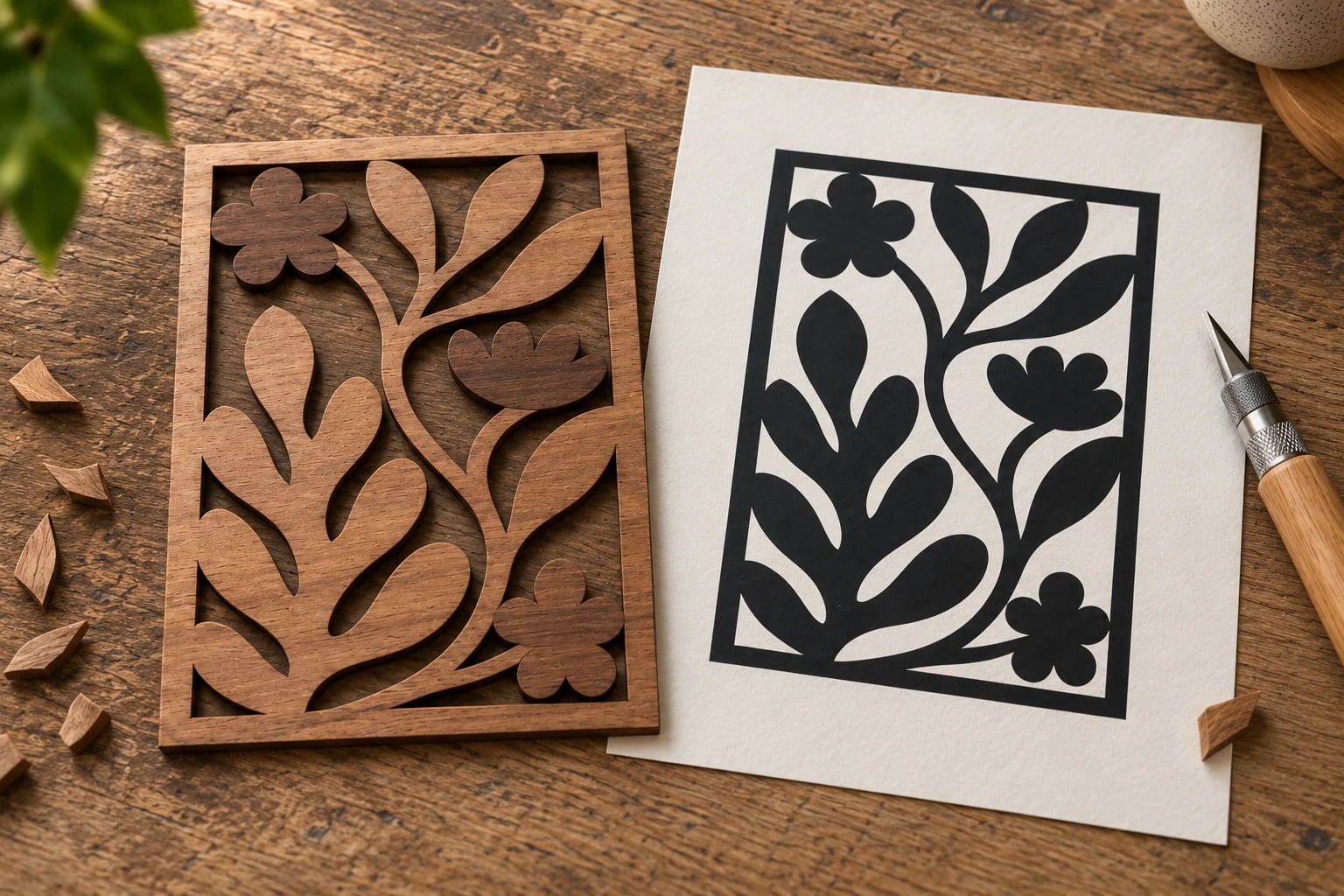
Turn images into editable SVGs for branding, merch and making.
CREATOR VOICES
From one creator
to another.
“The part I love is what happens after the trace. I can change the colors, refine the details and still make the artwork feel like mine.”
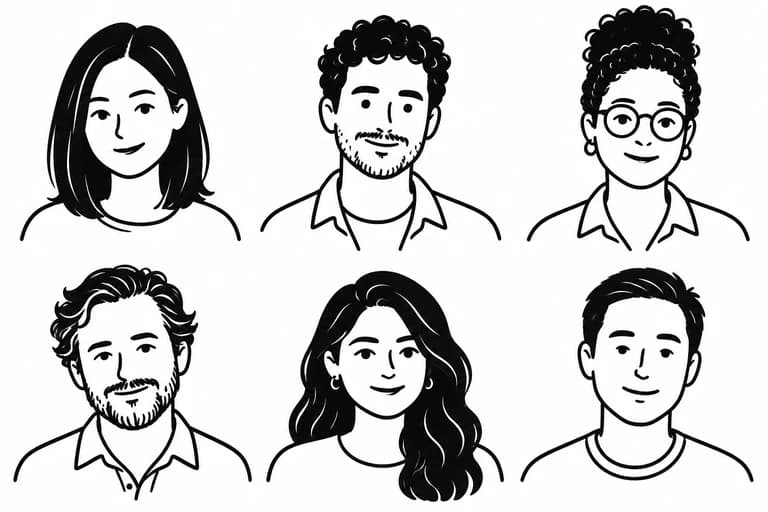
“I can focus on the shapes that matter to the finished piece.”
“One little drawing. So many things I can make with it.”
“Sometimes I only have an image to start with. An editable vector gives me a useful way to keep the idea moving.”
“I like having the practical parts in one place. Less time preparing a file means more time deciding what to make next.”
“It makes the next step in a project feel a little easier.”
BUILT BY AI RESEARCHERS
Research in every curve.
We develop AI that reconstructs the curves, edges and colors in your images.
Get an SVG you can scale, recolor and reshape for your next project.
- In-house AI
- Core models & algorithms
- Research expertise
- Deep learning & computer vision
- Industry experience
- Engineering & product development
- Continuous refinement
- Guided by real conversion results
FREQUENTLY ASKED QUESTIONS
Questions before you convert?
Will it work on your image?
Clear shapes and solid colors are a good starting point. Results depend on the source image.
Good starting points
- Logos and wordmarks
- Flat illustrations and mascots
- Stickers, decals, and cut files
- Line art and silhouettes
Check the preview carefully
- Photographs
- Photoreal or gradient-heavy AI art
- Very low-res or blurry sources
- Fine textures: fur, film grain, watercolor washes
We trace what's in your pixels. We don't invent detail that isn't there, and text comes back as letter-shaped paths, not editable fonts.
What image formats does it support?
PerfectVector supports PNG, JPEG, WebP, GIF, BMP, AVIF, HEIC/HEIF, TIFF, APNG, SVG, SVGZ, ICO, ICNS, PDF, PSD, and PSB files. Compatible files are prepared automatically in your browser.
What's the maximum file size I can upload?
PerfectVector prepares the image in your browser. The prepared upload must fit within a 5 MiB processing budget. If resizing or compression could affect quality, you review the change before it continues.
Which output formats are available?
Export SVG, PDF, EPS, DXF, and AI vector files, or PNG, JPG, and WebP raster images. AI uses a PDF-compatible format; DXF exports outlines rather than machine-ready toolpaths. Availability depends on what the selected export can represent.
Can I use the vectors commercially?
Yes — all vectors generated through our service are yours to use, including for commercial work. You're responsible for having the rights to the original image you upload.
Do you store my uploaded images?
Your image is removed from your account when vectorization finishes. We may temporarily retain the uploaded image and related files to debug failed or low-quality vectorizations, conduct internal quality reviews, and respond to abuse or content-takedown requests. We never use your files for model training, sell them, or share them with third parties for their own purposes. We retain these files only as long as reasonably necessary for those purposes.
Still need help?
MADE FOR WHAT YOU MAKE
An image today.
Your next big thing.
From a favorite illustration to your next signature design. Make it a vector, then make it your own.
Free, unlimited vectorizing & preview.
1 credit unlocks a download. Repeat downloads are free.