


PerfectVector
Loved by designers and makers
3D Printing Mode — clean geometry for slicers & CAD

Print-ready SVGs that import the first time.

or try by clicking an image

No credit cardFree trial conversionsSVG ready in seconds
What you can make

From a picture to a finished print.

Flat, graphic art is what extrudes cleanly — one clean SVG becomes keychains, embossed signs, ornaments, and more.

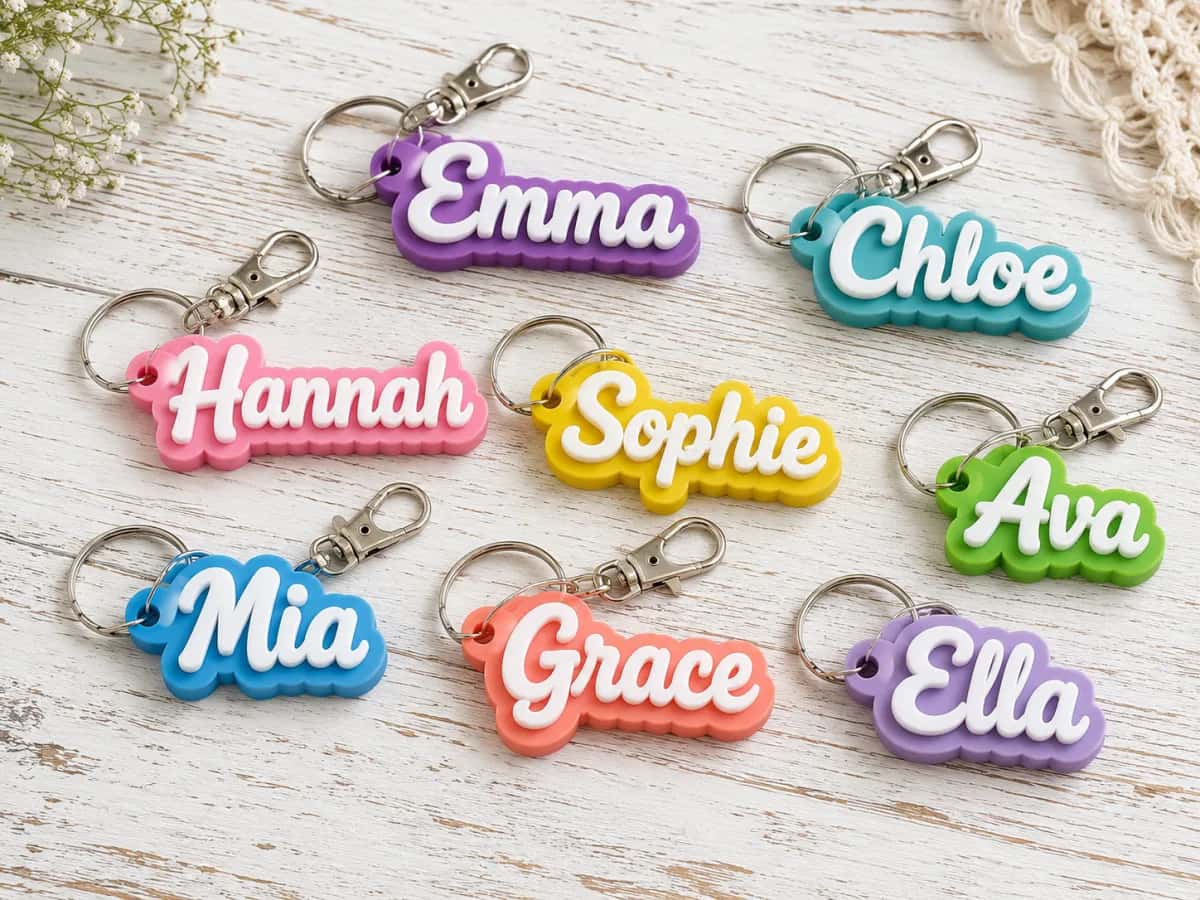
Personalized name keychains

Personalized name keychains

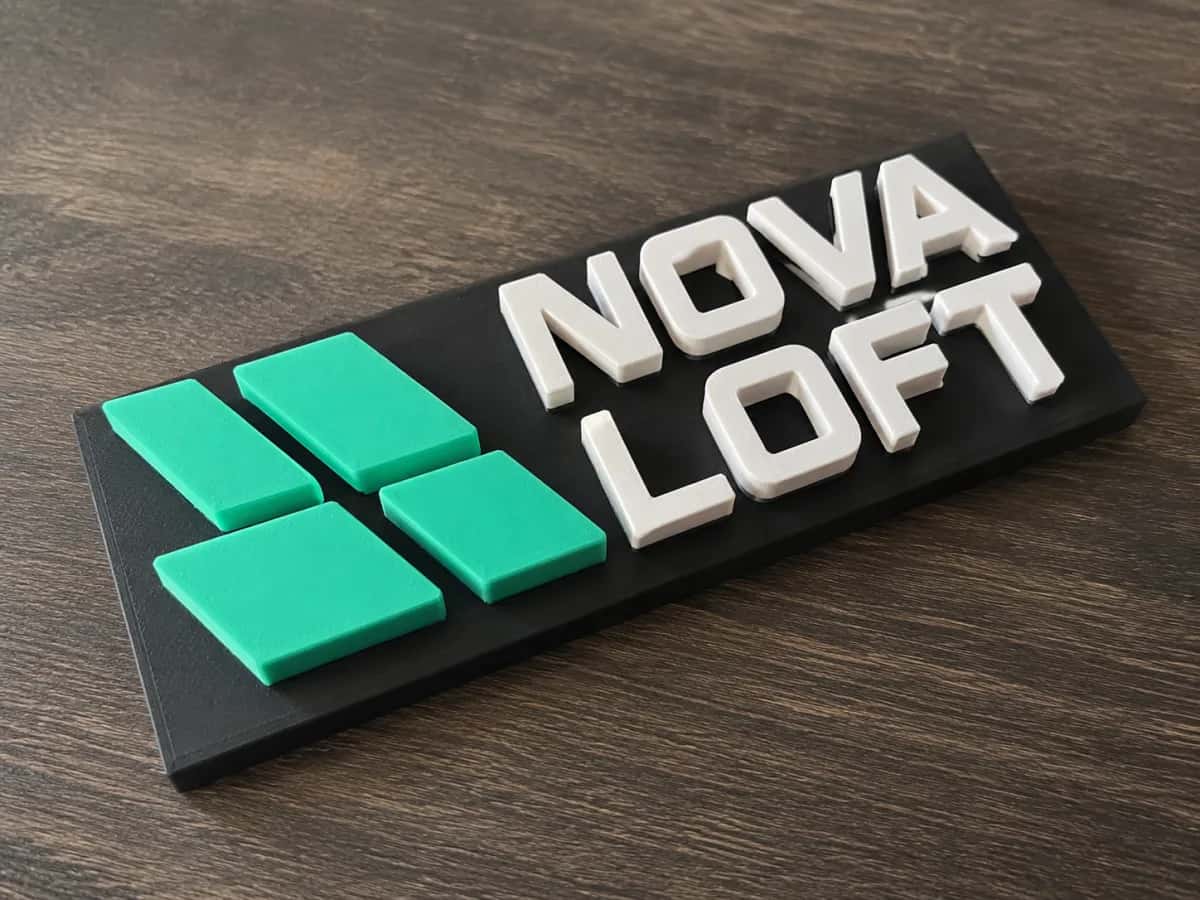
An embossed logo nameplate

An embossed logo nameplate

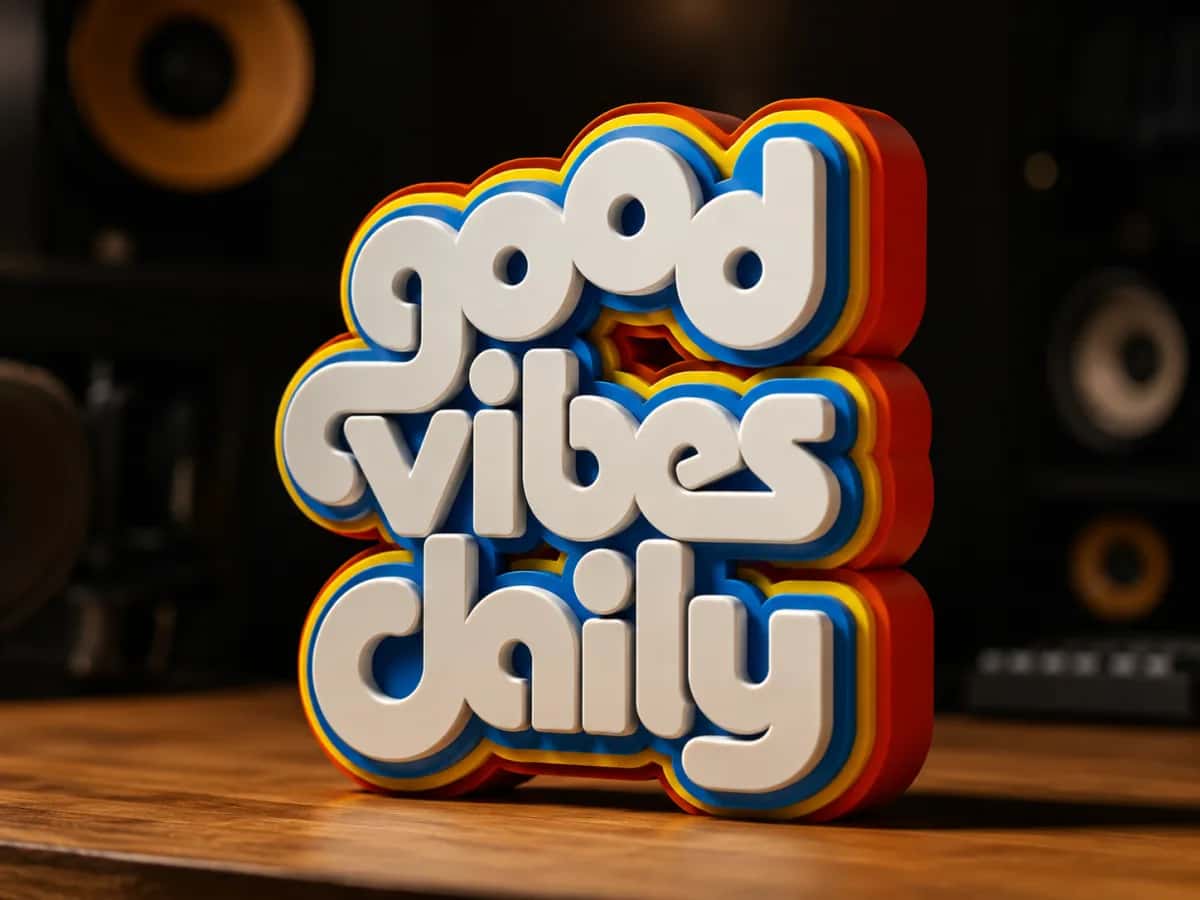
A bold multi-color sign

A bold multi-color sign

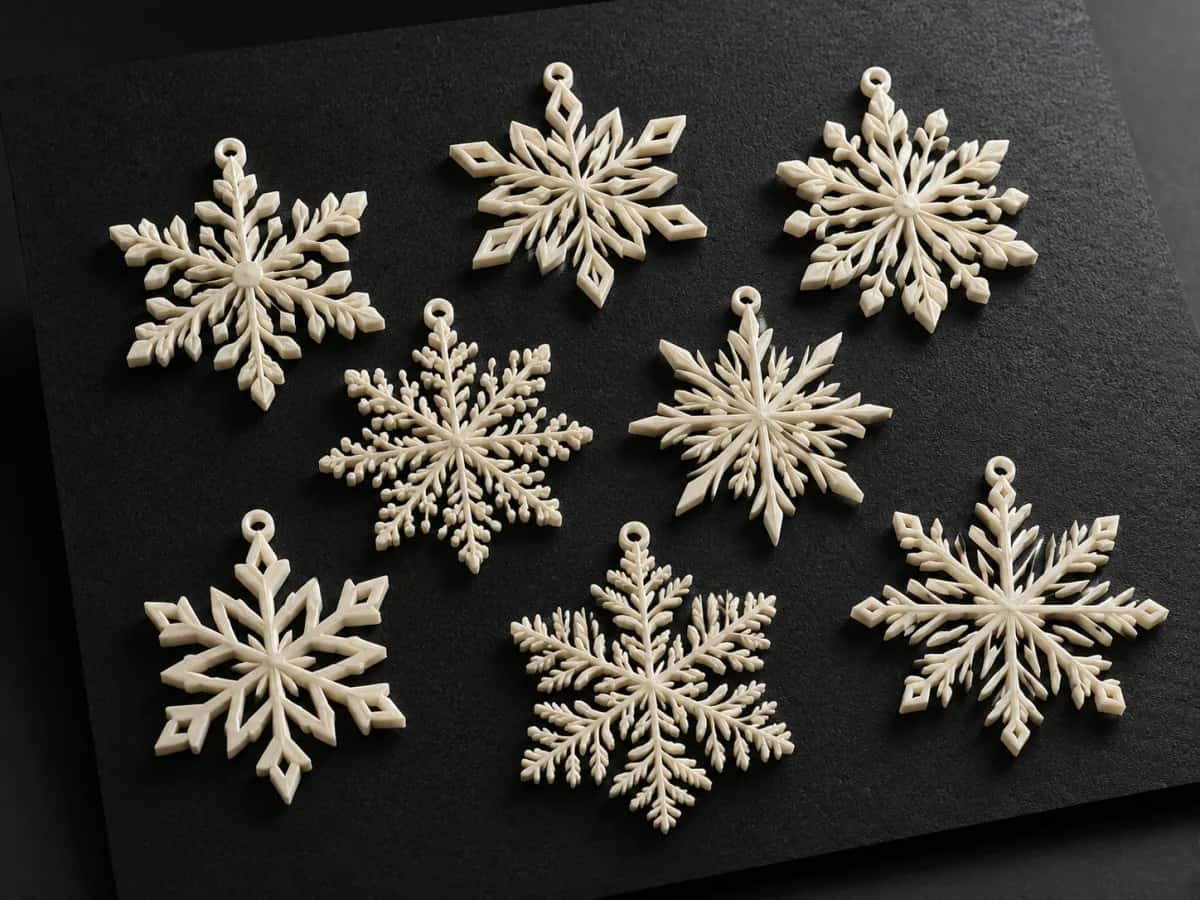
Layered snowflake ornaments

Layered snowflake ornaments

A standing word-art sign

A standing word-art sign

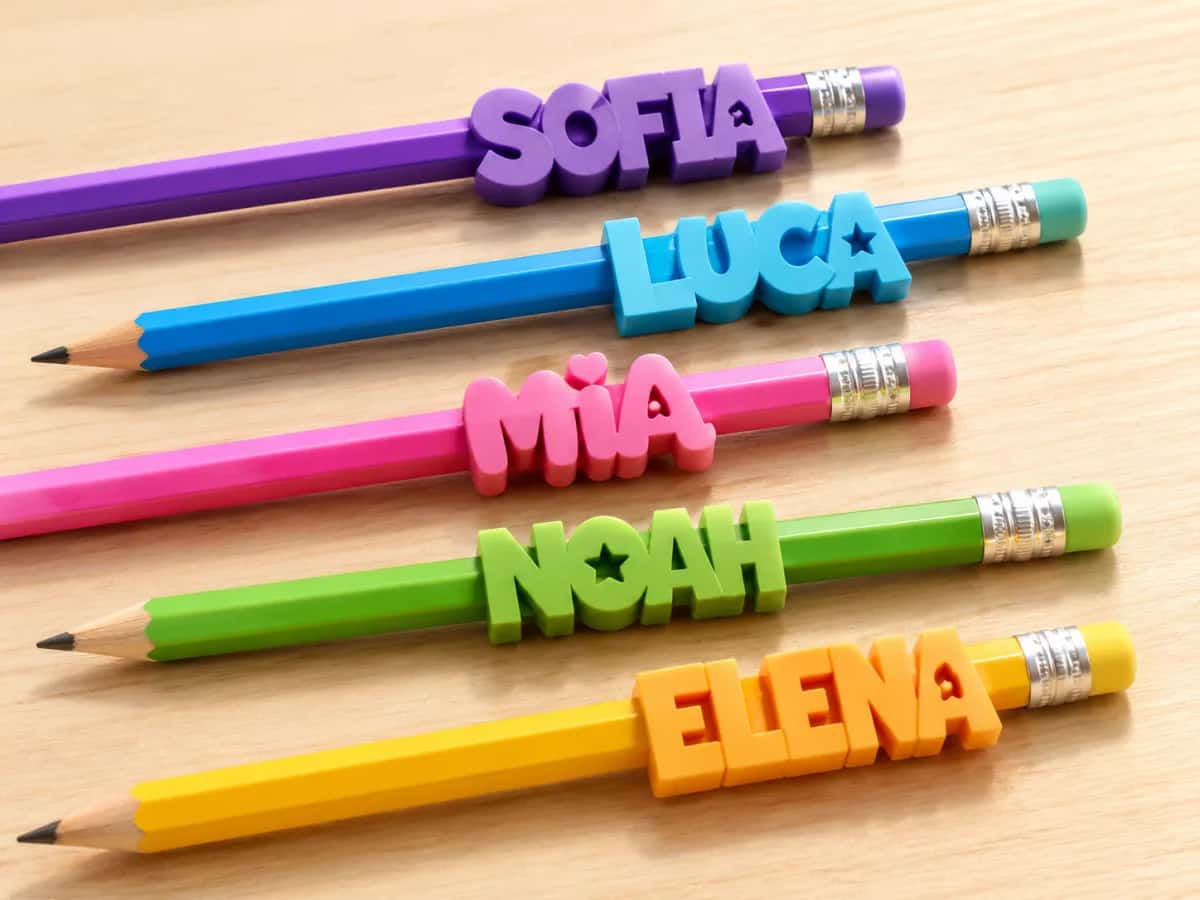
Personalized pencil toppers

Personalized pencil toppers

Real conversions

From flat image to clean paths.

Each design went in as a raster image and came out as closed, low-node vector paths — the kind that import without a fight and extrude into solids.

PNG
Name keychain — cut-ready SVGSVG
Name keychain
Keychain1 color
PNG
Snowflake — cut-ready SVGSVG
Snowflake
Ornament1 color
PNG
Cat charm — cut-ready SVGSVG
Cat charm
Multi-color · AMS3 colors
PNG
Stamp logo — cut-ready SVGSVG
Stamp logo
Emboss1 color
PNG
Birthday topper — cut-ready SVGSVG
Birthday topper
Cake topper1 color
Your image (raster) Print-ready SVG (vector, transparent)
Don't just take our word for it

Real reactions, unfiltered.

Unedited feedback from the designers and makers who put PerfectVector to work.

I'd tried everything and been let down every time — I'd given up, figuring today's tech just couldn't do this. And you actually built it. If this is real, it's genuinely incredible.
sam••••via Threads
Left is a PNG I drew in Procreate; right is the SVG this made, opened in Illustrator. The quality is unreal.
goraez••••Procreate artistvia Threads
Tried it — it's accurate. Simple images actually expose detail differences more than complex ones do, and this nails them.
good9••••via Threads
I model for 3D printing — I needed exactly this.
qkrcks00••••3D-printing makervia Threads
Gave it a try — really nice.
nicech••••via Threads
It converts at even better quality than I expected — it preserves the character of the original better than anything else I've tried.
imbee••••via Threads
Way more detailed than I expected. Opening Illustrator to convert every single time was such a chore — bookmarked.
bazzing••••Illustrator uservia Threads
I genuinely need this. Doing it by hand in Illustrator took forever.
grida••••Illustrator uservia Threads
Oh wow, this is genuinely good. You're going to do well.
imtae••••via Threads
PerfectVector is impressively fast, and the output quality is already very good. With a bit more refinement it could easily compete with the leading tools.
InPixelSt••••design studiovia email

See your own image as a clean SVG.

Upload an image — free

Free to try · Takes seconds · Imports into Bambu Studio & Tinkercad

The import that never works.

If you’ve tried this before

You found a logo, ran it through a free auto-tracer, and dropped the SVG into your slicer. It came in as a solid blob — or a tangle of stray lines that won’t extrude into anything.

So you tried Tinkercad. “Shape too complex.” You opened Fusion instead, and the import turned one logo into hundreds of tiny segments that drag the whole sketch to a crawl.

It’s never the printer. It’s the SVG — built from pixels, stuffed with anchor points no slicer wants to chew through.

Clean source
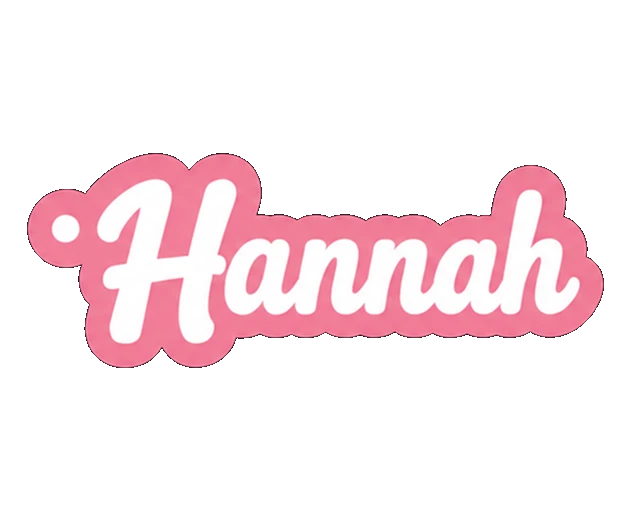
A clean, smooth lettering design — crisp closed paths, the way it should import.
Messy result
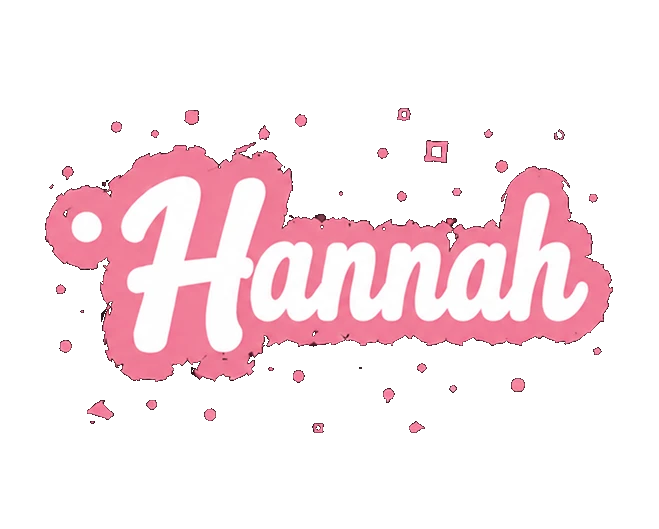
The same design auto-traced badly — scattered stray fragments, speckles, and rough broken edges.

The fix isn’t a better slicer — it’s a better SVG.

Why imports fail

Pixels make bad geometry.

An auto-tracer transcribes every pixel edge into anchor points and leaves paths open. That’s exactly what your slicer and CAD tool choke on.

Hundreds of stray nodes Open, broken paths 30 near-identical colors “Too complex” to import
The PerfectVector way

Clean paths import clean.

We rebuild your image as closed, low-node vector paths — the geometry slicers and CAD tools are built to read.

Auto-traced
hundreds of stray points
PerfectVector
clean, closed paths

Same image. Same image. One extrudes into a solid the first time; the other fights you at import.

01

Low node count

Fewer anchor points means faster sketches, no Fusion 360 slowdown, and no Tinkercad “shape too complex” wall.

02

Closed, solid-ready paths

Closed outlines extrude into solids — not the broken lines and phantom shapes a messy trace leaves behind.

03

AMS-ready colors

Merge muddy traced colors down to a few clean regions, each ready to split into its own object and filament for multi-color prints.

Want a file your slicer actually accepts?

Vectorize yours — free

Free to try · Closed low-node paths · Color editor included

COMPARISON

PerfectVector vs. the usual ways to get a printable SVG

PerfectVectorManual Inkscape traceGeneric auto-tracers
What you getClean, closed vector pathsDepends on your tracing skillA pixel-for-pixel trace
Node countLow — imports without chokingManual cleanup, node by nodeHigh — hundreds of stray points
Imports to Tinkercad / Bambu StudioCleanly, first tryIf you simplified it enoughOften “too complex” or broken
Color regions for AMSMerge to a few clean onesSeparate paths by handRarely separated cleanly
Edit before exportingBuilt-in color editorInkscape skills requiredNone — re-upload to change
PriceFree to try, no credit cardFree (Inkscape) + your timeFree, with quality trade-offs
See it work

Watch pixels become clean paths.

Drop, vectorize, simplify, download — a raster image becomes closed vector paths you can drop straight into your slicer, in seconds.

PerfectVector — converting your image…
PNG / JPG
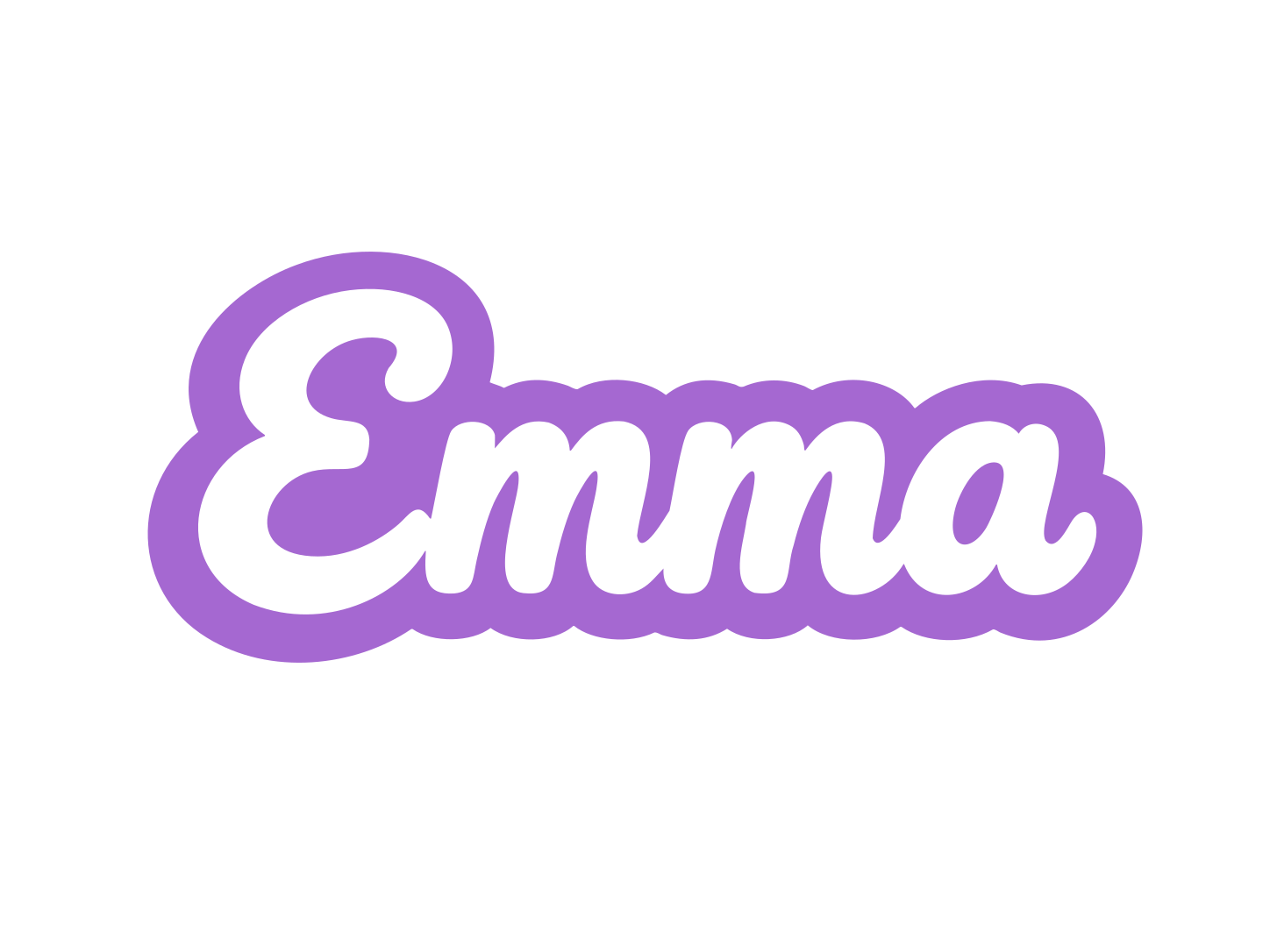
Clean print-ready Emma name keychain SVG
Clean SVG

An illustration of the convert-and-simplify flow.

HOW IT WORKS

How to convert an image to an SVG for 3D printing

  1. 1

    Upload your image

    Drag in a PNG or JPG — a logo, icon, or hand-drawing. No credit card to start, and your first conversions are free.

  2. 2

    Let the AI vectorize it

    PerfectVector rebuilds it as clean, closed paths with a low node count — the opposite of a noisy auto-trace.

  3. 3

    Merge the colors

    Use the built-in editor to merge near-duplicate colors into a few clean regions — one per filament for AMS prints.

  4. 4

    Download and import

    Download the SVG and import it into Bambu Studio, Tinkercad, or Fusion 360 — then emboss, extrude, or cut.

Your design deserves a clean import.

Drop in your image and get a print-ready SVG in seconds.

Try it free
WORKS WITH YOUR TOOLS

Import tips for every tool

A clean SVG imports cleanly everywhere — here's the specifics per tool.

Bambu Studio

Import the SVG from the File menu, then scale and extrude. To drop the background rectangle and separate colors, right-click and choose Split, then To objects — now assign a filament to each part for AMS prints. Clean closed paths extrude as solids, not broken lines.

Tinkercad

Keep the file simple and under 4 MB and a low-node SVG sails past the “shape too complex” wall. Import it, then set the height to extrude into a solid.

Fusion 360

Insert the SVG into a sketch, then extrude. Low node counts matter most here — Autodesk itself warns that complex SVGs become hundreds of spline curves that slow the sketch down.

Any slicer

Once it's a solid in your CAD or slicer, slice and print as usual. Simplify any detail finer than your nozzle width — it won't survive the print.

  • No credit card to start
  • Low node count — imports cleanly
  • Closed, solid-ready paths
  • Built-in color editor for AMS
  • Works with Bambu Studio, Tinkercad & Fusion 360
Before you pick a plan

You're in good company.

I'd tried everything and been let down every time — I'd given up, figuring today's tech just couldn't do this. And you actually built it. If this is real, it's genuinely incredible.
sam••••via Threads
It converts at even better quality than I expected — it preserves the character of the original better than anything else I've tried.
imbee••••via Threads
PerfectVector is impressively fast, and the output quality is already very good. With a bit more refinement it could easily compete with the leading tools.
InPixelSt••••design studiovia email
Way more detailed than I expected. Opening Illustrator to convert every single time was such a chore — bookmarked.
bazzing••••Illustrator uservia Threads
Tried it — it's accurate. Simple images actually expose detail differences more than complex ones do, and this nails them.
good9••••via Threads
SIMPLE, FAIR PRICING

Start free. Upgrade anytime.

Free

For getting started

$0

Free for everyone

  • 3 SVG downloads a day
  • Built-in color editor
  • Simplify & merge colors
  • Clean, optimized SVG output
  • No credit card required
Recommended

Light

For everyday productivity

$10$7/monthSave 30%

Early-access pricing

  • Everything in Free and:
  • 8× more usage than Free
  • 25 SVG downloads a day (~750/mo)
  • Lock in early-access pricing (was $10)
  • Priority SVG generation
  • Priority email support
  • Early access to new features
Coming soon

Pro

For maximum productivity

Pricing soon
  • Everything in Light and:
  • More usage than Light
  • Highest download volume
  • Most accurate SVG generation

Cancel anytime.

FREQUENTLY ASKED QUESTIONS

Questions before you convert?

How do I import an SVG into Bambu Studio?+
Use the File menu's Import and select your SVG — it comes in as a shape you can scale and extrude. The import usually adds a background rectangle; right-click and choose Split, then To objects, and delete it. That same split separates your color regions so you can assign a filament to each for AMS printing.
Can I 3D print a logo from a JPG?+
Yes. Convert the JPG to a clean SVG first, then import it and emboss or extrude it onto your model. Flat, graphic logos vectorize beautifully; just keep detail above your nozzle width so it survives the print.
Why does Tinkercad say my SVG is too complex?+
Almost always too many nodes or paths — or a file over 4 MB. Auto-tracers pack in hundreds of stray anchor points. A clean, low-node SVG imports without the “shape too complex” wall, and that's exactly what PerfectVector produces.
Can I 3D print a photo?+
Not as a vector. A photo with smooth gradients doesn't extrude into clean geometry — printing a photo is a lithophane, which is a separate raster (heightmap) workflow. PerfectVector is for flat, graphic art: logos, lettering, icons, and line drawings.
What makes an SVG actually printable?+
Clean, closed paths so shapes extrude into solids; a low node count so your slicer or CAD tool doesn't choke; and detail no finer than your nozzle can print. PerfectVector outputs all three by default.
Can I print multi-color designs with an AMS?+
Yes. Merge your image down to a few clean color regions in the editor, import the SVG, then Split to objects in Bambu Studio and assign a filament to each part. Clean, separated colors are what make that split work smoothly.
Does it export STL or G-code?+
Not those two. PerfectVector exports your design as a clean SVG — plus PNG, JPG, PDF, EPS, and DXF — but the 3D model (STL) and toolpaths (G-code) come from your own tool: import the SVG into Bambu Studio, Tinkercad, or Fusion 360, extrude it to a solid, and your slicer makes the G-code.
Is it free to make an SVG for 3D printing?+
Yes — your first conversions are free with no credit card required, and the built-in color editor is included. If you print a lot, the Light plan is $7/month.

Ready to print something from your own image?

Convert Image to SVG for 3D Printing — Free AI Vectorizer · PerfectVector