
YOUR ARTWORK. YOUR NEXT MAKE.
Your image. Your next Cricut project.
Turn PNG and JPG artwork into editable SVGs for Cricut. Preview the paths, make the colors yours, then take your design to Design Space.
or try by clicking an image
Free, unlimited vectorizing and protected previews.
1 credit unlocks a finished result. Repeat downloads are free.
FROM PIXELS TO PATHS
Look closer. These are real vectors.
Choose a sample. Compare a lower-resolution PNG preview with the saved SVG, then inspect the paths and colors for yourself.
Woodland fox: 43 Paths, 5 Fill colors.
FROM PIXELS TO PATHS
Shapes you can work with.

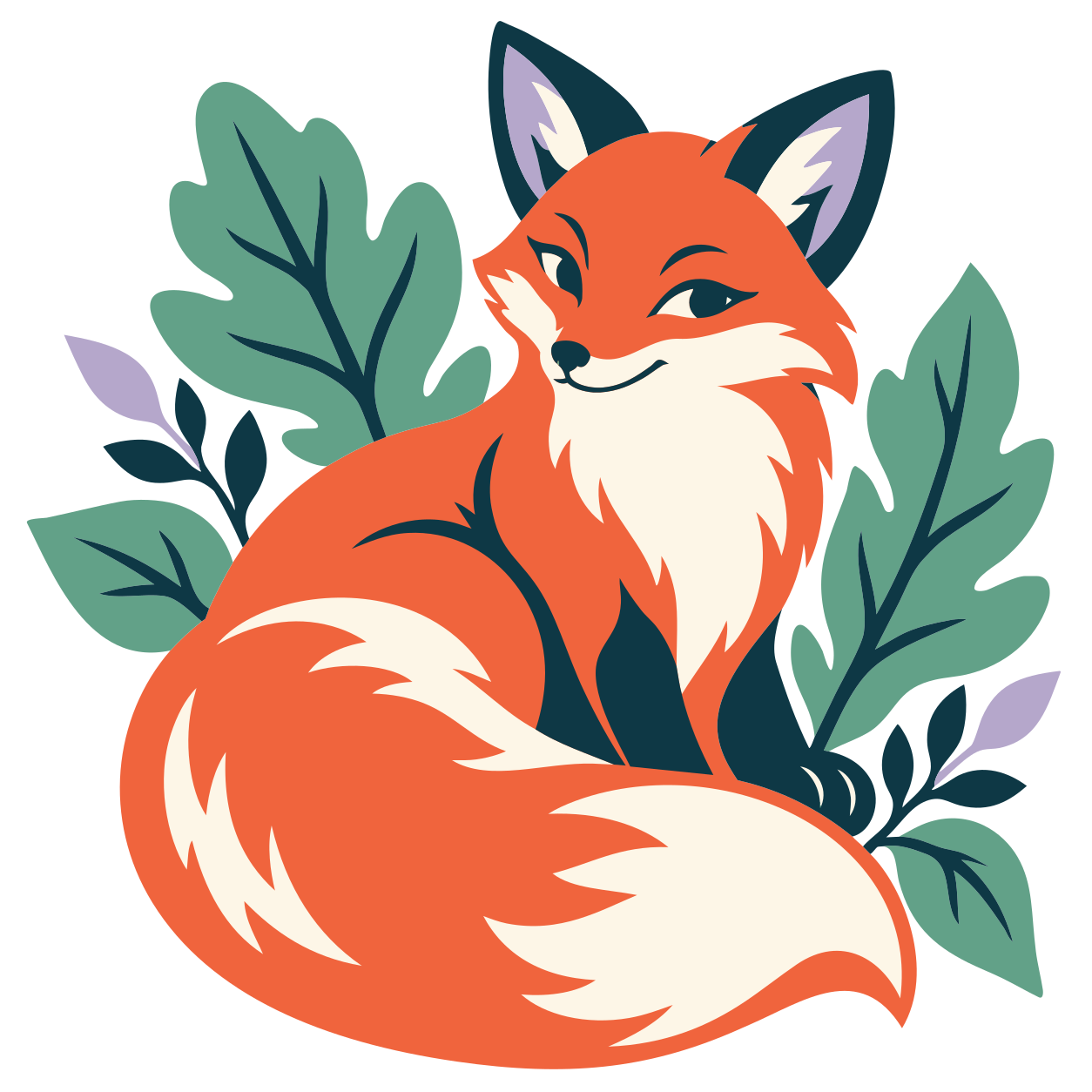
Each color below comes from this SVG. Review the shapes, remove unwanted backgrounds and simplify the palette in the editor before planning your cut.
- Paths
- 43
- Fill colors
- 5
The colors in this SVG
- #F0643D
- #FDF6E7
- #0E3845
- #62A188
- #B5A7CB
MADE FOR YOUR NEXT PROJECT
From an image you love to something you can hold.
A tote for the weekend. A card made just for someone. Start with your own artwork and prepare the shapes for the material you have in mind.
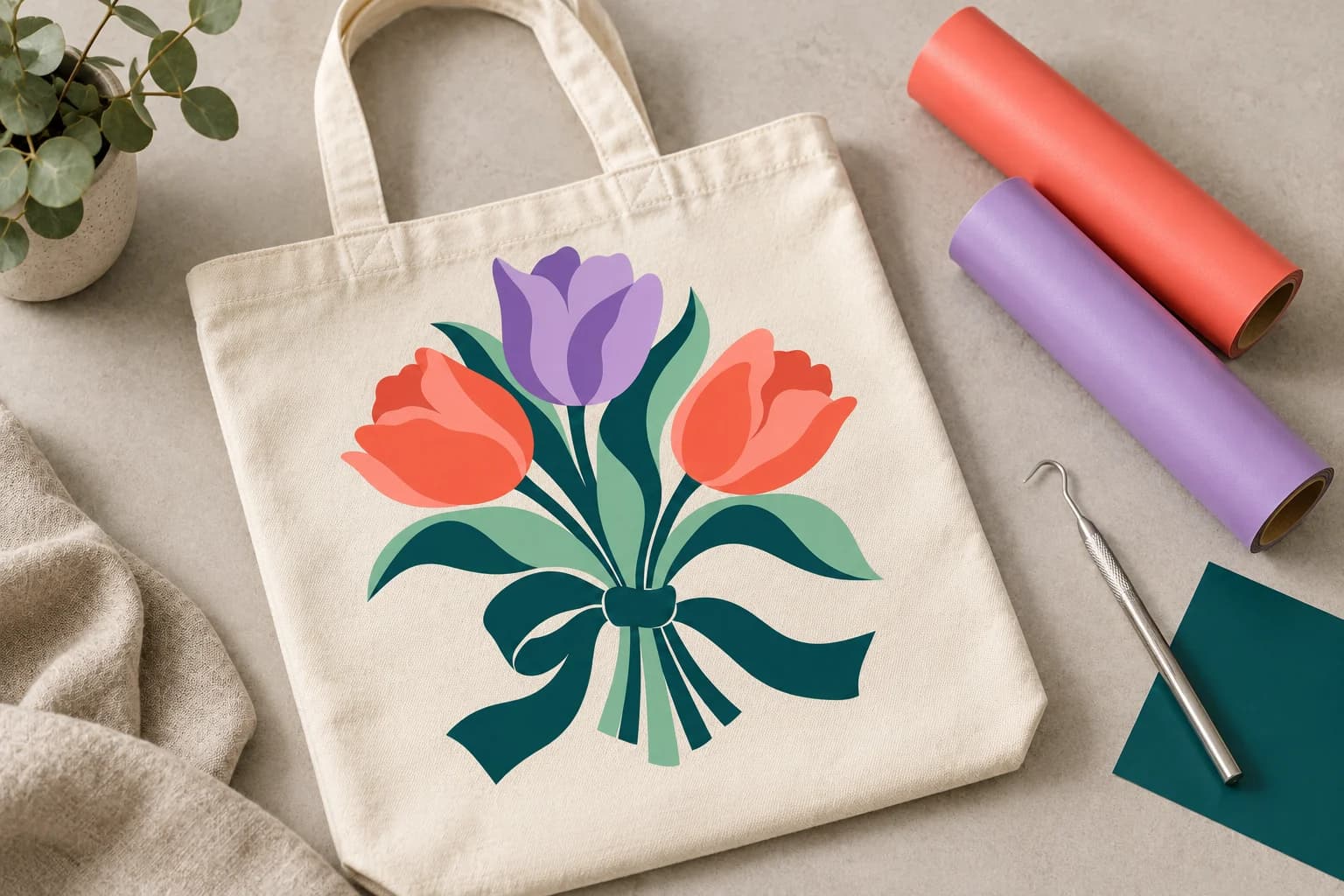
IRON-ON / TOTES & TEES
Make it wearable.
Turn a favorite illustration into an iron-on project. Simplify the palette and check fine details at the finished size.
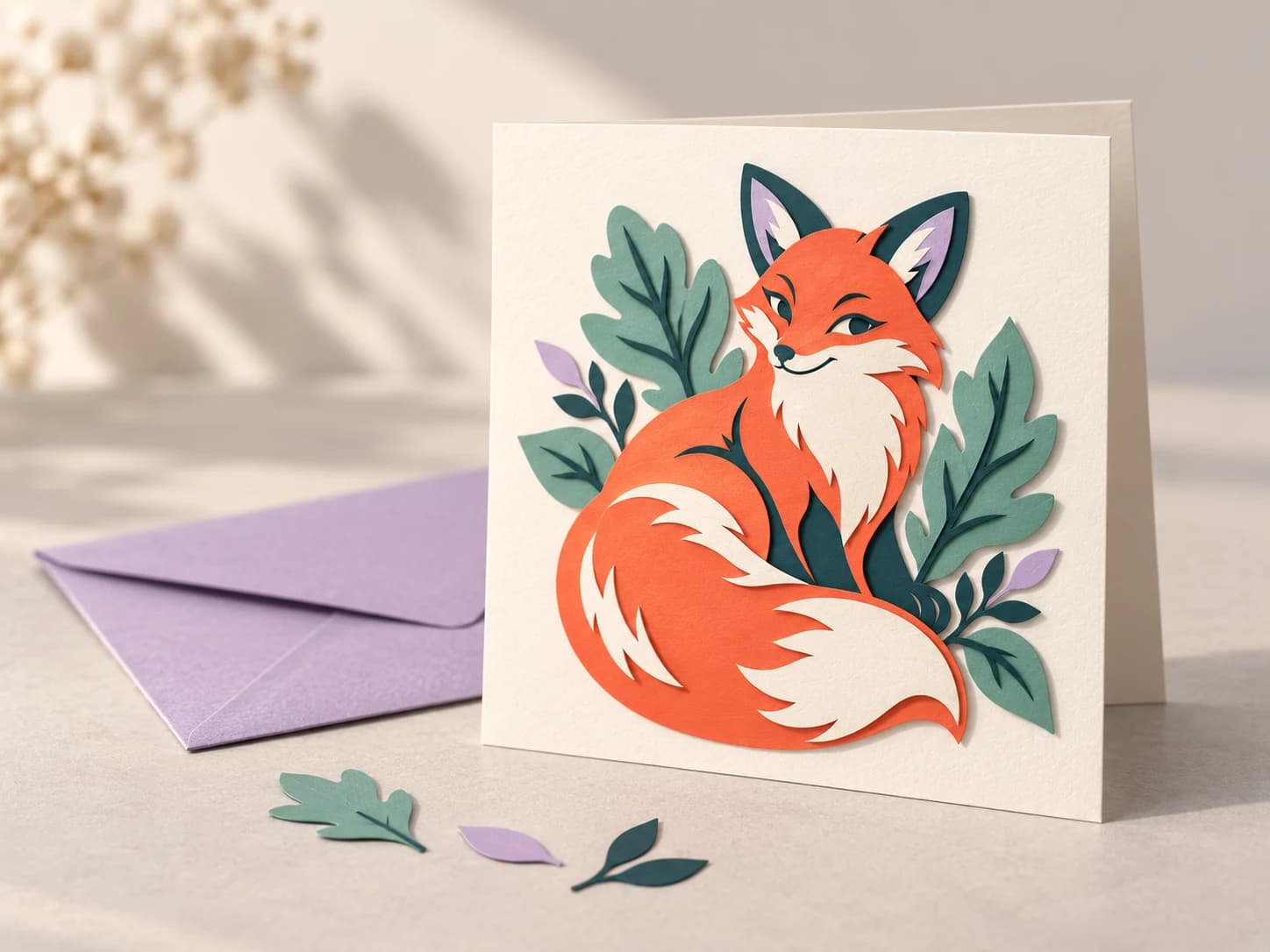
CARDSTOCK / CARDS & GIFTS
Give it a little dimension.
Plan a paper project around distinct shapes. Review the layers and assembly order in Design Space.
A LITTLE PREP GOES A LONG WAY
Make the file fit the way you cut.
An SVG gives you paths. Your material, project size and Design Space setup decide what those paths become.
Try your own artwork- 01
Keep the colors you need
Merge similar shades and remove unwanted background shapes. Choose a palette you can actually build with your vinyl or paper.
- 02
Give small details room
Check thin lines, tiny islands and lettering at the final size. A detail that looks good on screen may be too small to weed.
- 03
Check the setup in Design Space
Review the imported layers, size and operation. Check your material’s mirror requirements, then make a small test cut.
FROM IMAGE TO DESIGN SPACE
How to make an SVG for Cricut.
One image, four practical steps. Keep the preview open until you are happy with the shapes.
- 01
Upload your artwork
Start with a PNG, JPG or another supported raster image. Choose clear shapes and distinct colors.
- 02
Preview and refine
Inspect the SVG paths, remove unwanted background shapes and simplify the palette in the editor.
- 03
Unlock your SVG
Vectorizing and protected previews are free and unlimited. One credit unlocks a finished result; repeat downloads are free.
- 04
Prepare in Design Space
Upload the SVG, check layers and size, and choose the operation for your project. Test a small cut before using your final material.
CHOOSE A GOOD STARTING IMAGE
A better starting point for your SVG.
Start with clear shapes.
Flat illustrations, bold lettering, silhouettes and a small number of solid colors are useful starting points.
Some detail needs another approach.
Photos, gradients, watercolor and tiny textures can create many shapes. For a printed image with a cut outline, consider a Print Then Cut workflow.
Design Space does not support embedded raster images or clipping paths in SVG uploads. Check supported SVG content
A FEW THINGS TO KNOW
Before your first cut.
From choosing the source to importing your SVG, here are the questions that come up most often.
How do I convert a PNG or JPG to SVG for Cricut?
Upload your image, inspect the vector preview and refine the colors or shapes. Unlock the finished SVG, then upload it in Design Space. Check the imported layers and dimensions before cutting.
Can I upload a PNG directly to Design Space?
Yes. Design Space accepts raster images and provides tools to prepare them for a single-layer cut, multiple layers or Print Then Cut. An SVG is useful when you want to bring vector paths into that workflow. Choose the approach that suits your project.
Will each color become a separate Cricut layer?
Vector color regions can help you prepare a layered project, but SVG paths are not the same as material layers. Similar colors, overlapping shapes and backgrounds may need cleanup. Review the layer panel in Design Space before cutting.
Does converting to SVG guarantee a clean cut?
No. The source image, small details, finished size, blade, material and machine settings all affect the cut. Inspect thin shapes and tiny islands at the intended size, then test a small cut.
Is the Cricut SVG converter free?
Vectorizing and preview are always free and unlimited — you only spend a credit when you download a finished file.
KEEP YOUR PROJECT MOVING
A little help for the next step.
YOUR IDEA STARTS HERE
Your next make starts with an image.
Bring the artwork. Preview the vector. Make it your own.
Turn my image into SVGFree, unlimited vectorizing and protected previews.
1 credit unlocks a finished result. Repeat downloads are free.

Cricut and Design Space are trademarks of Cricut, Inc. PerfectVector is an independent service and is not affiliated with Cricut.