


Etsy Seller Mode — built for cut-file shops

Make SVGs your buyers can actually cut.

or try by clicking an image

No credit cardFree trial conversionsSVG ready in seconds
What sells on Etsy

Know what sells before you draw.

Six niches that sell steadily, with typical listing prices from marketplace guides (June 2026). One clean cut file covers any of them.

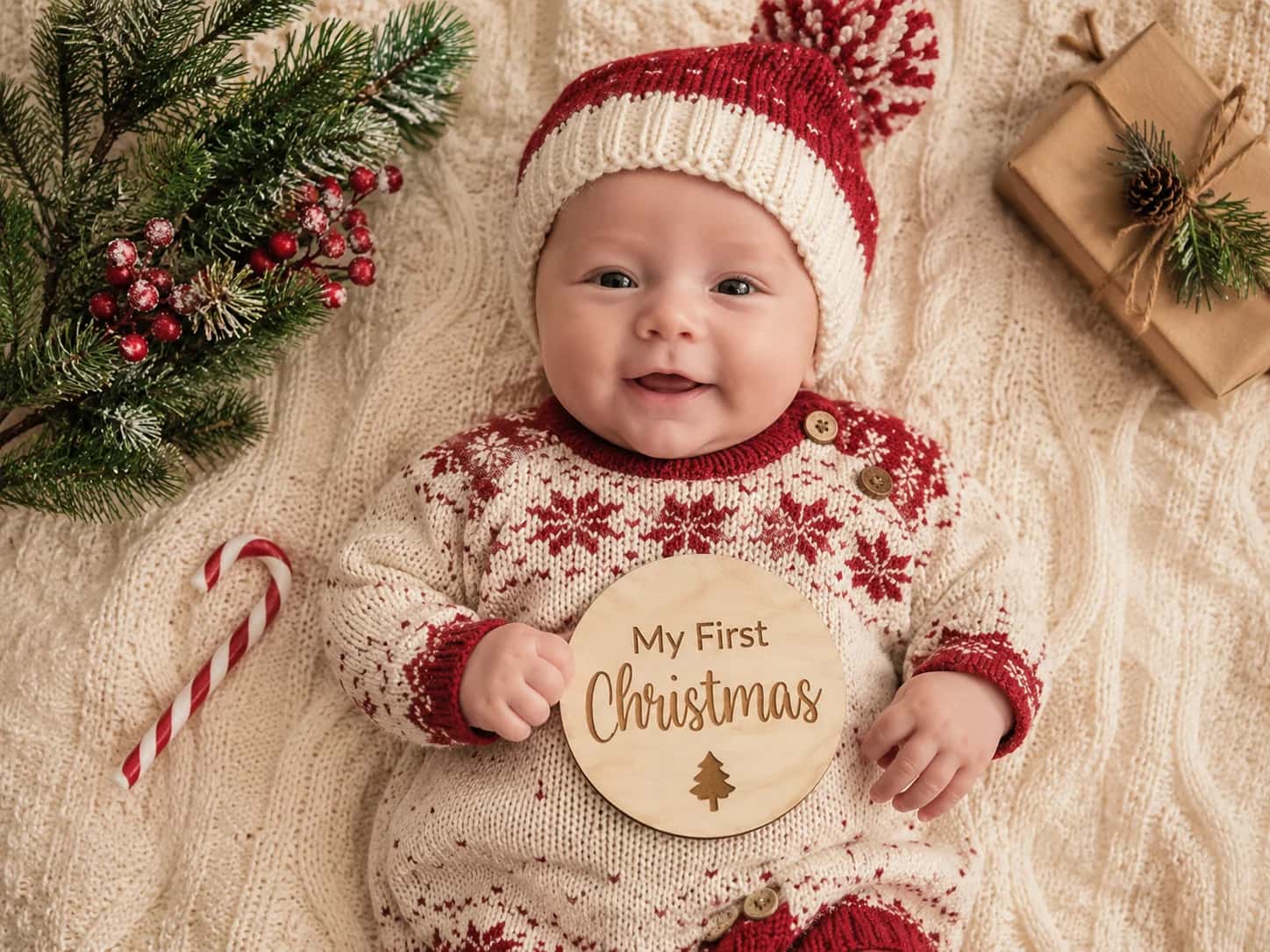
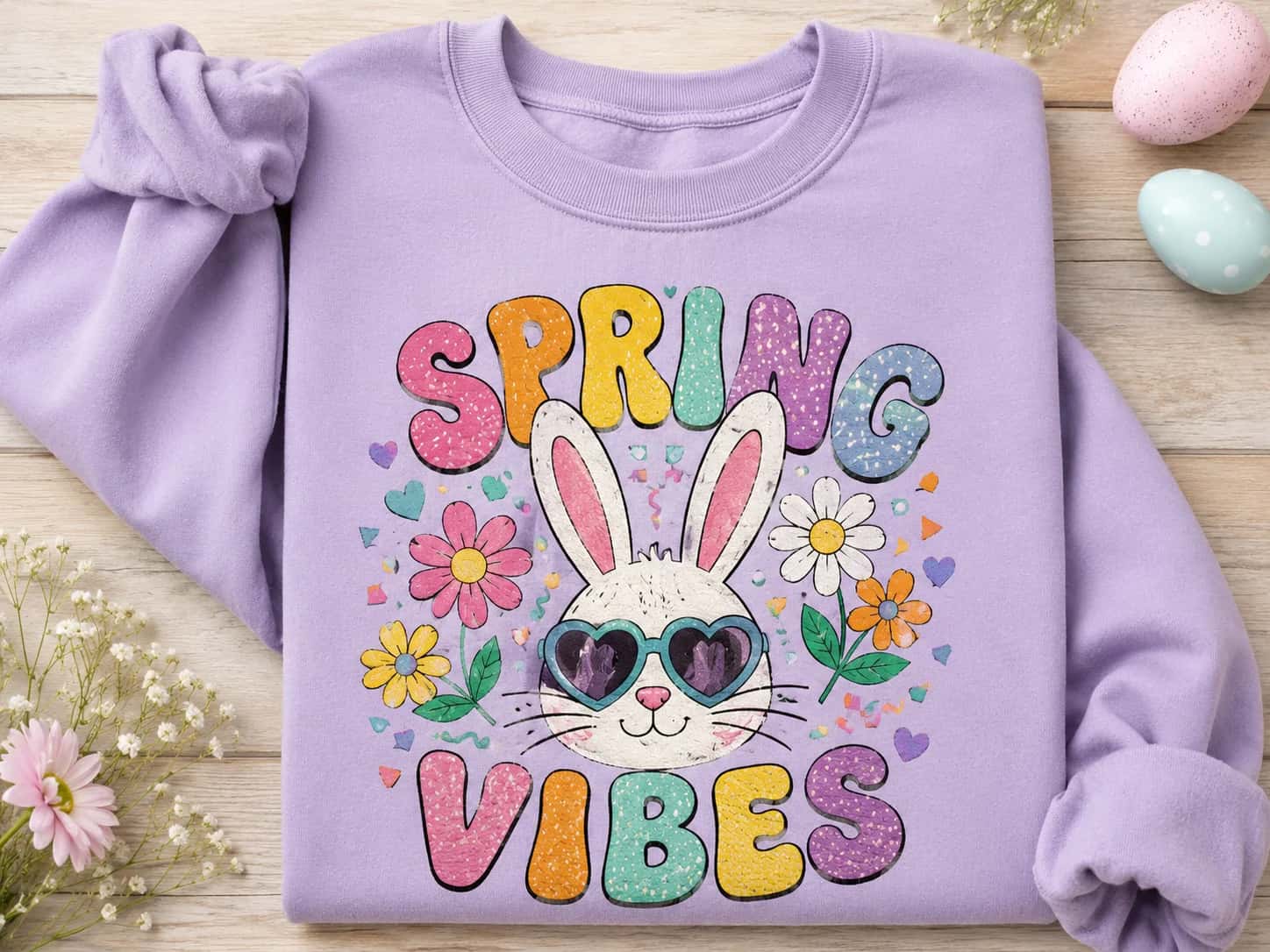
Seasonal & holiday — the perennial bestsellers

Seasonal & holiday — the perennial bestsellers

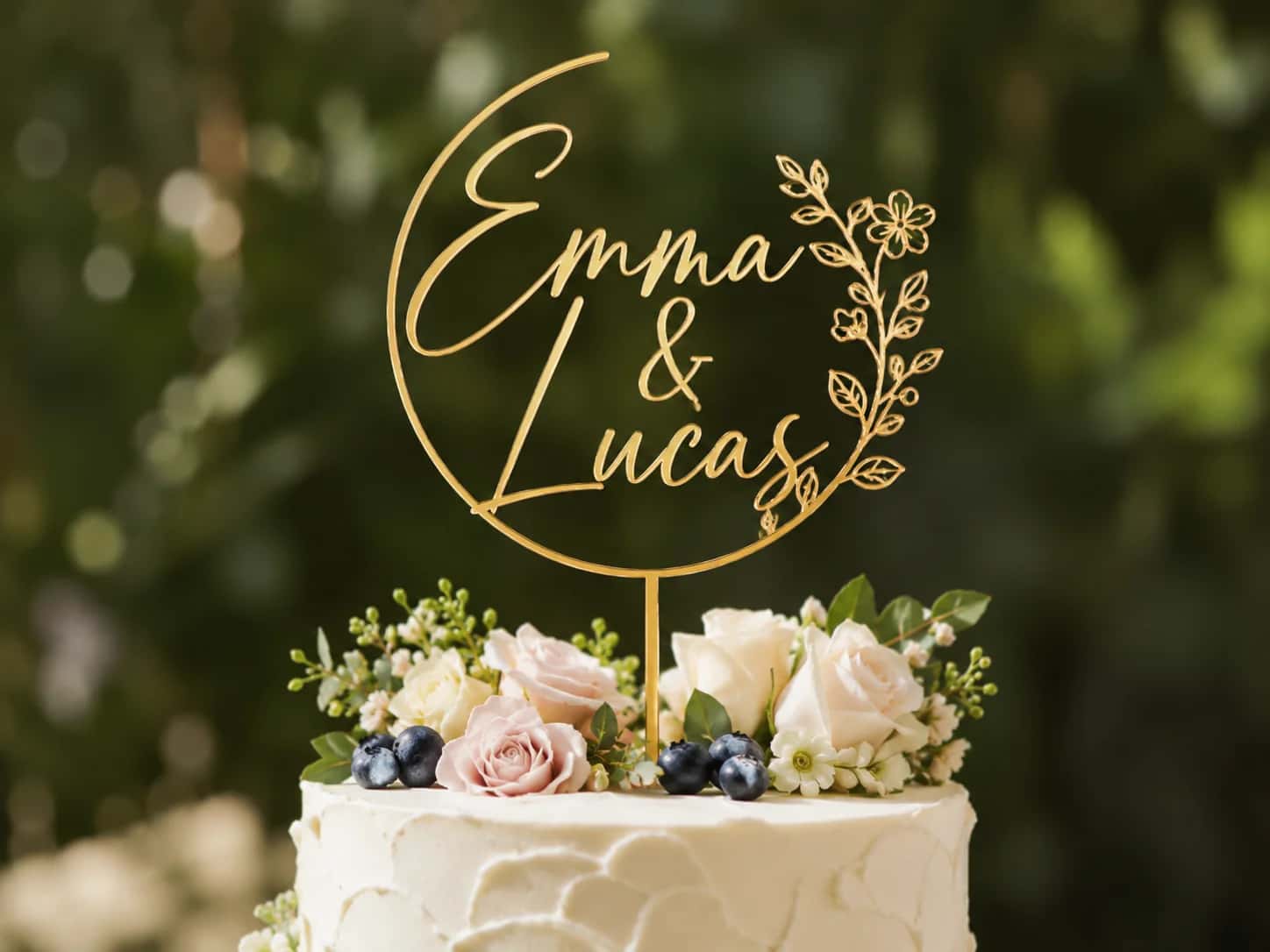
Wedding & monograms — bundles list at $15–$25

Wedding & monograms — bundles list at $15–$25

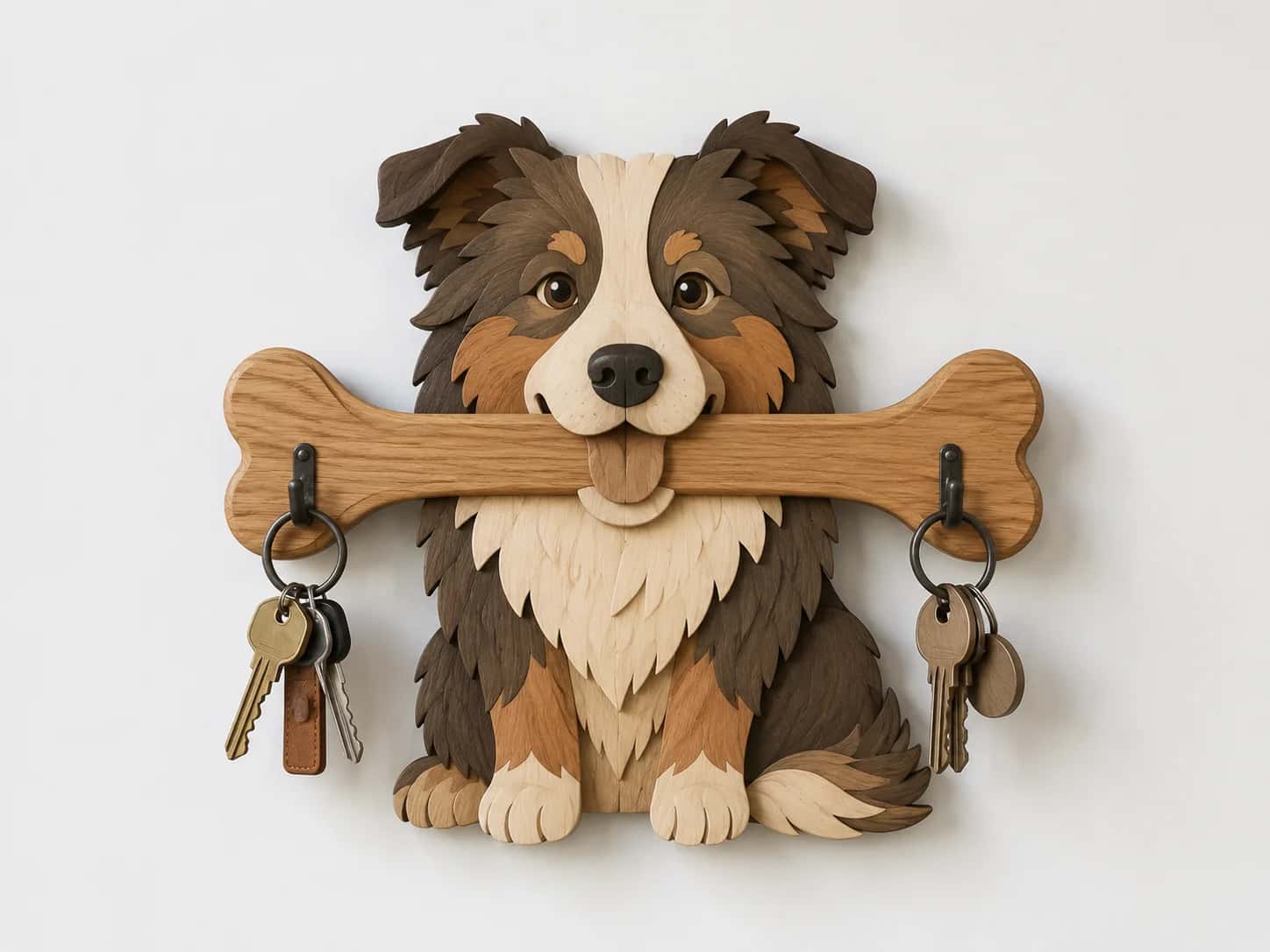
Pet designs — top sellers, week after week

Pet designs — top sellers, week after week

Nursery & kids — singles typically $2–$6

Nursery & kids — singles typically $2–$6

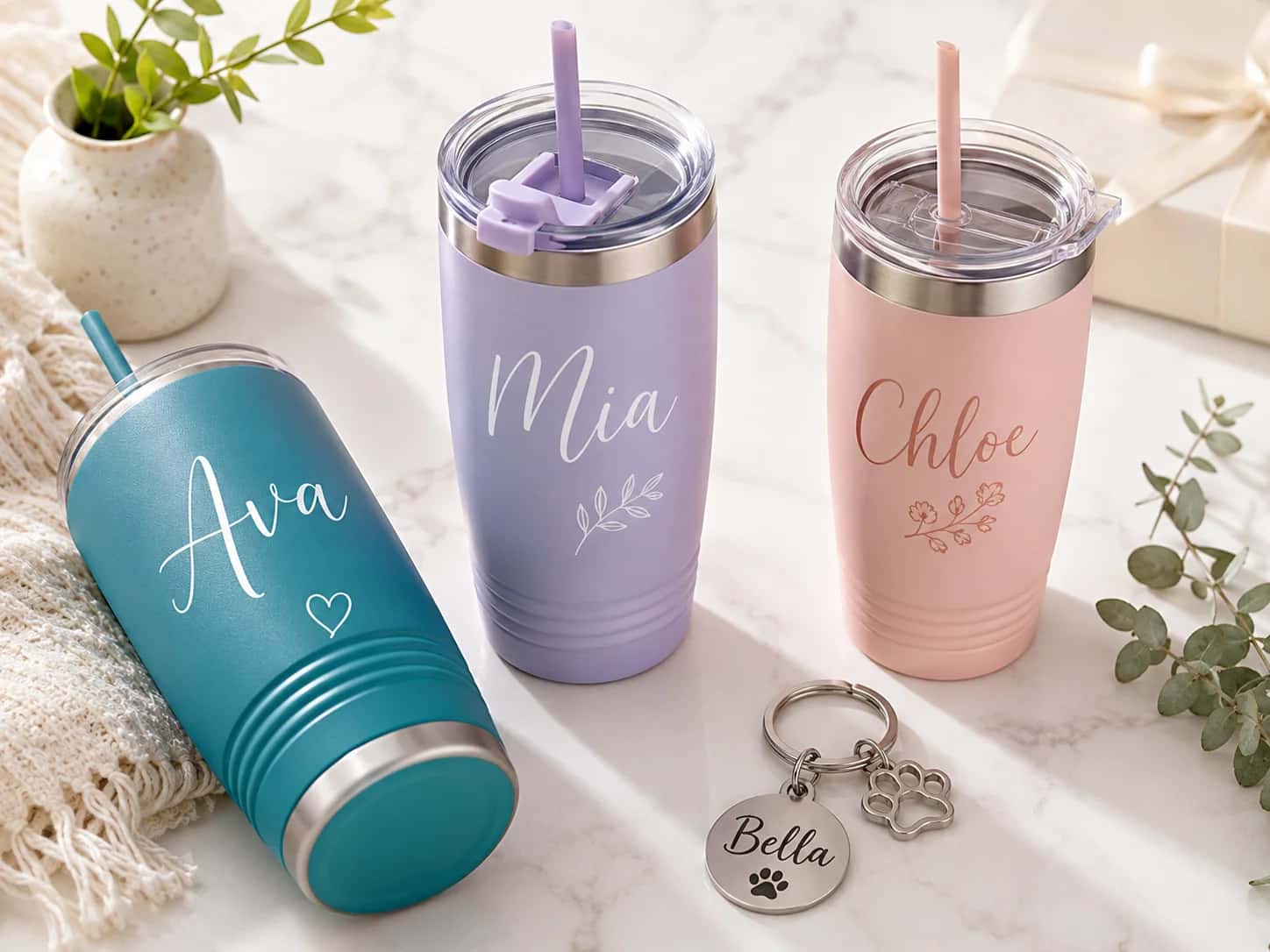
Tumbler wraps — bundles run $15–$30

Tumbler wraps — bundles run $15–$30

Graphic tees — the highest-volume niche

Graphic tees — the highest-volume niche

Real conversions

What a sellable cut file looks like.

Real designs rebuilt by PerfectVector as clean, layered cut files — each color on its own layer, paths your buyer's cutter can follow.

PNG
Duck with strawberry — cut-ready SVGSVG
Duck with strawberry
Sticker & decal6 colors21 pieces
PNG
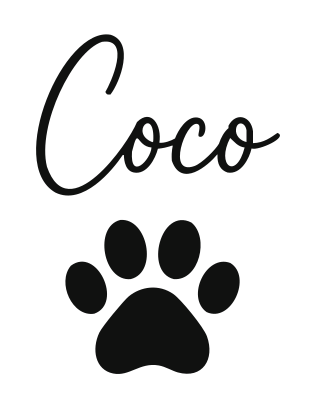
Coco — pet name — cut-ready SVGSVG
Coco — pet name
Pet personalization1 color5 pieces
PNG
Emergency gummies jar — cut-ready SVGSVG
Emergency gummies jar
Die-cut sticker9 colors
PNG
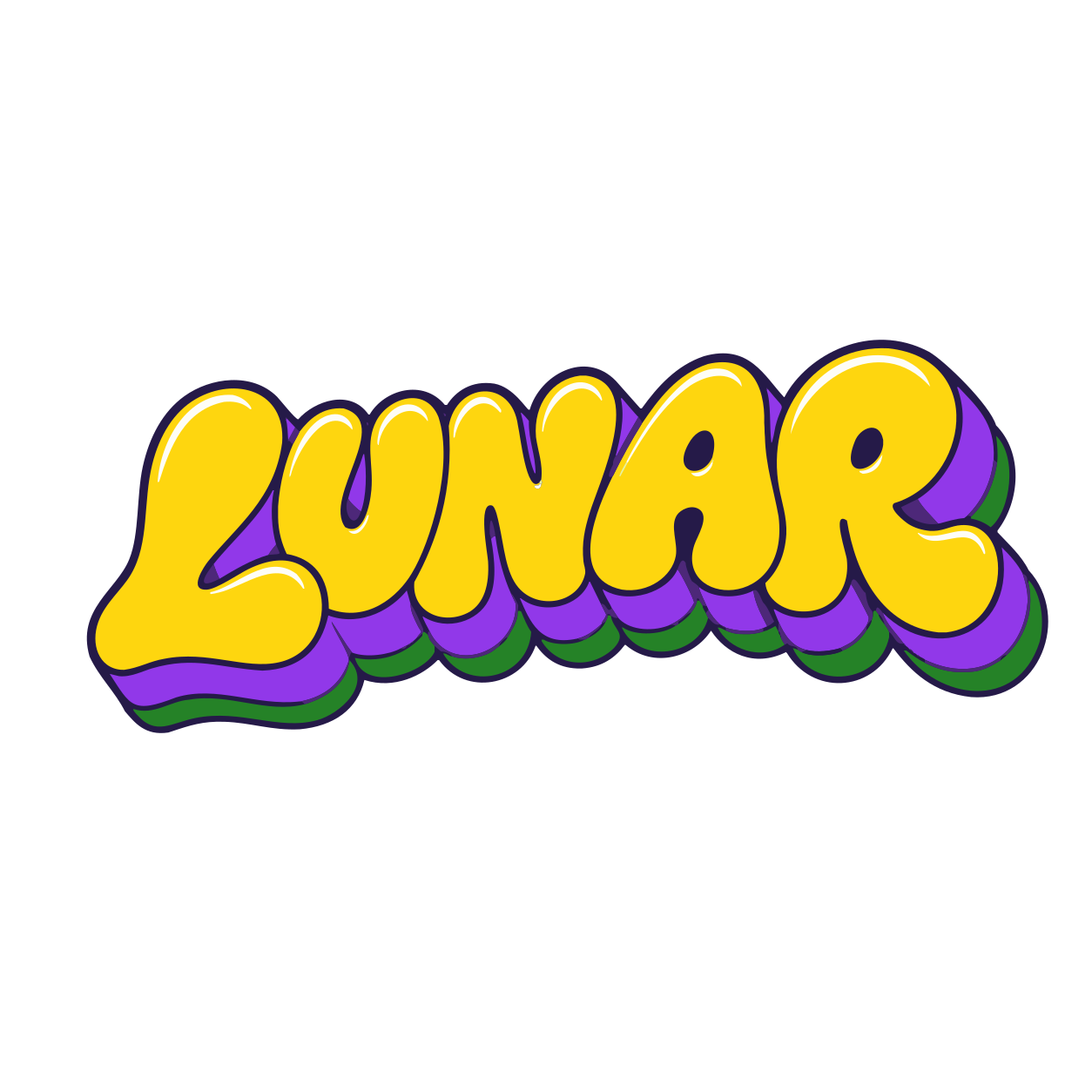
Lunar — retro wordmark — cut-ready SVGSVG
Lunar — retro wordmark
Bold lettering7 colors
PNG
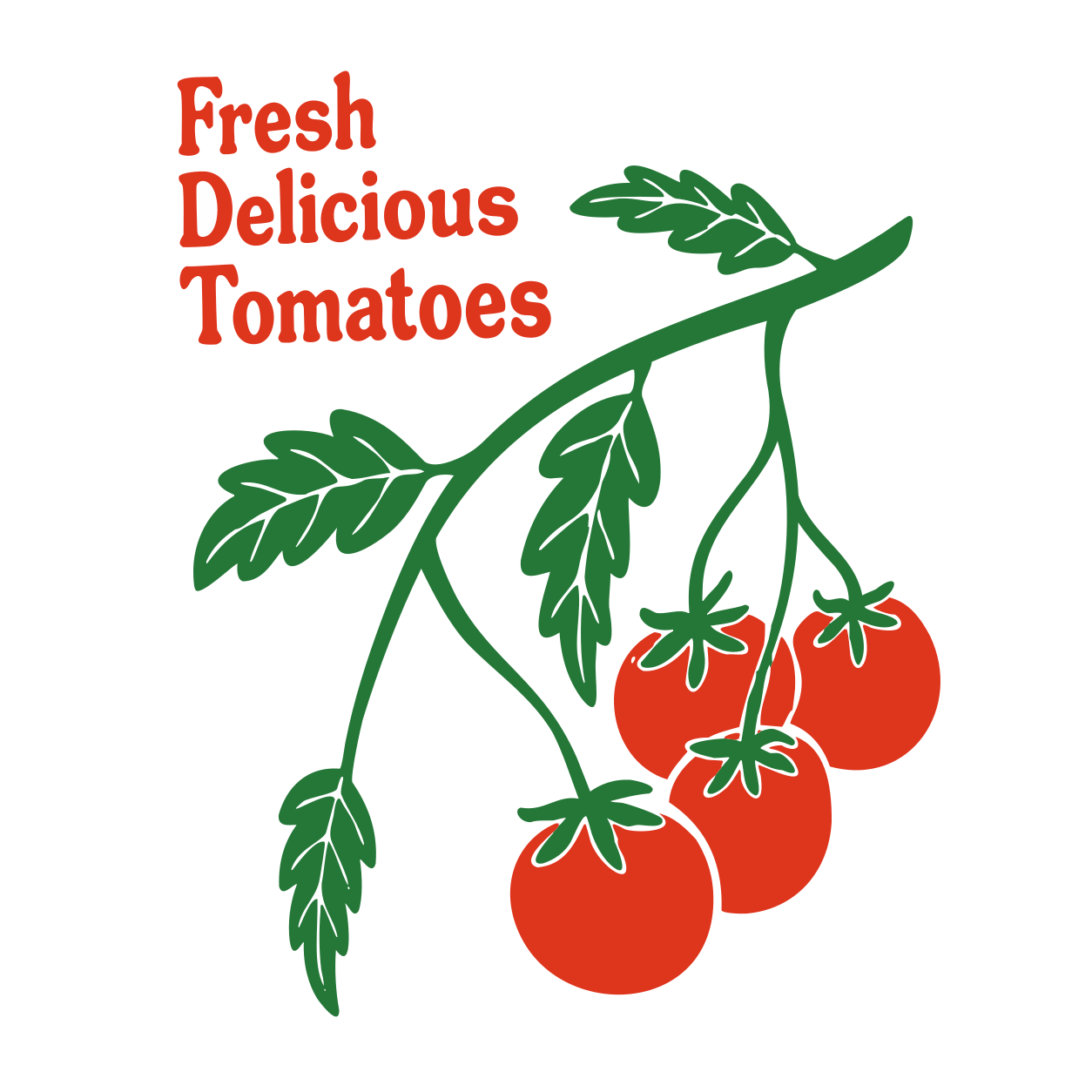
Fresh tomatoes — cut-ready SVGSVG
Fresh tomatoes
Kitchen & tea towel2 colors32 pieces
Your drawing (raster) Listing-ready SVG (vector, transparent)

Your art could be your next listing.

Vectorize a drawing — free

Free to try · No credit card · You own the output

You can draw. Turning it into a cut file is the hard part.

Sound familiar?

You sketched something good. Then came the second job: export the PNG, trace it in Inkscape layer by layer, watch every little bump in your linework turn into a mess of nodes — and lose a whole evening to one design.

So you shipped a converted file instead (it came in as scattered pieces), considered Illustrator (another subscription, another learning curve), and meanwhile the buyer messages keep coming — “it won’t open,” “why are there so many layers?”

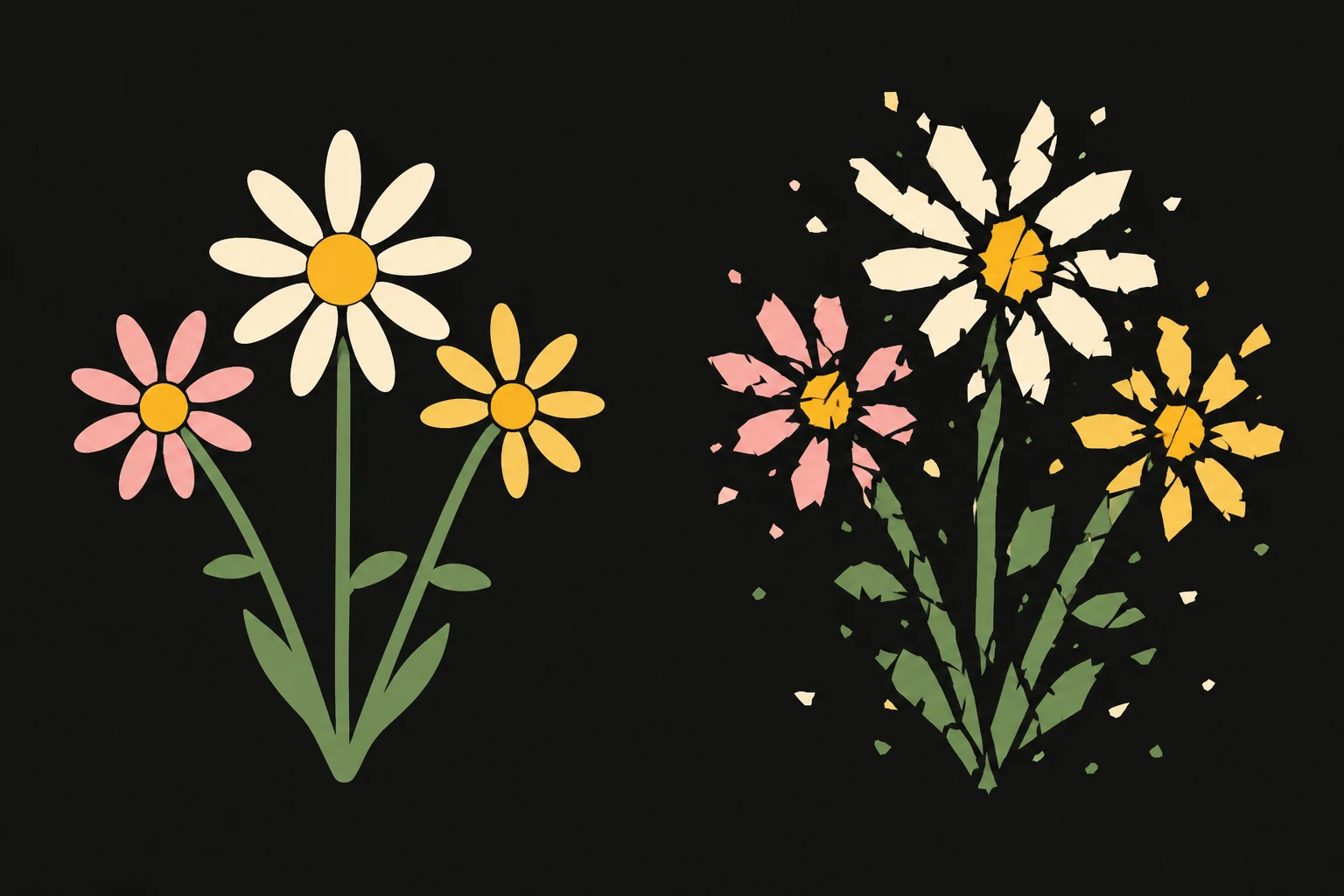
A clean hand-drawn flower beside the same flower auto-traced badly — exploded into dozens of scattered, jagged fragments.

On Etsy, your drawing isn't the product — the file is, and the file is what gets reviewed.

What a bad file costs

One messy file can cost you the review.

A buyer who fights your file doesn't just ask for a refund. They leave the one-star that follows your shop around — on digital downloads, reviews can land months after the sale. And every confused buyer is another support message in your inbox.

A refund request A one-star review Another support message
The fix

PerfectVector makes the five-star kind of file.

Clean closed paths, a low node count, and layers that match your colors — the quality buyers actually review you on.

Typical traced file
hundreds of scattered pieces
PerfectVector
a handful of clean shapes

Same image. Layers match colors and the blade follows one smooth outline — the difference your buyers weed.

01

Layers match your colors

The community's test for a good cut file: one layer per color, nothing scattered. PerfectVector separates colors automatically, so the file your buyer opens looks like the design they bought.

02

Low node count, weed-friendly

Smooth closed paths instead of pixel-tracing noise. Cuts come out crisp on your buyer's machine, and the weeding doesn't make them regret the purchase.

03

One drawing, many colorways

Recolor your design in the built-in editor and list it in several palettes. Colorway variants are the cheapest new listings you'll ever make.

Want files your buyers thank you for?

Make a clean cut file — free

Free to try · Layers match colors · Weed-friendly paths

COMPARISON

PerfectVector vs. the usual ways sellers get cut files

PerfectVectorDIY tracing (Illustrator / Inkscape)Reselling purchased bundles
What you sellCut files made from your own artYour art — after you learn the toolsThe same files everyone else bought
Time per designMinutesAn evening to a weekend, per designFast — but it isn't your design
Skills neededDraw, upload, adjust colorsPen tool, nodes, trace settingsNone
Commercial rightsYou own your output; your art stays yoursYours — when the art is yoursWhatever the designer's license says — read it closely
Layer separationAutomatic — one layer per colorManual, layer by layerVaries shop to shop
CostFree to try; Light is $7/monthInkscape is free; Illustrator is about $23/month — plus the learning curve$1–$50 per bundle, every time
See it work

From drawing to listing-ready in minutes.

Upload, vectorize, simplify the palette, download — the file half of your listing, done in your browser.

PerfectVector — converting your image…
Your art (PNG)
Clean layered duck-with-strawberry SVG — flat sticker design converted by PerfectVector
Layered SVG

An illustration of the convert-and-simplify flow.

HOW IT WORKS

From your art to a listing-ready file

  1. 1

    Upload your artwork

    Drag in a PNG or JPG of your drawing — a Procreate export, a scanned sketch, or any flat design. Your first conversions are free.

  2. 2

    Let the AI rebuild it as vectors

    PerfectVector rebuilds your art as clean, closed paths with a low node count and every color on its own layer — no gradients, no live text, nothing that breaks a buyer's import.

  3. 3

    Simplify and make colorways

    Merge near-duplicate colors so the file weeds easily, then recolor the palette to spin one design into several listings.

  4. 4

    Download and build your listing

    Download the SVG master — then export DXF, EPS, PNG, or PDF copies for your bundle right from the editor, no second tool needed.

Your next listing starts with one upload.

Turn a drawing into a layered, listing-ready SVG in minutes.

Try it free
SELL WITH CONFIDENCE

Listing tips for a five-star shop

The file is half the listing. These are the conventions successful cut-file shops follow.

Bundle the right formats

Most shops include SVG, PNG, DXF, and EPS in one ZIP. PerfectVector exports all of them from the editor, so the whole bundle comes from one place. DXF matters because Silhouette Studio's free edition doesn't open SVG.

Keep layers equal to colors

Buyers judge a file by opening it: if the layers panel matches the design's colors, it cuts on the right mats and weeds easily. Merge near-duplicate colors in the editor before you download, so the answer is always yes.

Test-cut before you list

Import the file into Cricut Design Space or Silhouette Studio and run one cut. Respected shops test every design — it's the cheapest one-star insurance there is.

Write titles buyers type

Etsy is a search engine. "Retro Daisy SVG, Tumbler Wrap, Summer Cut File" gets found; "Cute Design 01" doesn't. Put the niche, the product, and the format in the title.

  • No credit card to start
  • You own your output — sell it
  • Layers match your colors
  • Low node count, weed-friendly
  • Built-in color editor for variants
SIMPLE, FAIR PRICING

Start free. Upgrade anytime.

Free

For getting started

$0

Free for everyone

  • 3 SVG downloads a day
  • Built-in color editor
  • Simplify & merge colors
  • Clean, optimized SVG output
  • No credit card required
Recommended

Light

For everyday productivity

$10$7/monthSave 30%

Early-access pricing

  • Everything in Free and:
  • 8× more usage than Free
  • 25 SVG downloads a day (~750/mo)
  • Lock in early-access pricing (was $10)
  • Priority SVG generation
  • Priority email support
  • Early access to new features
Coming soon

Pro

For maximum productivity

Pricing soon
  • Everything in Light and:
  • More usage than Light
  • Highest download volume
  • Most accurate SVG generation

Cancel anytime.

FREQUENTLY ASKED QUESTIONS

Questions before you convert?

Can I sell SVGs I make with PerfectVector on Etsy?+
Yes. You own the SVGs you create — PerfectVector claims no rights over your input image or your output file, and you can use both for any lawful commercial or personal purpose. The one condition is on your side: you need the rights to the artwork you upload. Your own drawings and designs are the clean lane; converting someone else's art, a brand logo, or character designs doesn't make them yours to sell.
Do I need Illustrator or Inkscape to sell SVG files?+
No — though they're excellent tools, and plenty of professional designers use them. The honest difference is time: hand-tracing means a learning curve up front and real hours per design after. PerfectVector gets you a clean, layered cut file in minutes, and the output is a standard SVG, so you can still fine-tune it in any vector editor afterward.
What file formats should my Etsy listing include?+
The convention is SVG, PNG, DXF, and EPS bundled in one ZIP. SVG is the master cut file; PNG covers print-and-cut and sublimation buyers; DXF matters because the free edition of Silhouette Studio can't open SVG; EPS serves laser crafters. PerfectVector exports all of them — SVG, PNG, PDF, EPS, and DXF — straight from the editor, so you can build the whole bundle in one place instead of round-tripping through Inkscape.
What SVG files sell best on Etsy?+
Seasonal and holiday designs lead year after year, with funny quotes for shirts and tumblers close behind. Wedding and monogram files command the highest single-design prices, and pet designs are consistent best-sellers. Across every niche, bundles outsell singles — 20-file themed packs are the standard format.
How should I price my SVG files?+
Marketplace guides put typical singles at about $2–$6 and themed bundles at $7–$15, with large or specialized collections reaching $20–$50. Price with the fees in mind: Etsy charges $0.20 to list plus a 6.5% transaction fee and payment processing — roughly a quarter of a $3 sale — which is why bundles, with their higher order value, usually carry the better margin.
How do I make layered SVGs my buyers can actually cut?+
Keep one rule in mind: layers should match colors. Crafters judge a file by opening it — a three-color design that arrives as three clean layers cuts on three mats and weeds easily. PerfectVector separates colors into layers automatically; merge near-duplicates in the built-in editor so the count stays honest, and run one test cut before you list.
Why do buyers complain that an SVG "has too many pieces"?+
Because most converters trace pixels instead of rebuilding shapes. The result is hundreds of scattered fragments and stray points that snag the blade and turn weeding into a whole evening — it's the most common quality complaint about marketplace cut files. PerfectVector rebuilds your art as a few clean, closed paths, so the piece count matches what the design actually needs.
Will the files work in Cricut Design Space and Silhouette Studio?+
Yes — the output is deliberately plain: flat color layers, closed paths, no gradients, no live text, no linked images. Those are exactly the things Design Space rejects with an "unsupported items" error. For Silhouette buyers on the free Basic edition, export a DXF copy too — the editor does it in a click — and include it in your listing, since that edition doesn't open SVG.
Can I convert fan art or character designs to sell?+
No — and it's worth being direct about this. Converting an image doesn't change who owns it: character art, brand logos, and licensed designs stay the property of their rights-holders, and shops selling them get taken down regularly. Stick to artwork you drew or hold an explicit commercial license for — that's what keeps a digital shop alive long-term.

Ready to stock your shop with five-star files?

SVG Files for Etsy Sellers — Free AI Vectorizer · PerfectVector