
Free
For getting started
Free for everyone
- 3 SVG downloads a day
- Built-in color editor
- Simplify & merge colors
- Clean, optimized SVG output
- No credit card required
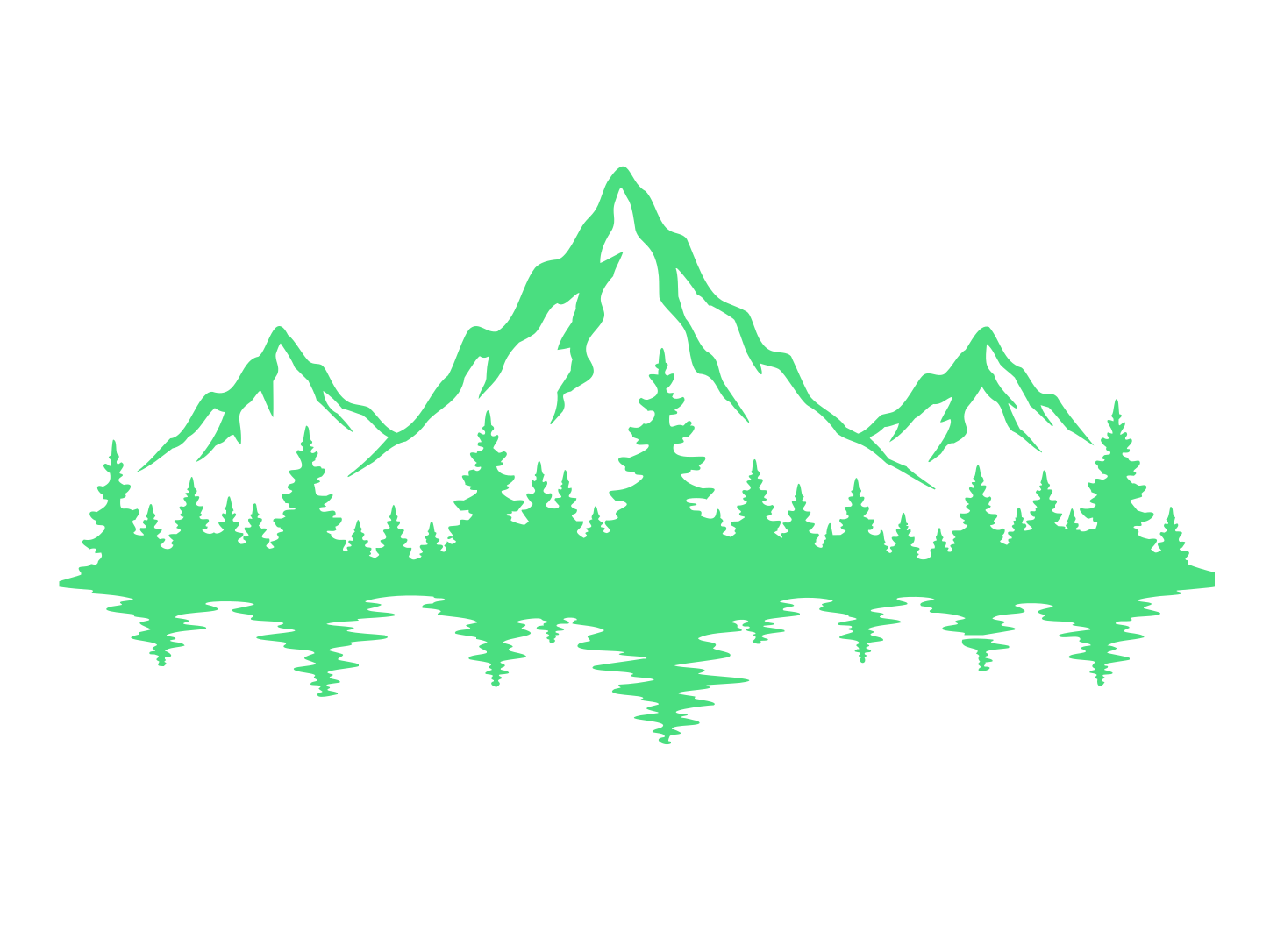
or try by clicking an image
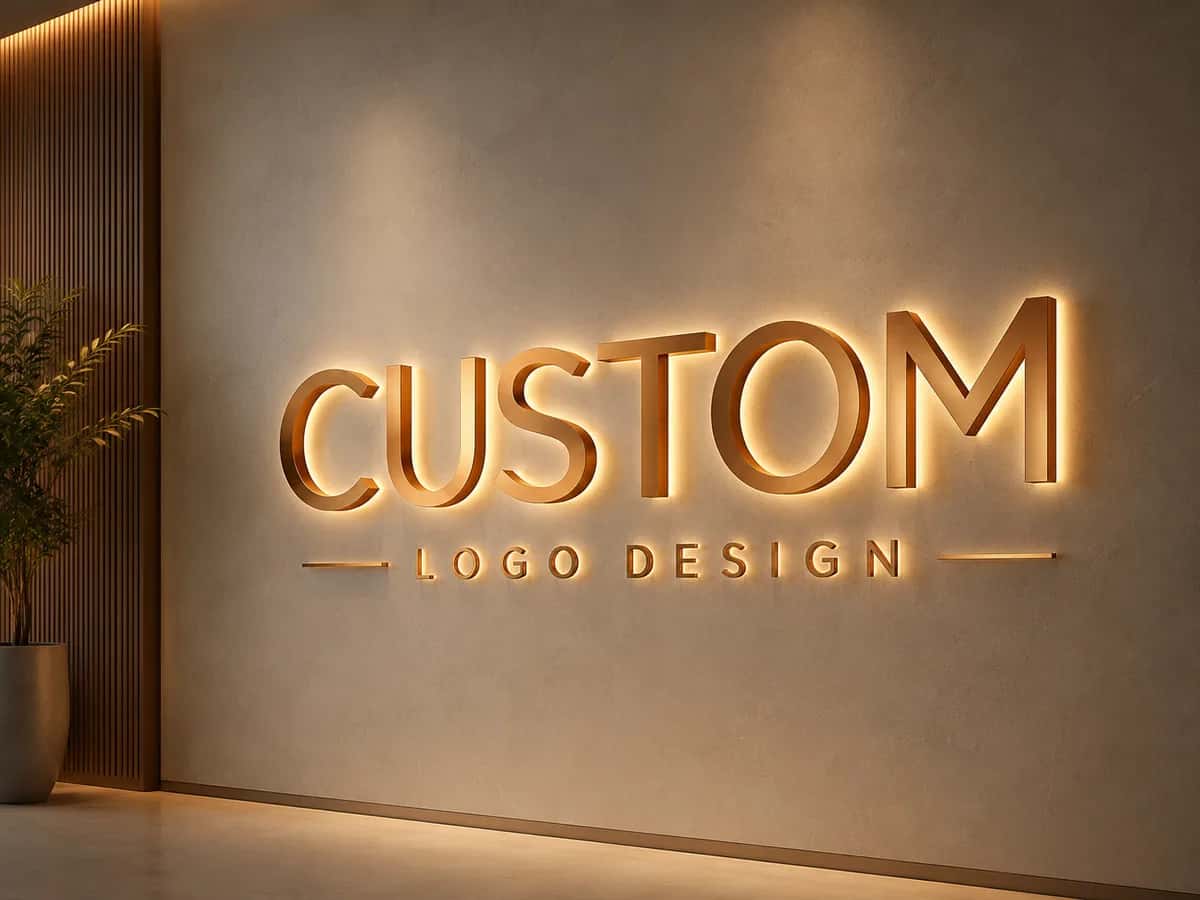
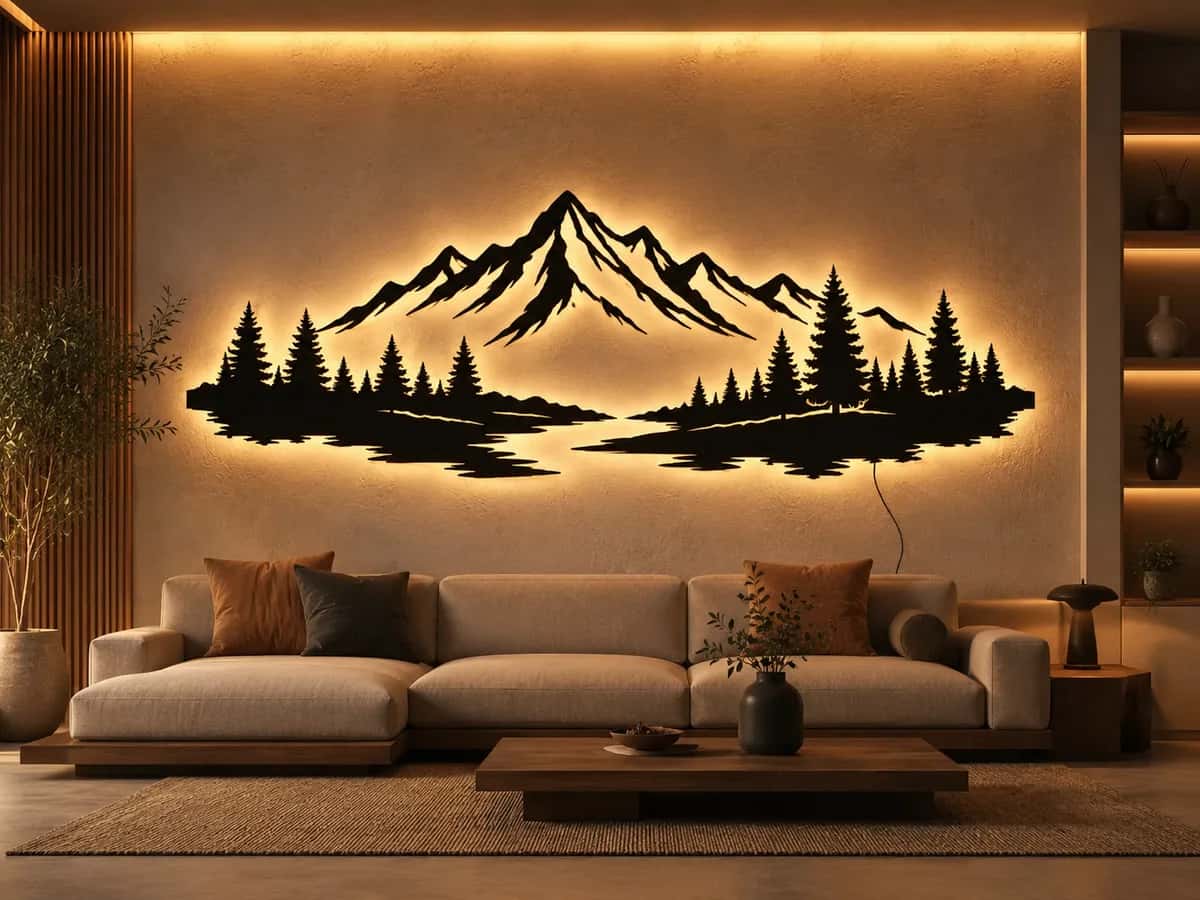
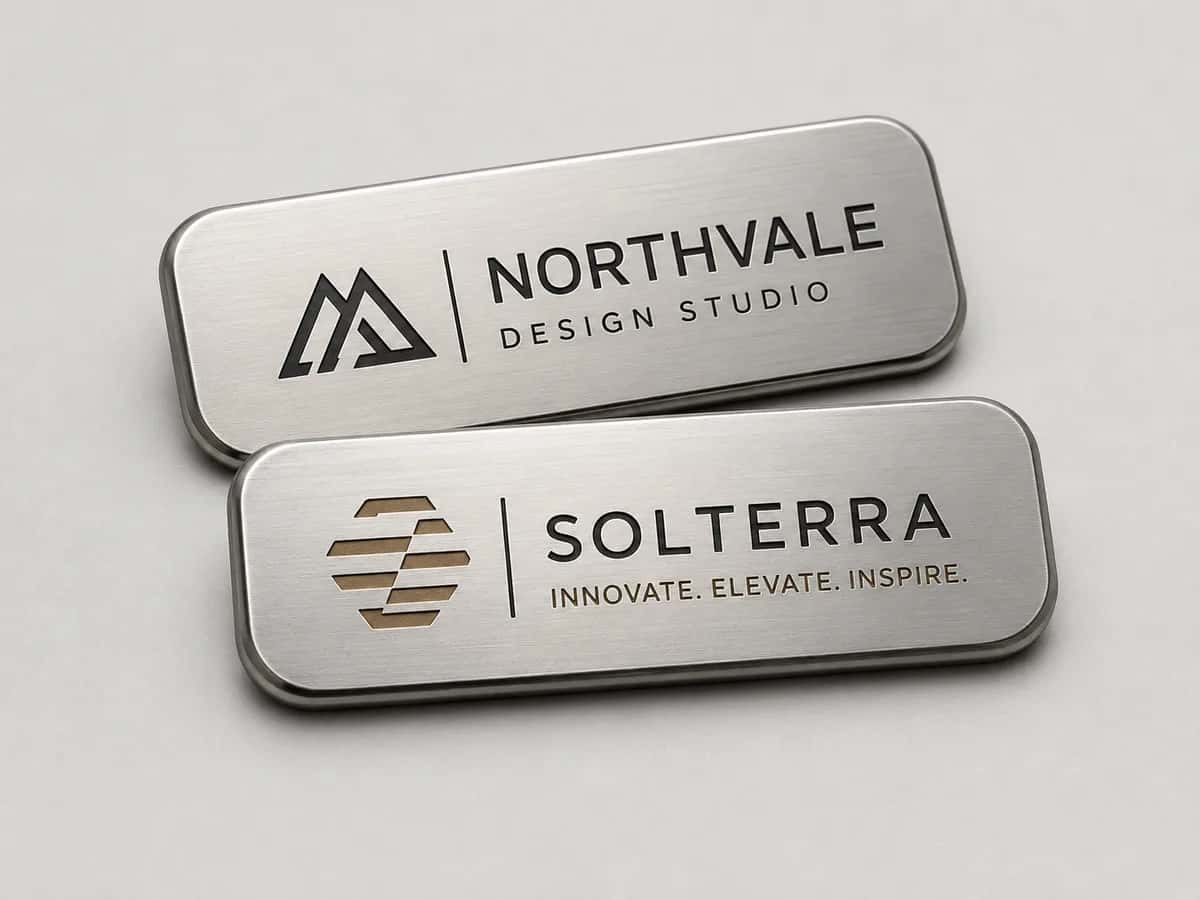
Clean, high-contrast art is what cuts well — logos, line art, silhouettes, lettering. One clean vector becomes signs, metal art, plaques, and more on a router or plasma table.

A backlit logo sign

Plasma-cut metal wall art

An engraved metal name plaque

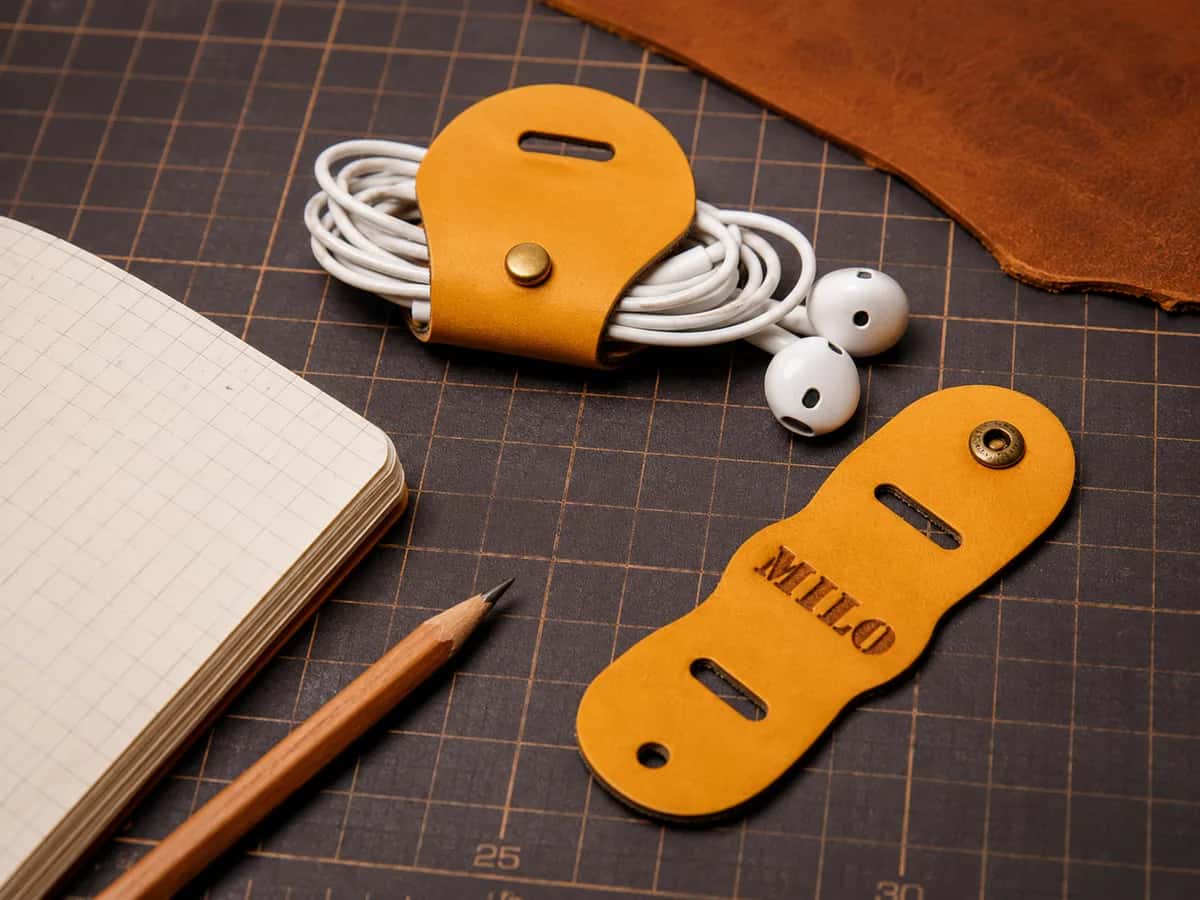
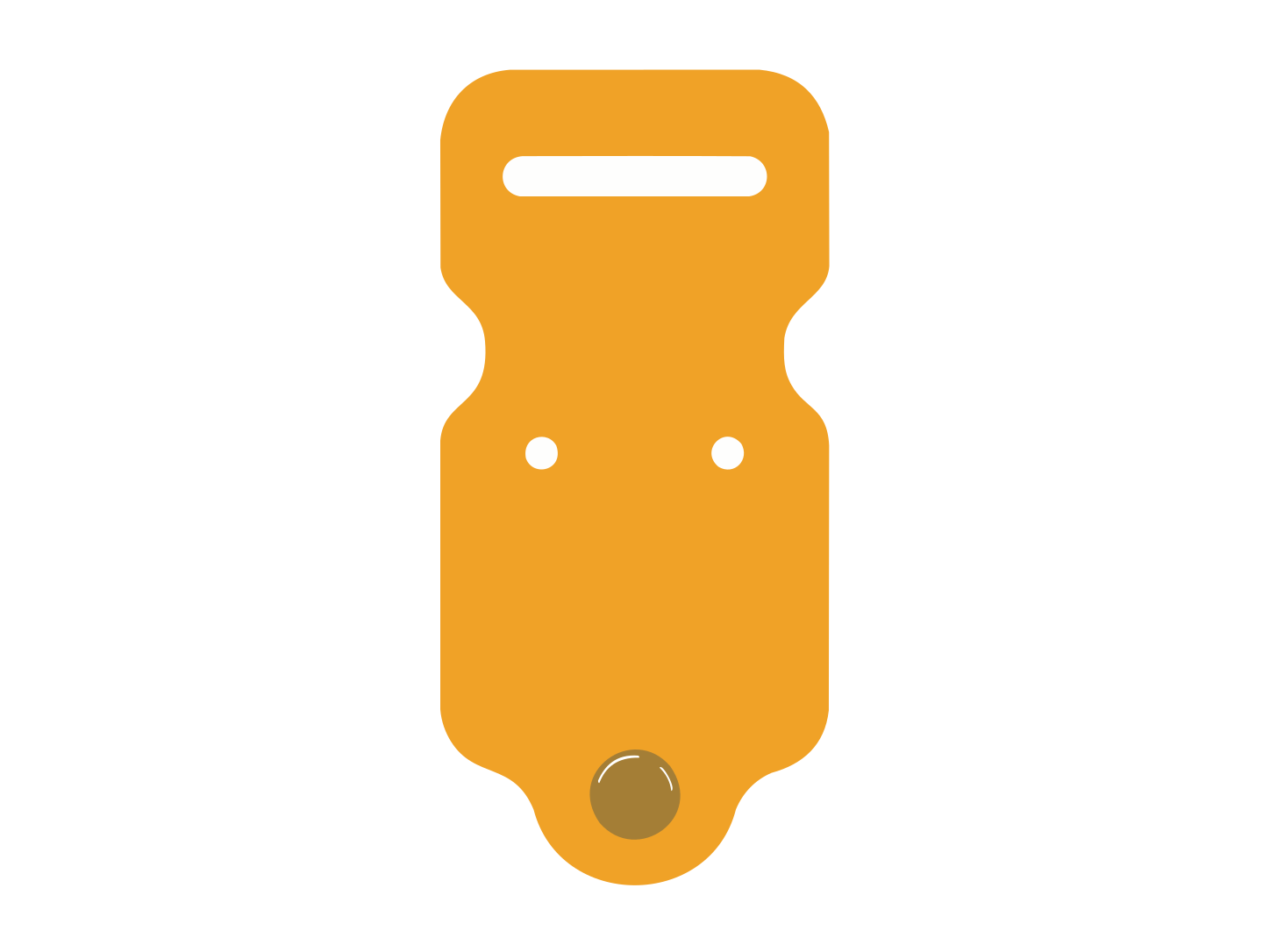
A laser-cut leather tag

A reusable cut stencil

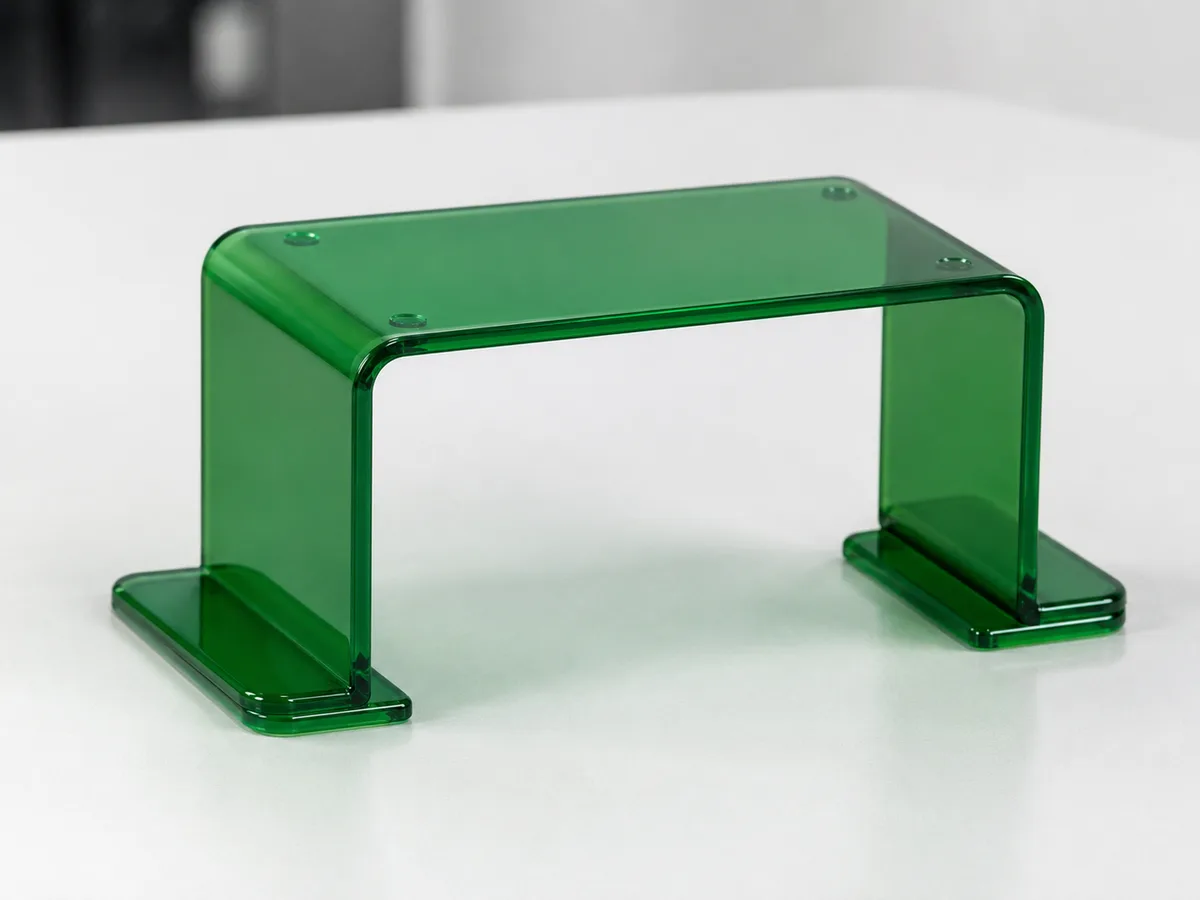
A cut acrylic bracket
Each design went in as a raster image and came out as closed, low-node vector paths — the kind that hold a toolpath instead of breaking it, ready to export as DXF or SVG.
Unedited feedback from the designers and makers who put PerfectVector to work.
I'd tried everything and been let down every time — I'd given up, figuring today's tech just couldn't do this. And you actually built it. If this is real, it's genuinely incredible.
Left is a PNG I drew in Procreate; right is the SVG this made, opened in Illustrator. The quality is unreal.
Tried it — it's accurate. Simple images actually expose detail differences more than complex ones do, and this nails them.
I model for 3D printing — I needed exactly this.
Gave it a try — really nice.
It converts at even better quality than I expected — it preserves the character of the original better than anything else I've tried.
Way more detailed than I expected. Opening Illustrator to convert every single time was such a chore — bookmarked.
I genuinely need this. Doing it by hand in Illustrator took forever.
Oh wow, this is genuinely good. You're going to do well.
PerfectVector is impressively fast, and the output quality is already very good. With a bit more refinement it could easily compete with the leading tools.
See your own image as a cut-ready vector.
Upload an image — freeFree to try · Takes seconds · Exports DXF + SVG
You found a logo, ran it through a free auto-tracer, and loaded the file into your CAM. The toolpath came out broken — open gaps, double lines, a corner that never closes.
So you opened Fusion. “No closed profiles.” You zoomed in and found one logo had become hundreds of tiny segments — enough to bog the sketch down and still not cut clean.
It’s not your machine. It’s the file — built from pixels, stuffed with open paths and stray nodes no CAM wants to chew through. A blown corner on a sheet of aluminium costs real money.


The fix isn’t a better machine — it’s a better file.
An auto-tracer transcribes every pixel edge into anchor points and leaves paths open. That’s exactly what your CAM rejects — broken profiles, jagged curves, sluggish sketches.
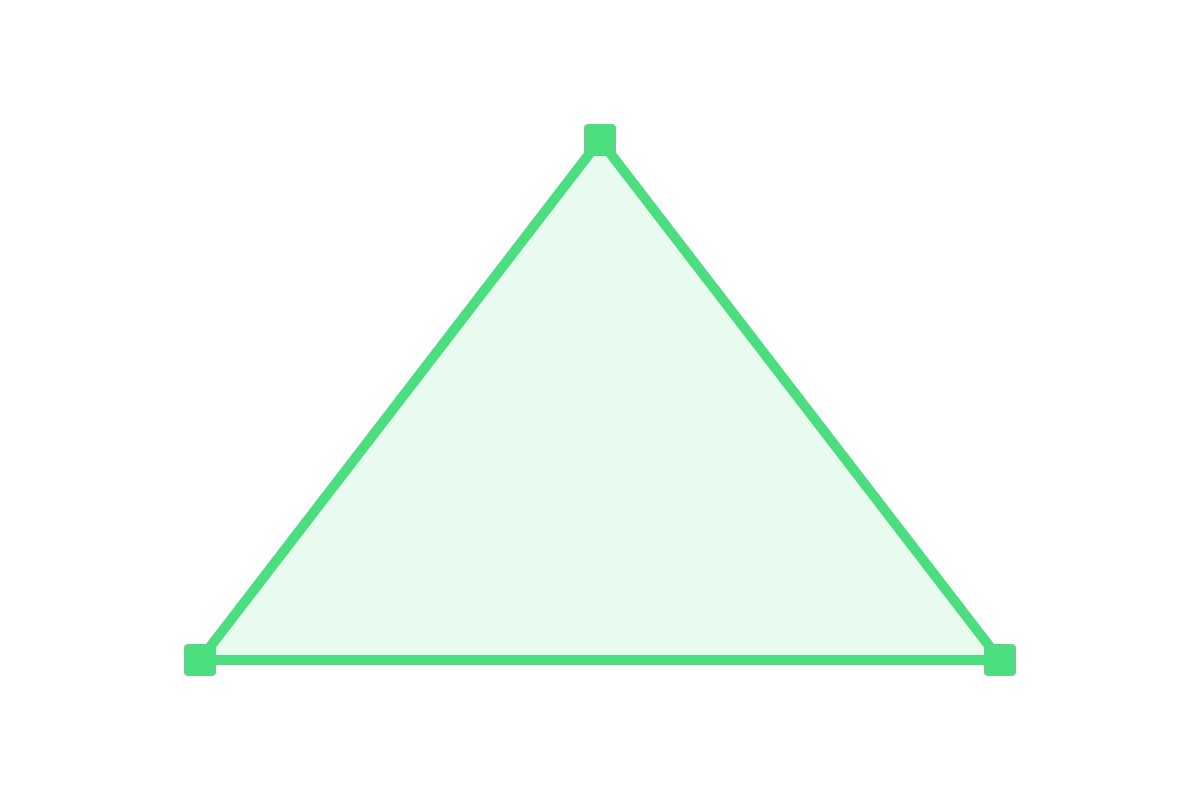
We rebuild your image as closed, low-node vector paths with real curves — then export them as DXF or SVG, with your colors kept separate so you control cut vs engrave.
Same image. Same image. One holds a toolpath the first time; the other breaks at the first corner.
Closed outlines keep your toolpath whole — no open gaps, no double lines, no Fusion “no closed profiles” wall.
Fewer anchor points and true arcs and splines mean responsive sketches and smooth cuts — not the faceted, jagged edges of a pixel-by-pixel trace.
Keep your colors distinct in the editor, then export — assign each color to cut, pocket, or engrave in your CAM. (Color separation, not auto-named layers.)
Want a file your CAM will actually cut?
Vectorize yours — freeFree to try · Closed low-node paths · DXF + SVG export
| PerfectVector | Hand-trace + sort layers | A generic free DXF | |
|---|---|---|---|
| Whose design | Your own logo, art, or photo | Your own — if you can trace it | Generic art everyone else sells |
| Paths | Clean, closed, low-node | As good as your tracing | Varies — often messy |
| Curves | Real arcs & splines | Manual node cleanup | Whatever the file has |
| Cut vs engrave | Separate by color, then export | Sort paths by hand | Rarely separated |
| Export | DXF + SVG (and PDF/EPS) | Depends on your tool | DXF only, fixed |
| Time | Seconds | Tracing + cleanup time | Search, then settle for generic |
| Price | Free to try, no credit card | Free (Inkscape) + your hours | Free, but not yours |
Drop, vectorize, simplify, export — a raster image becomes closed vector paths you can download as DXF or SVG and load into your CAM, in seconds.
An illustration of the convert-and-export flow.
Drag in a PNG or JPG — a logo, line drawing, or silhouette. No credit card to start, and your first conversions are free.
PerfectVector rebuilds it as clean, closed paths with real curves and a low node count — the opposite of a noisy auto-trace.
Use the built-in editor to merge near-duplicate colors and keep cut, pocket, and engrave regions distinct.
Download a DXF for plasma, SheetCAM, or Fusion — or an SVG for Carbide Create, Easel, or VCarve — then let your CAM build the toolpaths.
Ready to cut something from your own design?
Drop in your image and get clean, cut-ready paths in seconds.
Try it freeA clean vector imports cleanly everywhere — your CAM turns it into toolpaths. Here are the specifics per tool.
Imports both SVG and DXF. Bring in your file, set your stock and tool, and assign each color region to a contour, pocket, or V-carve toolpath. Closed paths are what keep those toolpaths from breaking.
Easel imports SVG and DXF (keep DXF under about 5 MB). Drop the file in, scale to size, and pick your cut type per shape. Low node counts keep the workspace responsive.
Imports SVG and DXF as vectors you can toolpath directly. Note: a flat vector isn’t a 3D relief — VCarve’s 3D carving needs a separate greyscale heightmap.
Insert the SVG or DXF into a sketch, then make your CAM toolpaths. Closed profiles matter most here — open paths trigger Fusion’s “no closed profiles” error. Low node counts keep the sketch fast.
Export DXF — the lingua franca for plasma. Load it into SheetCAM or Fusion, set your kerf, and let it post the G-code for your controller. Plasma kerf is wide (about 0.8–1.5 mm), so keep fine detail generous.
Keep detail at least about 2× your bit diameter so small features survive, and remember the tool removes width on every pass — design for the kerf, not the screen.
I'd tried everything and been let down every time — I'd given up, figuring today's tech just couldn't do this. And you actually built it. If this is real, it's genuinely incredible.
It converts at even better quality than I expected — it preserves the character of the original better than anything else I've tried.
PerfectVector is impressively fast, and the output quality is already very good. With a bit more refinement it could easily compete with the leading tools.
Way more detailed than I expected. Opening Illustrator to convert every single time was such a chore — bookmarked.
Tried it — it's accurate. Simple images actually expose detail differences more than complex ones do, and this nails them.
For getting started
Free for everyone
For everyday productivity
Early-access pricing
For maximum productivity
Cancel anytime.