SVG, PNG, JPG, WebP, PDF, HEIC, and TIFF all work differently. Compare the formats and decide when to keep the original or convert it into editable vector paths.
Featured
Converting a PNG to SVG only pays off if the result stays clean. Here's how to get a sharp, editable vector — without jagged edges, bloated paths, or a file you can't work with.
An SVG has no background by default, so a white box means something added one. Here's how to keep transparency when you convert a PNG to SVG, and what to check.
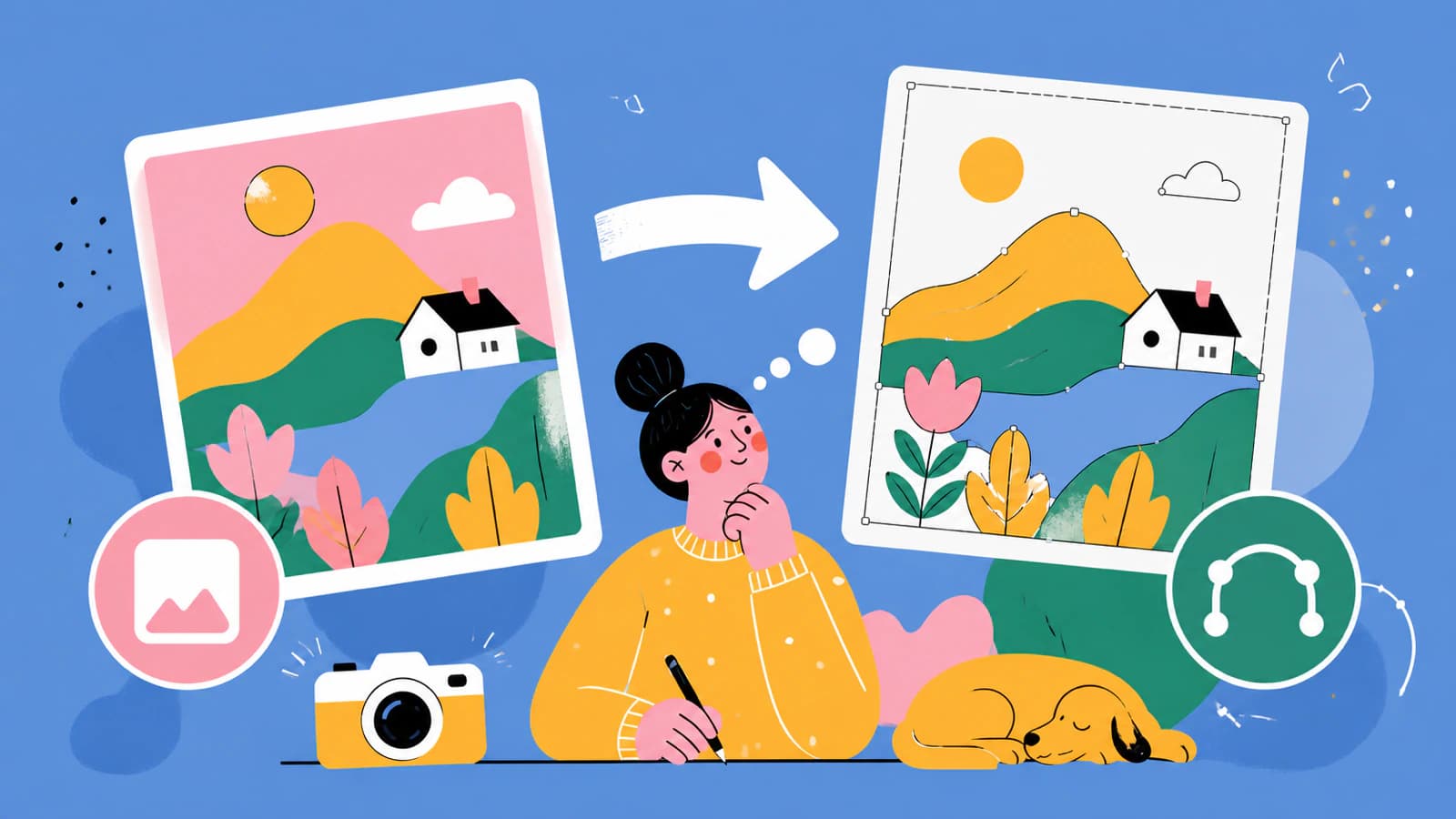
PNG is pixels and SVG is math, so the right one depends on what you're making. A plain guide to choosing between them, plus how to turn a PNG into a real SVG.
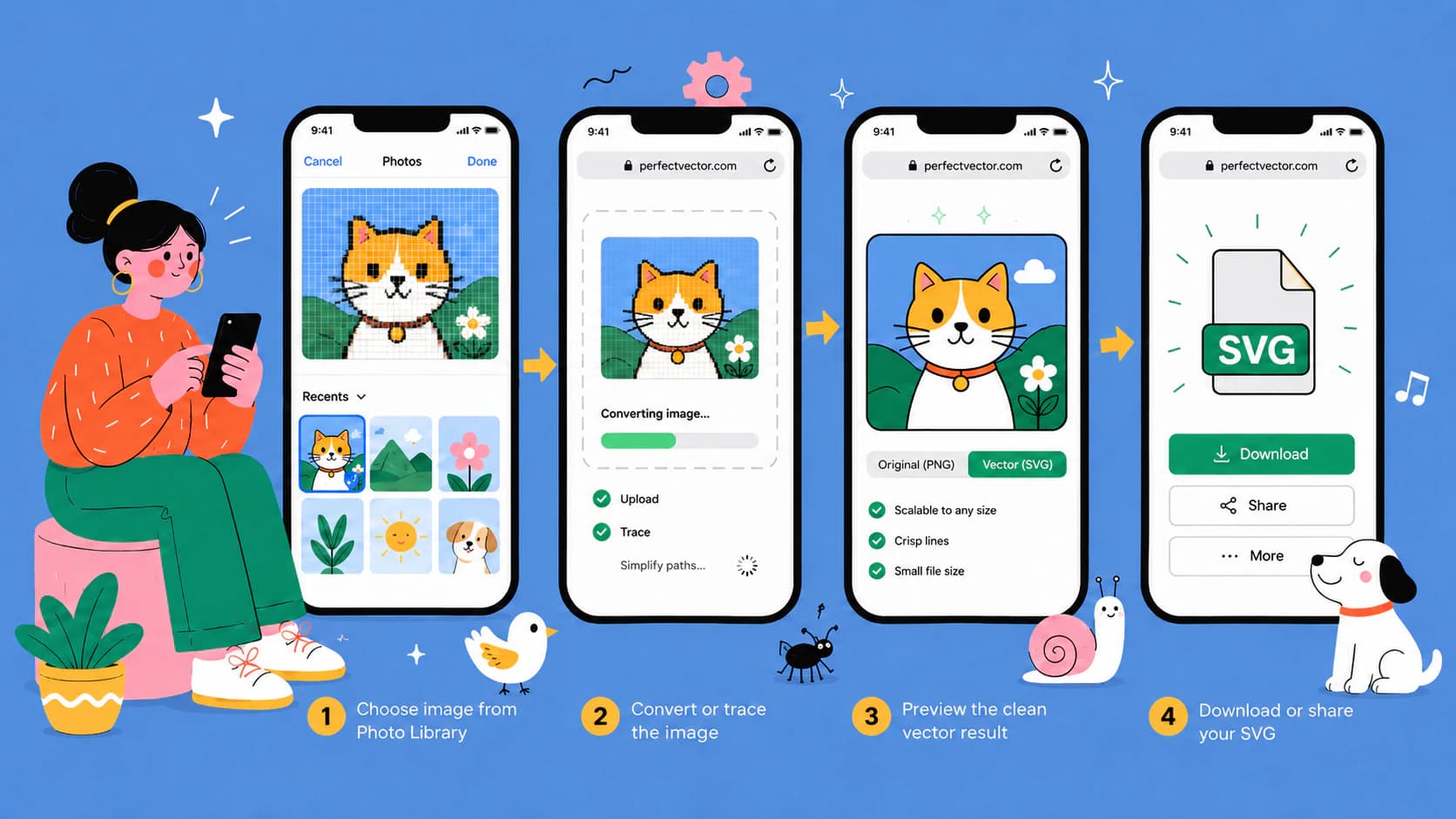
No app or computer needed: convert an image to SVG in Safari on your iPhone, HEIC photos included, and land the finished file in Files or Cricut Design Space.
You can trace a supported HEIC into SVG, but most photos should stay raster. Use this guide to choose, prepare the image, and inspect the paths.
A BMP can preserve hard edges and every source defect. Learn how to clean it selectively, trace it into editable SVG paths, and inspect the result.
An ICO can hide several bitmap sizes of the same icon. Learn how to recover the strongest source, trace real editable SVG paths, and know when to redraw.
A TIFF scan can hold crisp line detail and plenty of noise. Learn how to prepare the source, trace it into editable SVG paths, and audit the result.
An animated GIF can become one still vector frame or a rebuilt SVG animation, but those are different jobs. Learn what each converter actually keeps.
How you convert a PDF to SVG depends on what's inside it. If it's vector, you export it; if it's a scan, you trace it. Here's how to tell, and how to do both.
You can run a photo through an SVG converter, but a detailed photo won't become a crisp vector. Here's what you really get, and which photos are worth converting.
A WebP is a raster image, so you can't save it as an SVG. You trace it. Here's how to turn a WebP into a clean, real vector, and how to avoid a fake one.
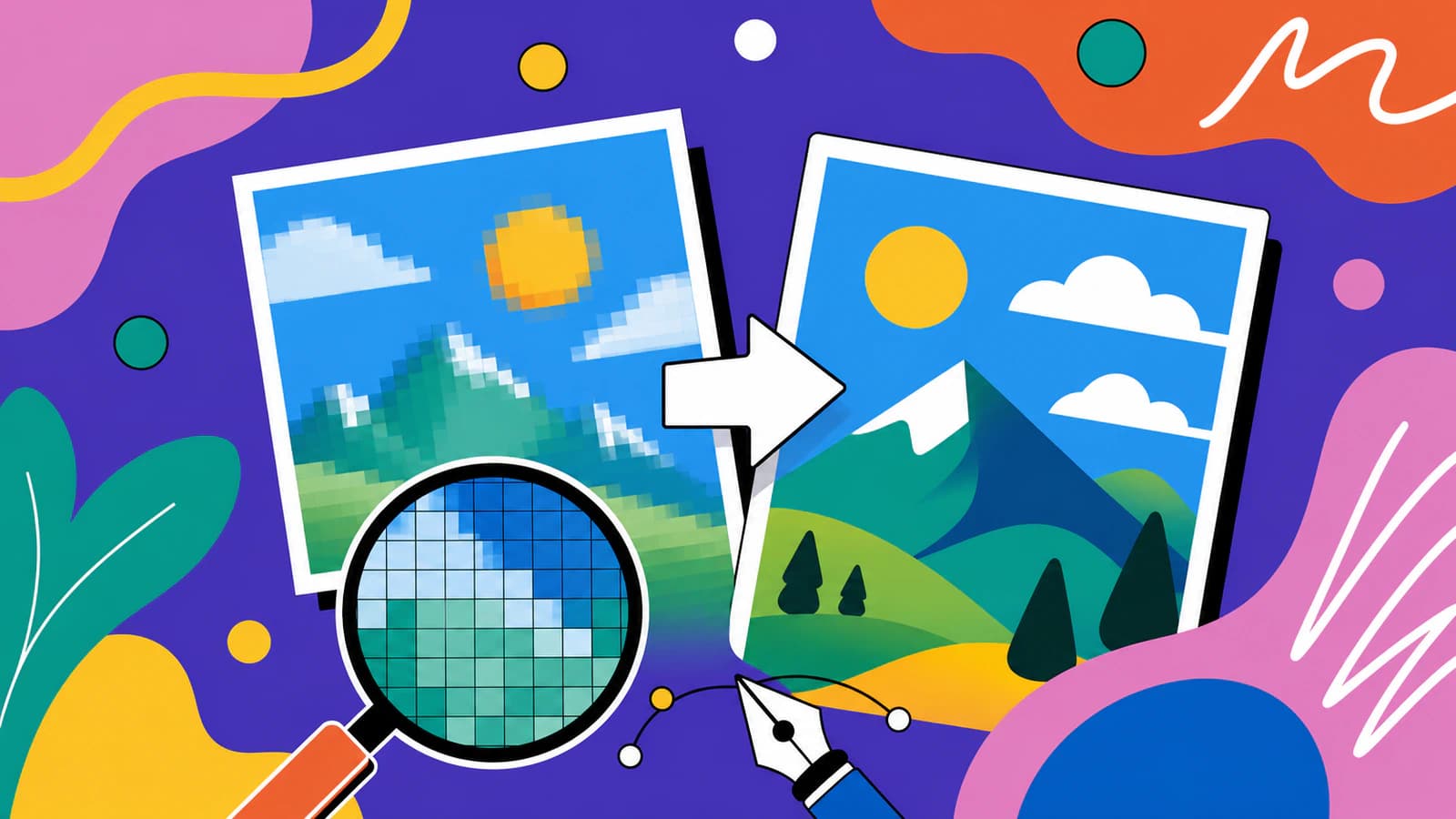
An SVG is an image made of code instead of pixels, so it stays sharp at any size. Here's what that means in plain terms, what SVGs are for, and how to make one.
JPG is lossy, so a careless trace turns its compression noise into messy vector edges. Here's how to get a clean, scalable SVG from one, and when not to.