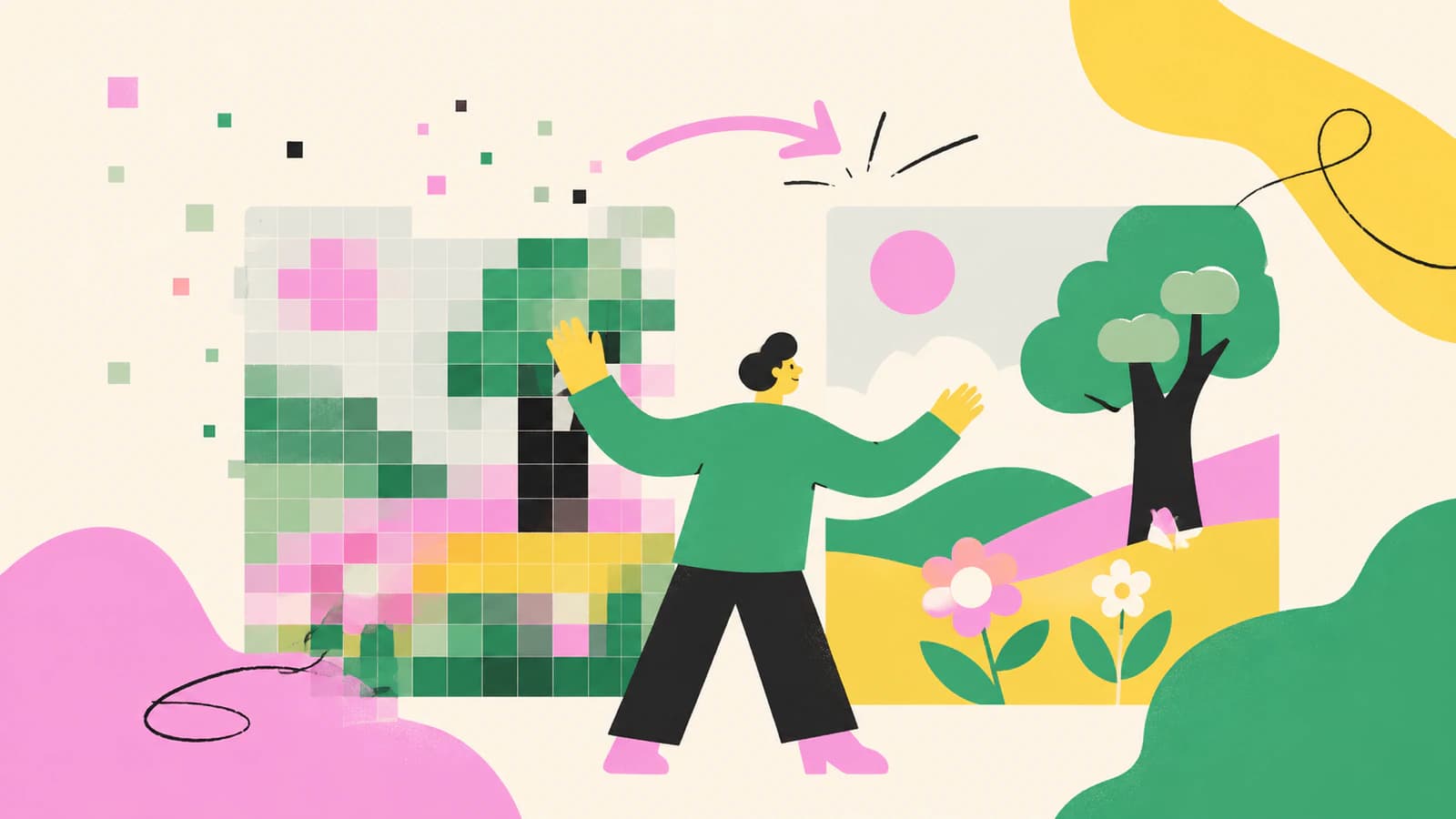
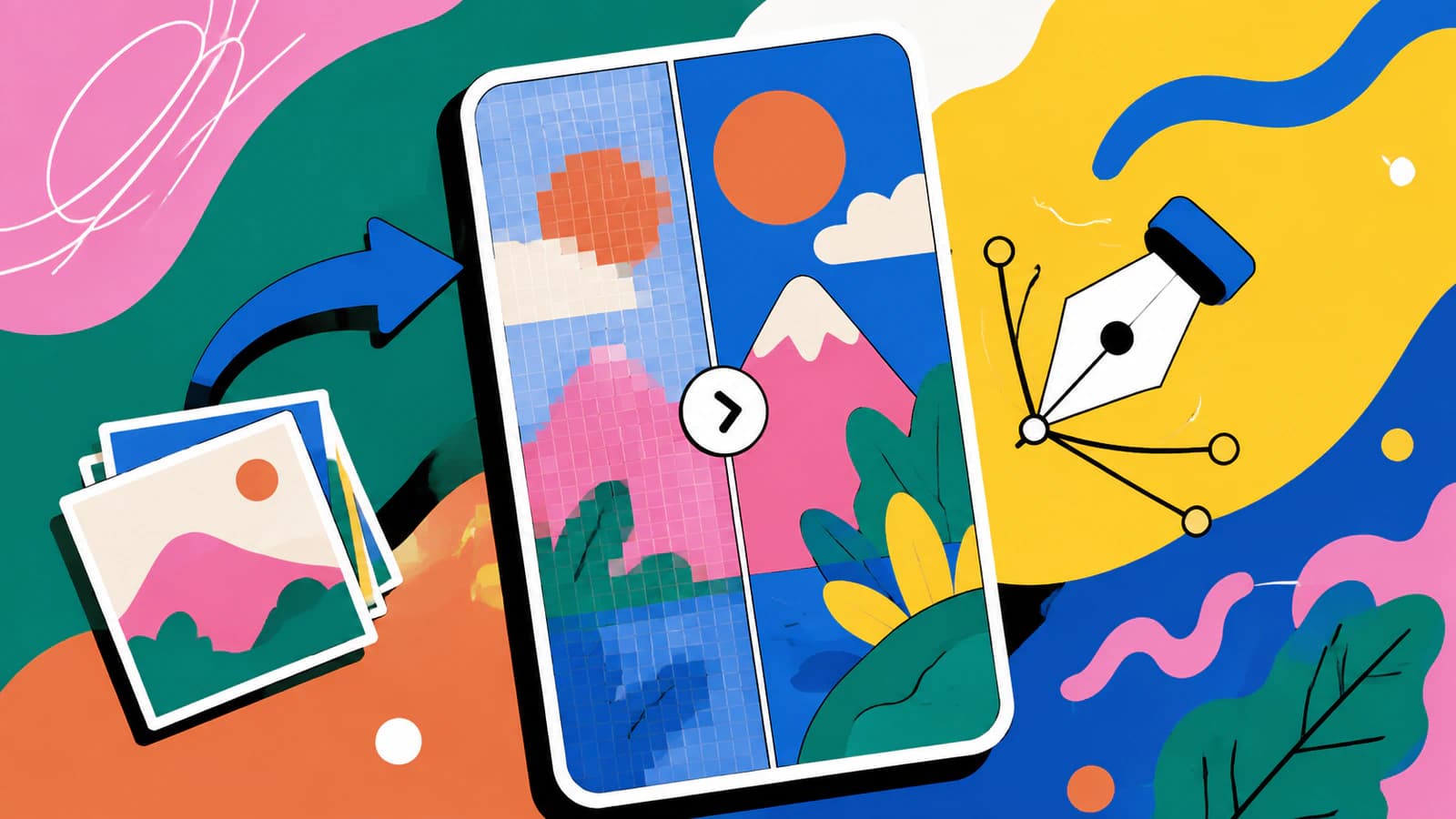
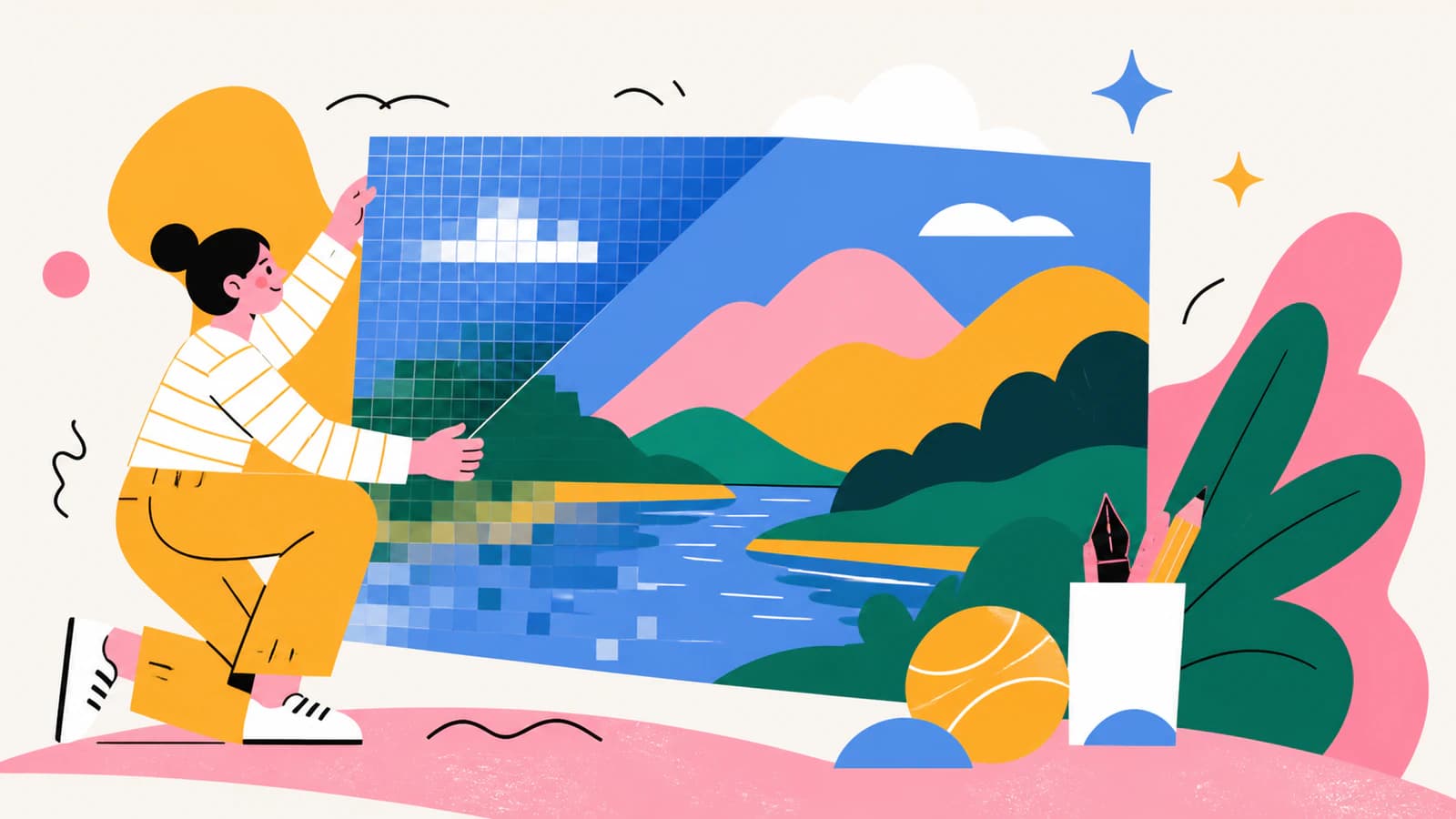
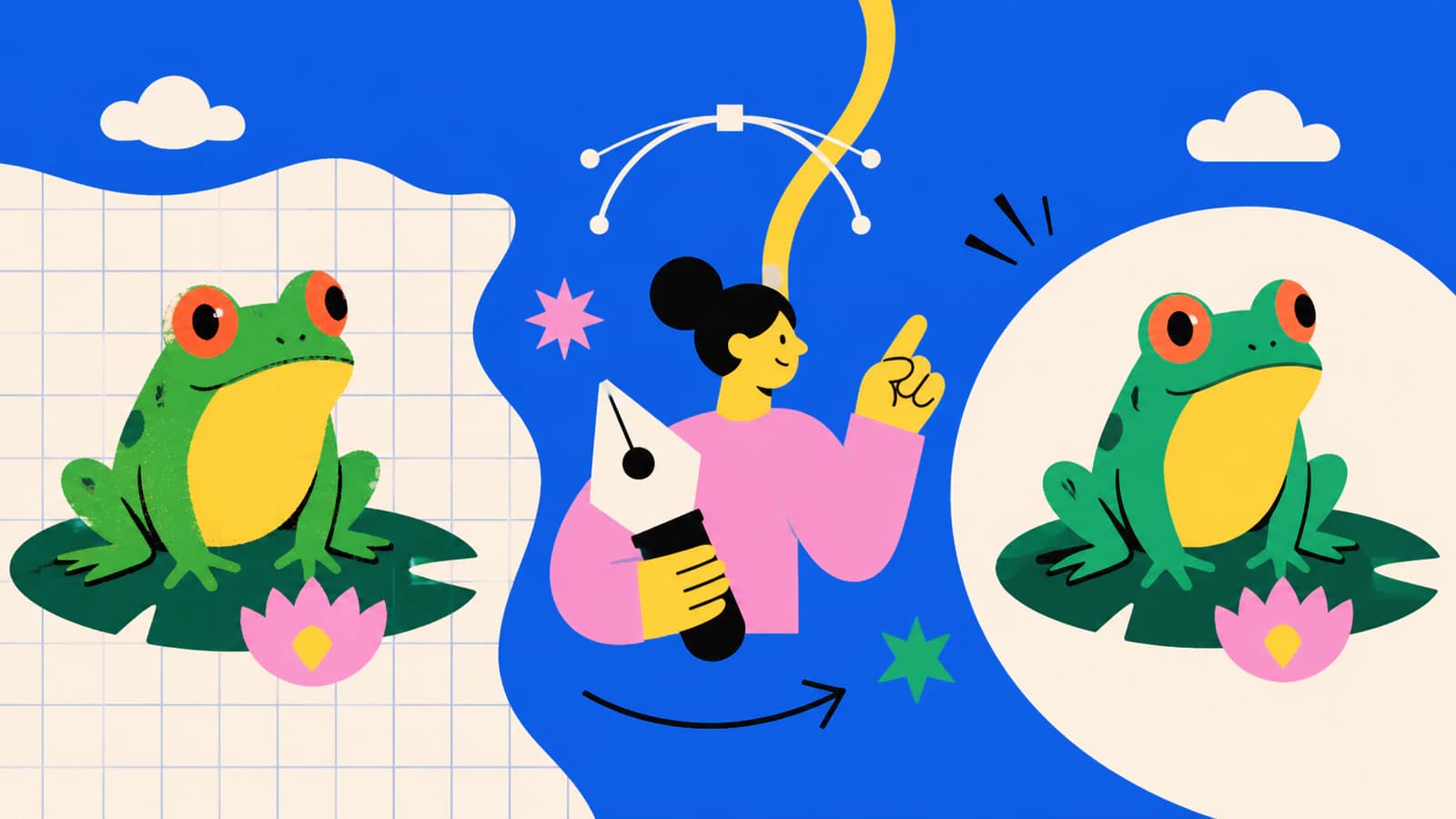
Vectorizing AI art and generating a new vector are different jobs. Turn AI-generated images into editable SVGs, then compare AI vectorizers with SVG generators.
Featured
Which vectorizer gives you a clean, editable SVG — not just a fast trace? An honest 2026 comparison of Vectorizer.AI, Vector Magic, Illustrator, Inkscape and more.
Can ChatGPT vectorize an image into a clean, editable SVG? Not really. Here's what it can and can't do, the fake-SVG trap, and how to get a real vector.
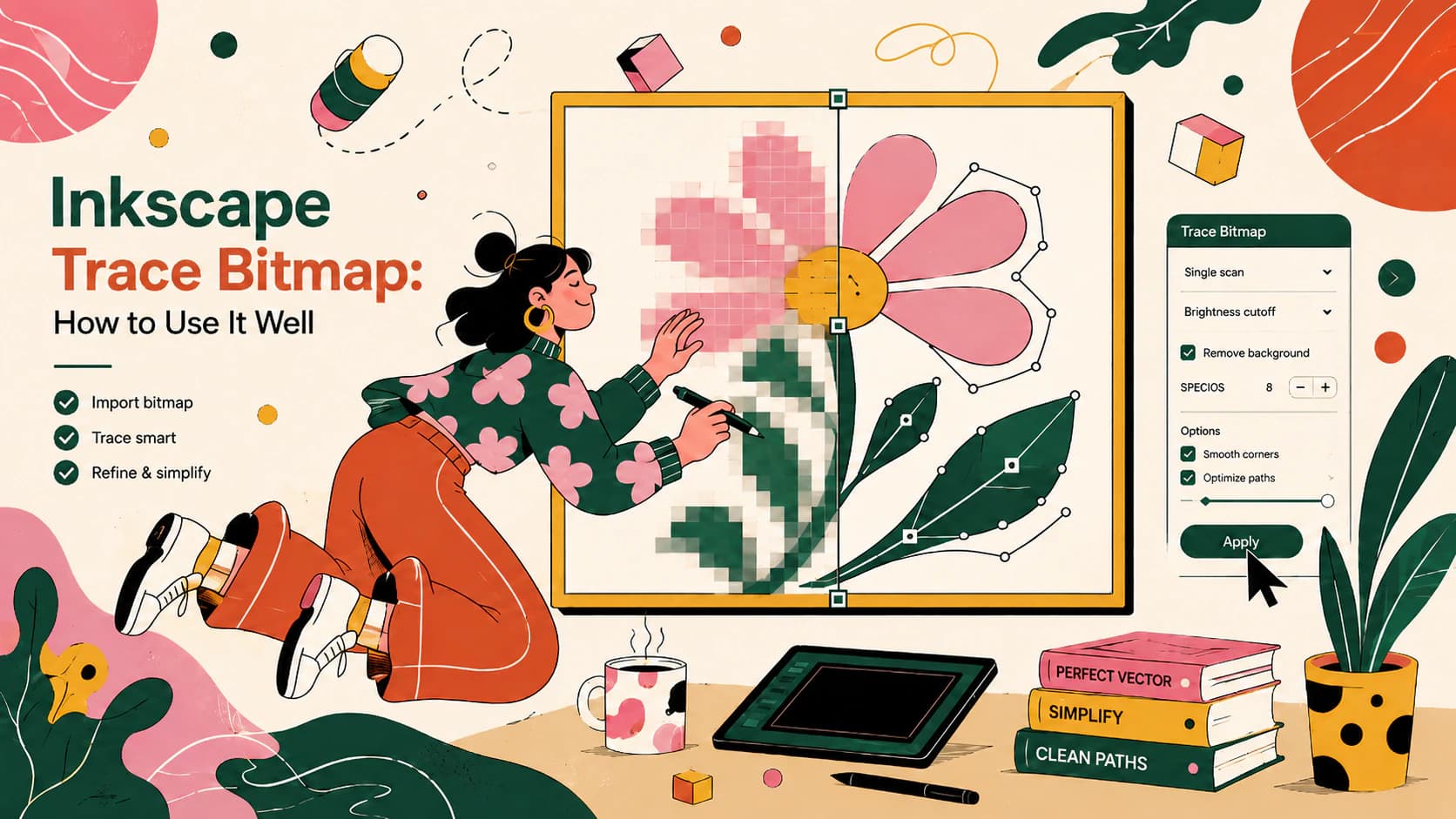
Inkscape's Trace Bitmap turns a raster image into vectors for free. Here's which settings matter, how to fix a messy trace, and when a one-click tool is better.
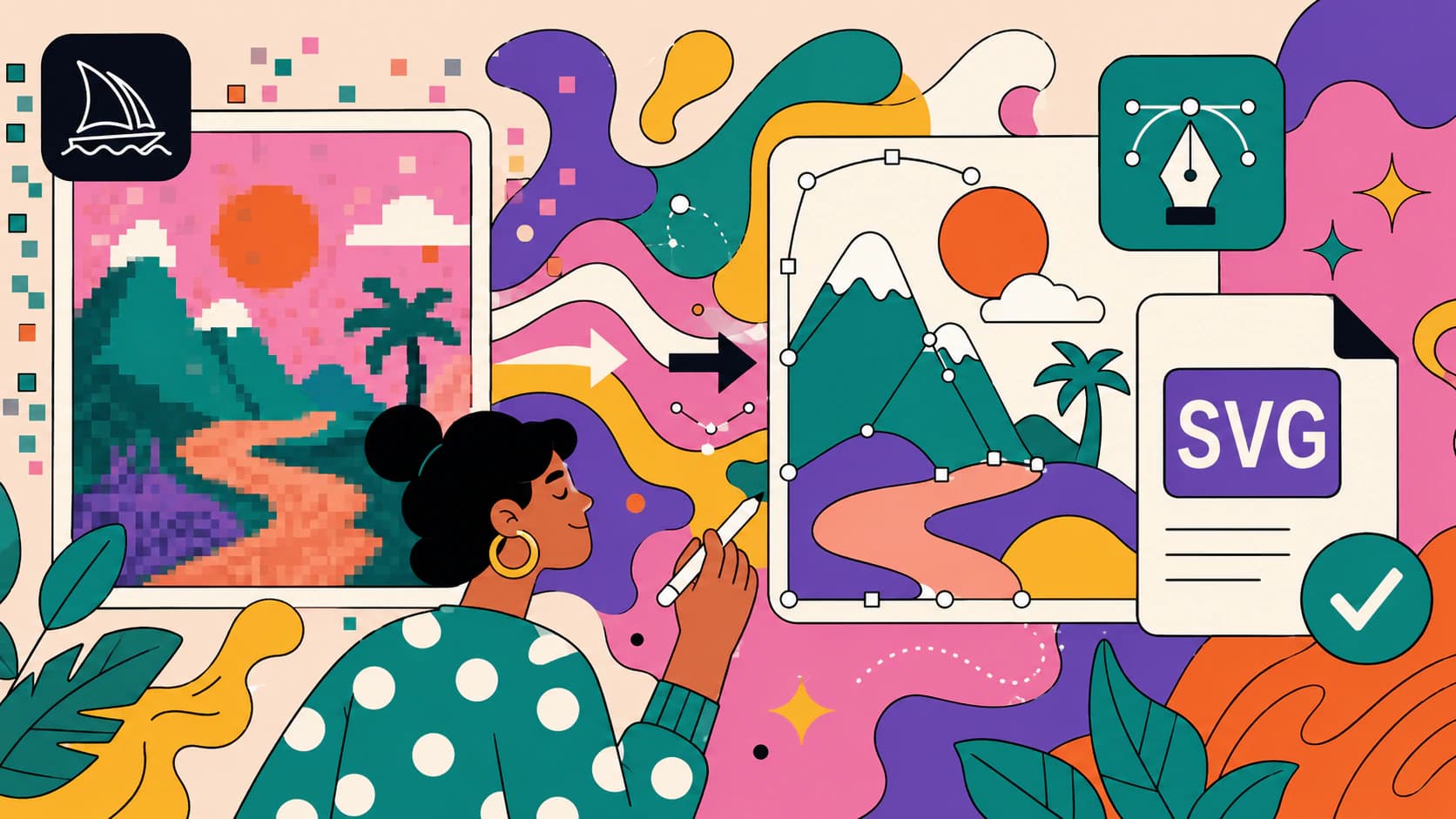
Midjourney only outputs raster PNGs, so it can't export an SVG. But its art is a great starting point. Here's how to turn a Midjourney image into a real, clean vector.
Most AI art doesn't need to be vectorized. You need a vector for cutting, screen printing, and big signs. For most prints, a high-res raster is fine. Here's how to tell.
An AI SVG generator makes a new vector from a text prompt. An AI vectorizer converts the image you already have. Here's how to pick, and when you need both.
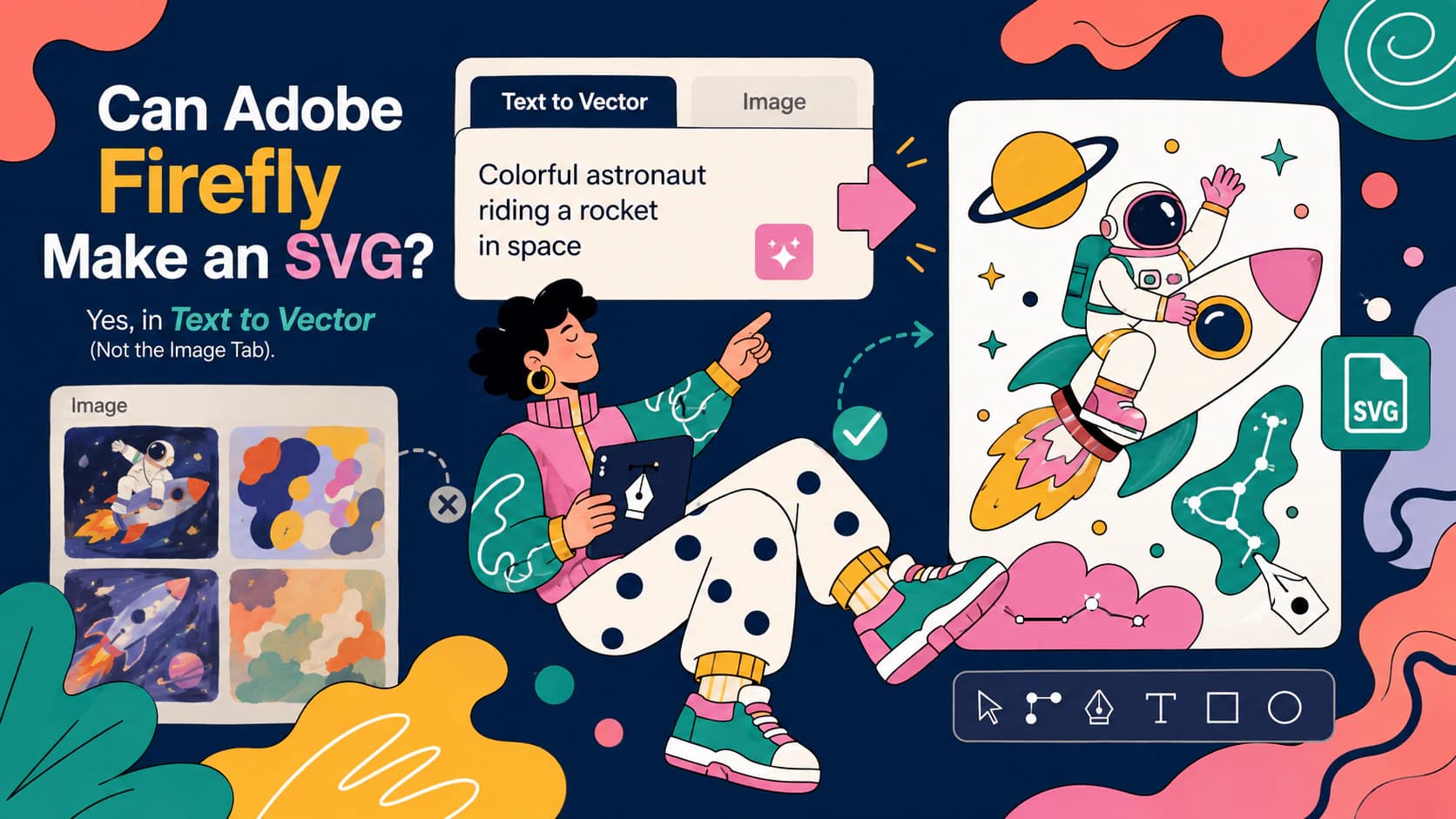
Firefly generates real, editable SVGs, but only in its Text to vector module. Prompting the image generator for an SVG just burns credits. Here's the map.
Diffusion models paint pixels, so most AI images can never be SVGs. Here's why that's baked into the technology, and the three real routes to vector output.
Vector Magic is two products with one name, and the browser edition is missing eight features. Check which one you used before you shop for a replacement.
Free Vectorizer.AI alternatives exist, and most of the reviews are written by the alternatives. Here is the real trade, and how to test any converter yourself.
Affinity finally has Image Trace, in the new unified app. How it works, why Designer 1 and 2 still can't, its honest limits, and when a dedicated tool wins.
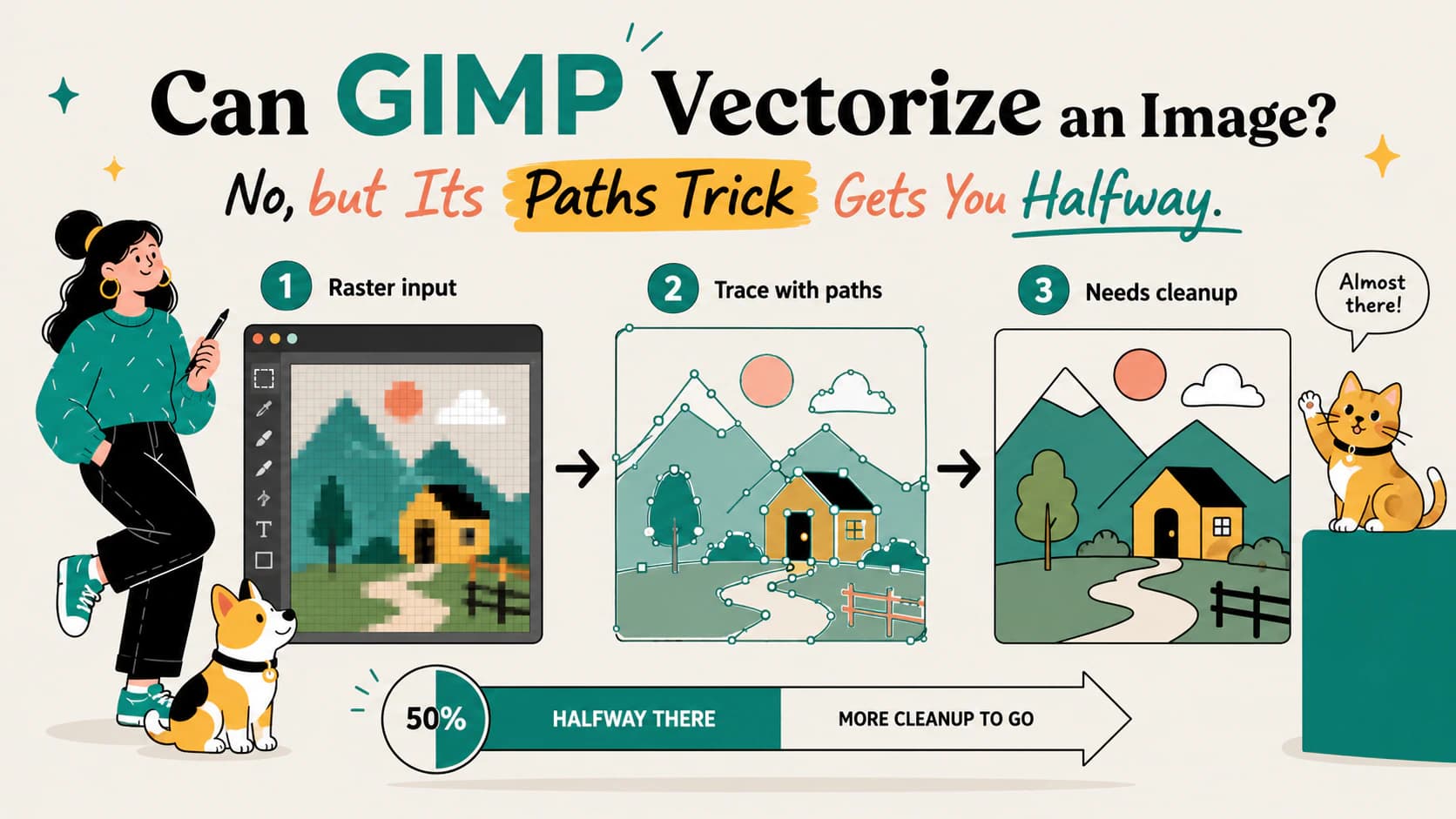
GIMP has no auto-trace: 'Trace Bitmap' is Inkscape's feature. What GIMP's selection-to-path trick can and can't do, and the free routes to a real SVG.
What Adobe Express's free SVG converter offers, per its own docs: formats, limits, and the flow. Plus the three checks any SVG should pass, whatever made it.
Kittl can vectorize an uploaded image and generate new vector art from a prompt. Learn which tool to use, the workflow, and how to inspect the SVG.
Recraft can convert PNG, JPG, or WebP images to SVG and can generate new vectors from prompts. Learn which route fits and how to inspect the result.
Procreate is a raster app, so it can't export an SVG. But it's a great place to draw one. Here's how to turn your Procreate art into a real, scalable vector.
Figma added a built-in Vectorize tool that traces your image into editable vectors, but it needs a paid plan. Here's what it does, its limits, and the honest answer.
Canva can trace your image into a vector, but only with Vectorify, a paid add-on app. The free editor and AI generator don't trace your image. Here's the honest answer.
Photoshop is a raster editor with manual vector tools, but it can't auto-trace your image into a clean vector. Here's what it really does, and what to use instead.
Gemini can write SVG code from a text prompt, unlike most AI. But it can't trace your uploaded image into a clean, editable SVG. Here's what it can and can't do.
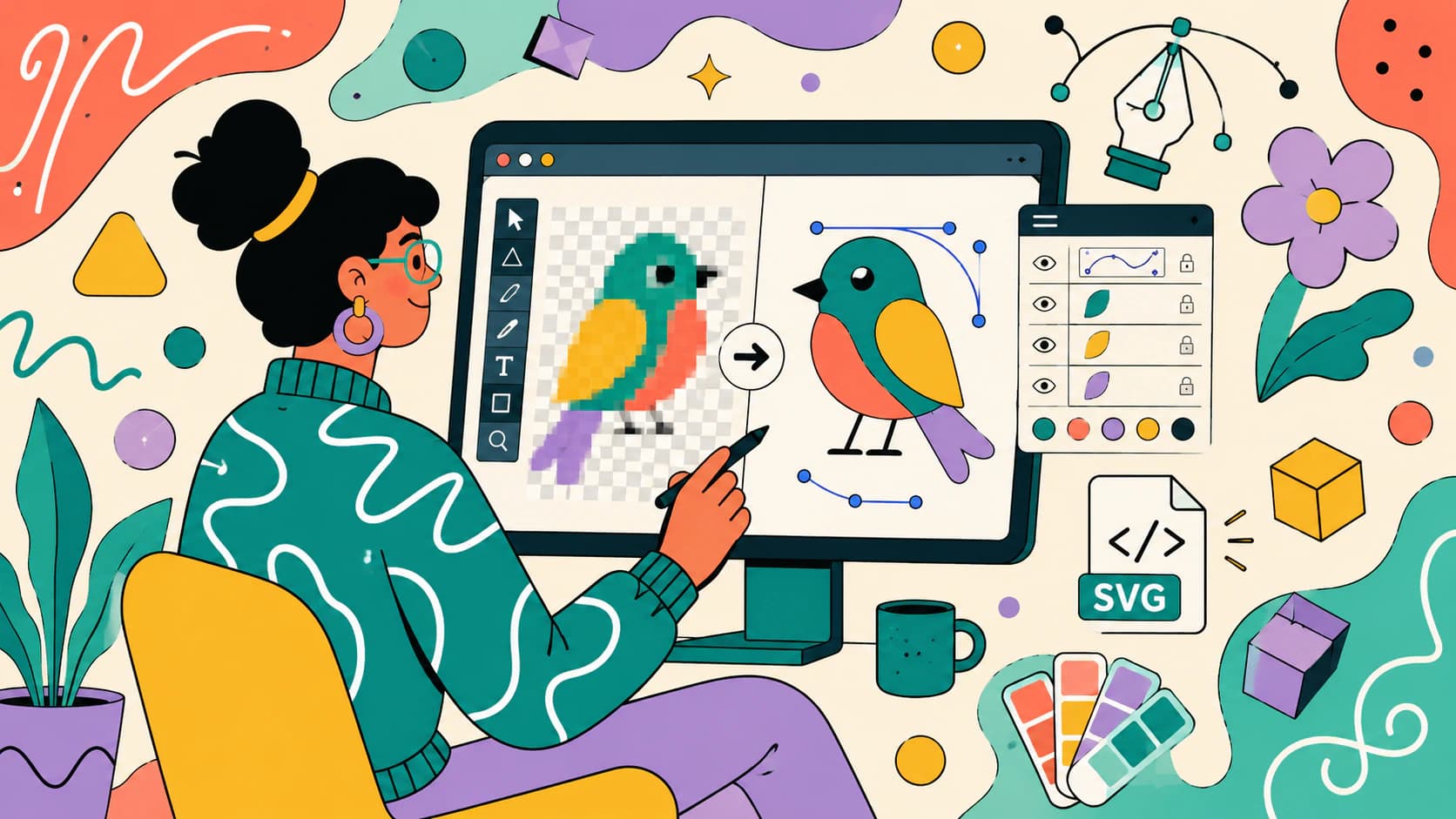
Illustrator's Image Trace is built in and hands-on. A dedicated AI vectorizer is cleaner and one-click. An honest, no-hype look at when each one wins.
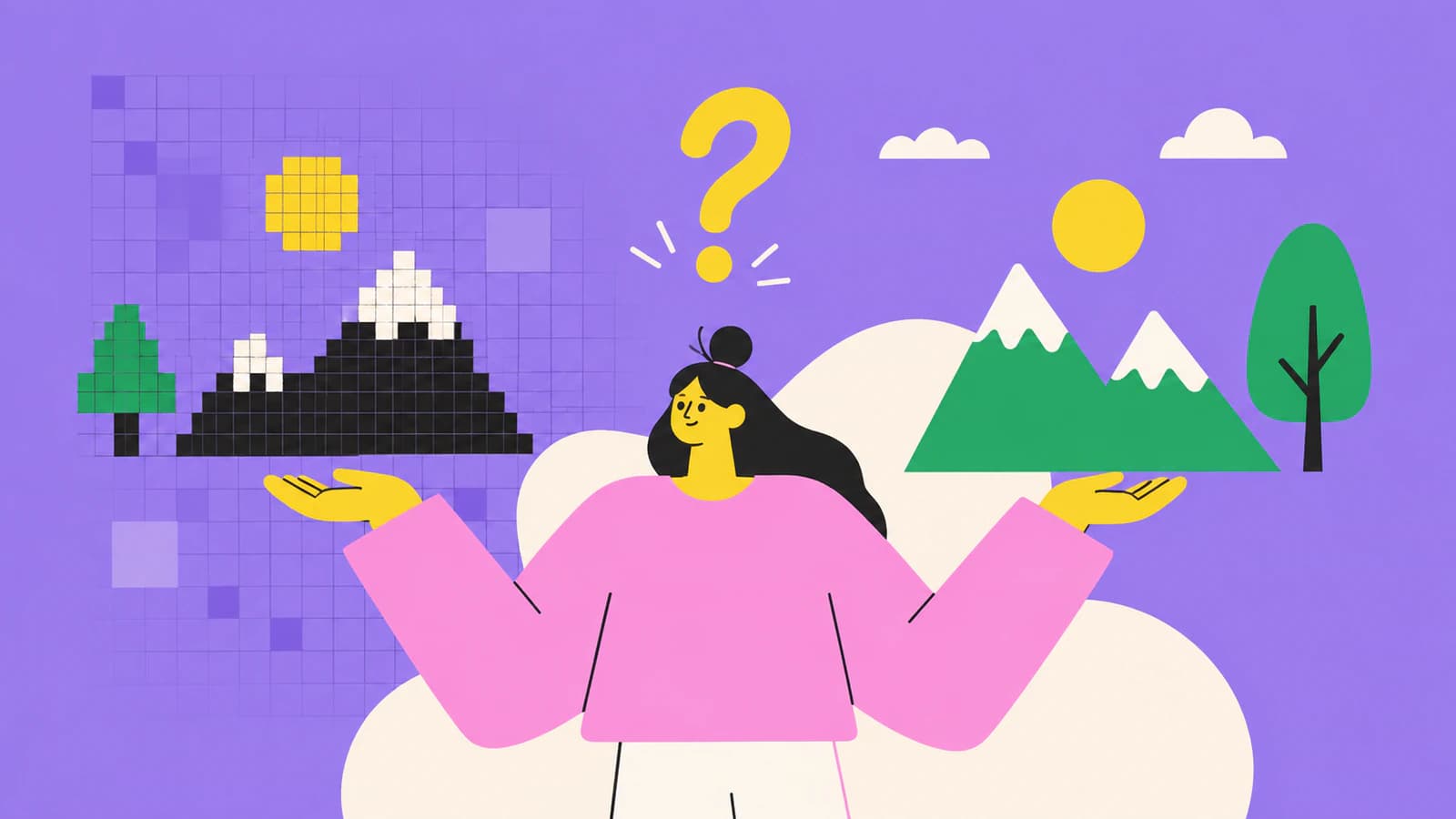
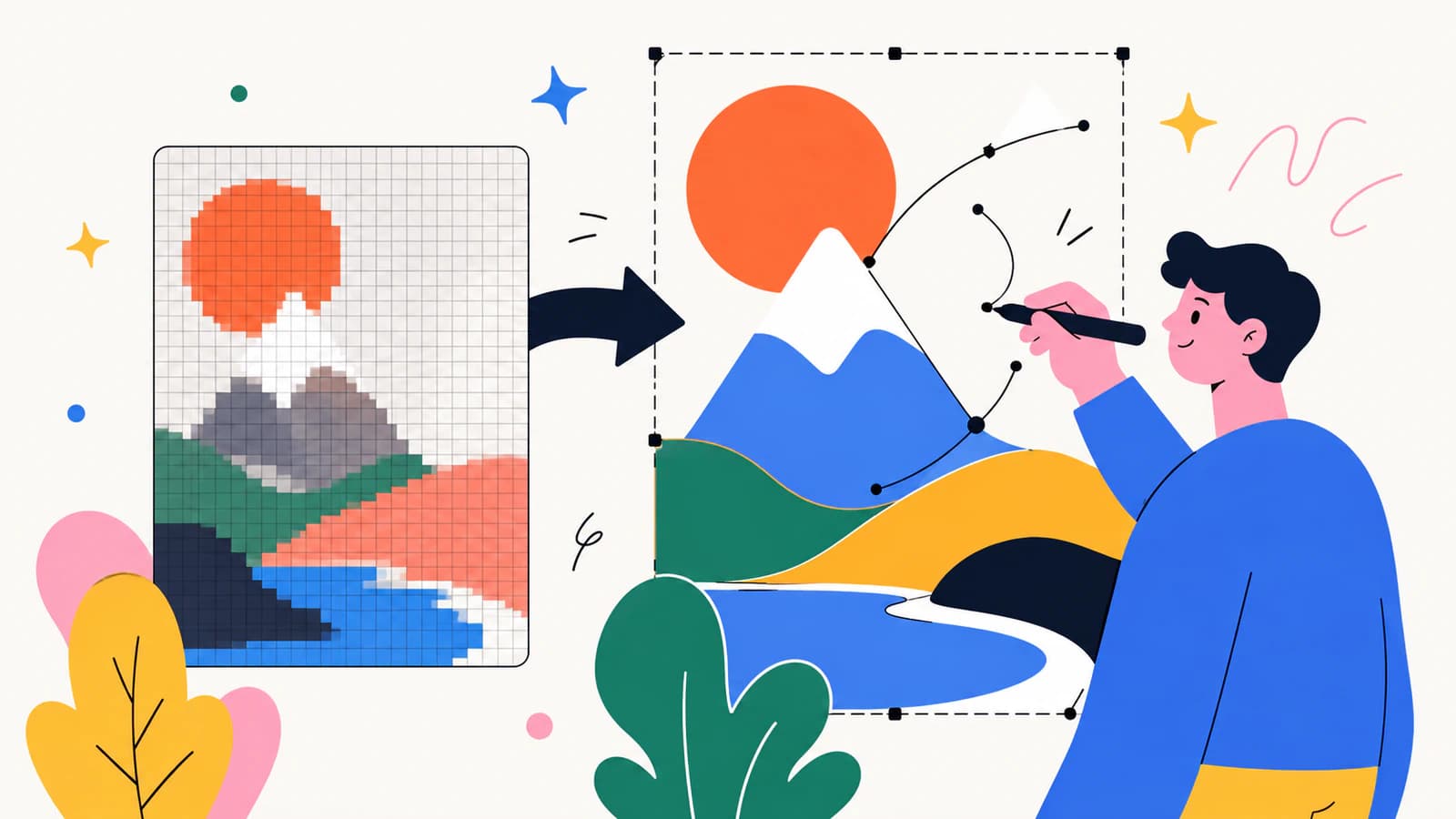
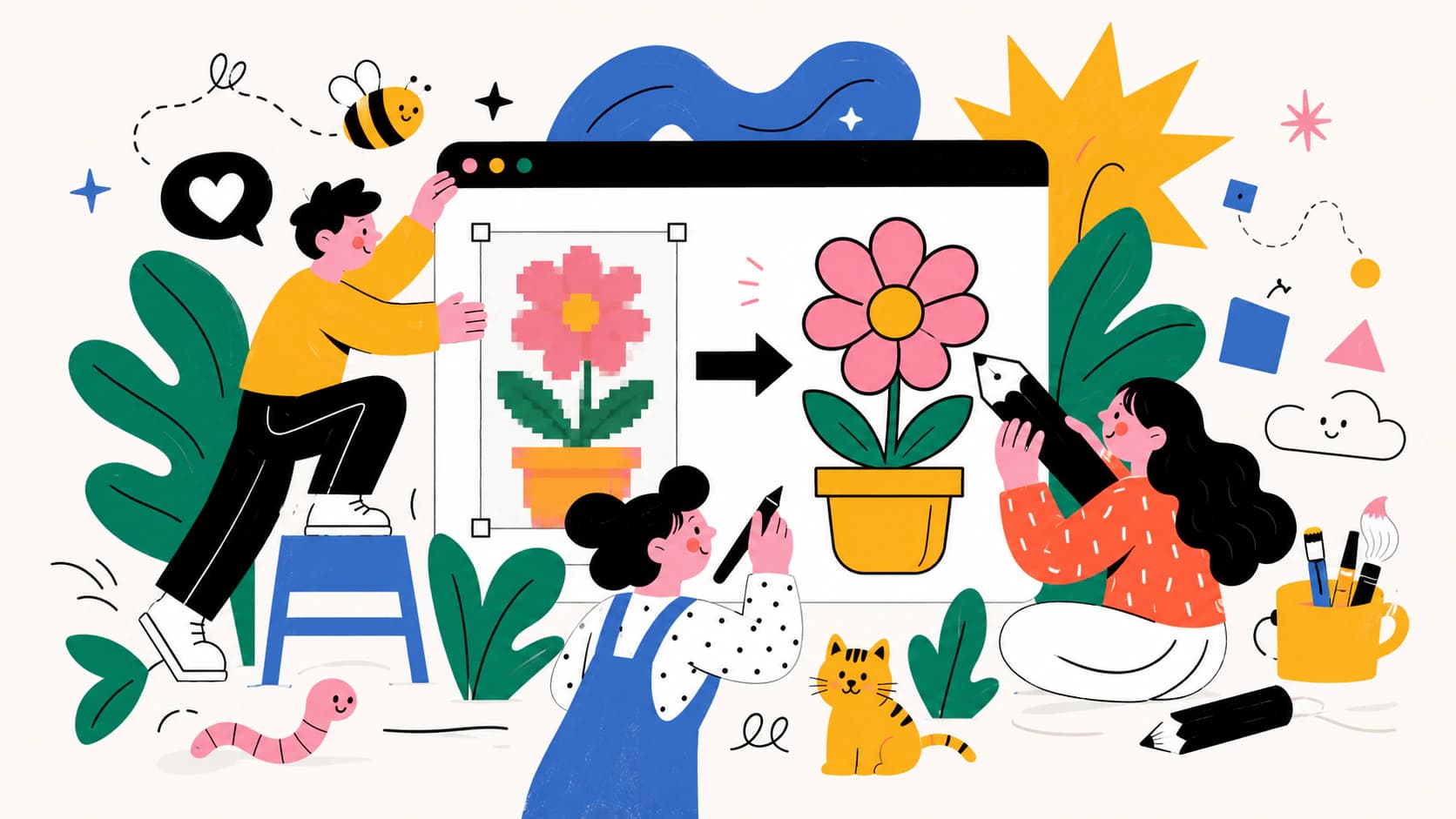
Raster images break when you scale them. Vectors don't. Here's what vectorization is, why designers care, and where AI changes the picture.