The Sign Shop Asked for a Vector File: Here's What to Send
Why sign makers insist on vector art, how to check whether your logo file actually is one, and how to deliver an SVG, EPS, or vector PDF they can cut and scale.
On this page
If a sign shop just bounced your logo back with "we need vector art," here's the fast version: they're asking for a file made of paths instead of pixels because your sign may be enlarged, cut with a blade or router, or both. Accepted formats vary by shop; for example, one current sign-making submission guide requests vector PDF, AI, EPS, or CDR for vinyl cutting and requires fonts and strokes to be outlined. A PNG or JPG can be a useful print or appearance reference, but it does not provide a cut path. The good news is that for most flat logos, getting a real vector file takes minutes, and you don't need Illustrator to do it.
Every sign shop's website explains their side of this: what vector art is and why they require it. This is the customer's side: how to check what you actually have, when you can convert it yourself, when paying the shop's redraw fee is the smarter buy, and the one detail (text) that bounces otherwise-perfect files.
The quick version
- What they want: SVG, EPS, AI, or a vector PDF, at any size, because paths scale and pixels don't.
- Why signs specifically: meter-scale enlargement, and plotters/routers that physically follow paths.
- Check what you have: zoom in. Crisp at 800% means vector; fuzzy means pixels, whatever the file extension says.
- The PDF trap: a PDF containing a photo of your logo is still raster. The wrapper doesn't vectorize the contents.
- Text must become outlines before you send: the shop doesn't have your fonts.
- Flat logo, no vector anywhere? Vectorize it and check the paths before sending.
Why sign shops are strict about this
Two production realities drive the requirement, and they're worth understanding because they also tell you what kind of vector file you need:
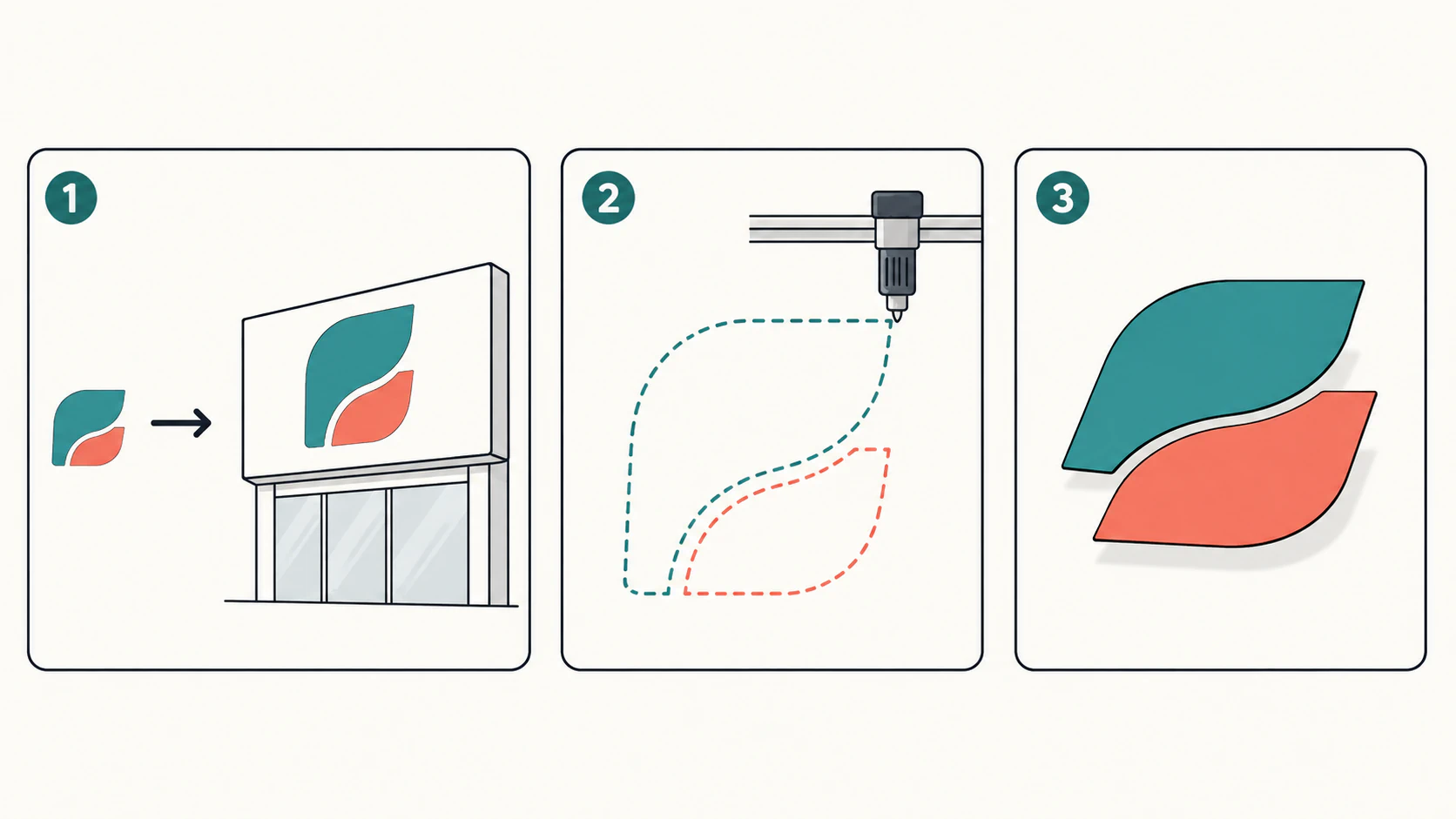
- Scale. Your logo may live as a small PNG while a storefront sign is meters wide. Enlarging the PNG exposes its finite pixel grid, and no print process can restore detail that is not in the source. Vector paths re-render without raster pixelation, which is the pixels-versus-paths divide in one sentence.
- Cutting. A lot of signage isn't printed at all: cut vinyl lettering, contour-cut decals, channel letters, CNC-routed dimensional signs. The machine physically follows a path. No path, no cut; a raster gives the plotter literally nothing to steer along. (It's the same reason CNC work starts from clean, closed vectors.)
Cut vinyl adds one more constraint the printed world doesn't have: each color is a separate sheet of vinyl, so the shop wants your logo's colors as clean, separable layers, and a two-color version of your logo will be cheaper to produce than a seven-color one.
Check what you actually have first
Before converting anything, audit the files you already have; a surprising number of "we only have a PNG" companies have a vector master hiding in an old email:
- Look for the right extensions: .ai, .eps, .svg, sometimes the original designer's files. Ask whoever made the logo.
- Zoom the file to 800%. Edges stay razor-crisp: vector. Edges go soft or blocky: pixels, regardless of extension.
- Don't trust the wrapper. A PDF or even an SVG can carry a raster image inside it; the SVG specification explicitly allows PNG and JPEG content inside an
<image>element. Whether a PDF is really vector takes ten seconds to check with zoom and object inspection.
If the audit turns up a real vector master, you're done; send that (as SVG, EPS, or PDF, whichever the shop lists) and skip to the text section below.
When the supplier specifically requests Adobe Illustrator, use the image-to-AI print-shop handoff checklist to separate path conversion from CMYK, bleed, font, and prepress setup.
No vector anywhere? Your two honest routes
Convert it yourself when the logo is flat, graphic art: solid shapes, clean edges, a reasonable number of colors. That describes most logos, and it's exactly what auto-tracing is good at. Vectorize the logo, then run the sanity checks: every shape selectable, edges crisp at any zoom, colors as separate editable layers you can merge down to the count the vinyl actually needs. The full quality checklist lives in how to vectorize a logo. If the shop uses FlexiSIGN, compare its native result with the FlexiSIGN native-trace or SVG-import guide. If the shop uses SignMaster, its trace-or-import workflow adds cutter-focused contour, node, and test-cut checks. For Graphtec workflows, the Graphtec Studio 2 image-trace guide covers incomplete previews, contour choice, and an SVG-first repair route. For Roland workflows, the CutStudio Image Outline guide covers source preparation, contour extraction, and a format-honest external-vector handoff. The Easy Cut Studio trace-or-import guide applies the same comparison to closed paths, output layers, and a small test cut.
Pay for a redraw when the source is beyond tracing: a tiny favicon-sized image, a faded photo of a business card, gradient-heavy art headed for cut vinyl, or a mark that was never crisp to begin with. Sign shops quote vectorization fees for exactly these, and a human redraw is genuinely the better product there. Knowing which case you're in is the money-saving part: don't pay a redraw fee for a clean flat logo, and don't send a shop an auto-trace of an unreadable source.
The detail that bounces files: text
A live-text file can change when the shop's computer does not have the requested font. The fix is converting text to outlines (also called curves or paths) before sending, which turns the letters into shapes that no longer need the font installed. Adobe's print-production guidance recommends outlining delivery text for this reason. Send a copy with outlined text and keep your editable original, because outlined letters are no longer editable with text controls.
What to deliver, in practice
- The vector master as SVG or EPS (or vector PDF), text outlined, at any size; scale doesn't matter when it's paths.
- A single-color version if the job is cut vinyl; your full-color mark and its one-color silhouette are different production files.
- The color specs (hex or brand codes) alongside the file, since screen colors and production colors are matched by the shop, and naming them beats guessing.
- Your original raster too, as reference; shops like seeing what the mark is supposed to look like.
What this looks like with PerfectVector
For the convert-it-yourself route, upload the best copy of your logo (PNG, JPG, or WebP up to 5MB) and inspect how the preview reconstructs its paths and color shapes. Merge stray colors until the layer count matches what the shop will actually cut, then run the 800% zoom test before spending one credit to unlock the SVG. Photos and gradient-heavy art do not become clean cut files from an ordinary fill trace; those are redraw jobs.
FAQ
What file format do sign makers want? SVG, EPS, AI, or a genuinely vector PDF; most shops list exactly these. The common thread is paths rather than pixels, so the artwork can be scaled to sign size and followed by cutting equipment. Send text converted to outlines, and include a single-color version for cut-vinyl jobs.
Is a PNG a vector file? No. PNG is a raster format, pixels on a grid, and no extension change or PDF wrapper makes it vector. To get a vector from a PNG logo, the artwork has to be traced into paths or redrawn.
Can I turn a JPEG into a vector file for a sign? Yes, if the artwork is flat and clean: auto-tracing converts solid-shape logos well. Start from the largest, sharpest copy you have, trace it, then verify shapes are selectable and edges stay crisp when zoomed. Low-quality or photographic sources are better redrawn.
Can a PDF be a vector file? It can be, and it can equally be a raster image in a PDF wrapper. Zoom in: if edges stay crisp at high zoom it's vector; if they blur, the PDF just contains pixels and a sign shop will treat it as such.
Why do sign shops charge a vectorization fee? Because someone has to redraw artwork that can't be auto-traced: tiny sources, faded scans, complex or gradient-heavy marks. For clean flat logos you can usually skip the fee by converting yourself; for genuinely rough sources, the human redraw is worth the money.
Do I need to convert text to outlines before sending? Yes. Your file references fonts the shop probably doesn't have, and substituted fonts change the sign. Converting text to outlines bakes the letterforms into shapes, so the file renders identically everywhere. Keep an editable copy for yourself and send the outlined one.
Sources
- Nova Display — Submission Guidelines for Sign Making and Vinyl Cutting — vendor requirements for vector artwork, formats, fonts, and strokes.
- University of Virginia Sign Shop — Print and Graphics Guidelines — a second production shop's vector, raster, and font-handoff requirements.
- Adobe Illustrator — Prepare artwork for screen printing — outlining live text and separating artwork by production color.
- W3C — SVG Embedded Content — why an SVG container can still include raster PNG or JPEG content.
The shop is asking for paths it can scale and fabricate. Audit what you have, trace the logo if it is suitable flat art, outline the text in a delivery copy, and verify the exact format with the shop before sending it.
More from the blog
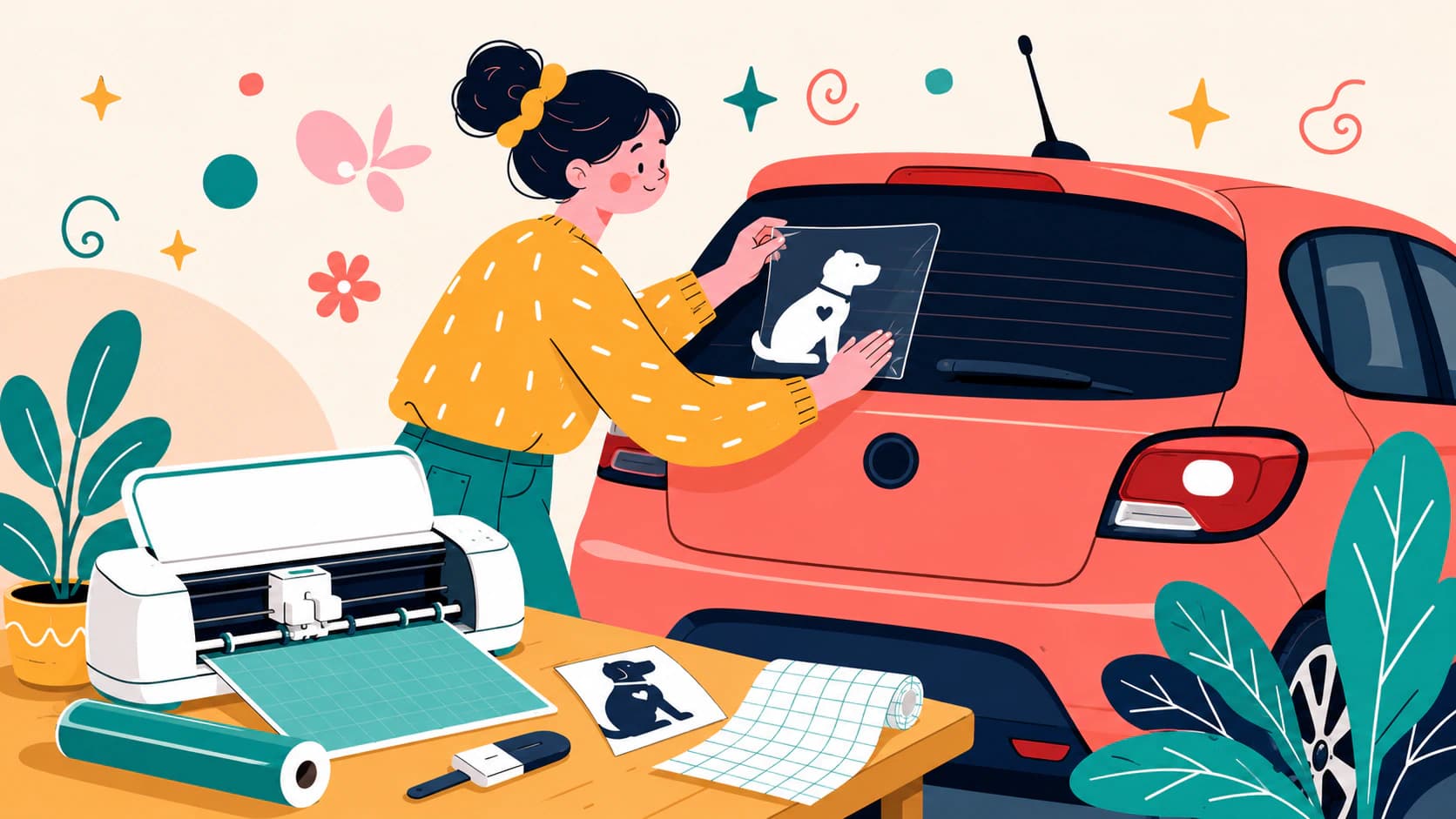
How to Make Car Decals With a Cricut (From Your Own Design)
Make a car decal from your own logo, drawing, or pet photo: design rules that survive at distance, a cut-ready SVG, and the honest cases for buying instead.
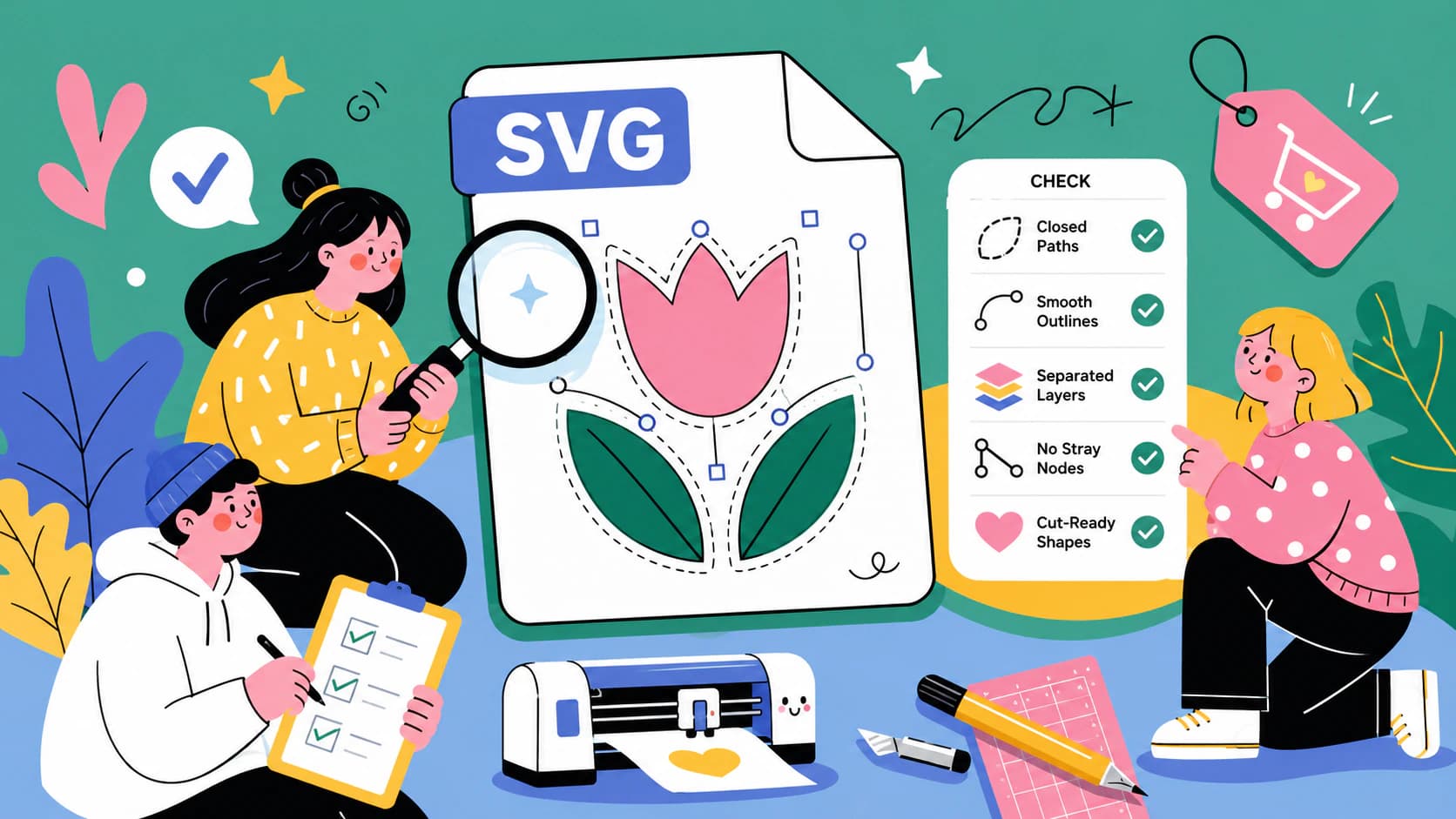
How to Check an SVG File Before You Cut It (or Buy It)
The five-minute preflight for cut files: spot fake vectors, doubled paths, node bloat, and stray boxes before you waste vinyl, plus what to check before buying.