


PerfectVector
Loved byDesigners
Trusted byMakers
FOR MERCH ARTISTS AND SMALL BRANDS

Convert screen-printing artwork
to vector.

Turn a suitable PNG or JPG design into SVG paths you can review before sending artwork to your printer.

or try by clicking an image

No credit cardUnlimited vectorizing & previewSVG ready in seconds

THE FILE REQUEST AFTER THE DESIGN IS DONE

The printer needs vectors. You have a PNG.

The artwork is approved for the tote or T-shirt. Rebuilding every curve would mean opening the drawing again. Convert the image, then check the shapes against your original.

Inspect the real examples

Start with the clearest export of your original artwork. Keep an existing native vector instead of tracing its raster copy.

PNG → SVG

Please send editable vector artwork.

Representative printer request, not a customer quote

Check the artwork, before the screens.

Compare the complete drawing and its smaller gaps. Open either file to inspect it at full size.

01

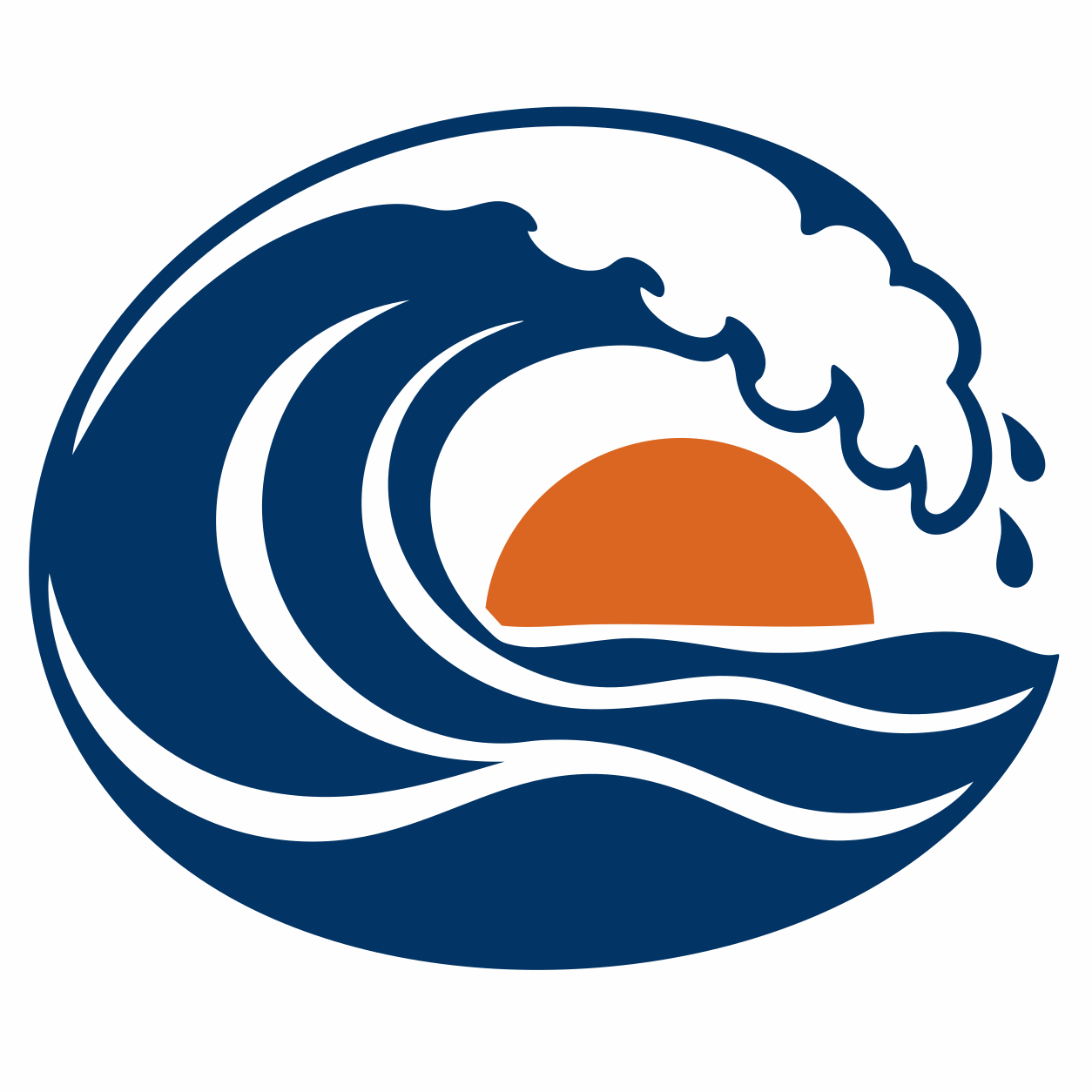
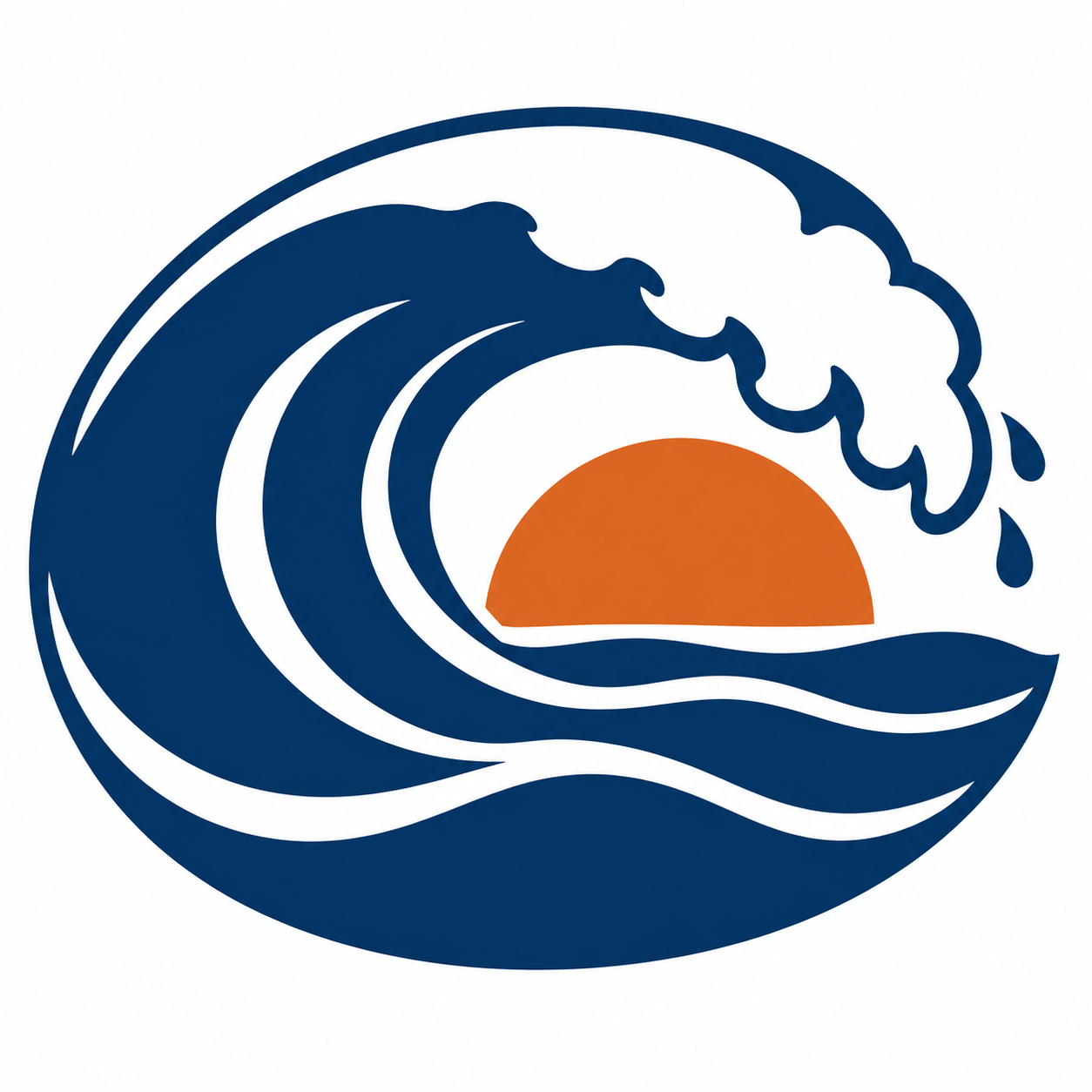
A bold wave design

Follow the curl and the spaces between the blue and orange regions.

Original PNG1254 × 1254
Original blue wave and orange sun artwork
Open original
PerfectVector SVGSVG
Actual SVG conversion of the complete wave and sun
Open SVG
02

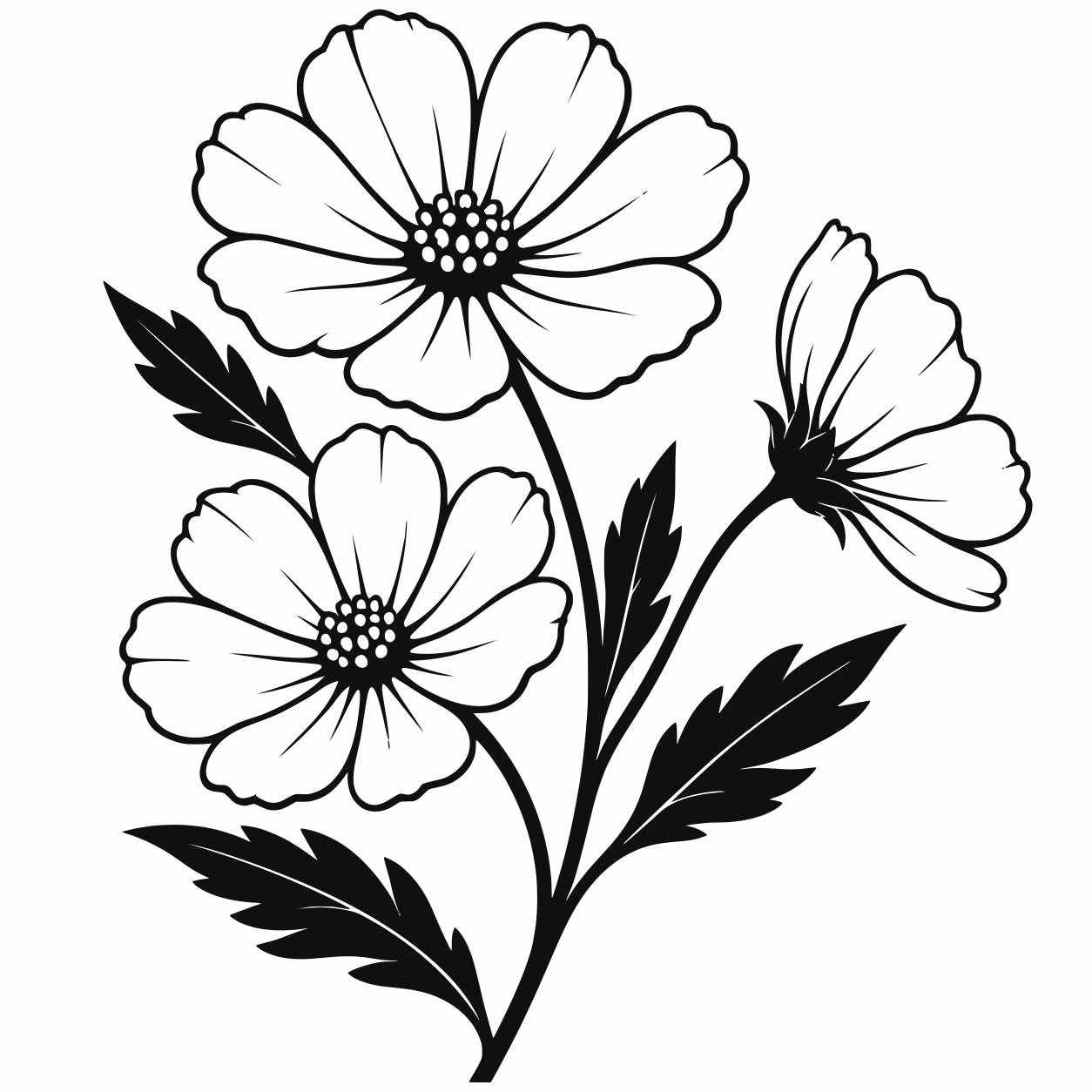
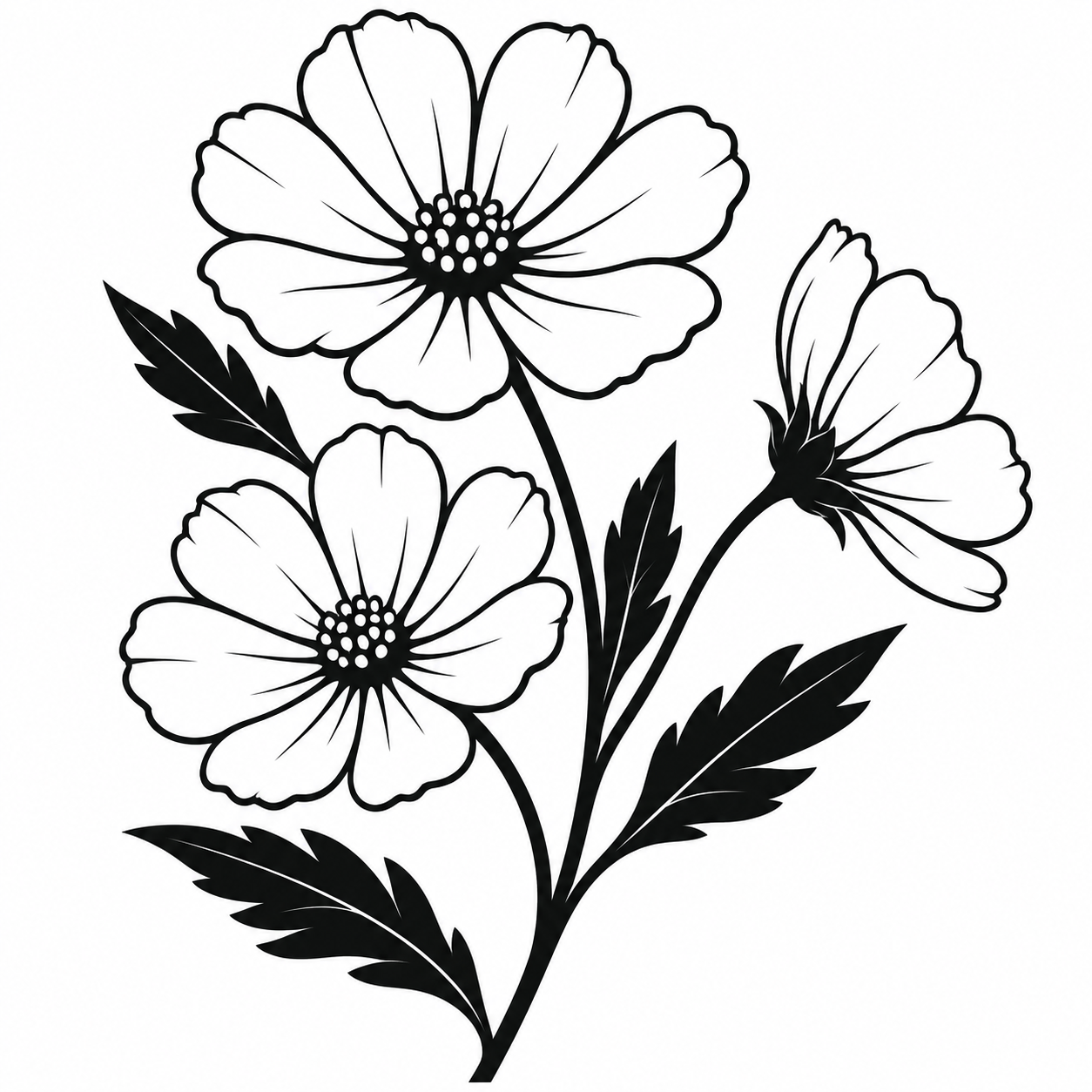
Black botanical linework

Compare the petal edges and white spaces. Ask your printer to check the smallest details at the intended size.

Original PNG1254 × 1254
Original black cosmos flowers on white
Open original
PerfectVector SVGSVG
Actual SVG conversion of the complete cosmos stem
Open SVG
03

A multi-color café illustration

Inspect the handle opening and joins. Visible colors still need the printer's ink specifications.

Original PNG1254 × 1254
Original green and red coffee-pot illustration
Open original
PerfectVector SVGSVG
Actual SVG conversion of the complete coffee-pot design
Open SVG

Three original AI-created examples, converted with the real PerfectVector engine on September 16, 2026. Native 1254 × 1254 PNGs and downloaded SVGs are shown without artwork edits. These are prepared examples, not customer files or physical print tests.

BUILT BY AI RESEARCHERS

An in-house AI model that turns pixels into editable vectors.

PerfectVector AI Lab

The research team continuously advancing PerfectVector's in-house vectorization engine

PerfectVector is developed in-house by Rastrix Inc. Its researchers bring 10+ years of combined research and industry experience in deep learning and computer vision.

Our researchers hold every vector to a high standard. They design new methods, review results, and continuously improve how PerfectVector reconstructs shapes, edges, colors, and fine detail.

AI research
deep learning and computer vision
10+ years
research and industry experience
In-house
core vectorization models and algorithms
Quality-first
continuous model and engine improvement

THE NEXT CONVERSATION WITH YOUR PRINTER

Send the artwork with a print brief.

You supply

  1. 01

    Finished size and placement

    Specify the printed width and position on the shirt or tote. Screen zoom is not a physical-size check.

  2. 02

    Ink and garment references

    Agree the ink colors and fabric color. A screen display cannot approve the printed color.

  3. 03

    A reviewed vector master

    Inspect outlines, gaps and lettering. Keep names and typography in the native file when available.

Ask whether your PNG is already enough.

603 Printing and Monster Press prefer vectors for suitable graphics, but also accept high-resolution raster artwork. Their guides explain why size and prepress requirements matter. They do not evaluate or endorse PerfectVector.

Before you pick a plan

You're in good company.

I'd tried everything and been let down every time — I'd given up, figuring today's tech just couldn't do this. And you actually built it. If this is real, it's genuinely incredible.
sam••••via Threads
It converts at even better quality than I expected — it preserves the character of the original better than anything else I've tried.
imbee••••via Threads
PerfectVector is impressively fast, and the output quality is already very good. With a bit more refinement it could easily compete with the leading tools.
InPixelSt••••design studiovia email
Way more detailed than I expected. Opening Illustrator to convert every single time was such a chore — bookmarked.
bazzing••••Illustrator uservia Threads
Tried it — it's accurate. Simple images actually expose detail differences more than complex ones do, and this nails them.
good9••••via Threads

SIMPLE, FAIR PRICING

Start free. Upgrade when you need more.

Vectorizing and preview are always free and unlimited — you only spend a credit when you download a finished file.

Free

Try it out, casual use

Free

5 credits when you sign up. Expires in 30 days.

  • 5 credits when you sign up(Expires in 30 days)
  • Unlimited vectorizing & preview
  • Simplify & merge colors
  • Clean, optimized SVG output
  • SVG, PNG, JPG, PDF, EPS, DXF export

No credit card required

Recommended

Light

For regular design work

$12/month

100 credits a month · about $0.12 per download

  • Everything in Free, plus:
  • 100 download credits every month
  • Credits refresh monthly
  • Priority processing
  • Priority support
  • Early access to new features

Pro

For power users & studios

$25/month

500 credits a month · about $0.05 per download

  • Everything in Light, plus:
  • 5x more usage than Light
  • 500 download credits every month
  • Credits refresh monthly
  • Highest monthly volume
  • Built for high-volume professional use

Need just a few more? Buy 10 credits for $5. · one-time · Never expires

1 credit = 1 download. Re-downloading a file you already saved is always free. Cancel anytime.

FREQUENTLY ASKED QUESTIONS

Questions before you convert?

Does screen printing always require vector artwork?

No. Some printers accept a high-resolution PNG at the final print size. Ask first. Vector paths are useful for inspecting and editing flat graphics; keep the original raster for photographs or texture when your printer prefers it.

Does PerfectVector create color separations?

No. SVG fill colors are not named spot inks or separate screens. Your printer still handles separations, underbase, trapping, registration and halftones.

Can I send the SVG directly to the printer?

Check the printer's accepted formats. Some accept SVG; others request AI, EPS or PDF. Confirm the size, colors and supplier proof before production. Traced letters become shapes, not live text.

How much does conversion cost?

Vectorizing and preview are always free and unlimited — you only spend a credit when you download a finished file.

Get your artwork
ready for review.

Upload artwork you own or may adapt. Inspect the result before unlocking a download.

Convert my artwork

Vectorizing and protected preview are free and unlimited. One credit unlocks a finished download; repeat downloads of that unlocked result are free.