
Take WebP artwork into an EPS workflow.
Upload your WebP logo or illustration directly. Preview the traced shapes for free, then unlock editing and EPS export with a white or black background.
or try by clicking an image
FROM WEB ASSET TO PRINT ASSET
Give the web graphic another job.
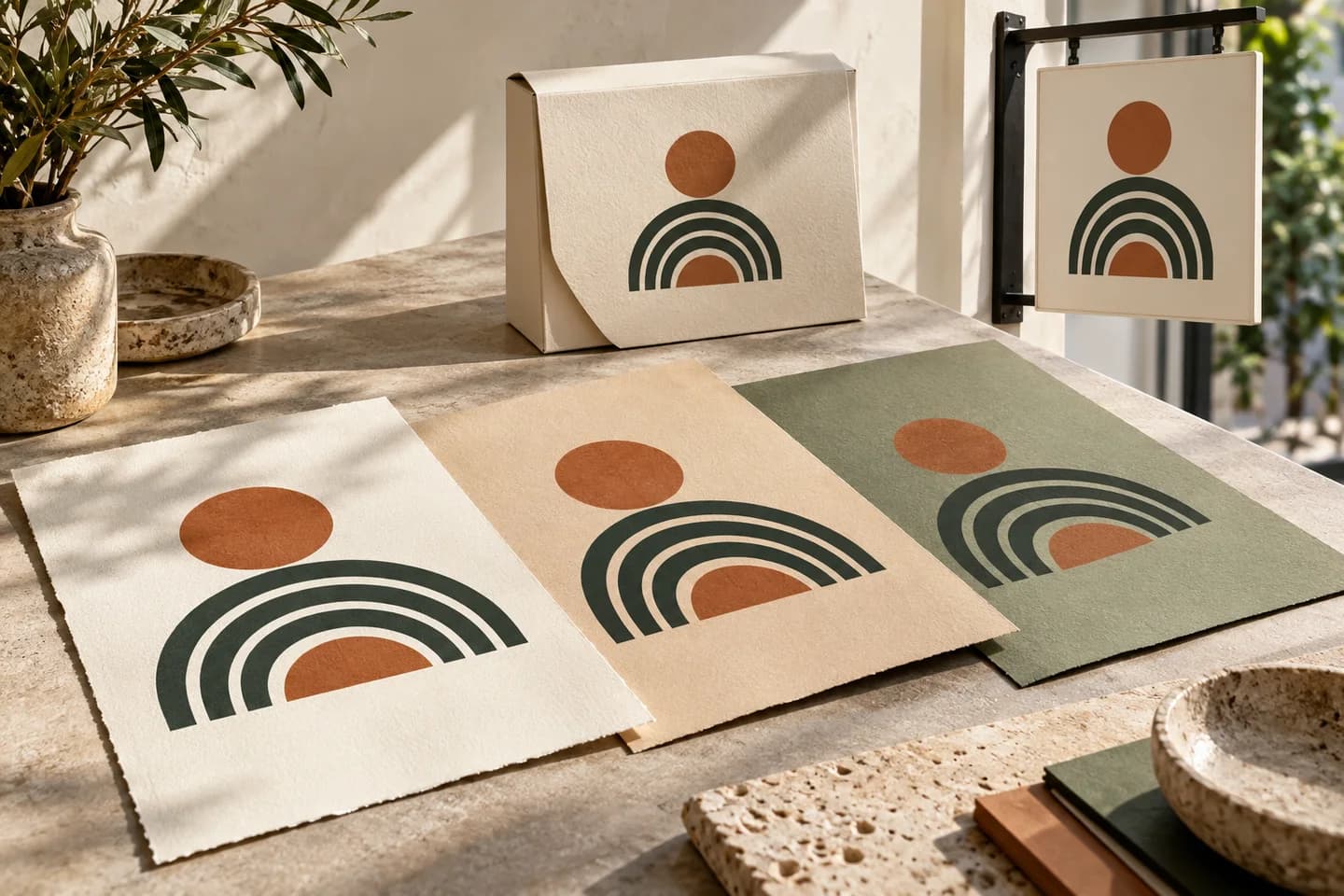
The WebP in your brand folder can become a starting point for packaging, posters or a supplier handoff. What matters is the artwork inside it, not the fact that it came from a website.
- Compact raster file
- May contain transparency
- May contain animation
- Traced vector shapes
- White or black EPS background
- One still composition
BEFORE YOU SEND THE EPS
Check the artwork.
Confirm the print requirements.
Your EPS contains filled vector shapes in RGB, with a white or black background. Check that this matches what your printer or designer needs.
Preview your WebP for free- Vector shapes
- Inspect the traced artwork and its smallest details.
- RGB fills
- Ask the printer about CMYK conversion or spot-color preparation.
- Opaque background
- Choose white or black. Use a different format when transparency is required.
- Final placement
- Open the export in the receiving application and verify its scale and appearance.
WEBP TO EPS
From source pixels to a reviewed EPS.
- 01
Choose the WebP source
Upload the WebP directly; no intermediate PNG is needed. Confirm one complete still frame if the file is animated.
- 02
Inspect the free preview
Compare the free preview with the WebP or selected frame. Inspect fine shapes, compressed edges and the background.
- 03
Unlock, then refine
Unlock the result with one credit to edit and export. Adjust colors or remove unwanted shapes if needed, then select EPS.
- 04
Download and check the EPS
Choose a white or black background and download the EPS. Open it in the receiving application to check its size, background and colors.
KNOW YOUR WEBP SOURCE
Start with a clear web graphic.
Check the WebP at a larger size. Small web copies can lose details that EPS export cannot restore.
What changes when WebP becomes EPS?
You can upload a WebP logo or illustration directly and trace its shapes for EPS export. Start with the largest clear original available. For an animated WebP, select one complete still frame before tracing.
Inspect the preview for free. Unlock the result with one credit to edit and export, then select EPS and choose a white or black background.
This EPS export uses RGB colors and an opaque background. If your supplier needs CMYK, named spot colors or separate ink plates, prepare those in a print application. Check the final file against the supplier's requirements.
A web graphic may rely on transparency that this EPS export cannot retain. Use WebP to SVG when preserving a transparent handoff is the priority, then check the traced edges against the intended background.
Useful starting points
- Web logos and simple brand illustrations
- Clear icons saved from your own asset library
- A complete, sharply defined frame from an animation
Before vectorizing
- Upload the WebP directly; no intermediate PNG is needed.
- Zoom into letters and curves to check for compression blur or jagged edges.
- For an animation, use the frame selector to choose one complete still image.
Before exporting EPS
- A small web thumbnail may not contain enough detail for reliable tracing.
- The result contains one still image, not the WebP animation.
- The EPS has a white or black background. Check transparent edges, soft shadows and gradients against that background.
Questions before you convert?
Do I need to turn WebP into PNG before creating EPS?
No. Upload the WebP directly. An intermediate PNG does not improve detail that is already missing from the original WebP.
Can an animated WebP be converted to EPS?
Choose one still frame in the frame selector. Only the confirmed frame is vectorized and exported; the EPS does not preserve animation.
Does lossless WebP give me a lossless vector conversion?
Lossless describes the WebP pixel encoding. Vectorization is a new interpretation of those pixels as shapes, so inspect curves, lettering and small details even with a lossless source.
What happens to a transparent WebP background in EPS?
The EPS exporter uses an opaque white or black background. It does not retain WebP alpha transparency or partial opacity. Use WebP to SVG when the next application needs transparent vector artwork.
Can I use a WebP taken from my website for a printed sign?
Your own clear, sufficiently detailed brand graphic can be a starting point. A tiny web thumbnail may need a better source. Review the trace and have the final EPS checked at the intended sign size.
Does WebP-to-EPS convert web colors for commercial printing?
The output uses RGB fills. Color conversion, spot-color matching and any required separations belong in a separate print-preparation workflow with your supplier.
Can I preview the conversion for free?
Vectorizing and viewing the protected preview are free and unlimited. The first unlock of a result costs one credit and enables editing and export. Downloading that same unlocked result again does not use another credit.
Related tools.
WEBP → EPS