
Inspect the source resolution, alpha edges and compression before tracing.
Loved byDesigners
Trusted byMakers
WEBP → VECTOR · ASSET REUSE
Make your WebP artwork editable and scalable.
Upload a WebP logo or illustration directly and preview its vector paths. Check the edges and transparency, then unlock editing and export. Animated WebP uses one selected still frame.
or try by clicking an image
No credit cardUnlimited vectorizing & previewSVG ready in seconds
FROM DELIVERY FILE TO WORKING ASSET
Built for a website. Useful somewhere else.
A web image can become the starting point for a label, a presentation or a larger layout. First recover the shapes; then choose a format for the destination.
ACTUAL SAVED CONVERSION
From WebP pixels to SVG shapes.
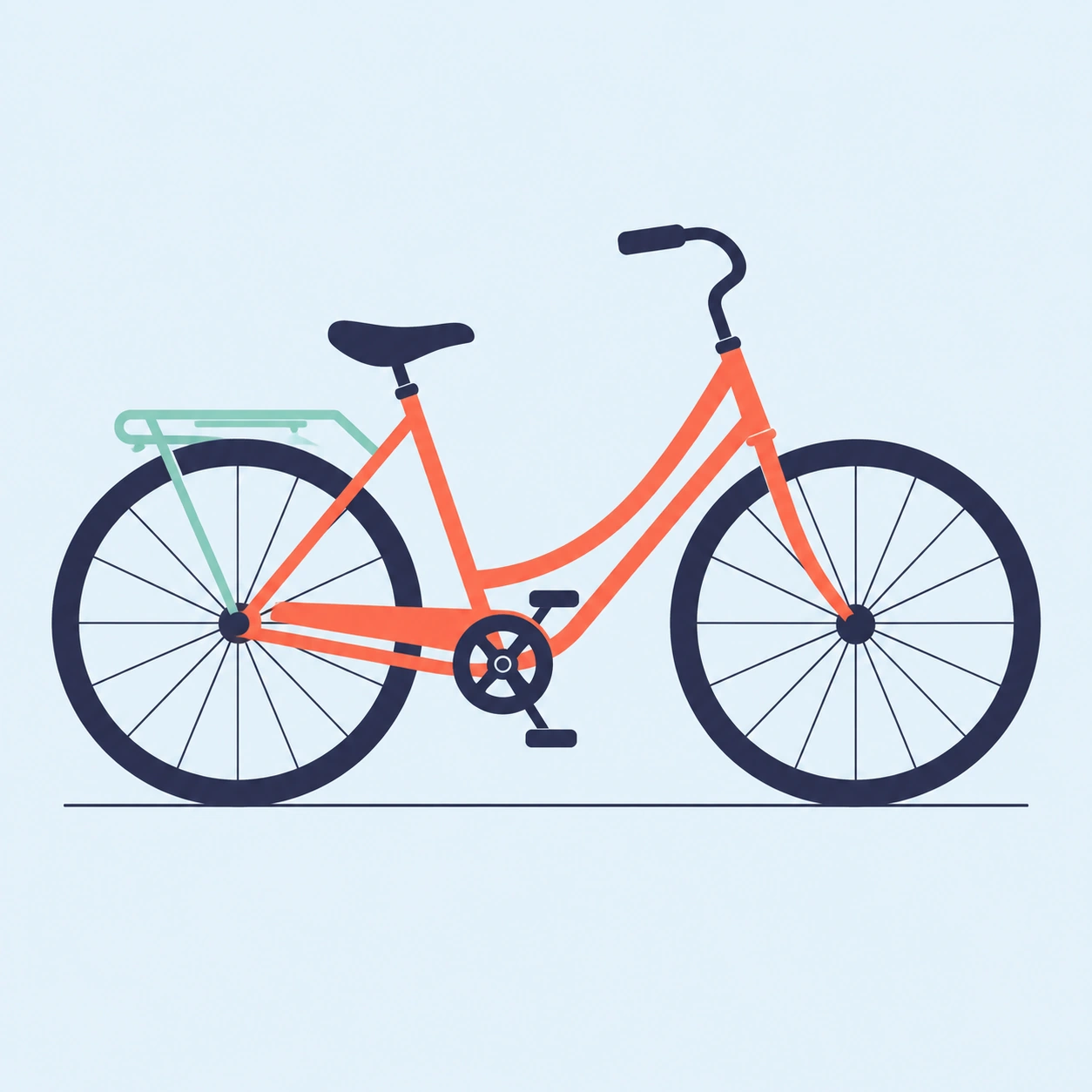
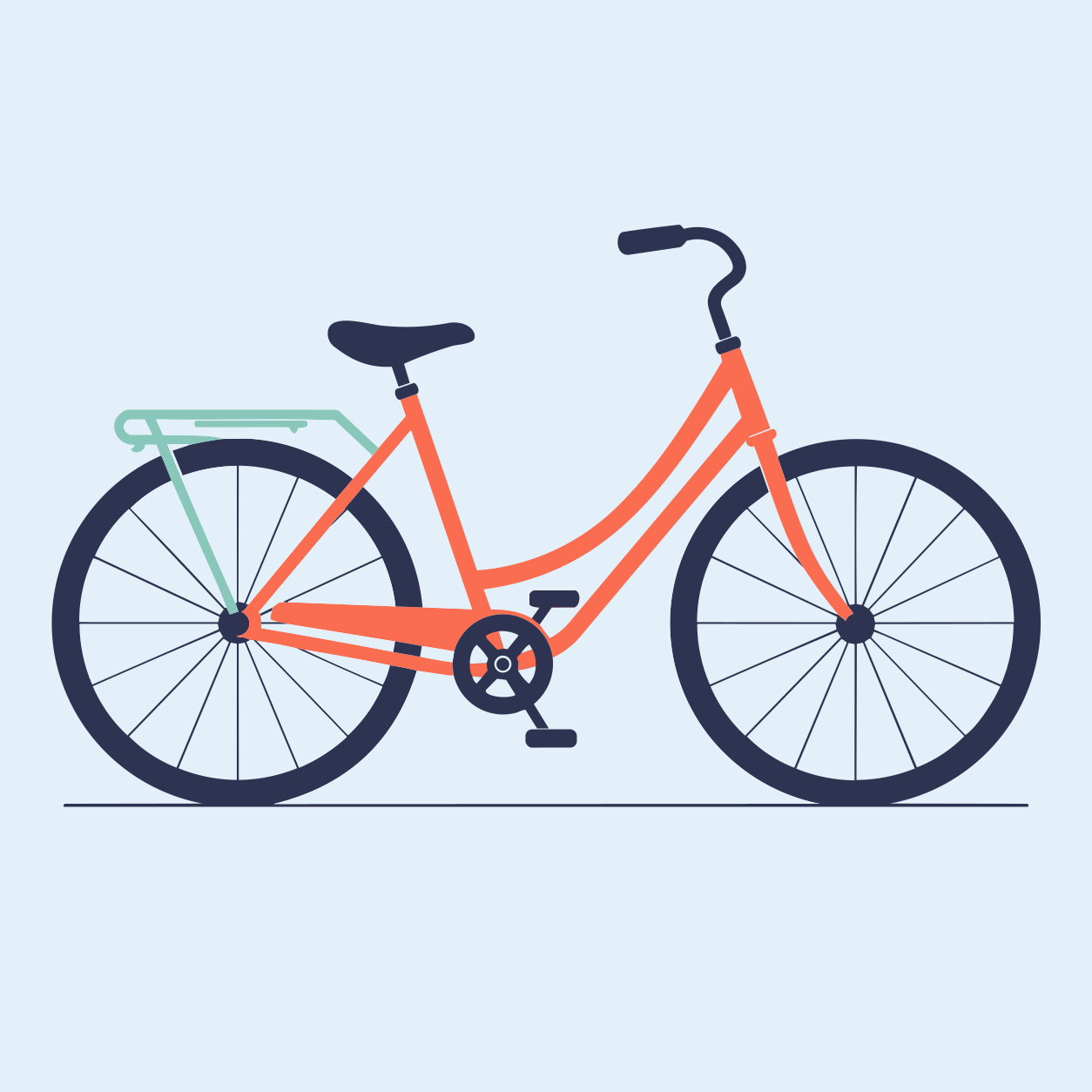
Original 1254 px WebP and its saved PerfectVector SVG. Compare the same detail, or return to the full bicycle. The counts describe the SVG.
- Paths
- 64
- Fill colors
- 4
The colors in this SVG
- #2D3351
- #89C7BB
- #E3F0F9
- #FB6D51
BEFORE IT BECOMES A MASTER
Static or animated? Make that choice first.
A still graphic enters the normal flow. An animated WebP asks you to choose one complete frame before upload. Both become static vector artwork.
Choose one complete frame; the vector output is a still image.

A FORMAT WITH A PURPOSE
Where does the artwork go next?
Use a destination-focused export. A file for a browser has different requirements from a file handed to a printer or a machine workflow.
.svg
SVG · shapes and curves
Keep editing
A flexible master for vector editors and browser layouts.
Open the SVG workflowWEBP TO VECTOR
From WebP to a reviewed vector file.
- 01
Choose your WebP
Upload the WebP directly. Use a larger original from your asset library if the saved web copy is small or blurry.
- 02
Choose a frame and inspect it
For animation, select one complete still frame. Compare the free preview with the source, especially transparent edges and fine details.
- 03
Unlock and refine
Unlock the result with one credit to edit and export. Adjust colors or remove unwanted shapes if needed.
- 04
Choose the export
Download SVG for a reusable vector master, or choose PDF, EPS or DXF when the next application requires it. Check the selected format’s options.
SOURCE & HANDOFF NOTES
Check the web image at a larger size.
A WebP can be a useful recovery source when it contains clear graphic shapes rather than photographic texture.
Reuse the web graphic in a new design.
A WebP saved from a website may be the only copy of a logo or illustration you have. It can contain compressed or lossless pixels, transparency and animation. Check the image itself to see whether its edges and small details are clear enough to trace.
Use a source you own or have permission to reuse. If the original SVG or design file is available, keep that instead of vectorizing a smaller web rendition. When only the WebP remains, inspect the trace against the visible source.
For an animated WebP, select one complete still frame before vectorization. The vector result contains that frame only; it does not retain the animation or recover objects hidden behind the subject.
For browser artwork, WebP to SVG explains the SVG handoff. For a print supplier that specifically requests EPS, review WebP to EPS and its opaque-background limit.
Useful starting points
- A permitted web logo whose editable original is unavailable
- Flat illustrations moving from a website into another layout
- One selected frame with a complete, readable silhouette
Before the handoff
- Zoom into edges to check for blur, blocks or lost detail from compression.
- Choose a complete still frame for animated input.
- Inspect transparency and fine shapes before reusing the result elsewhere.
Know the boundaries
- A vector download does not grant rights to third-party artwork.
- Animation becomes one selected still image.
- Tracing a small web thumbnail cannot recreate hidden detail.
FREQUENTLY ASKED QUESTIONS
Questions before you convert?
Can I upload a WebP directly?
Yes. Compatible static WebP files enter the normal preparation flow. For animated WebP, select one still frame before vectorization. Both produce a static vector result that you can preview before unlocking editing and export.
Will the output keep WebP animation?
No. You select one still frame to trace. The downloaded vector represents that frame, not an animation timeline.
Is every WebP heavily compressed?
No. WebP can use lossless or lossy encoding. Inspect the actual edges and resolution instead of judging quality from the extension alone.
Should I use an existing SVG instead?
If you have a suitable original SVG, keep it. Vectorization is useful when you need paths but only a raster rendition remains.
Can I use any image downloaded from a website?
You are responsible for having the rights to the source artwork. Converting a file does not change its ownership or license.
How do I choose a vector export?
Use SVG for an editable master or browser placement, PDF for a document handoff, EPS when requested by a design workflow and DXF for geometry review.
Can I preview the result for free?
Vectorizing and viewing the protected preview are free and unlimited. The first unlock of a result costs one credit and enables editing and export. Downloading that same unlocked result again does not use another credit.
EXPLORE MORE
Related tools.
WEBP → VECTOR · ASSET REUSE
Give your WebP graphic another use.
Upload the original WebP and inspect the free vector preview before unlocking the result.
Preview your WebP for free