PerfectVector
Loved byDesigners
Trusted byMakers
POTTERY SIGNATURES & MAKER'S MARKS

Your pottery mark is drawn.
Prepare the SVG.

or try by clicking an image

No credit cardUnlimited vectorizing & previewSVG ready in seconds
ILLUSTRATIVE SUPPLIER-HANDOFF SCENARIO

THE DRAWING IS FINISHED

You know your mark. The supplier needs a file.

The signature in your notebook is already the one you want. Before handing it to a custom stamp supplier, turn that flat image into a vector you can inspect. You can discuss the order with a clear artwork file instead of asking the supplier to interpret a notebook photo.

Inspect the source and result
ARTWORK ON THE STUDIO TABLE
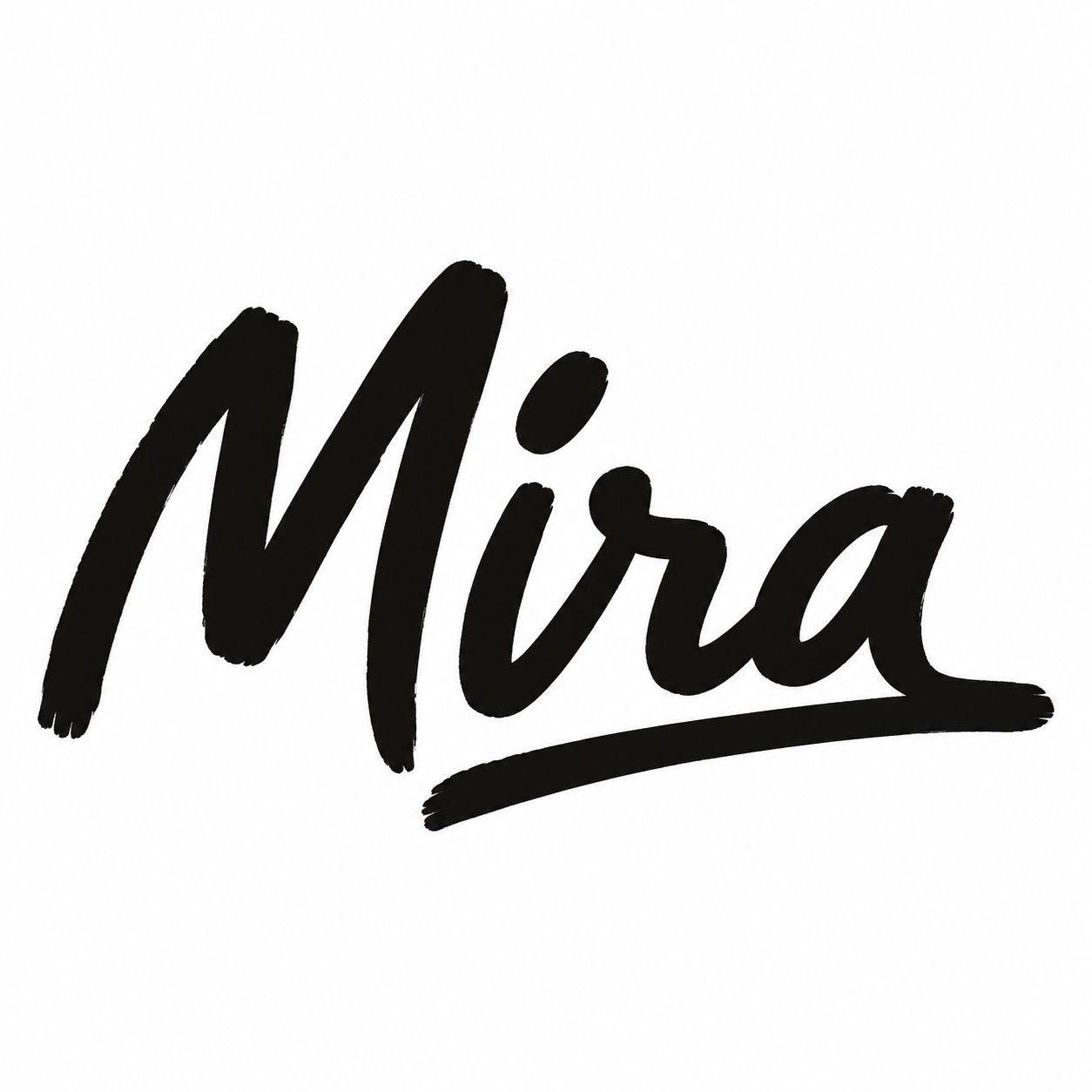
Prepared black signature reading Mira on a plain white source board

A clean, flat drawing prepared as the vectorization source

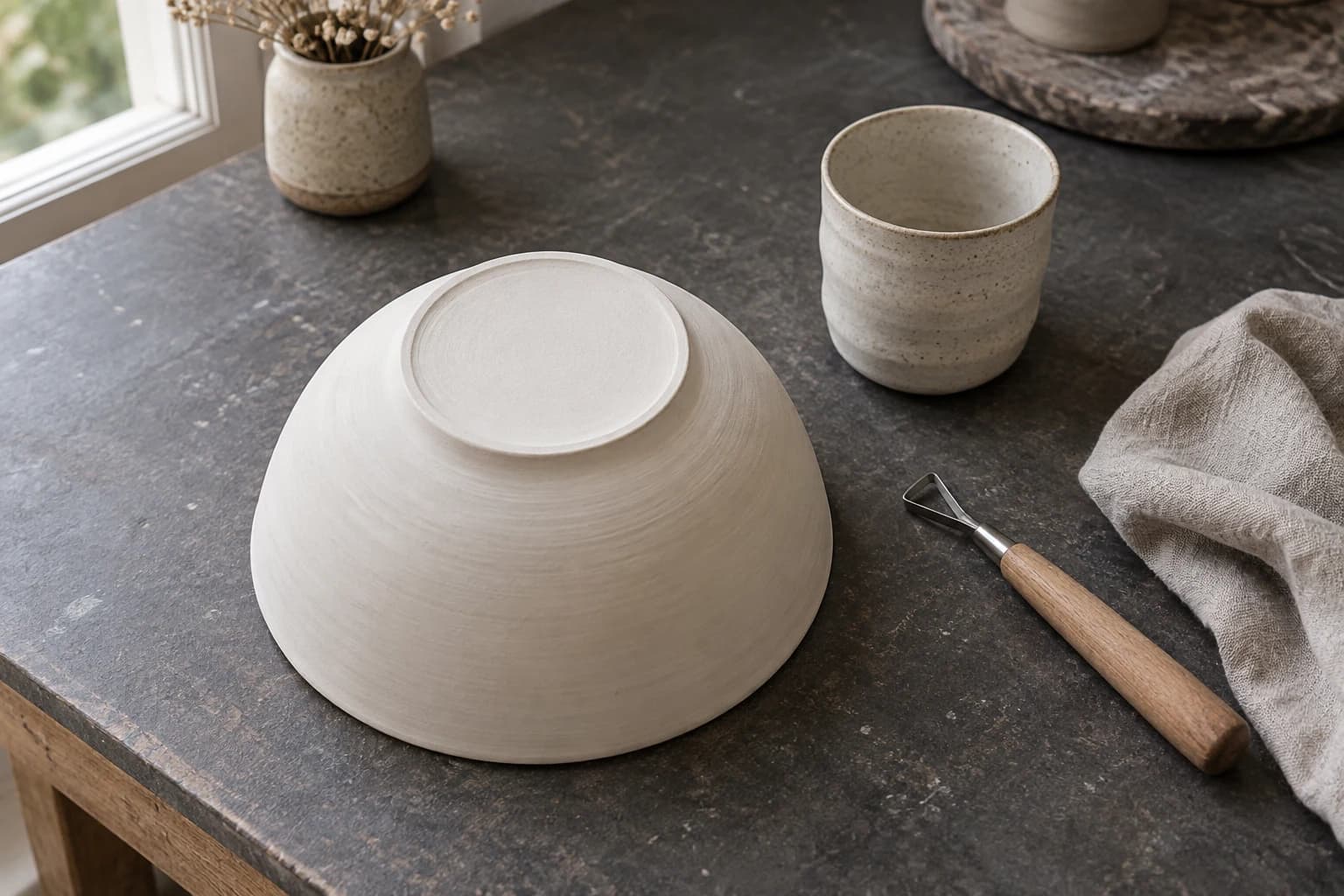
AI-created illustrative ceramics studio with a separate prepared source drawing. No stamp or clay impression is shown.

READ THE SUPPLIER BRIEF

A drawing may be accepted. A vector may be preferred.

The handoff is not identical at every shop. These suppliers accept different combinations of drawings, photos, raster files, SVG, and PDF, then retain their own review or proof step.

These sources describe their own services and requirements. They do not evaluate or endorse PerfectVector. Recheck the instructions for the supplier making your stamp before ordering.

THE ARTWORK UNDER REVIEW

Review the SVG you can send onward.

Four prepared black-on-white examples, each processed by PerfectVector. Switch between them, compare the complete source and result, then decide whether the SVG is suitable to send to your supplier for review.
Choose a pottery mark example
Signature

A personal line deserves a close comparison.

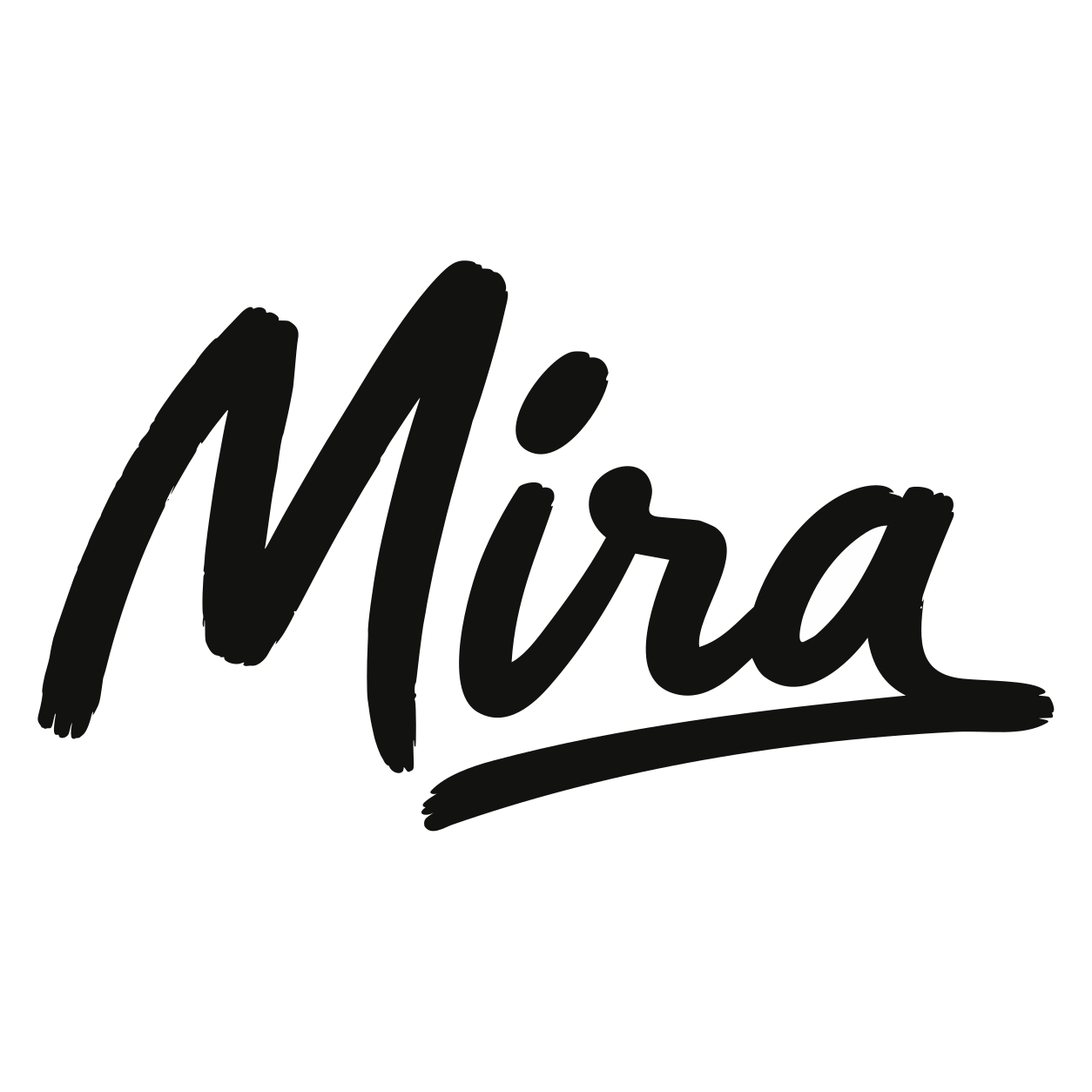
Look across the M, connected strokes, dot, and final flourish in the Mira signature. Decide whether the converted shape still feels like the drawing you approved.

6 paths · 2 fill colors · 0 embedded images
Prepared sourcePNG
Original thick black signature reading Mira on white
Generated PNG used as the conversion source
PerfectVector SVGSVG
Actual PerfectVector SVG of the complete Mira signature
Displayed SVG derived from the actual engine output

Converted with PerfectVector on September 8, 2026. The four sources are team-directed synthetic examples, not customer uploads. Only a proven full-canvas background was removed from each display copy; artwork paths were not manually repaired. These examples are not physical stamps, clay tests, or performance benchmarks.

BUILT BY AI RESEARCHERS

An in-house AI model that turns pixels into editable vectors.

PerfectVector AI Lab

The research team continuously advancing PerfectVector's in-house vectorization engine

PerfectVector is developed in-house by Rastrix Inc. Its researchers bring 10+ years of combined research and industry experience in deep learning and computer vision.

Our researchers hold every vector to a high standard. They design new methods, review results, and continuously improve how PerfectVector reconstructs shapes, edges, colors, and fine detail.

AI research
deep learning and computer vision
10+ years
research and industry experience
In-house
core vectorization models and algorithms
Quality-first
continuous model and engine improvement

AN ILLUSTRATIVE SCALE CHECK

One SVG. Three screen sizes.

A vector can be displayed at different sizes without changing the master artwork. This board helps you notice which strokes and gaps deserve another look before the supplier receives the file.THE SAME MIRA SVG APPEARS IN EVERY STUDY
Small studyOn screen
The complete Mira signature SVG displayed in an illustrative circular placement

Fine joins become harder to judge when the mark is shown smaller.

Medium studyOn screen

Check the open spaces around connected strokes.

Large studyOn screen

Zoom in for path inspection, then return to the intended placement.

Illustrative screen study only. These are on-screen comparisons, not calibrated dimensions. Ask the supplier to evaluate the artwork at the size you plan to order.

FROM DRAWING TO SUPPLIER REVIEW

Prepare the artwork. Leave fabrication to the supplier.

Your reviewed SVG carries the visible mark into the next conversation. The supplier turns that artwork into a specification and proof for the stamp it will make.
FILE YOU CAN SENDReviewed SVG artwork
SUPPLIER-HANDOFF NOTESSVG
  1. 01

    Start with the flat original

    Upload the clearest drawing, signature, or logo file you can use. Leave out clay texture, shadows, perspective, and surrounding pottery.

  2. 02

    Compare the whole mark

    Inspect the protected preview beside the original. Check letter openings, joins, thin strokes, small gaps, and any shape that carries the identity of the mark.

  3. 03

    Keep editable wording separate when it may change

    Vectorization traces visible letters as shapes. It does not recover a font, correct spelling, or create editable text for a future studio name.

  4. 04

    Request the supplier proof

    Send the requested format and confirm final size, spacing, mirroring, relief, material, and clay considerations with the supplier before production.

An SVG is an artwork handoff, not an STL or finished stamp model. It does not encode relief depth, automatic mirroring, minimum printable detail, or a guaranteed clay result.

AN HONEST FIT

Know what the vector can settle.

Use the preview to judge the traced shapes and choose the right file for the handoff. Check small details at the size you plan to order.

Prepare distinct signatures and bold line marks

A clear black-on-white drawing gives you visible contours and open areas to compare directly with the SVG.

Confirm physical decisions with the supplier

Your order and the supplier's process set the final dimensions, spacing, shrinkage allowance, mirroring, relief, and proof steps.

Keep the raster when that is the accepted handoff

Some suppliers accept a suitable drawing, photo, JPG, or PNG. Vectorization is useful only when the SVG helps your actual artwork workflow.

Use a mark you own or have permission to adapt. A vector conversion does not grant rights to a signature, logo, typeface, or illustration.

Before you pick a plan

You're in good company.

I'd tried everything and been let down every time — I'd given up, figuring today's tech just couldn't do this. And you actually built it. If this is real, it's genuinely incredible.
sam••••via Threads
It converts at even better quality than I expected — it preserves the character of the original better than anything else I've tried.
imbee••••via Threads
PerfectVector is impressively fast, and the output quality is already very good. With a bit more refinement it could easily compete with the leading tools.
InPixelSt••••design studiovia email
Way more detailed than I expected. Opening Illustrator to convert every single time was such a chore — bookmarked.
bazzing••••Illustrator uservia Threads
Tried it — it's accurate. Simple images actually expose detail differences more than complex ones do, and this nails them.
good9••••via Threads
SIMPLE, FAIR PRICING

Start free. Upgrade when you need more.

Vectorizing and preview are always free and unlimited — you only spend a credit when you download a finished file.

Free

Try it out, casual use

Free

5 credits when you sign up. Expires in 30 days.

  • 5 credits when you sign up(Expires in 30 days)
  • Unlimited vectorizing & preview
  • Simplify & merge colors
  • Clean, optimized SVG output
  • SVG, PNG, JPG, PDF, EPS, DXF export

No credit card required

Recommended

Light

For regular design work

$12/month

100 credits a month · about $0.12 per download

  • Everything in Free, plus:
  • 100 download credits every month
  • Credits refresh monthly
  • Priority processing
  • Priority support
  • Early access to new features

Pro

For power users & studios

$25/month

500 credits a month · about $0.05 per download

  • Everything in Light, plus:
  • 5x more usage than Light
  • 500 download credits every month
  • Credits refresh monthly
  • Highest monthly volume
  • Built for high-volume professional use

Need just a few more? Buy 10 credits for $5. · one-time · Never expires

1 credit = 1 download. Re-downloading a file you already saved is always free. Cancel anytime.

FREQUENTLY ASKED QUESTIONS

Questions before you convert?

Can I turn a hand-drawn pottery signature into SVG artwork?+
Yes. Upload a clear, flat image of the signature and compare the protected SVG preview with the source. Vectorization traces the visible mark as shapes; it does not recover a live font or guarantee that the mark will stamp clearly in clay.
Can I send an SVG to a custom pottery-stamp supplier?+
Some suppliers accept or prefer SVG, while others also accept PDF or a suitable black-and-white raster image. Check the current instructions for the supplier making your stamp, then send the format it requests.
Do pottery-stamp suppliers require vector artwork?+
Not always. InkBird prefers black-and-white SVG or PDF but also accepts suitable high-contrast images. 4clay lists raster and vector formats. A supplier may accept your original drawing and prepare it for you, so confirm the handoff before converting.
Will every thin line or small letter work in clay?+
No guarantee can be made from the SVG alone. JH Machining advises customers to consider spacing, extremely fine detail, and clay shrinkage. The workable detail depends on the supplier, stamp, final size, clay, and making process. Ask the supplier to review the artwork, then approve the proof it sends.
Does PerfectVector make the stamp, STL, or raised relief?+
No. PerfectVector converts a raster image into SVG artwork. It does not create a physical stamp, STL, relief geometry, automatic mirroring, or a supplier-ready manufacturing model.
What should I ask my stamp supplier before ordering?+
Ask which file format it wants, how it handles mirroring and relief, which final dimensions and spacing rules apply, and how you will review the supplier proof. Let the supplier decide any changes needed for fabrication.
Should I upload a photo of the mark already pressed into clay?+
Use the original flat drawing when possible. A clay impression includes surface texture, pressure, depth, lighting, and distortion. Vectorizing those pixels does not recover the untouched drawing or the stamp geometry.
Can I convert a logo or another artist's mark?+
Convert only artwork you own or have permission to adapt. Vectorization does not grant rights to another person's logo, signature, typeface, or illustration.
How much does vectorization cost?+
Vectorizing and preview are always free and unlimited — you only spend a credit when you download a finished file.

The mark is yours.
Now inspect the vector.

Upload the clearest flat image you own or have permission to use. Compare the protected preview with the original, then send only a reviewed result to your stamp supplier.

Vectorize my pottery mark

Vectorizing and protected preview are free and unlimited. Unlock one finished download with one credit, then download that unlocked result again without another charge.