The action stays legible without a crowded path set.
The hands, faucet, water, basin, soap, and outline remain visibly separated. The complete illustration stays inside the frame so its silhouette can be checked before download.

or try by clicking an image
THE CUE LEAVES THE SCREEN
A picture that began in one digital file now belongs on a desk strip, a first/then board, a wall schedule, and a portable card. Rebuilding or exporting it again for every size turns a small preparation task into repetitive layout work.
Inspect real conversions
ASHA describes low-tech AAC materials that include pictures, communication boards, books, and visual schedules. It also emphasizes that symbol size, number, organization, access, and cultural relevance are individualized. NCPMI publishes visual schedules, routine cards, and first/then boards as distinct support formats.
These sources establish common formats and the need for individualized decisions. They do not test, evaluate, or endorse PerfectVector, and this page does not offer clinical or educational advice.
REAL PERFECTVECTOR CONVERSIONS
The hands, faucet, water, basin, soap, and outline remain visibly separated. The complete illustration stays inside the frame so its silhouette can be checked before download.

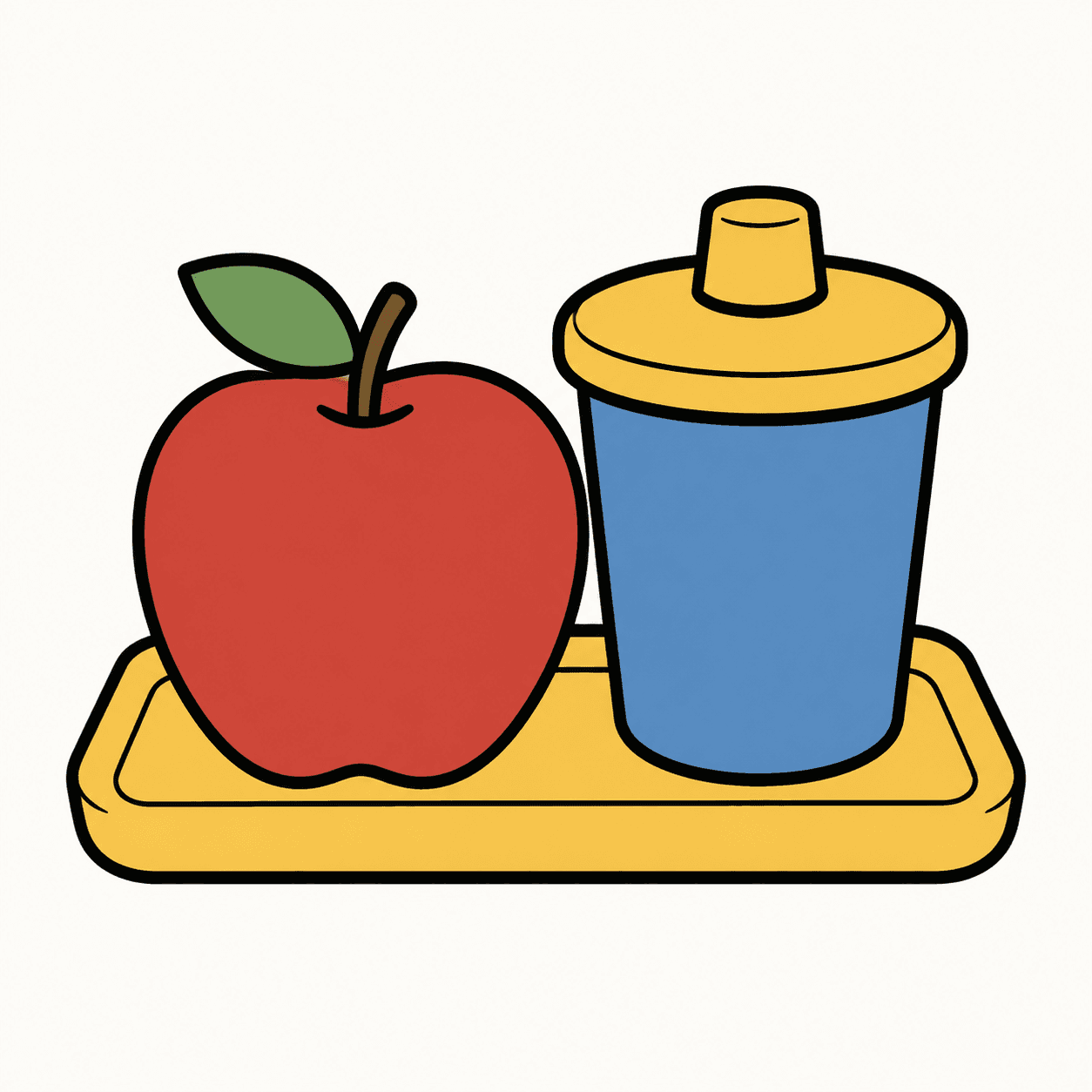
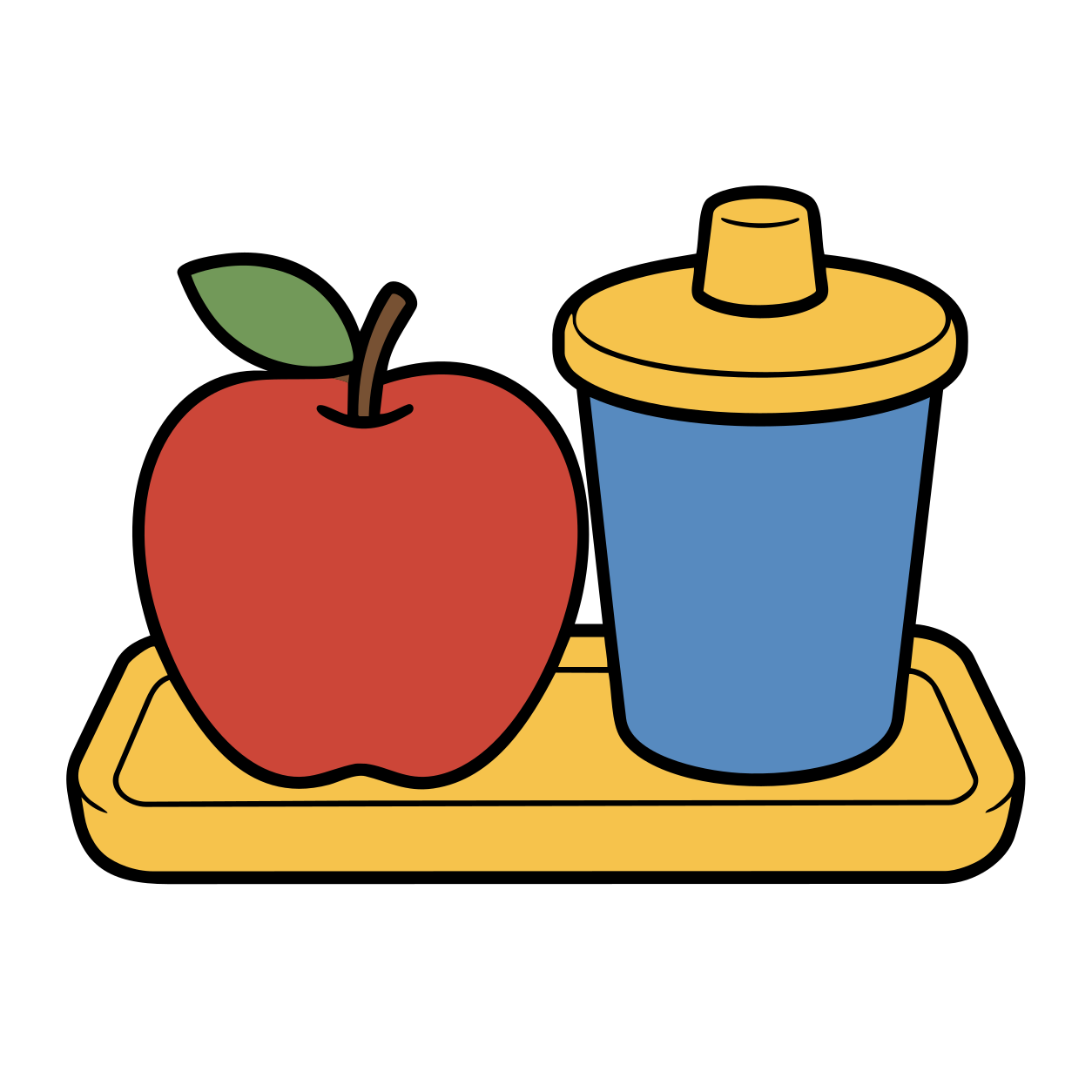
The lunch box, apple, drink, crackers, and plate use broad color regions and generous spacing. That makes the visible result straightforward to compare with the source.

These pairs show the exact source framing and path-based production SVGs. They do not demonstrate comprehension, clinical suitability, automatic symbol selection, recovered semantic layers, or the same structural complexity for every image. Source size, contours, shading, compression, and intended use all matter. For display, we removed only the verified plain-background shape from each downloaded SVG; no artwork path was manually repaired.
The research team continuously advancing PerfectVector's in-house vectorization engine
PerfectVector is developed in-house by Rastrix Inc. Its researchers bring 10+ years of combined research and industry experience in deep learning and computer vision.
Our researchers hold every vector to a high standard. They design new methods, review results, and continuously improve how PerfectVector reconstructs shapes, edges, colors, and fine detail.
ONE REVIEWED MASTER
Place the complete picture beside other cues at a compact size.
Reuse it inside a two-part sequence without redrawing the cue.
Scale the same artwork for a larger shared display.
Fit the reviewed picture into a small card or keychain layout.
The four mock layouts intentionally repeat the same complete SVG. They demonstrate placement and scaling, not automatic layout, symbol selection, or suitability for a particular learner.
ARTWORK IS ONE LAYER OF THE SUPPORT
Review the path-based artwork in a vector editor when needed, then place the complete picture into the support you are building.
Keep the parts that may change for a person or setting editable in your normal authoring and review workflow.
PerfectVector does not assess communication or learning needs, prescribe AAC, select vocabulary, verify symbol meaning, or replace review by the learner, family, educator, speech-language pathologist, or other qualified team members.
The protected preview lets you inspect the actual conversion before you unlock a file. Use it to judge the visible artwork, then make suitability decisions in the workflow that owns the support.
Large objects, familiar silhouettes, separated color regions, and uncluttered backgrounds are straightforward to compare.
Small highlights, fuzzy boundaries, and tonal changes can create extra paths or fragments even when the overall render looks close.
When recognition depends on photographic realism or a particular person, place, or object, a sufficiently large raster source is often more faithful.
Format conversion cannot decide which picture, label, size, arrangement, or access method is appropriate for a learner or communicator.
Conversion does not grant permission to adapt, share, redistribute, or publish artwork. Follow the source owner's current license.
PerfectVector reconstructs visible pixels as paths. It cannot restore original layers, hidden objects, font files, meaning, or details that are absent from the source.
Start with the largest PNG, JPG, or WebP you own or have permission to adapt. Bold outlines, broad color regions, familiar silhouettes, and generous margins are easier to inspect than thumbnails or compressed screenshots.
Check the object silhouette, hands, facial features, narrow gaps, and color boundaries. Look for fragments around soft edges or compression noise before you unlock the SVG.
Reuse the reviewed SVG in the schedule, board, strip, card, or handout you are preparing. Keep the label and every individualized layout decision live in your authoring tool.
I'd tried everything and been let down every time — I'd given up, figuring today's tech just couldn't do this. And you actually built it. If this is real, it's genuinely incredible.
It converts at even better quality than I expected — it preserves the character of the original better than anything else I've tried.
PerfectVector is impressively fast, and the output quality is already very good. With a bit more refinement it could easily compete with the leading tools.
Way more detailed than I expected. Opening Illustrator to convert every single time was such a chore — bookmarked.
Tried it — it's accurate. Simple images actually expose detail differences more than complex ones do, and this nails them.
Vectorizing and preview are always free and unlimited — you only spend a credit when you download a finished file.
Try it out, casual use
5 credits when you sign up. Expires in 30 days.
No credit card required
For regular design work
100 credits a month · about $0.12 per download
For power users & studios
500 credits a month · about $0.05 per download
Need just a few more? Buy 10 credits for $5. · one-time · Never expires
1 credit = 1 download. Re-downloading a file you already saved is always free. Cancel anytime.
Upload the clearest picture you are allowed to adapt, inspect the real SVG preview, and unlock it only when the visible result fits your visual-support materials.
Vectorize and previewVectorizing and protected preview are free and unlimited. Unlock one finished download with one credit, then download that unlocked result again without another charge.