Loved byDesigners
Trusted byMakers
BOARD GAME ARTWORK
Turn board-game artwork into a reusable SVG master.
Upload a suitable flat icon or prototype illustration, inspect the protected SVG preview, and unlock the result only when its visible paths fit the cards, tokens, player aids, boards, and rulebooks you are preparing.
or try by clicking an image
No credit cardUnlimited vectorizing & previewSVG ready in seconds
REPRESENTATIVE PLAYTEST SCENARIO, NOT A TESTIMONIAL
THE RULE CHANGED
The icon is already in four places.
A trade action changes before the next playtest. Its raster icon now needs a different color or size on the cards, punch tokens, player aid, and rulebook. Rebuilding every copy turns one rules revision into four separate artwork jobs.
Inspect real conversions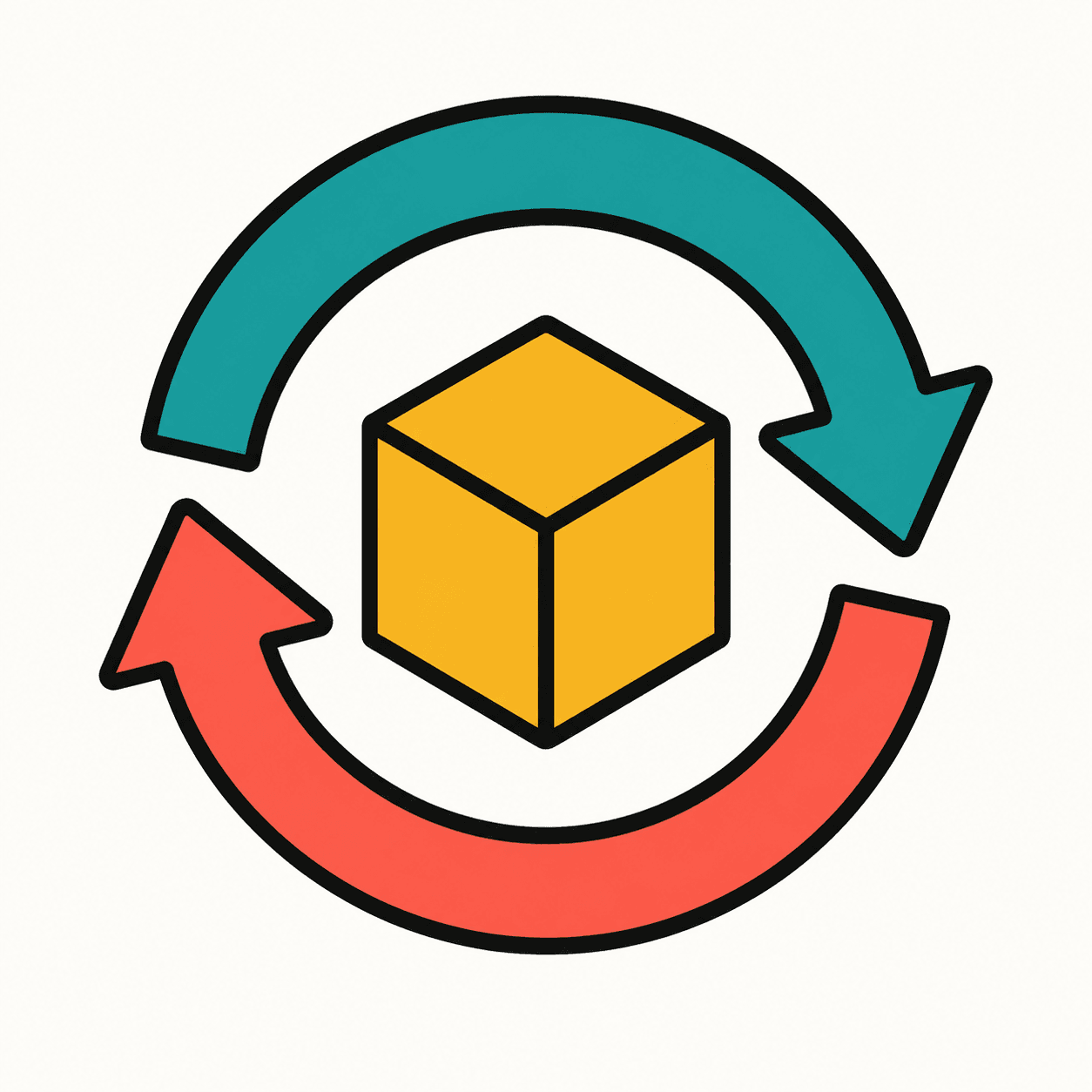
PROTOTYPE AND PRINT-WORKFLOW SOURCES
Reusable artwork helps. Component preparation remains a separate job.
The Game Crafter describes iconography reused across boards, cards, rules, and player aids, while its production guidance separates artwork from component templates, safe zones, bleed, resolution, and final PNG or JPG export. Game-icons.net shows a different job entirely: choosing licensed stock symbols from an SVG and PNG library.
These sources establish common tabletop-production steps and rights boundaries. They do not test, evaluate, or endorse PerfectVector. This page is about converting your permitted artwork, not supplying a stock icon library.
REAL PERFECTVECTOR CONVERSIONS
Test both the small symbol and the larger prototype scene.
Both sources were created under our team's direction, then processed through the protected PerfectVector workflow. The first tests a compact rules icon; the second tests a broader piece of location artwork.Evidence set2 reviewed pairs
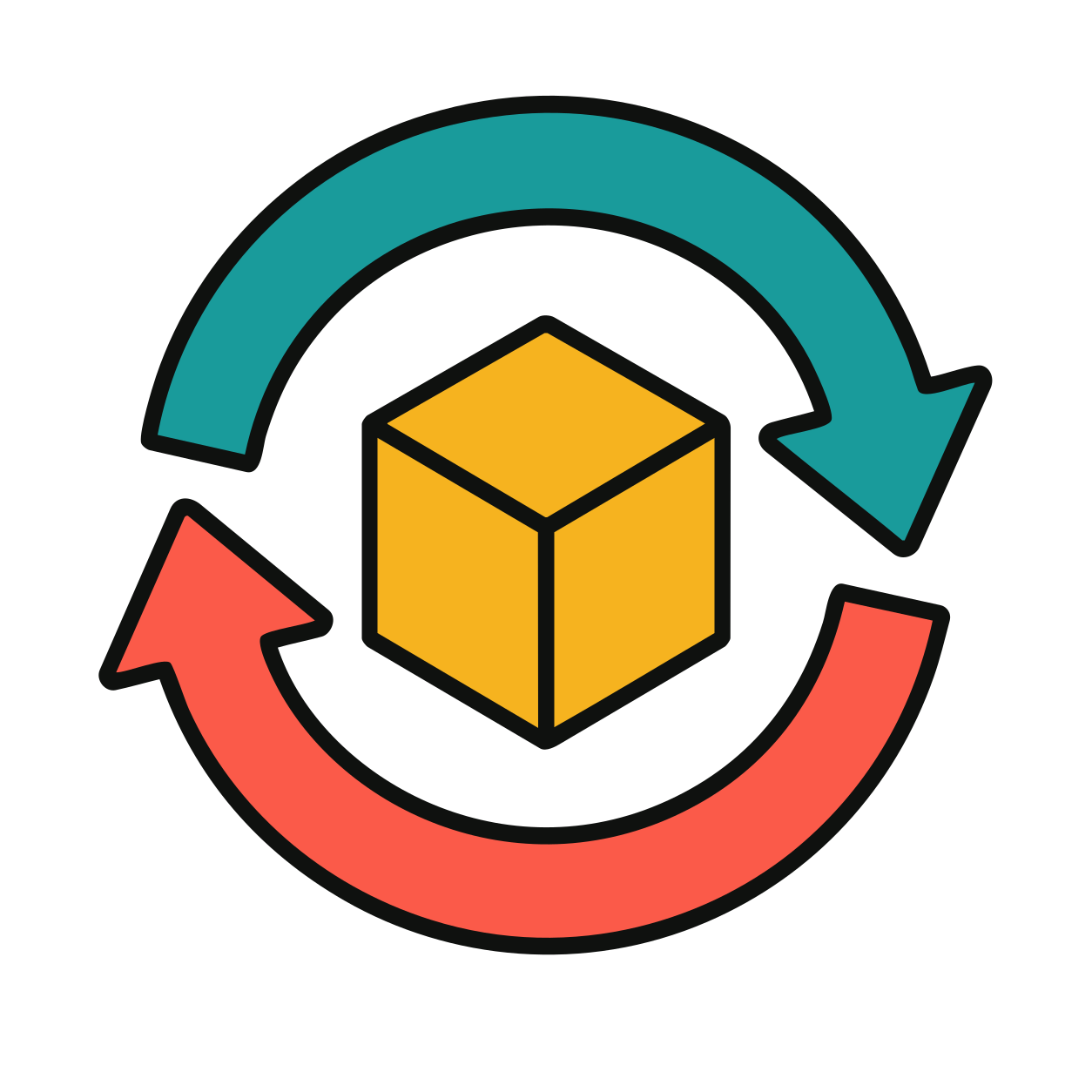
A compact symbol becomes an eight-path SVG.
The two arrows, outline, and three faces of the resource cube remain visibly distinct. Its broad shapes are easy to compare before the asset enters a card or token layout.
Original rasterPNG
PerfectVector SVGSVG
A richer scene keeps its large visual regions.
The trees, tent, path, rocks, and shrubs remain individually visible in a path-based result. This is a broader test than a single glyph, while still using flat prototype artwork.
Original rasterPNG
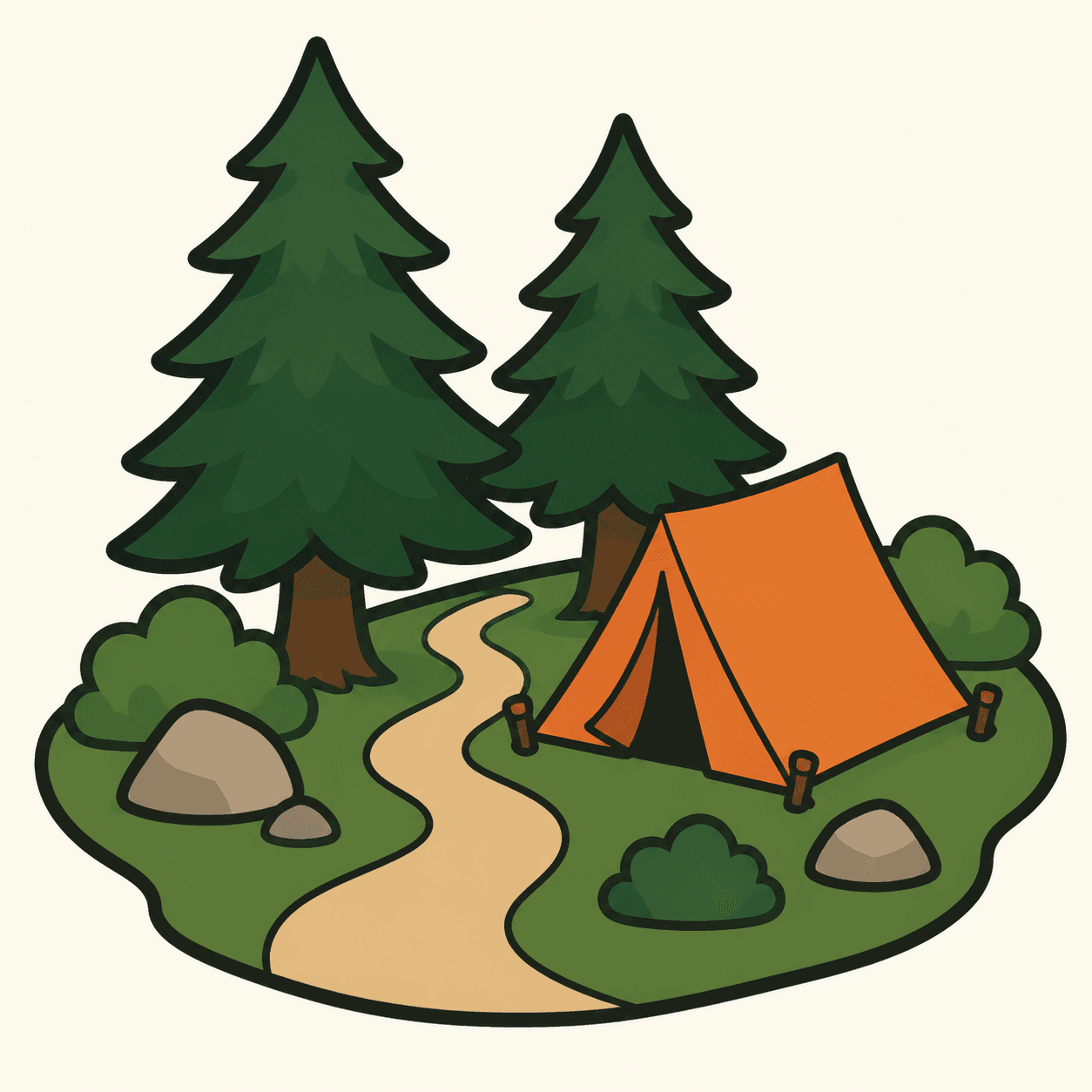
PerfectVector SVGSVG
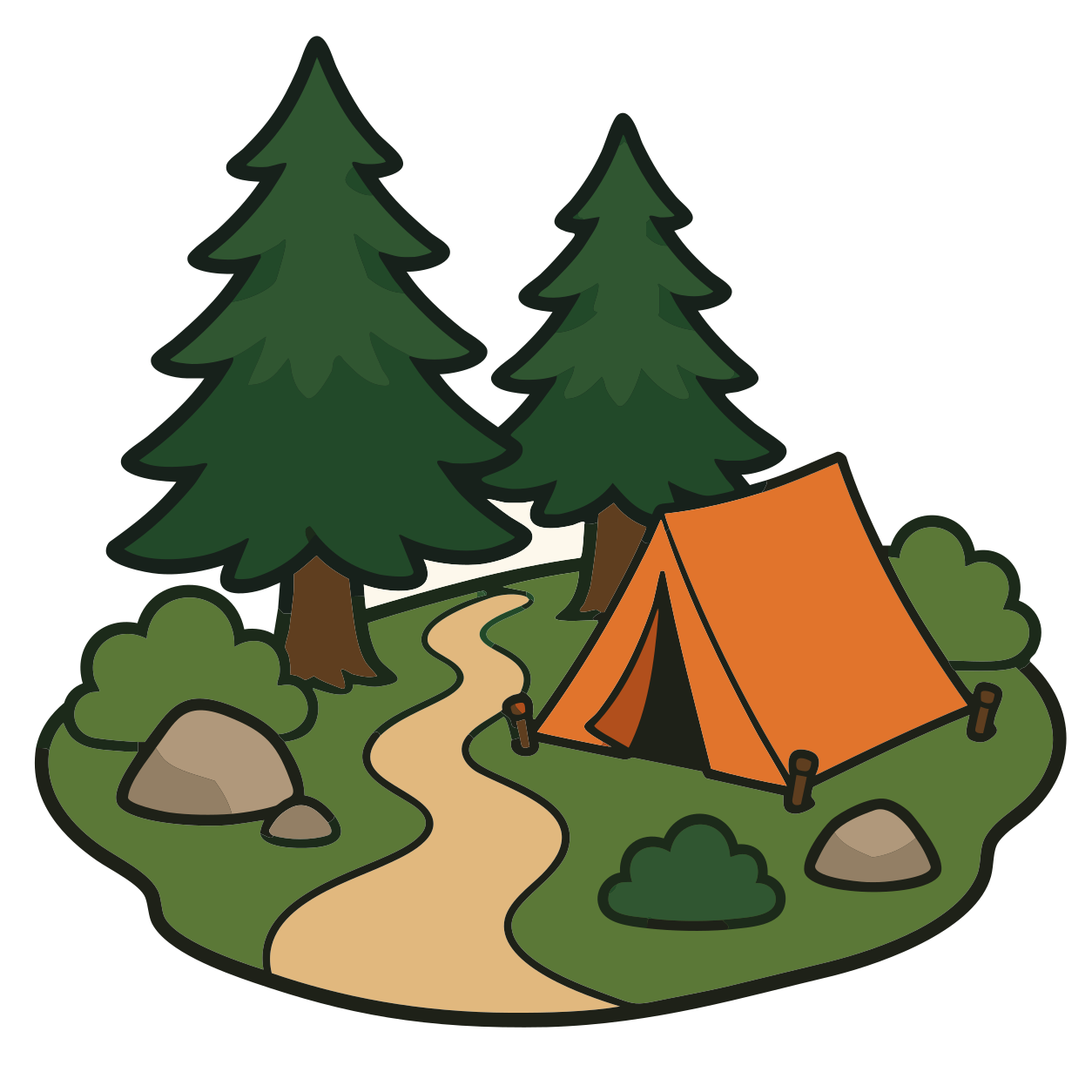
These pairs show the exact source framing and path-based production SVGs. They do not demonstrate automatic icon design, rules meaning, recovered semantic layers, print readiness, accessibility, or the same structural complexity for every image. Source size, outlines, gradients, texture, compression, and intended physical size all matter. For display, we removed only the verified full-canvas near-white background path from each downloaded SVG; no artwork path was manually repaired.
BUILT BY AI RESEARCHERS
An in-house AI model that turns pixels into editable vectors.
PerfectVector AI Lab
The research team continuously advancing PerfectVector's in-house vectorization engine
PerfectVector is developed in-house by Rastrix Inc. Its researchers bring 10+ years of combined research and industry experience in deep learning and computer vision.
Our researchers hold every vector to a high standard. They design new methods, review results, and continuously improve how PerfectVector reconstructs shapes, edges, colors, and fine detail.
- AI research
- deep learning and computer vision
- 10+ years
- research and industry experience
- In-house
- core vectorization models and algorithms
- Quality-first
- continuous model and engine improvement
THE PROTOTYPE TABLE
One reviewed master. Four live layouts.
Reuse the same complete SVG wherever the action appears. The surrounding rules, values, labels, dimensions, and print settings remain editable in each component file.Scale the icon beside live rules text and values.
Place the same mark inside the chosen token shape and safe area.
Repeat the action in a quick-reference layout without redrawing it.
Keep the visual explanation aligned with the components players handle.
The four mock components intentionally repeat the same complete SVG. They demonstrate placement and scaling, not automatic layout, printer compliance, or proof that players understand the symbol.
ARTWORK IS ONE PART OF THE GAME SYSTEM
PerfectVector reconstructs the visible asset. You keep the game decisions live.
A reusable SVG can make revisions easier. It cannot decide how a symbol should work, how a player reads it, or how a manufacturer needs the final component prepared.Scalable paths, colors, and visible boundaries
Inspect the reconstructed artwork in a vector editor when needed, then place the complete asset in the component file that owns its size and position.
Meaning, layout, and production stay editable.
Keep every element that may change during playtesting or manufacturing in your normal design and review workflow.
- Rules meaning, labels, values, and live text
- Small-size recognition and color-independent cues
- Component dimensions, safe areas, bleed, and dielines
- Contrast, accessibility, playtest feedback, and revision history
- Manufacturer-specific color checks and final export format
PerfectVector does not generate a game system, validate icon meaning, test player comprehension, certify accessibility, create dielines, or approve manufacturing files.
CHOOSE THE RIGHT ASSET AND JOB
Some prototype artwork belongs in SVG. Some does not.
The protected preview lets you inspect the actual conversion before unlocking a file. Use it to judge visible paths, then make game and production decisions in the workflow that owns them.
STRONG CANDIDATE
Flat icons, bold silhouettes, and broad color regions
Large action symbols, resource icons, token art, and simple location illustrations are straightforward to compare when their edges remain clear.
REVIEW CLOSELY
Thin strokes, gradients, texture, and compressed edges
Small gaps and tonal detail can create extra paths or fragments, even when the overall render looks close at first glance.
KEEP RASTER
Painterly card art and photographic scenes
When the image depends on brush texture, soft light, atmosphere, or photographic detail, a sufficiently large raster source is often more faithful.
KEEP JUDGMENT HUMAN
Rules meaning, recognition, and accessibility
Format conversion cannot prove that a player understands the symbol, sees the contrast, or can distinguish it without color.
CHECK PERMISSION
Icon packs, commissioned art, AI images, and existing games
Conversion does not grant permission to adapt, publish, sell, share, or redistribute artwork. Follow the current license and ownership terms.
PerfectVector reconstructs visible pixels as paths. It cannot restore original layers, hidden objects, fonts, live text, symbol meaning, or details that are absent from the source.
FROM PROTOTYPE ART TO SVG
Prepare a reusable game asset in three reviewable steps.
- 1
Upload the largest permitted source
Start with the clearest PNG, JPG, or WebP you own or have permission to adapt. Bold silhouettes, broad color regions, thick outlines, and generous margins are easier to inspect than a thumbnail copied from a card layout.
- 2
Review the real SVG at game size
Compare the preview with the source, then check it near the physical size you expect to use. Look at arrow tips, narrow gaps, color boundaries, and any small shape that carries rules meaning.
- 3
Place the master in component templates
Reuse the approved SVG in cards, tokens, player aids, boards, or rulebooks. Keep text and layout live, then export each final file in the format and dimensions required by your manufacturer or print workflow.
Before you pick a plan
You're in good company.
I'd tried everything and been let down every time — I'd given up, figuring today's tech just couldn't do this. And you actually built it. If this is real, it's genuinely incredible.
It converts at even better quality than I expected — it preserves the character of the original better than anything else I've tried.
PerfectVector is impressively fast, and the output quality is already very good. With a bit more refinement it could easily compete with the leading tools.
Way more detailed than I expected. Opening Illustrator to convert every single time was such a chore — bookmarked.
Tried it — it's accurate. Simple images actually expose detail differences more than complex ones do, and this nails them.
SIMPLE, FAIR PRICING
Start free. Upgrade when you need more.
Vectorizing and preview are always free and unlimited — you only spend a credit when you download a finished file.
Free
Try it out, casual use
Free
5 credits when you sign up. Expires in 30 days.
- 5 credits when you sign up(Expires in 30 days)
- Unlimited vectorizing & preview
- Simplify & merge colors
- Clean, optimized SVG output
- SVG, PNG, JPG, PDF, EPS, DXF export
No credit card required
Recommended
Light
For regular design work
$12/month
100 credits a month · about $0.12 per download
- Everything in Free, plus:
- 100 download credits every month
- Credits refresh monthly
- Priority processing
- Priority support
- Early access to new features
Pro
For power users & studios
$25/month
500 credits a month · about $0.05 per download
- Everything in Light, plus:
- 5x more usage than Light
- 500 download credits every month
- Credits refresh monthly
- Highest monthly volume
- Built for high-volume professional use




Need just a few more? Buy 10 credits for $5. · one-time · Never expires
1 credit = 1 download. Re-downloading a file you already saved is always free. Cancel anytime.
FREQUENTLY ASKED QUESTIONS
Questions before you convert?
Does PerfectVector create board-game icons for me?
No. PerfectVector converts suitable artwork you already have into SVG paths. It does not generate a symbol set, choose icon meaning, or design a visual language for the game.
What board-game artwork usually vectorizes well?
Flat icons, bold silhouettes, broad color regions, clear outlines, simple token art, and uncluttered prototype illustrations are strong candidates. Use the largest genuine source you have rather than an enlarged thumbnail.
Can I reuse one SVG on cards, tokens, and a player aid?
Yes, when the visible conversion looks right. Place the same reviewed artwork master into each component layout, while keeping rules text, labels, values, spacing, and accessibility decisions editable separately.
Should I vectorize an entire finished card?
Usually not. Convert the artwork or icon that needs to scale or change, then keep the card frame, text, numbers, and layout native in your design application. This avoids turning editable content into traced shapes.
Does an SVG make my artwork print-ready?
No. SVG gives you scalable artwork paths, not a finished manufacturing file. You still need the correct component template, dimensions, safe area, bleed, color checks, and final export format for the printer you use.
Can PerfectVector restore the original layers or editable text?
No. Raster-to-vector conversion works from visible pixels. It cannot recover hidden objects, original layer names, fonts, live text, or the design intent behind a symbol.
Should painterly card art be converted to SVG?
Usually not when the artwork depends on brush texture, soft light, photographic detail, or complex atmosphere. A sufficiently large raster image is often more faithful for that job.
Does vectorization make an icon accessible or easy to understand?
No. Test recognition, contrast, color-independent cues, viewing distance, and rules comprehension with people. Format conversion cannot validate the meaning or accessibility of a game symbol.
Can I convert artwork from an icon pack, another game, or an AI service?
Only when you own the artwork or its current license allows the adaptation and use you intend. Conversion does not grant copyright, trademark, commercial-use, sharing, or redistribution rights.
How much does board-game artwork vectorization cost?
Vectorizing and preview are always free and unlimited — you only spend a credit when you download a finished file.
EXPLORE MORE
Related tools.
One reviewed icon.
Ready for the next rule change.
Upload the clearest artwork you are allowed to adapt, inspect the real SVG preview, and unlock it only when the visible result fits your game components.
Vectorizing and protected preview are free and unlimited. Unlock one finished download with one credit, then download that unlocked result again without another charge.