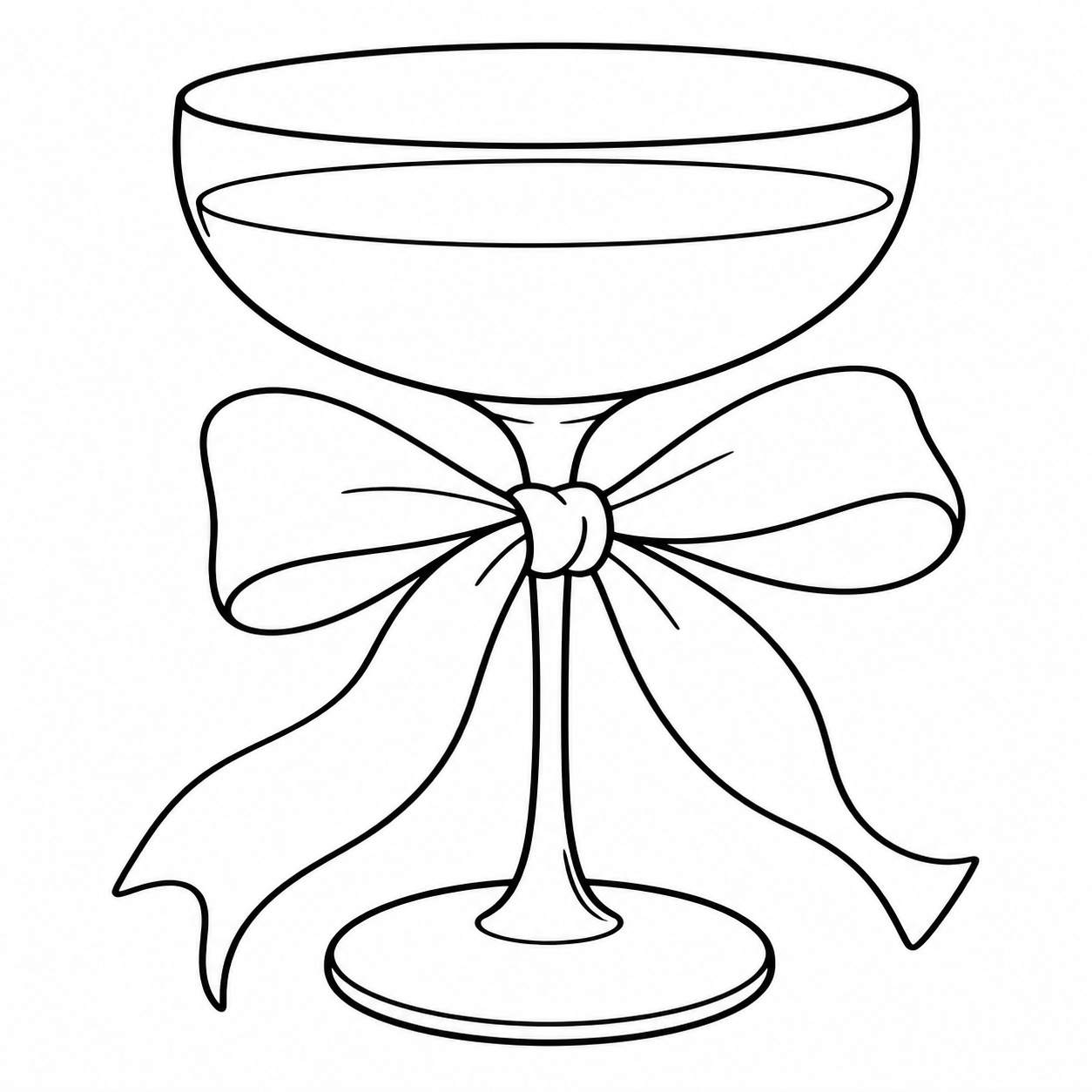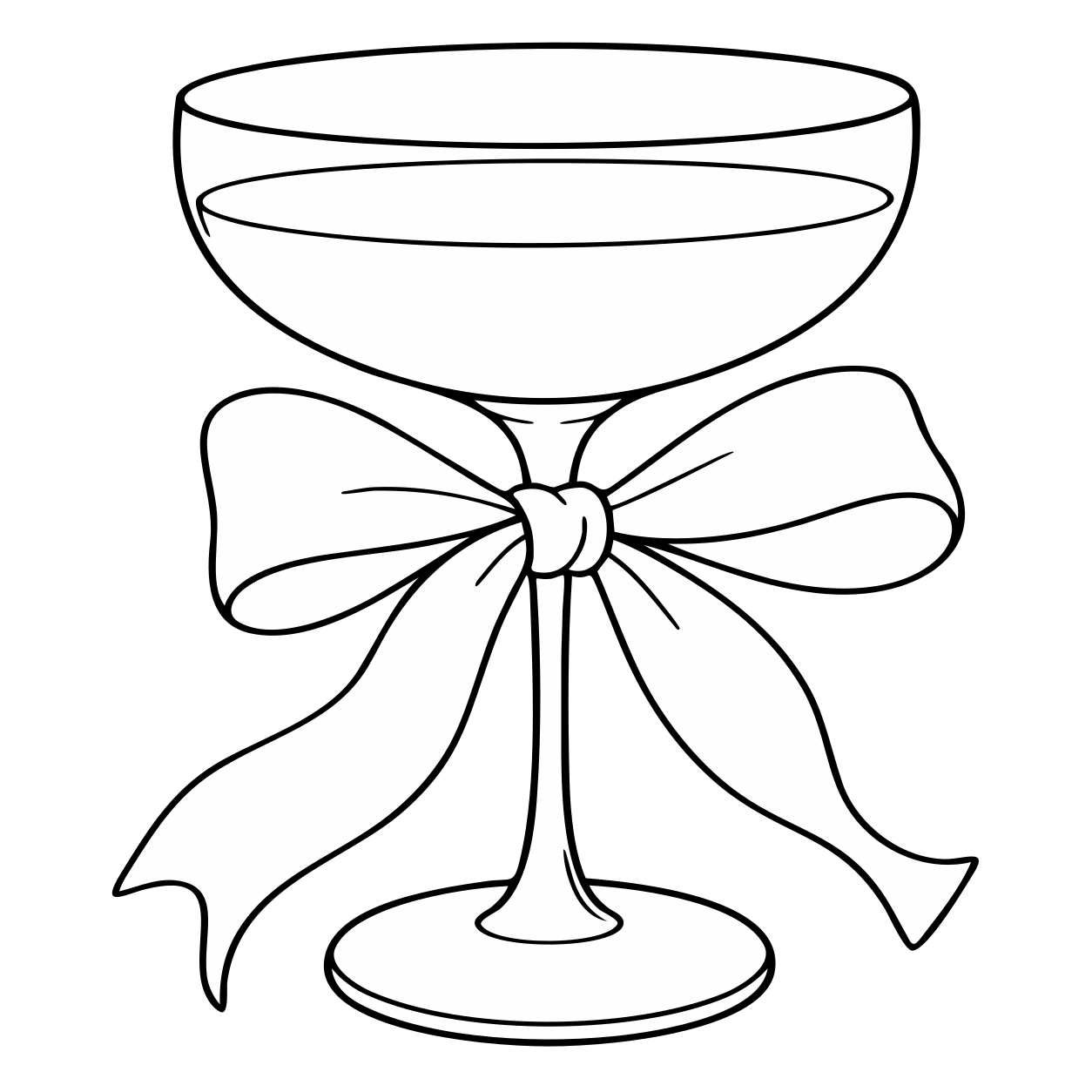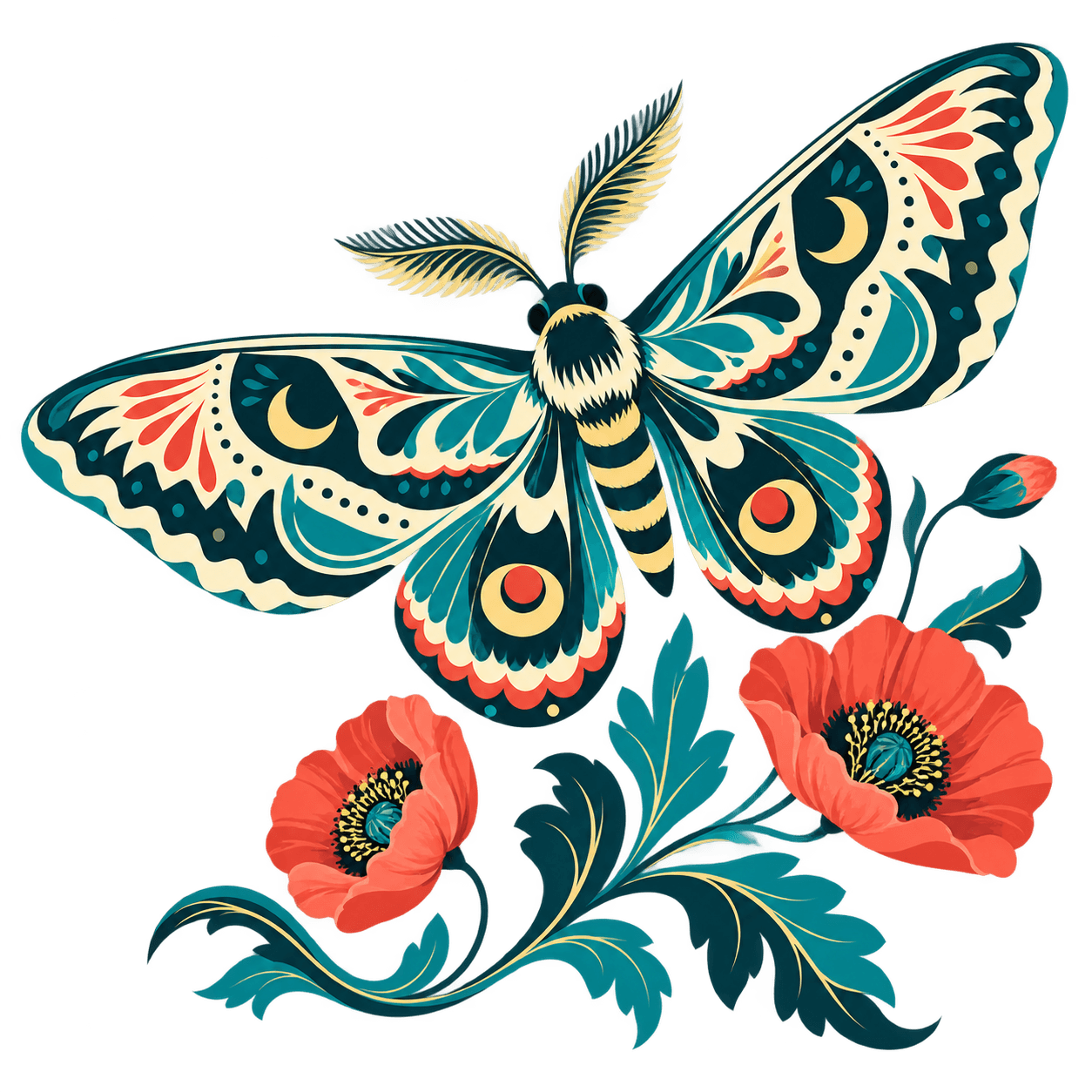
The bow is part of the design.
Compare the bowl, ribbon loops, and narrow spaces around the stem. Those openings deserve another check at the napkin's final print size.

or try by clicking an image
THE DESIGN IS CHOSEN
You found the paper, chose the color, and approved the little illustration. Now the order asks for vector artwork. The design doesn't need to change—you need a file you can prepare for that supplier.
Compare the actual conversions
The format you need depends on the product and printing method. Check the actual supplier's instructions before deciding how to prepare your illustration.
These supplier references explain their own requirements; they do not evaluate or endorse PerfectVector. SVG is an artwork asset here, not a promise of universal printer acceptance.THE FILE, NOT JUST THE MOCKUP
Compare the bowl, ribbon loops, and narrow spaces around the stem. Those openings deserve another check at the napkin's final print size.

Converted September 7, 2026 with the production-equivalent pv_api engine. The display copies remove only a verified full-canvas background path; illustration paths are not manually repaired. These prepared examples are not customer orders, print tests, or performance benchmarks.
The research team continuously advancing PerfectVector's in-house vectorization engine
PerfectVector is developed in-house by Rastrix Inc. Its researchers bring 10+ years of combined research and industry experience in deep learning and computer vision.
Our researchers hold every vector to a high standard. They design new methods, review results, and continuously improve how PerfectVector reconstructs shapes, edges, colors, and fine detail.
THE LITTLE-DETAILS STUDIO
Leave space around the motif
Fit the supplier's printable area
Keep names and messages editable
Layout demonstrations, not physical print samples. All three intentionally use the same converted SVG. PerfectVector supplies the artwork; your design tool and supplier handle the product.
FROM PREVIEW TO SUPPLIER
Use the largest genuine illustration you can use. Leave out the product photo, folded paper, small lettering, and surrounding invitation layout.
Compare the free preview with your source. Check faces, ribbon loops, thin marks, and gaps. Unlock the result only when it suits the illustration.
Place the SVG in the supplier's template. Keep names and dates live. If the method needs one-color artwork, prepare that explicitly and inspect fine details at the actual print size.
Supply the requested format—not just whichever file you have. Review the supplier's proof for placement, legibility, lettering, and the chosen print method before ordering.
Vector paths do not enforce print tolerances. Black-and-white-looking artwork may contain multiple fills, and a clean screen preview is not a physical print test.
A GOOD FIT, WITH A FEW CHECKS
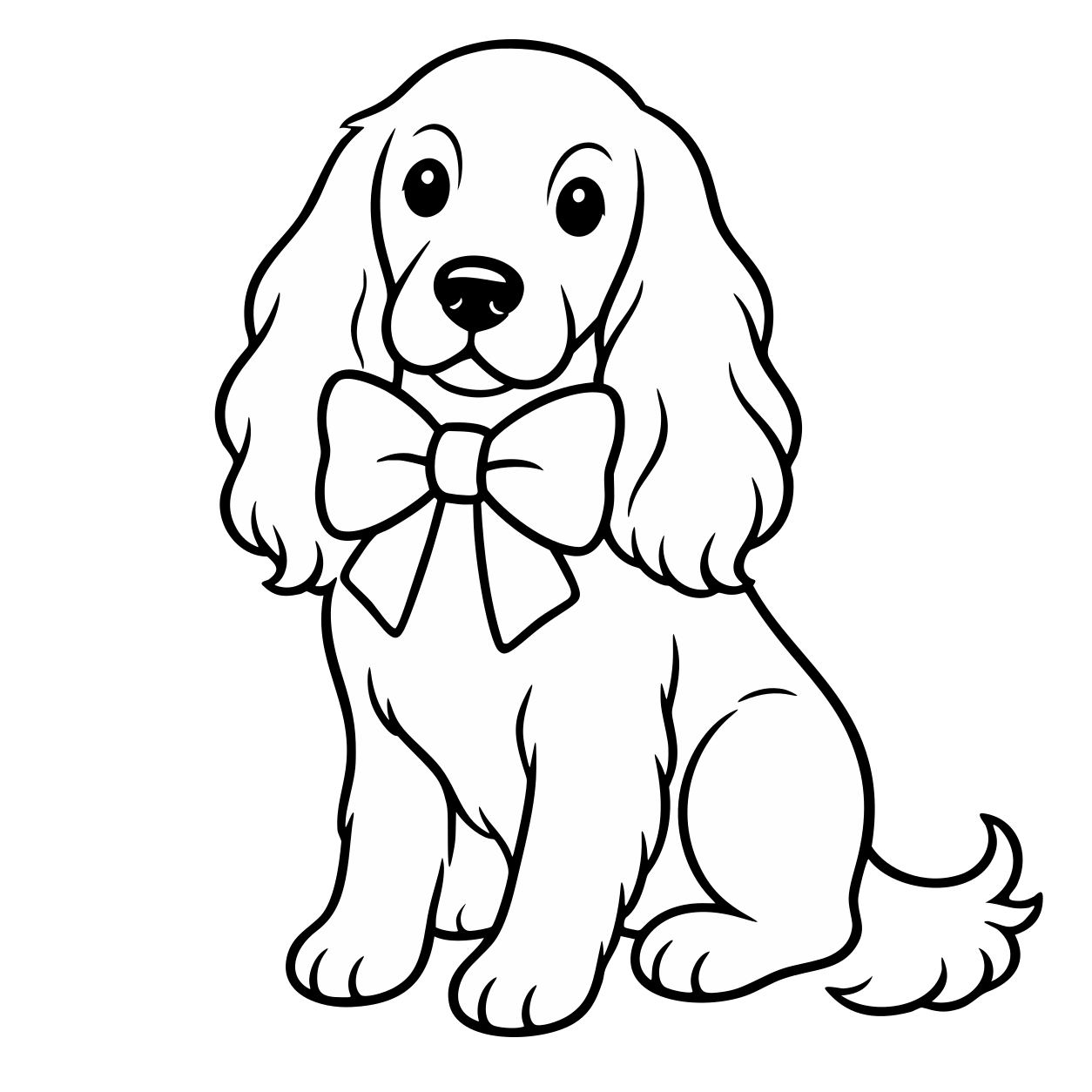
A ribboned glass, a simple pet illustration, or clear botanical shapes give you contours you can inspect and reuse.
Tiny eyes, thin stems, pale marks, and narrow gaps may not suit a small print area. Ask the supplier which details need adjustment.
Watercolor washes and subtle paper texture can be better served by a sufficiently large raster image. Vector is not required for every printing workflow.
Use artwork you own or have permission to adapt. Conversion does not grant rights to another illustrator's design. Cutting, engraving, embroidery, and food-contact suitability need their own production checks.
I'd tried everything and been let down every time — I'd given up, figuring today's tech just couldn't do this. And you actually built it. If this is real, it's genuinely incredible.
It converts at even better quality than I expected — it preserves the character of the original better than anything else I've tried.
PerfectVector is impressively fast, and the output quality is already very good. With a bit more refinement it could easily compete with the leading tools.
Way more detailed than I expected. Opening Illustrator to convert every single time was such a chore — bookmarked.
Tried it — it's accurate. Simple images actually expose detail differences more than complex ones do, and this nails them.
Vectorizing and preview are always free and unlimited — you only spend a credit when you download a finished file.
Try it out, casual use
5 credits when you sign up. Expires in 30 days.
No credit card required
For regular design work
100 credits a month · about $0.12 per download
For power users & studios
500 credits a month · about $0.05 per download
Need just a few more? Buy 10 credits for $5. · one-time · Never expires
1 credit = 1 download. Re-downloading a file you already saved is always free. Cancel anytime.
Upload the clearest illustration you own or have permission to adapt. Compare the free preview with your original before unlocking the result.
Vectorize my illustrationFree, unlimited vectorizing and preview. One credit unlocks each finished result. Download that unlocked result again without another charge.