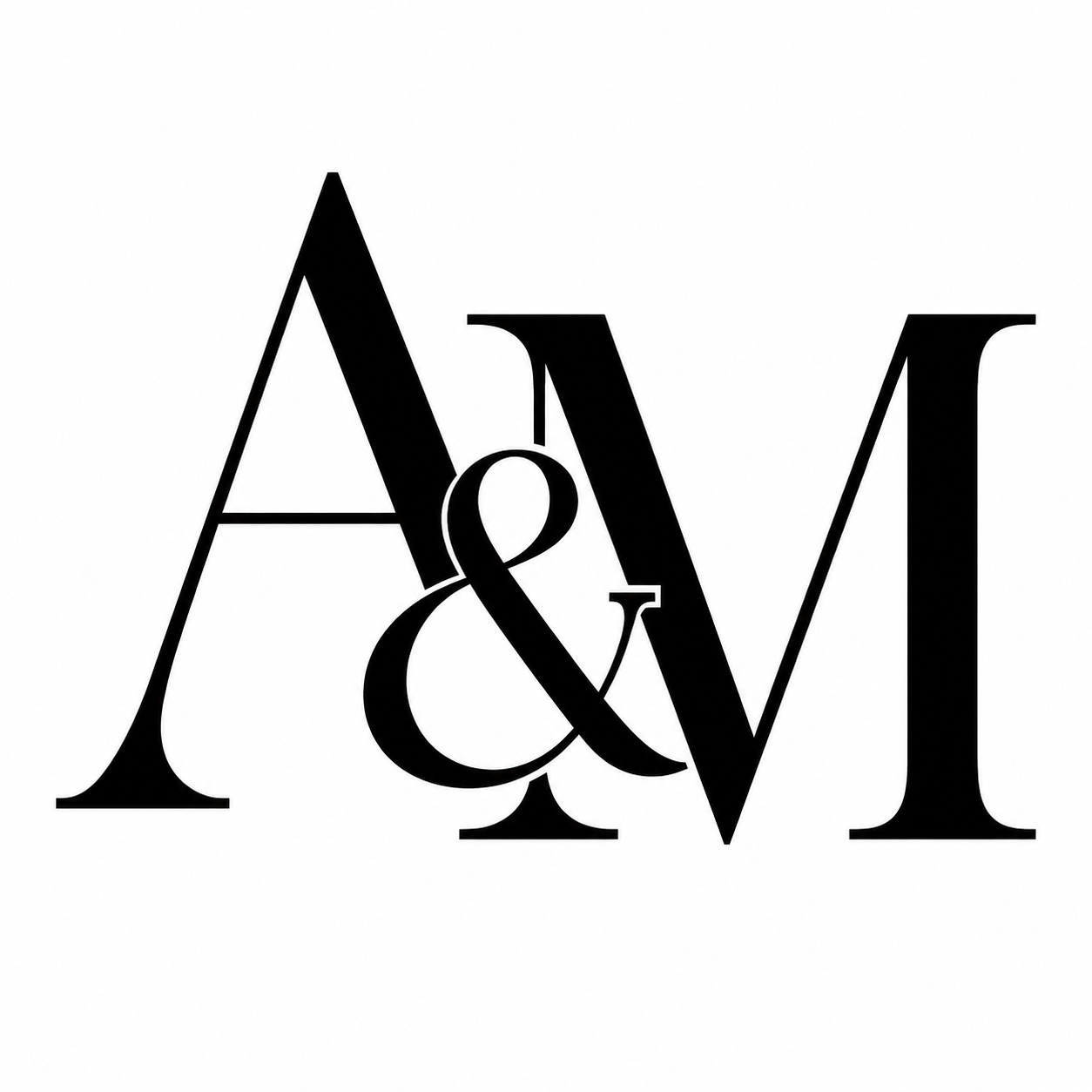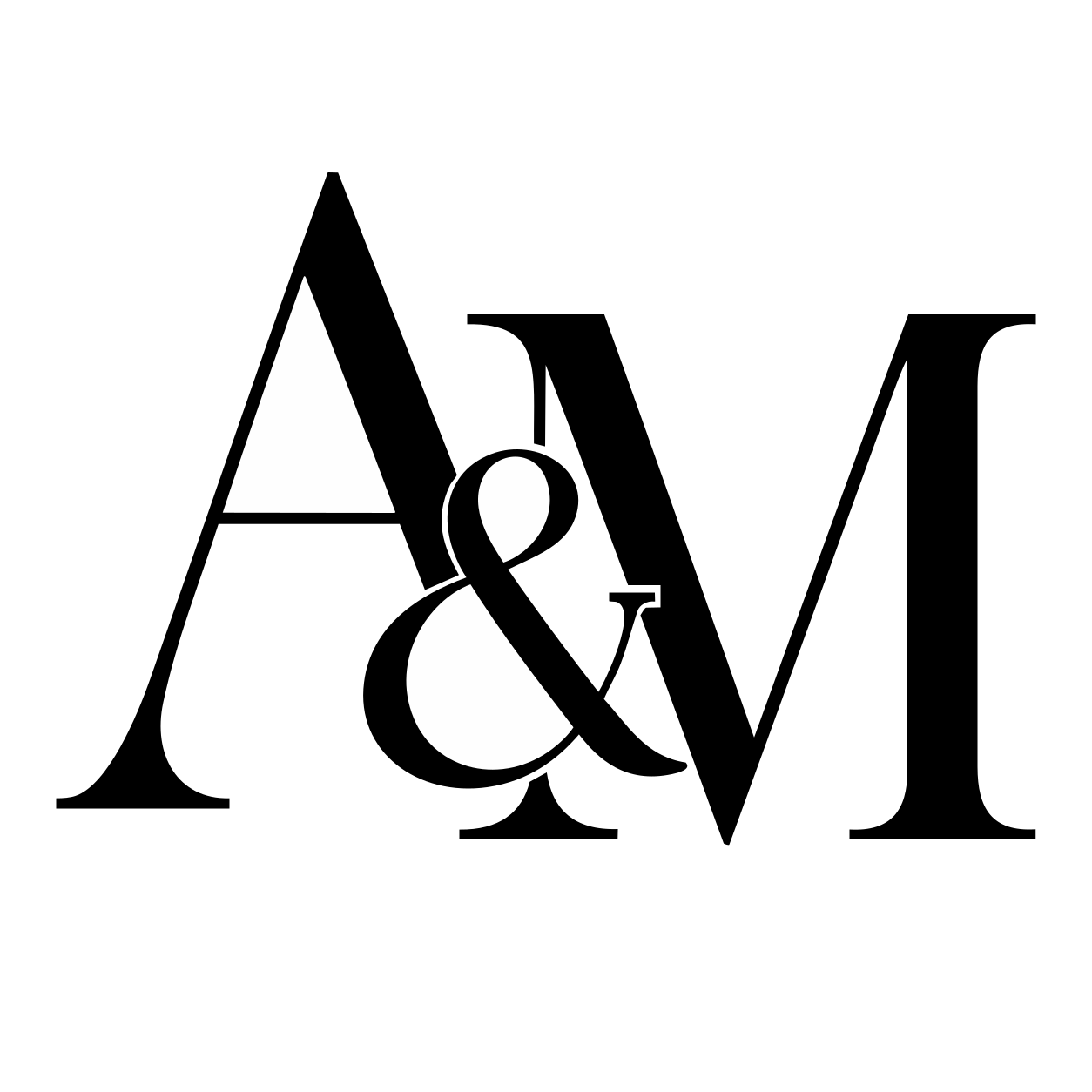
Keep the letterforms and their open spaces.
Compare the overlapping letterforms, fine serifs, and enclosed spaces before handing the artwork to a supplier.

or try by clicking an image
THE DESIGN IS ALREADY APPROVED
You already approved the initials, emblem, or company mark. The remaining problem is the file: you have a raster image, and the artwork request asks for vectors. Prepare the logo first, then let the supplier handle the physical gobo and projection setup.
Inspect the real conversions
Illustrative projection mockup using an actual converted SVG. This is not a photograph or physical projection test.
GoboSource requires vector format for line art, and both references list SVG among accepted vector formats. Photographic or grayscale artwork may need a high-resolution raster source instead, so check the brief for the specific gobo.
These sources explain their own artwork and manufacturing requirements. They do not evaluate or endorse PerfectVector. Confirm the file format and construction rules with the supplier making your gobo.THE ARTWORK FILE
Compare the overlapping letterforms, fine serifs, and enclosed spaces before handing the artwork to a supplier.

Converted September 8, 2026 with the production-equivalent pv_api engine. The display copies remove only a verified full-canvas background path; internal knockout shapes remain. Illustration paths are not manually repaired. These examples are artwork demonstrations, not manufactured gobos or projection tests.
The research team continuously advancing PerfectVector's in-house vectorization engine
PerfectVector is developed in-house by Rastrix Inc. Its researchers bring 10+ years of combined research and industry experience in deep learning and computer vision.
Our researchers hold every vector to a high standard. They design new methods, review results, and continuously improve how PerfectVector reconstructs shapes, edges, colors, and fine detail.
THREE DIFFERENT ARTIFACTS
Start with the clearest flat raster you can use. Convert it, compare the preview with the source, and keep the SVG only when the shapes suit the approved mark.
The supplier checks its accepted format, adds any material-specific bridges or adjustments, and sizes the artwork for the selected fixture.
Fixture choice, focus, throw distance, surface, brightness, and placement determine how the finished projection appears in the room.
An SVG improves the artwork handoff. It does not specify the physical gobo or predict the final projection in a particular venue.
A PRACTICAL FILE HANDOFF
Use the largest genuine artwork file available. Leave out venue photos, projected-light photos, paper texture, and unrelated layout elements.
Compare the free preview with the original. Check letter counters, narrow gaps, thin outlines, and small decorative shapes before unlocking the result.
Vectorization traces visible letters as shapes. If a name or date may change, typeset it separately in the design file before the final supplier export.
Confirm the requested format, fixture or gobo size, color or grayscale method, and any minimum-feature rules. Let the supplier add construction changes such as metal bridges.
CHOOSE THE RIGHT SOURCE
High-contrast artwork with clear shapes gives you edges and open areas you can compare directly with the source.
Thin flourishes, small type, and narrow holes may need changes for the physical gobo. The supplier should make that call for its material and fixture.
A grayscale portrait or soft photographic design may need a high-resolution raster file instead of line-art vectorization. Follow the supplier's artwork guidelines.
Use artwork you own or have permission to adapt. Vectorization does not grant rights to a logo, typeface, monogram, or illustration.
I'd tried everything and been let down every time — I'd given up, figuring today's tech just couldn't do this. And you actually built it. If this is real, it's genuinely incredible.
It converts at even better quality than I expected — it preserves the character of the original better than anything else I've tried.
PerfectVector is impressively fast, and the output quality is already very good. With a bit more refinement it could easily compete with the leading tools.
Way more detailed than I expected. Opening Illustrator to convert every single time was such a chore — bookmarked.
Tried it — it's accurate. Simple images actually expose detail differences more than complex ones do, and this nails them.
Vectorizing and preview are always free and unlimited — you only spend a credit when you download a finished file.
Try it out, casual use
5 credits when you sign up. Expires in 30 days.
No credit card required
For regular design work
100 credits a month · about $0.12 per download
For power users & studios
500 credits a month · about $0.05 per download
Need just a few more? Buy 10 credits for $5. · one-time · Never expires
1 credit = 1 download. Re-downloading a file you already saved is always free. Cancel anytime.
Upload the clearest flat image you own or have permission to use. Compare the free preview with the original before unlocking the SVG.
Vectorize my gobo artworkFree, unlimited vectorizing and protected preview. One credit unlocks each finished result. Download that unlocked result again without another charge.