SAME COORDINATE · ENLARGED
Loved byDesigners
Trusted byMakers
SCIENTIFIC DIAGRAM TO SVG
Turn a flattened scientific diagram into scalable SVG.
When the plotting file is gone and the final-size poster exposes blur, recover the visible figure as inspectable paths. If you still have the original source, export from it instead.
or try by clicking an image
No credit cardUnlimited vectorizing & previewSVG ready in seconds
REPRESENTATIVE SCENARIO, NOT A TESTIMONIAL
FINAL-SIZE POSTER REVIEW
The research is ready. The only figure left is not.
The diagram looked acceptable inside the paper. Enlarged for the poster, its labels soften, its thin lines break down, and nobody can find the plotting file that created it.
Start with the figure you have
Final-size reviewBlur found
What changesReturn to the poster with a scalable visual instead of enlarging the same PNG again.
Sources and practical boundaries
Why scalable figures matter in this workflow
Conference, Office, and scientific-figure references support the practical value of vector artwork and SVG reuse. The page applies those facts to a lost-source recovery scenario.
These sources do not evaluate or endorse PerfectVector. Product claims on this page are limited to PerfectVector's documented workflow and inspectable output.
REAL PERFECTVECTOR CONVERSION
Keep the figure recognizable. Make the file scalable.
Compare a PNG created by the PerfectVector team with the untouched PerfectVector SVG at the same size, then inspect the same ray intersection under magnification.
PerfectVector resultCompleted
Original PNGPNG
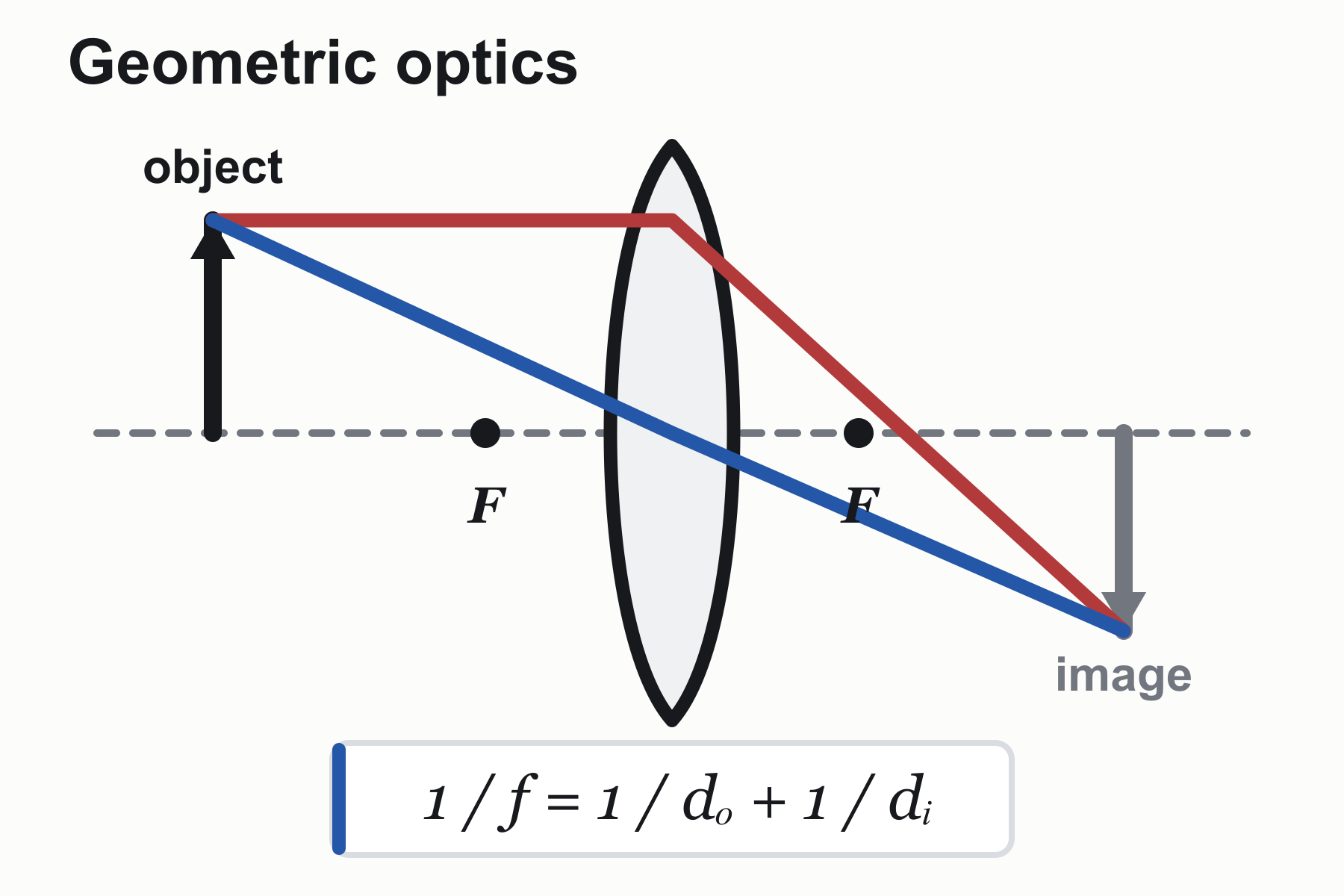
A flattened 1800 × 1200 raster figure
PerfectVector SVGSVG
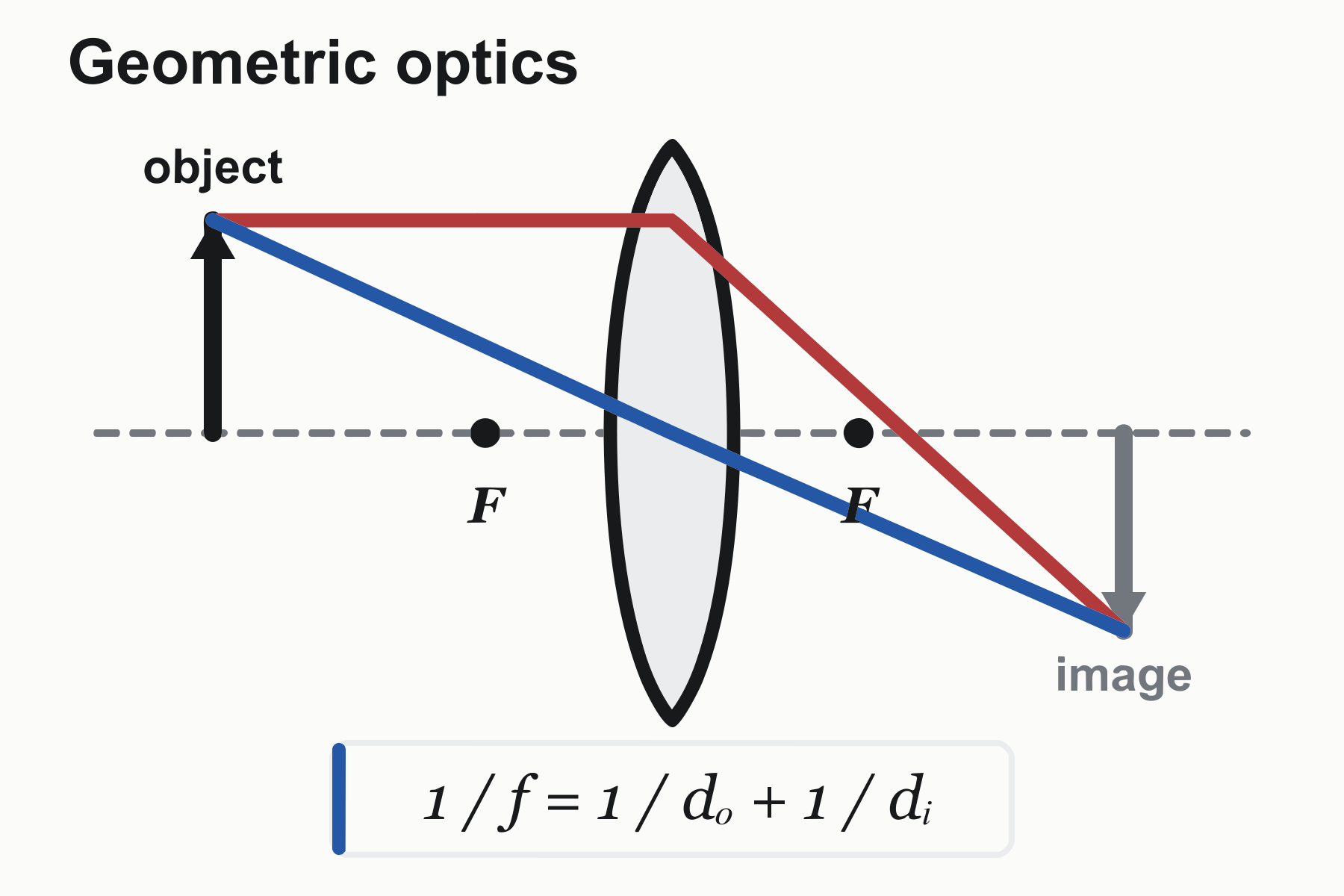
The visible figure reconstructed as SVG paths
Focused inspection
MORE THAN ONE GEOMETRY
Two more figures test different scientific geometry.
The supporting figures keep the publication palette restrained: one is entirely monochrome, while the other uses red and blue only to distinguish data series.Damped oscillation
A monochrome continuous curve, envelope, axes, and one large equation.
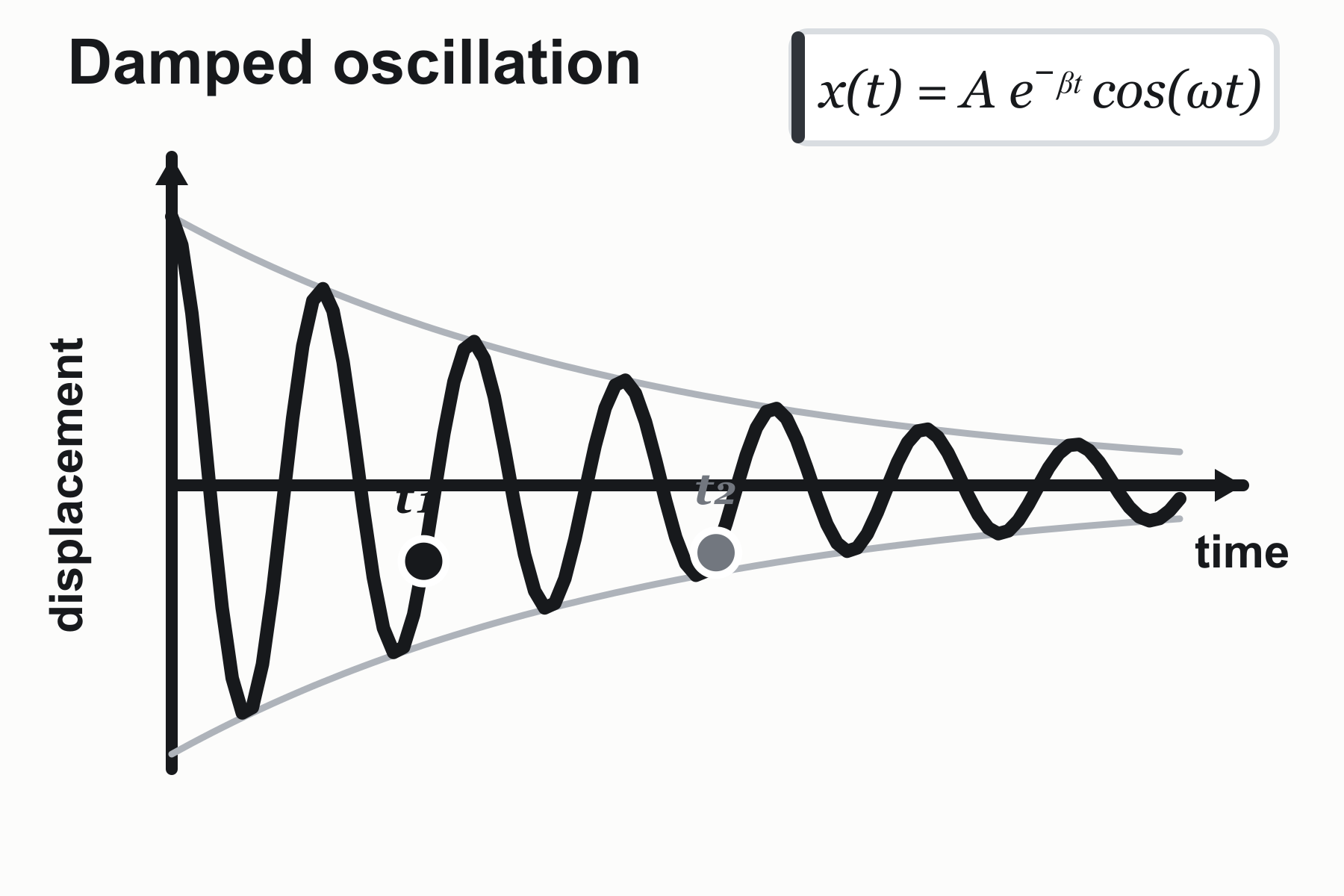
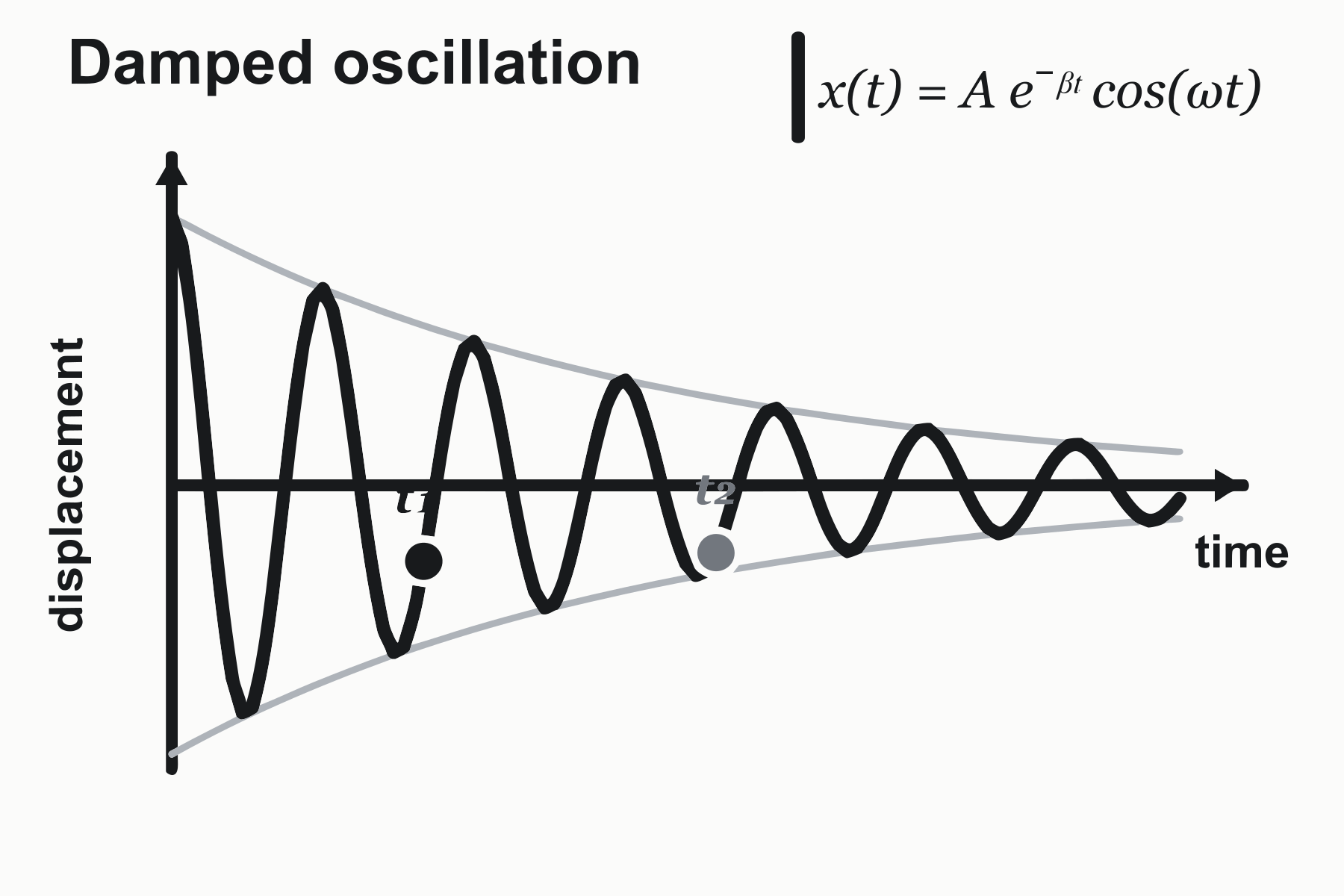
Two-condition calibration
A grayscale plot with functional red and blue markers for two data conditions.
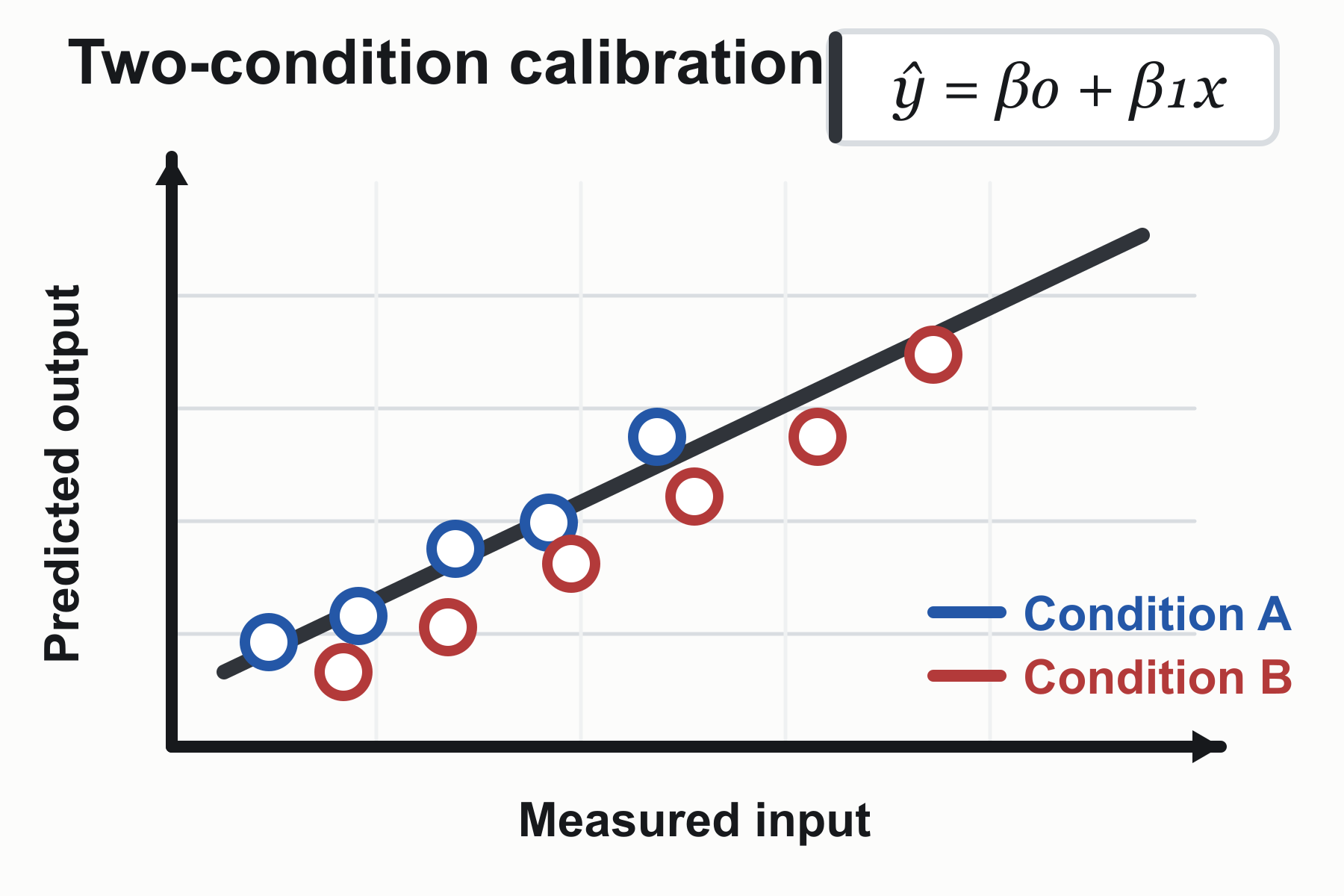
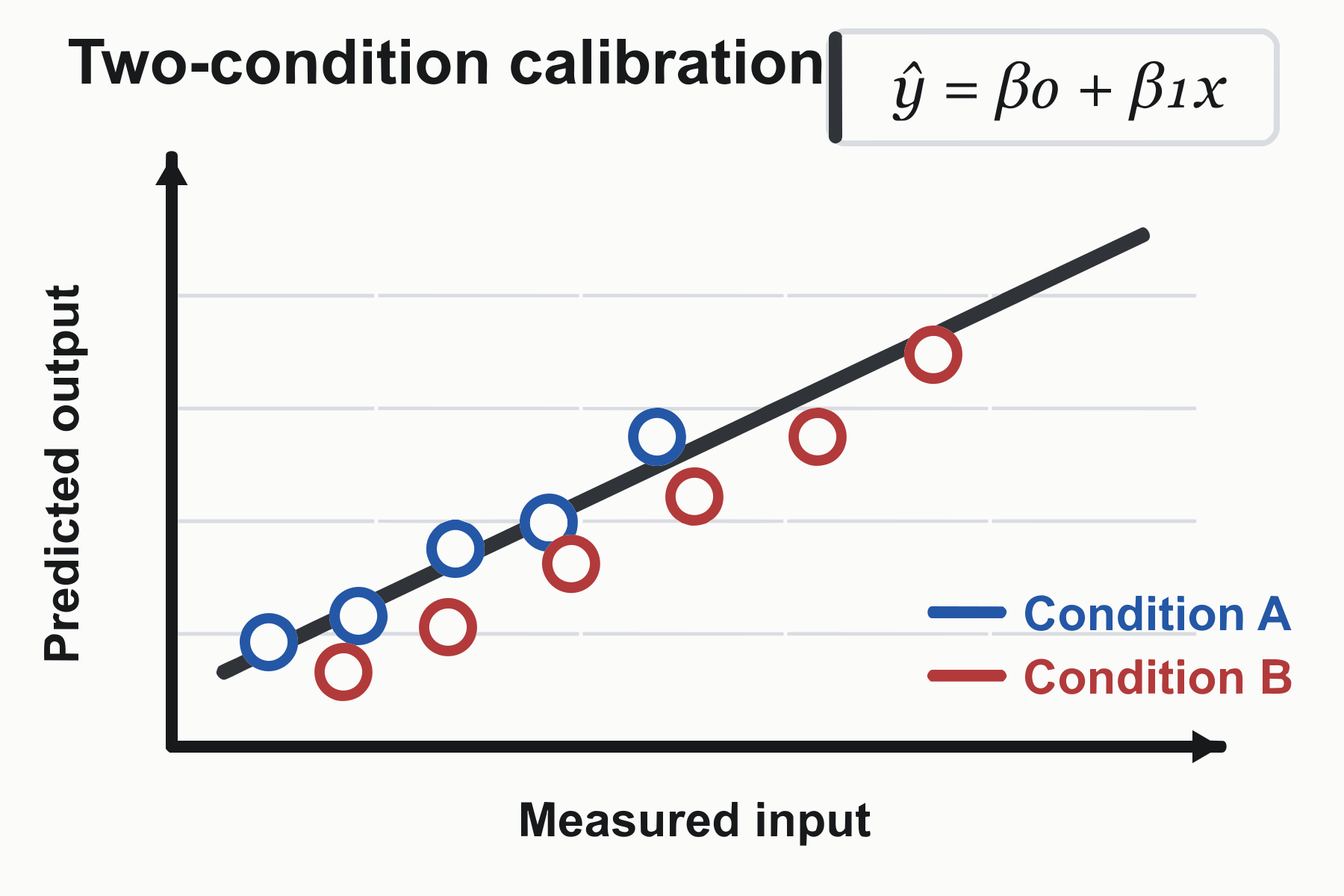
These are three representative test images created by the PerfectVector team and converted with PerfectVector. They demonstrate visible reconstruction and path-based SVG output—not recovered data, editable equations, semantic chart objects, generalized accuracy, cleanup time, or publication readiness.
BUILT BY AI RESEARCHERS
An in-house AI model that turns pixels into editable vectors.
PerfectVector AI Lab
The research team continuously advancing PerfectVector's in-house vectorization engine
PerfectVector is developed in-house by Rastrix Inc. Its researchers bring 10+ years of combined research and industry experience in deep learning and computer vision.
Our researchers hold every vector to a high standard. They design new methods, review results, and continuously improve how PerfectVector reconstructs shapes, edges, colors, and fine detail.
- AI research
- deep learning and computer vision
- 10+ years
- research and industry experience
- In-house
- core vectorization models and algorithms
- Quality-first
- continuous model and engine improvement
ONE SCALABLE VISUAL MASTER
The figure rarely has only one destination.
A recovered SVG can move with the same research story as the layout changes around it. Each destination still needs its own final review.
RECOVERED SVGOne inspected visualresize, place, reuse
A scalable master can reduce repeated redraw work. It does not restore the data or authoring structure behind the original figure.
VISUAL SOURCE RECOVERY
Recover the visible figure.Be precise about what did not return.
Visible geometryInspect before reuse
Visible shapes, outlines, fills, curves, negative space, and the overall composition reconstructed as SVG paths.
Original chart data, live text, editable LaTeX, semantic relationships, source-code settings, and native document layers.
CHOOSE THE RIGHT RECOVERY ROUTE
Use the source that preserves the most truth.
Vectorization is useful when visible artwork must be recovered. It should not replace a better original source or turn photographic evidence into decorative paths.
ORIGINAL SOURCE AVAILABLE
Export directly from the authoring tool
Use native SVG or PDF export from R, Python, LaTeX, Illustrator, Inkscape, or the original presentation whenever that source remains available.
STRONG PERFECTVECTOR FIT
Recover a flattened diagram or plot
Clear boundaries, limited colors, line art, symbols, and diagram-like regions give the vectorizer visible geometry it can reconstruct and you can inspect.
MIXED SCIENTIFIC FIGURE
Separate graphic and photographic panels
Keep microscopy, gels, photographs, and continuous-tone evidence as raster. Vectorize only a suitable diagram, icon, or flat annotation layer.
SEMANTICS REQUIRED
Return to data or rebuild the structure
Use the original dataset, plotting code, math source, or a manual reconstruction when labels, values, equations, or relationships must remain semantically editable.
Inspect the final figure in its destination. PerfectVector reconstructs visible artwork; it does not certify scientific accuracy, publication compliance, or print readiness.
FROM FLATTENED FIGURE TO SCALABLE VISUAL
Recover the figure in three reviewable steps.
- 1
Upload the clearest remaining figure
Start with the original PNG, JPG, slide export, or selected PDF page when possible. Avoid screenshots and repeated compression.
- 2
Inspect the protected vector preview
Check thin lines, markers, labels as visible outlines, color regions, gaps, and small symbols at the size you plan to use.
- 3
Unlock and verify the SVG
Download the result with one credit only after the preview fits. Place it in the intended poster, presentation, or editor and check the final export separately.
Before you pick a plan
You're in good company.
I'd tried everything and been let down every time — I'd given up, figuring today's tech just couldn't do this. And you actually built it. If this is real, it's genuinely incredible.
It converts at even better quality than I expected — it preserves the character of the original better than anything else I've tried.
PerfectVector is impressively fast, and the output quality is already very good. With a bit more refinement it could easily compete with the leading tools.
Way more detailed than I expected. Opening Illustrator to convert every single time was such a chore — bookmarked.
Tried it — it's accurate. Simple images actually expose detail differences more than complex ones do, and this nails them.
SIMPLE, FAIR PRICING
Start free. Upgrade when you need more.
Vectorizing and preview are always free and unlimited — you only spend a credit when you download a finished file.
Free
Try it out, casual use
Free
5 credits when you sign up. Expires in 30 days.
- 5 credits when you sign up(Expires in 30 days)
- Unlimited vectorizing & preview
- Simplify & merge colors
- Clean, optimized SVG output
- SVG, PNG, JPG, PDF, EPS, DXF export
No credit card required
Recommended
Light
For regular design work
$12/month
100 credits a month · about $0.12 per download
- Everything in Free, plus:
- 100 download credits every month
- Credits refresh monthly
- Priority processing
- Priority support
- Early access to new features
Pro
For power users & studios
$25/month
500 credits a month · about $0.05 per download
- Everything in Light, plus:
- 5x more usage than Light
- 500 download credits every month
- Credits refresh monthly
- Highest monthly volume
- Built for high-volume professional use







Need just a few more? Buy 10 credits for $5. · one-time · Never expires
1 credit = 1 download. Re-downloading a file you already saved is always free. Cancel anytime.
FREQUENTLY ASKED QUESTIONS
Questions before you convert?
Can I convert a scientific diagram PNG into SVG?
Yes, when the image contains suitable line-based or flat graphic content. PerfectVector reconstructs the visible diagram as vector paths. Inspect lines, labels, markers, fills, and small symbols before using the result.
Will the SVG restore the original chart data?
No. A flattened image no longer contains the original data series, plotting commands, spreadsheet links, or semantic chart structure. The SVG reconstructs visible geometry, not the data that produced it.
Can it turn an equation image back into editable LaTeX?
No. Equation glyphs may become visible vector outlines, but they do not become editable LaTeX or live mathematical text. Return to the original source or use a dedicated math-recognition workflow when semantic equations are required.
Should I vectorize microscopy images or photographs?
Usually not. Continuous-tone evidence such as microscopy and photography should normally remain raster. If a mixed figure contains both photos and a flat diagram, keep the photographic panels raster and consider vectorizing only the suitable graphic portion.
What if I still have the R, Python, LaTeX, Illustrator, or Inkscape source?
Export SVG, PDF, or another appropriate vector format directly from the original source. Native export retains more structure and is preferable to tracing. PerfectVector is the recovery route when only a flattened image remains.
Can I place the SVG in PowerPoint for a lecture or poster?
Current Microsoft 365 versions support inserting SVG files and resizing them without loss of image quality. Verify the appearance in your own PowerPoint version and inspect the final presentation or poster PDF before delivery.
How much does scientific diagram vectorization cost?
Vectorizing and preview are always free and unlimited — you only spend a credit when you download a finished file.
EXPLORE MORE
Related tools.
Give the figure you still have
a scalable next use.
Upload the remaining diagram, inspect the protected vector preview, and unlock the SVG only when the visible geometry fits your paper, poster, lecture, or handout.
Free, unlimited vectorizing and protected preview. One credit unlocks the finished SVG when the result fits.