
Olive sprig
Check the leaf joins and the openings inside the olives.
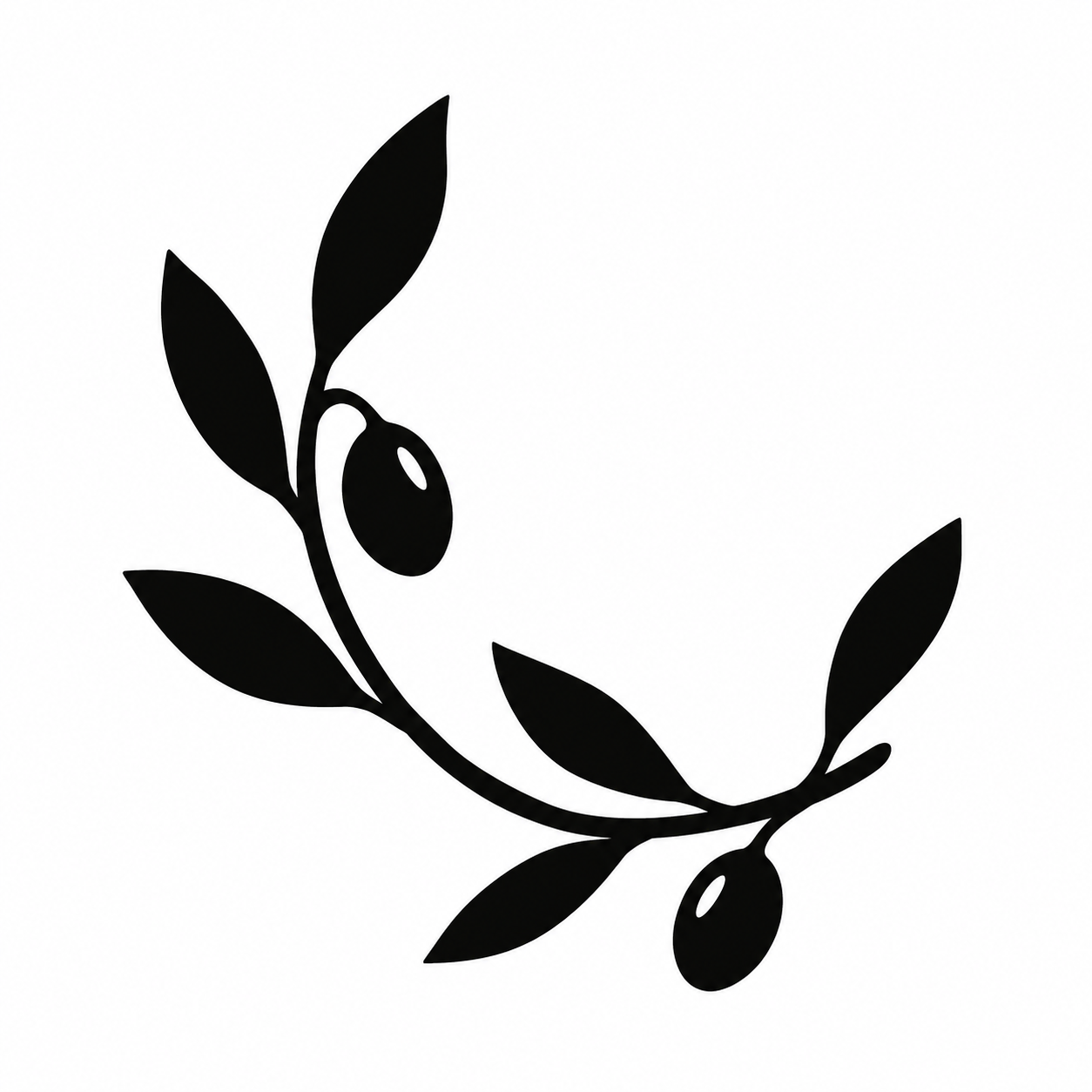
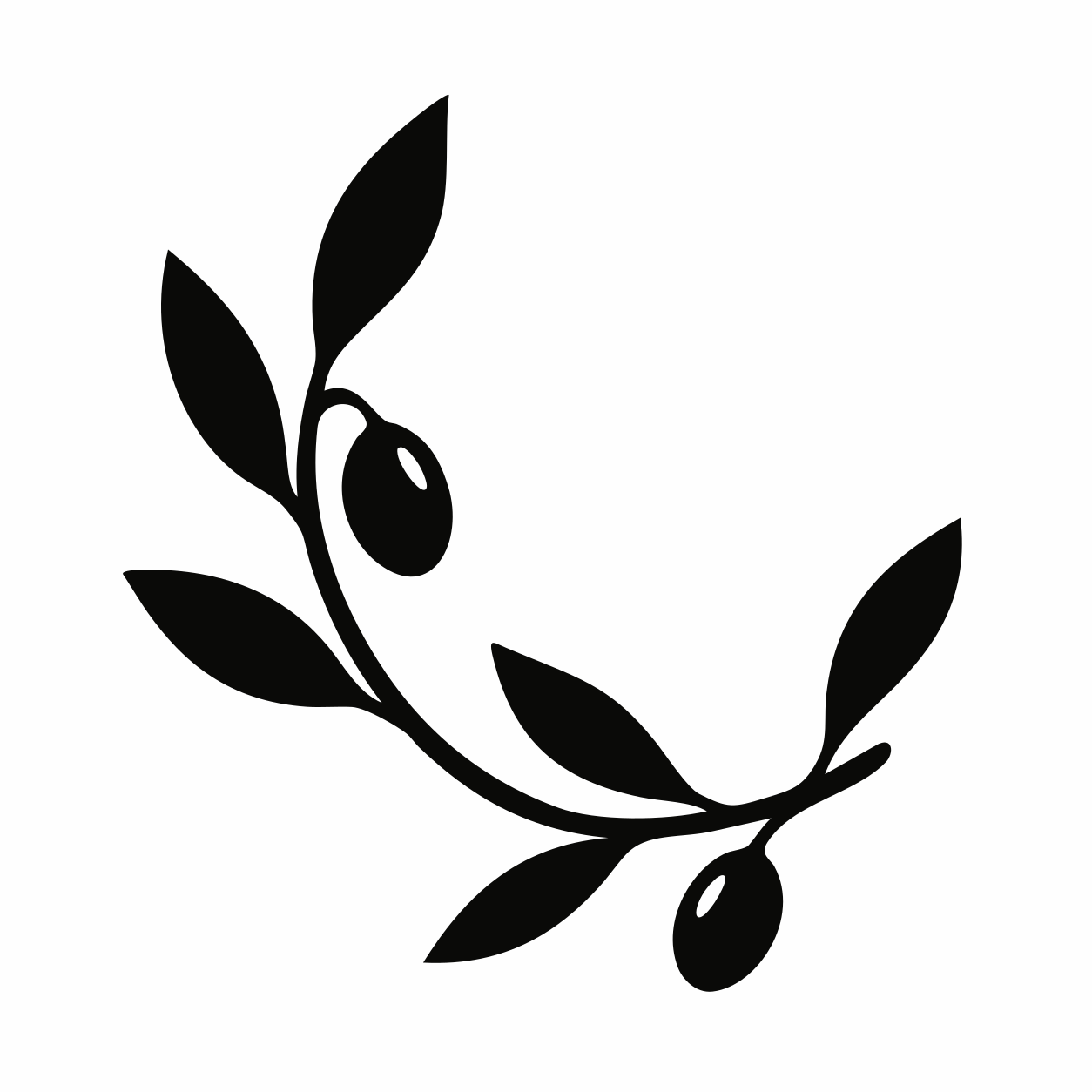
Convert an existing PNG or JPG motif to SVG, then prepare the artwork handoff with your stamp maker.
or try by clicking an image
WHEN THE MOTIF IS READY, BUT THE FILE IS NOT
The same motif may appear on an invitation and a tiny wax seal. A raster preview is not always the file your maker needs. Convert suitable artwork into paths you can inspect and edit.
See the actual conversionsStart with the clearest export of your original artwork. Keep an existing native vector instead of tracing its raster copy.
The olive motif below is the same SVG at two display sizes. The smaller view makes the narrow leaf gaps harder to inspect. Have your maker check them at the finished seal diameter.
Display-size illustration only—not actual millimeters, a wax impression, or a manufacturing test.
Three complete, inspectable examples. Compare the openings and outlines, not just the silhouette.
Check the leaf joins and the openings inside the olives.
Follow the petal openings and the tapered spaces in the leaves.
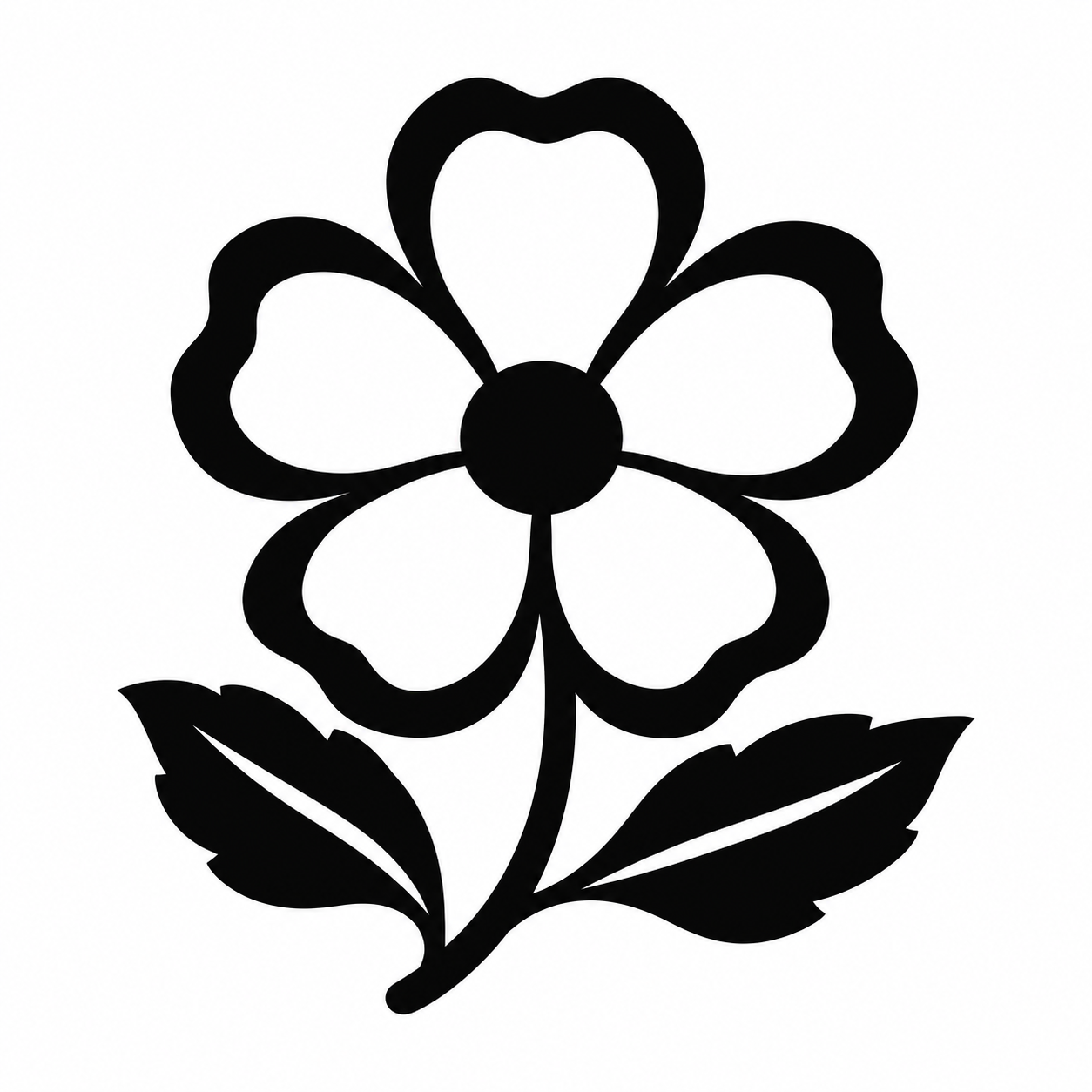
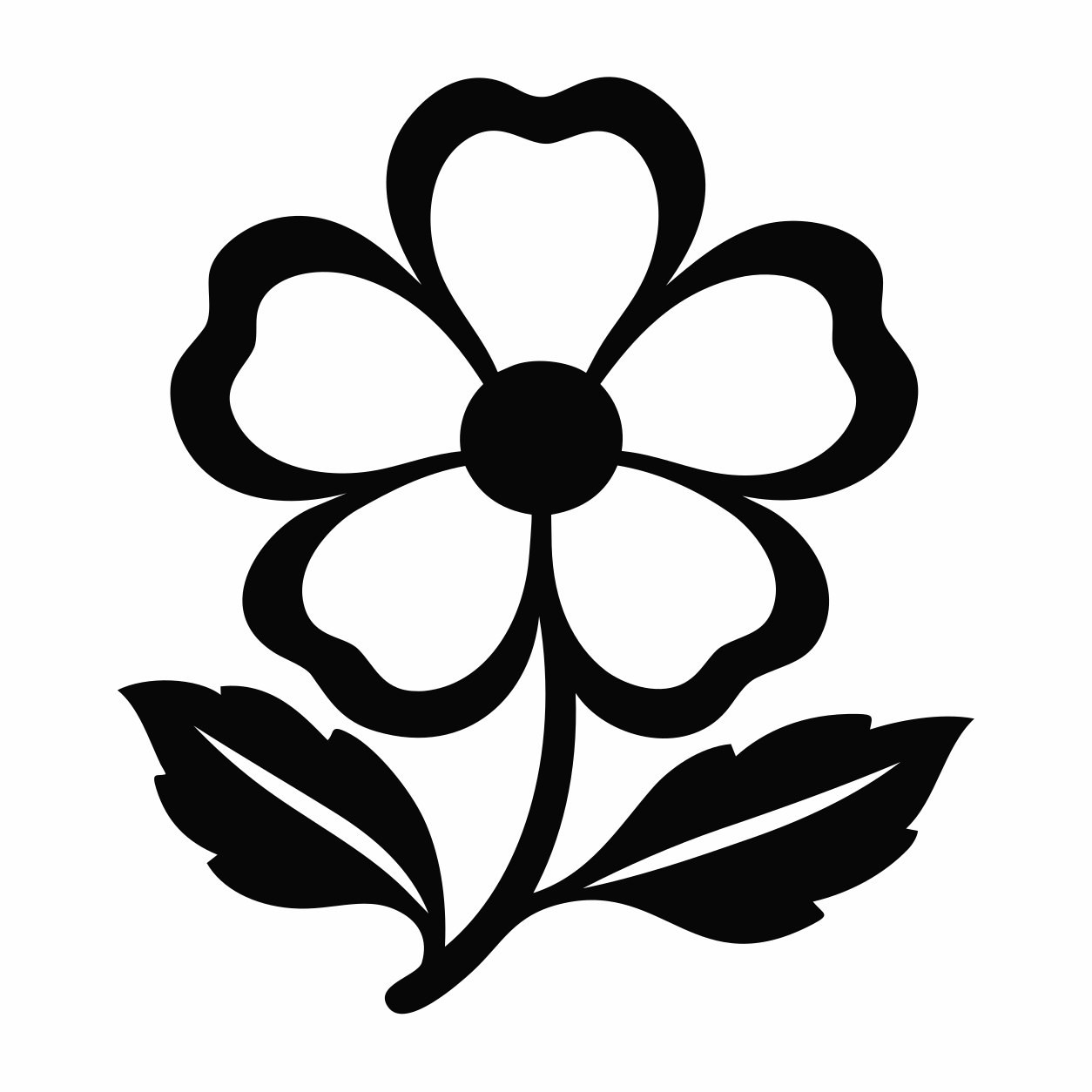
Compare the snow-cap opening and the gaps around the base line.
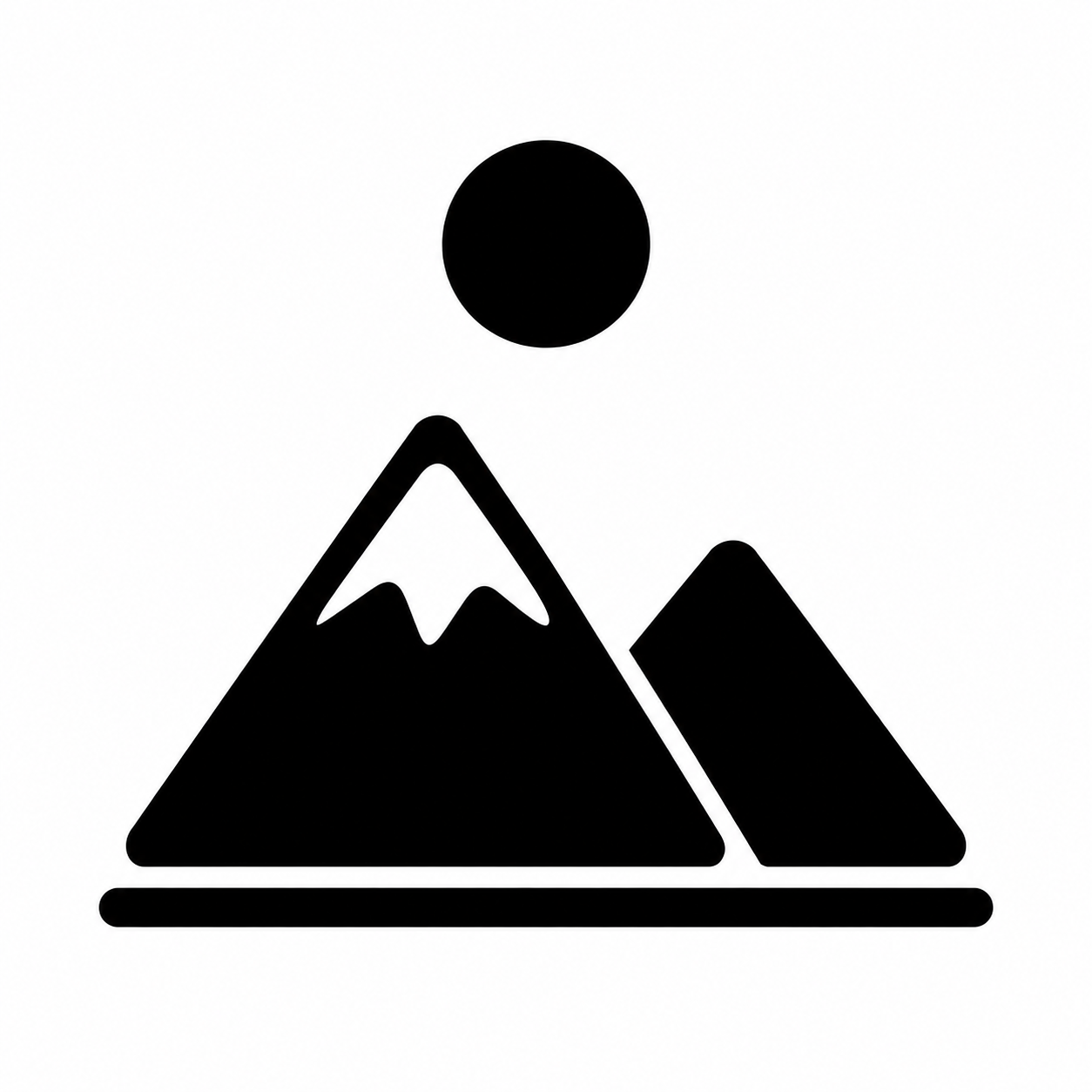
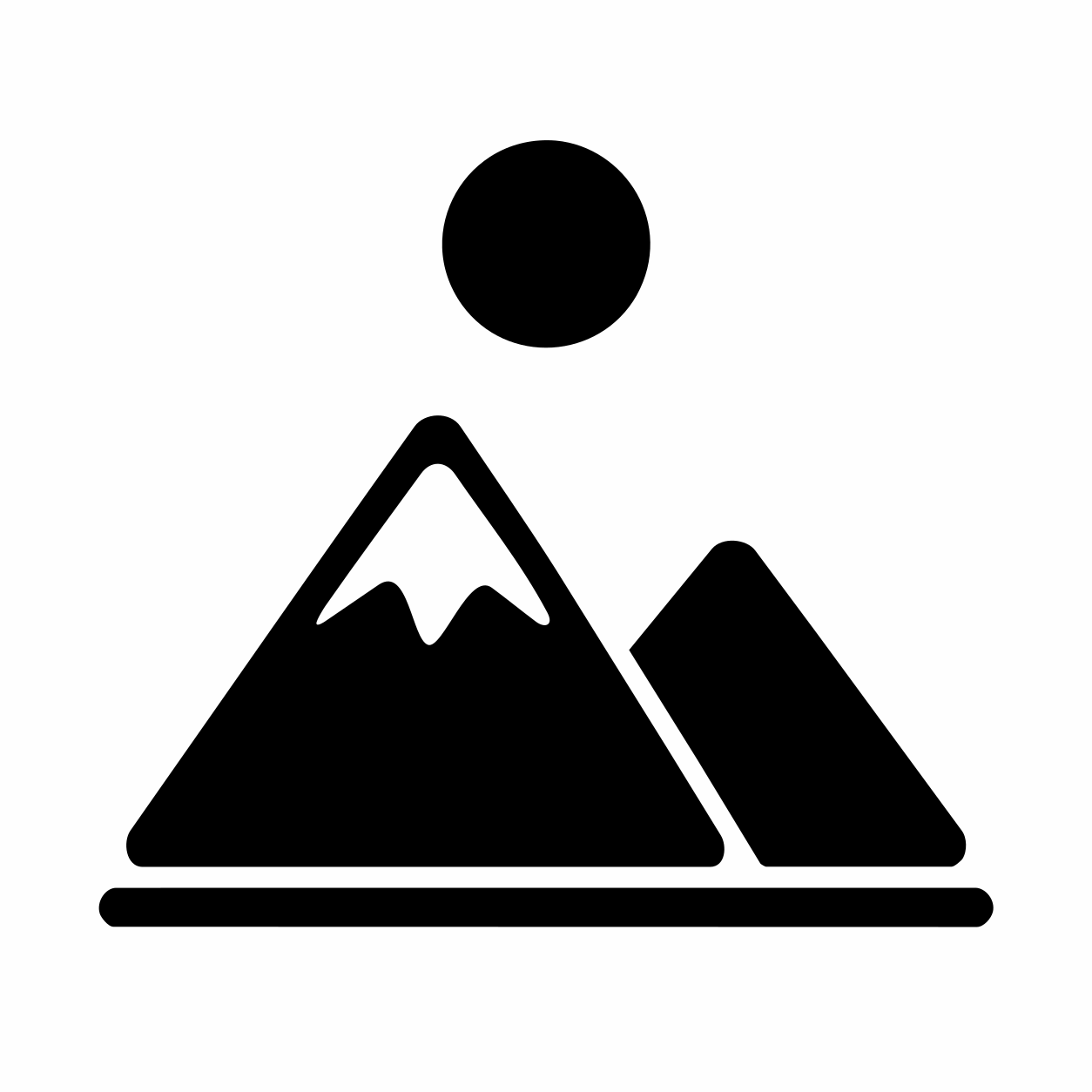
Original AI-created examples, converted with the real PerfectVector engine on September 16, 2026. Native 1254 × 1254 PNGs and raw downloaded SVGs; no artwork repairs. Not customer files or physical seal tests.
The research team continuously advancing PerfectVector's in-house vectorization engine
PerfectVector is developed in-house by Rastrix Inc. Its researchers bring 10+ years of combined research and industry experience in deep learning and computer vision.
Our researchers hold every vector to a high standard. They design new methods, review results, and continuously improve how PerfectVector reconstructs shapes, edges, colors, and fine detail.
Check the motif, margins and smallest gaps at the maker's intended size. Enlarging a preview does not prove detail will appear in wax.
SVG is a vector master, not a universal delivery format. Your maker may request vector PDF, AI or EPS with specific preparation.
Confirm orientation, relief depth and the production proof. Black and gray artwork does not automatically encode multiple engraving depths.
KustomHaus accepts suitable raster as well as vector artwork. Artisaire Studio specifies vector preparation and physical-detail limits. These guides inform the handoff; neither endorses PerfectVector.
I'd tried everything and been let down every time — I'd given up, figuring today's tech just couldn't do this. And you actually built it. If this is real, it's genuinely incredible.
It converts at even better quality than I expected — it preserves the character of the original better than anything else I've tried.
PerfectVector is impressively fast, and the output quality is already very good. With a bit more refinement it could easily compete with the leading tools.
Way more detailed than I expected. Opening Illustrator to convert every single time was such a chore — bookmarked.
Tried it — it's accurate. Simple images actually expose detail differences more than complex ones do, and this nails them.
No. Some accept a clear, high-resolution black-and-white raster; others require vector PDF or another vector format. Ask your maker before converting.
Not automatically. PerfectVector produces paths, not a relief model or engraving-depth setup. Your maker must confirm the format, dimensions, line spacing and production proof.
Follow your maker's instructions for mirroring. Keep original editable lettering when available; traced letters become shapes, not live text.
Vectorizing and preview are always free and unlimited — you only spend a credit when you download a finished file.
Upload artwork you own or may adapt. Preview the paths before unlocking a download.
Convert my motifVectorizing and protected preview are free and unlimited. One credit unlocks a finished download; repeat downloads of that unlocked result are free.