Write AI Prompts for Vector Art That Traces Cleanly
A 'vector style' AI prompt gives you a raster that only looks like a vector. Here's how to prompt for art that actually traces into a clean, editable SVG.
On this page
You can prompt an AI image tool for art that looks like a clean vector: flat shapes, bold colors, no photographic detail. The part most prompt lists leave out is that, unless you're using a tool that exports SVG directly, what comes back is a raster PNG that only looks like a vector. It still blurs when you scale it, and you can't edit it as shapes. So getting real vector art from AI is two steps: prompt for an image that will trace cleanly, then convert that image into actual vectors. This guide covers how to write prompts that produce traceable art across Midjourney, Nano Banana, Firefly, and Stable Diffusion, the negative prompts that keep it clean, and how to turn the result into a real SVG.
The quick version
- A "vector style" prompt gives you a raster PNG, not a vector file, unless the tool exports SVG directly.
- Prompt for flat, bold, few-color, high-contrast art. That's what traces into clean paths.
- Use negative prompts (
--no gradient, texture, shadow, noise) to cut what wrecks a trace. - Then convert the image into a real SVG. Vectorize your AI art to get editable, scalable paths.
- Painterly and photoreal prompts look great but won't become clean vectors.
First: "vector style" is not a vector file
A prompt can't change the file format your generator outputs. When you ask Midjourney or Nano Banana for a "flat vector illustration," you can get that look, but the image output is still raster. Midjourney's Editor documents a transparent PNG download, while Google's Gemini image-generation documentation lists raster output formats such as PNG and JPEG. A few tools generate genuine SVG from a prompt, but in these tools, "vector style" describes the look rather than the file format.
That's why prompting is only half the job. The prompt gets you an image that's shaped like vector art, flat and clean, which is the kind of image that converts well. The second step, turning it into an actual SVG, is where you get paths you can scale and edit. If you've run into this before, whether Midjourney can make an SVG covers the same trap in more detail.
What makes a prompt "vectorizable"
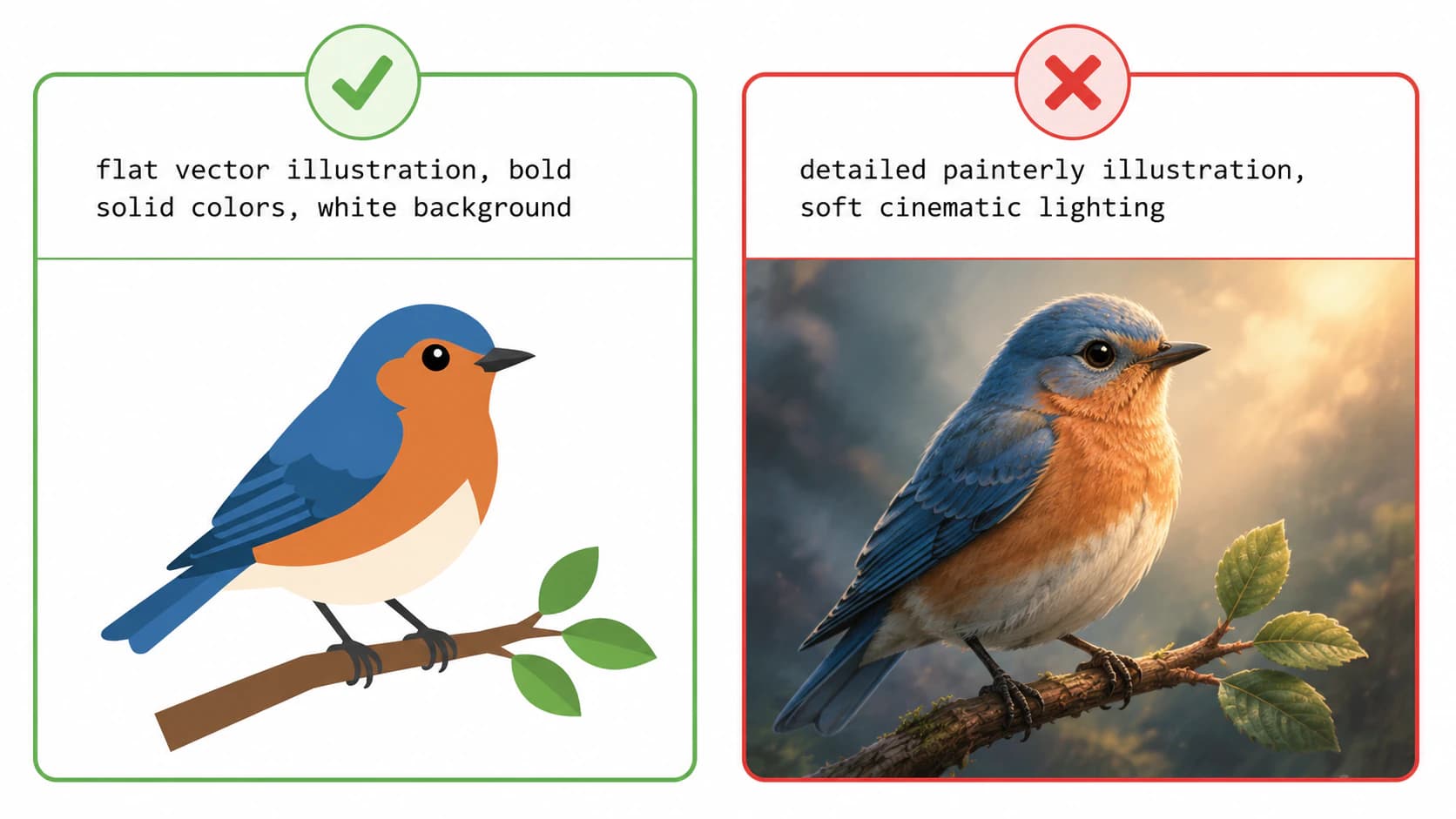
Converting an image to a vector works by turning areas of solid color into shapes. So the images that convert cleanly are the ones already built from flat, distinct colors, and your prompt's job is to steer the generator toward exactly that. Aim for:
| Prompt for… | Why it traces cleanly |
|---|---|
| Flat, solid colors | Each color becomes one clean shape |
| Bold, simple forms | Fewer, smoother paths |
| High contrast, crisp edges | The tracer finds clear boundaries |
| A limited color palette | Fewer layers, a lighter file |
| A white or plain background | No busy backdrop to trace by mistake |
The flip side is just as useful to know. Gradients, soft shading, texture, grain, and photographic detail are the things a tracer can't reduce to clean shapes, so any prompt that leans on them gives you an image that looks lovely and traces into a mess.
The building blocks of a vector-ready prompt
You don't need a library of 25 canned prompts. You need the vocabulary that pushes any generator toward flat, traceable art, dropped into a simple structure:
[subject] + [flat vector style] + [limited colors] + [clean, no gradient]
The style words that pull toward traceable art: flat vector illustration, simple bold shapes, solid colors, minimalist, line art, sticker style, logo style, 2D, flat design, high contrast, white background.
A couple of examples of the pattern in use:
Flat vector illustration of a fox, three solid colors, bold simple shapes, white background, no gradientMinimalist mountain logo, line art, single color, clean sharp edges, high contrast
Notice that these describe the look you want and the look you don't (no gradient), which matters more than piling on adjectives.
Negative prompts: cut what wrecks the trace
The most useful move for traceable art is telling the generator what to leave out. Midjourney supports a --no parameter, and Stability's API exposes a negative_prompt field. Use those controls to remove details that break a trace:
--no gradient, texture, shadow, gradient mesh, noise, grain, blur, 3d, photorealistic
When a workflow doesn't expose a separate negative-prompt control, put the same constraints in the main prompt: flat solid colors, no shading, no gradient, sharp flat edges. Either way, you're steering away from soft, blended pixels and toward the hard color boundaries a tracer needs.
Notes by generator
The principle is the same everywhere, but the controls differ a little:
| Generator | How to steer it flat |
|---|---|
| Midjourney | Use the documented --no parameter for unwanted details and push the main prompt toward flat, limited-color artwork. |
| Nano Banana (Gemini's image model) | Put the constraints in the main prompt: "flat solid colors, no shading, white background." The Gemini image guide shows the current prompt-and-image workflow. |
| Adobe Firefly | Firefly has a separate Text to Vector Graphic workflow that creates editable artwork and downloads SVG. Its image-generation workflow still needs tracing when the result is raster. |
| Stable Diffusion | Stability's API reference includes a negative_prompt field, so put the "no gradient, texture, noise" list there. |
None of this turns a photoreal render into something traceable. It just means that when a vector is the goal, you generate for one from the start.
For Firefly, use the Text to vector module guide to distinguish a native SVG download from an image that still needs tracing.
Then turn it into a real SVG
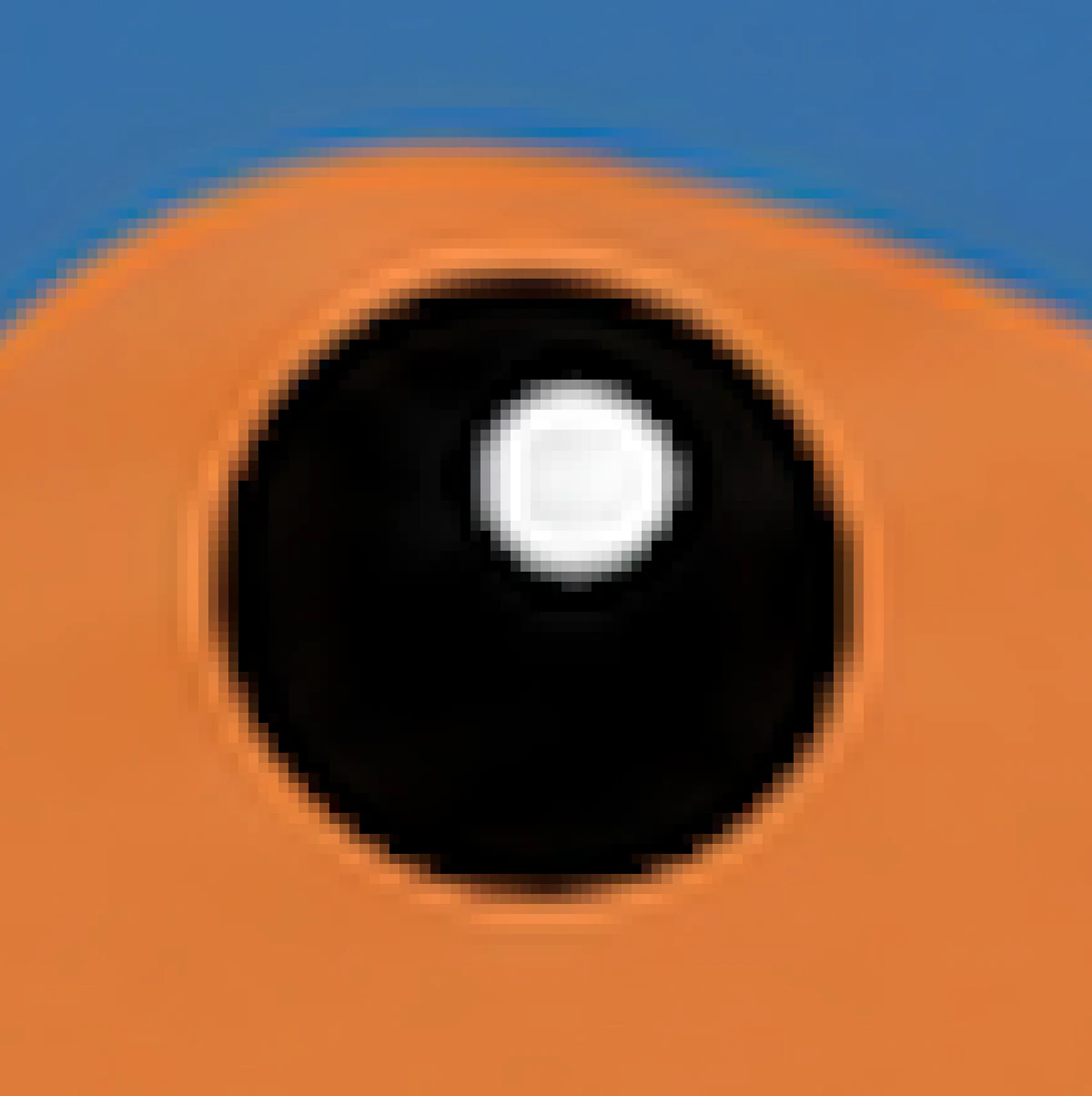
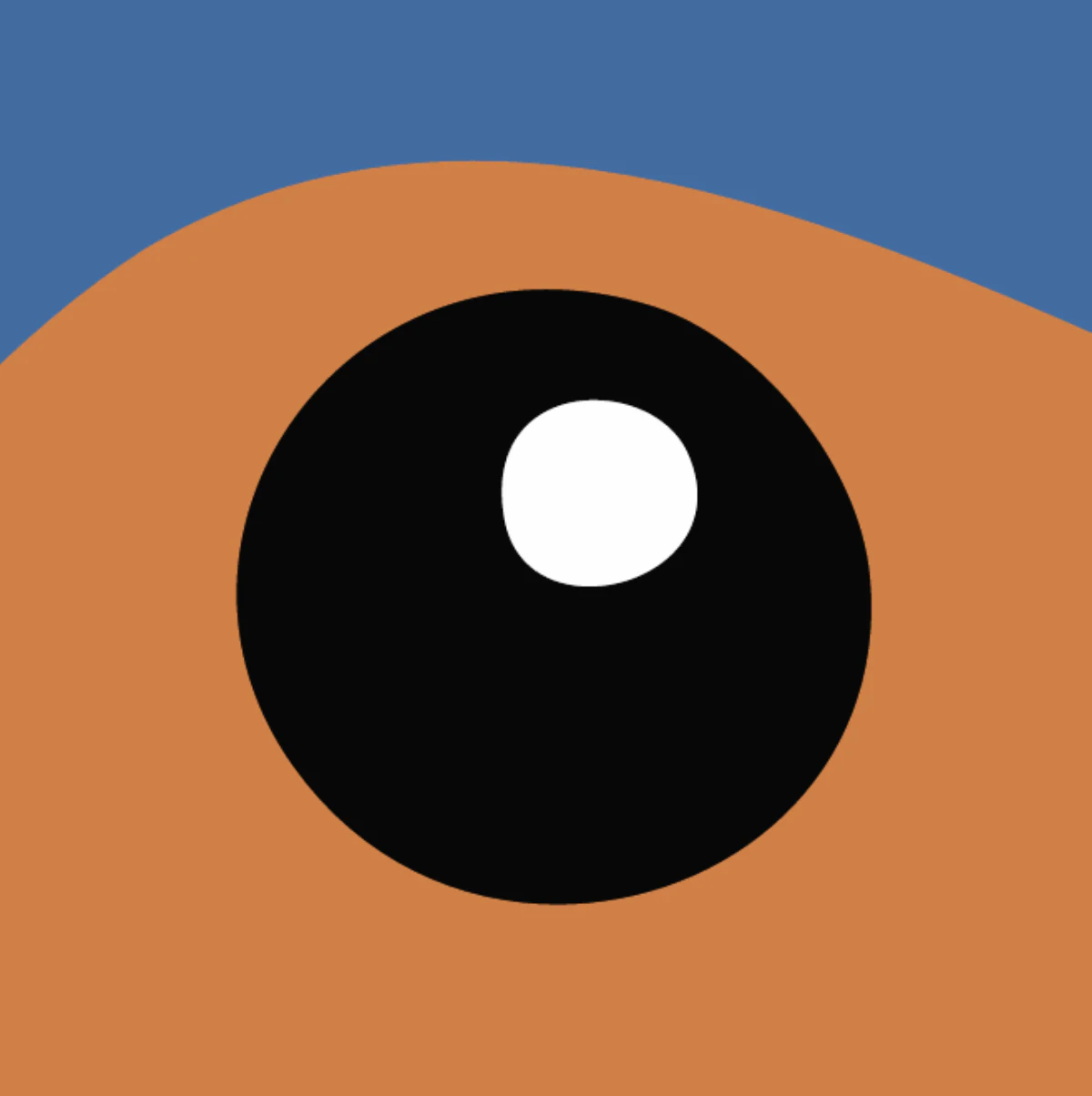
Once you have a flat, clean image, the second step gives you the actual vector. Download the highest-resolution version, remove the background if you need to, and run it through an image-to-vector converter that traces each color into its own clean path. Now it scales to any size and opens as editable shapes in Illustrator, Figma, or Inkscape. (If your art is a logo, vectorizing a logo has a couple of extra steps, like replacing the AI-generated text with a real font.)
One thing to check afterward: the path count. A rough trace can clog a simple design with hundreds of stray points, which makes it slow and painful to edit. A clean conversion keeps the paths tidy, which is the whole reason you prompted for flat art in the first place. If yours comes out heavy, too many nodes explains why.
What this looks like with PerfectVector
When your prompted art is the flat, graphic kind, PerfectVector traces it into a clean SVG with low node counts, each color as its own editable path, and a transparent background. It turns the pixels into real paths, so you end up with a true vector rather than a PNG renamed to .svg. You can convert your AI art and check the paths before you use it anywhere. Converting and previewing are free; you only spend a credit when you download the finished file.
Being honest about the limits: this only works if you prompted for flat, traceable art. If you fell in love with a painterly, gradient-heavy render, no converter will turn it into a clean vector, and no prompt fixes that after the fact. For those, keep the image as a high-resolution raster, or re-generate a flatter version. And if you're not sure your project even needs a vector, here's how to decide.
FAQ
What's a good prompt for vector-style AI art? Describe a flat, simple subject and add the style and constraints that trace well: "flat vector illustration, bold solid colors, minimalist, white background, no gradient." Keep the color count low and the shapes simple. Remember that this gives you a raster image in that style, which you then convert into an actual SVG.
How do you make vector art with AI? Two ways. Use a tool that generates SVG directly from a prompt, or, more commonly, prompt an image generator like Midjourney for flat, traceable art and then convert that PNG into a vector. The second path gives you the widest choice of generators, as long as you add the conversion step at the end.
Why does my "vector" AI art still blur when I scale it? Because it's a raster image, not a vector. A "vector style" prompt controls how the art looks, not the file format, so a generator like Midjourney still hands you pixels. To stop the blur, convert the image into a real SVG, which redraws it from paths and stays sharp at any size.
What negative prompts help for vector art? The ones that remove soft, blended pixels: gradient, texture, shadow, gradient mesh, noise, grain, blur, 3d, and photorealistic. In Midjourney or Stable Diffusion, add them to the negative prompt. In tools without that syntax, write the same intent positively, like "flat solid colors, no shading."
Can ChatGPT make vector art? Not a clean, editable one. It can generate a raster image or write rough SVG code, but neither gives you a reliable, production-ready vector of your design. The honest rundown is in can ChatGPT vectorize an image. For real vector art, prompt for flat art and convert it.
Which AI is best for vector art? It depends on whether you want the file or just the look. A few tools generate real SVG from a prompt, which is handy for simple icons and logos. For richer art, the image generators give you more control, and you add a conversion step. There's no single right tool, only the right combination for what you're making.
Sources
- Midjourney — No parameter — official syntax for excluding prompt elements with
--no. - Midjourney — Editor — current editor workflow and transparent PNG download behavior.
- Google AI for Developers — Image generation with Gemini — Gemini image prompting and raster output formats.
- Adobe Firefly — Generate vectors using text prompts — native editable vector generation and SVG download.
- Stability AI — API reference — output formats and the
negative_promptcontrol. - Adobe — Raster vs. vector — why a vector-style raster and an editable vector file behave differently.
Prompted something flat and clean? Turn it into a real, editable SVG, check the paths are tidy, and you've got vector art you can actually scale and edit.
More from the blog
How to Turn an AI-Generated Logo Into a Real, Editable SVG
Turn an AI-generated logo into an editable SVG, rebuild garbled lettering as real type, check the paths, and know when a manual redraw is the better choice.
Can Gemini Vectorize an Image? What It Can Do
Gemini can write SVG code from a text prompt, unlike most AI. But it can't trace your uploaded image into a clean, editable SVG. Here's what it can and can't do.