Poradniki, aktualizacje produktu i notatki o procesach projektowych od zespołu tworzącego PerfectVector.
Dodaj grafikę SVG do węzła Graphviz, sprawdź odwołanie do obrazu i przetestuj kompletny pakiet zasobów, porównując go z przeniesionym diagramem oraz samowystarczalną kopią do przekazania.
Wyeksportuj wykres z Matplotlib jako SVG, połącz go z osobnymi ścieżkami logo za pomocą svgutils i sprawdź plik przekazywany odbiorcy pod kątem osadzonych pikseli, rozmieszczenia i zmian czcionek.
Użyj feFuncA, aby uzyskać ostre odcięcie kanału alfa w SVG. Porównaj transfer discrete i table na znanych pikselach PNG, zachowaj otwory i sprawdź, dlaczego nieprzezroczysta biel pozostaje.
Utwórz obrys SVG z SourceAlpha za pomocą feMorphology. Porównaj dylatację, erozję, otwory i różne promienie, zachowując geometrię oryginalnych ścieżek.
Odczytuj bezwzględne i względne ścieżki SVG, śledząc bieżący punkt. Sprawdź pary moveto, resetowanie przez closepath i współrzędne krzywej trzeciego stopnia na autorskim przykładzie równoważnych zapisów.
Umieść logo SVG w pliku PDF tworzonym w Pythonie za pomocą fpdf2, ustaw jego rozmiar, sprawdź zapisane ścieżki i ustal przyczynę brakującego tekstu lub kształtów, zanim użyjesz wersji rastrowej.
Dodaj logotyp SVG do dokumentu React-pdf za pomocą Svg i Path, zachowaj jego otwory, ustaw jawne wymiary i sprawdź zapisany PDF, zanim użyjesz własnej grafiki.
Użyj SVG feColorMatrix, aby zmienić kolory podglądu, zachować przezroczystość i wybrać sRGB. Porównaj filtr z bezpośrednią edycją wypełnień, zanim przekażesz edytowalną grafikę.
Napraw etykiety SVG, które pojawiają się w przeglądarce, ale znikają po eksporcie. Porównaj foreignObject z natywnym tekstem, sprawdź przestrzenie nazw i zachowaj istniejącą grafikę.
Napraw brakujące logo SVG w plikach PDF z WeasyPrint za pomocą poprawnego bazowego adresu URL i jawnego określenia rozmiaru w CSS, a następnie sprawdź ścieżki wektorowe, proporcje i grafikę w zapisanym pliku PDF.
Dowiedz się, kiedy SVG w Excalidraw jest pojedynczym obrazem, a kiedy jego części stają się edytowalnymi kształtami. Zobacz test konwersji, utracony otwór i kolejne kroki weryfikacji.
Dodaj prawdziwe logo SVG za pomocą PptxGenJS, zachowaj jego proporcje, sprawdź multimedia w pliku PPTX i przetestuj gotowy slajd w aplikacji do prezentacji używanej przez Twoich odbiorców.
Przygotuj niestandardową ikonę SVG do motywu Shopify, a następnie wybierz zasób graficzny lub fragment Liquid z osadzonym kodem SVG. Sprawdź ścieżki, sterowanie kolorem, rozmiar i dostępność.
Sprawdź, kiedy SVG crispEdges pomaga przy znakach opartych na siatce pikseli, kiedy może pogorszyć gładkość krzywych i dlaczego test w przeglądarce w dwóch rozmiarach jest lepszy niż traktowanie wskazówki renderowania jako naprawy.
Gdy z-index w SVG nie przenosi ścieżki na wierzch, sprawdź kolejność elementów. Porównaj ten sam emblemat przed zmianą kolejności i po niej, a następnie sprawdź grupy i wyeksportowane pliki.
Wybierz granice strony, rysunku lub obiektu przy eksporcie PNG z wiersza poleceń Inkscape. Porównaj rzeczywiste wyniki, utwórz dwa rozmiary i zachowaj oryginalny plik źródłowy SVG bez zmian.
Spakuj swoją grafikę SVG jako zestaw ikon Iconify, zarejestruj go w Mermaid i sprawdź brakujące ikony, przycięte kształty oraz etykiety na działającym przykładzie diagramu.
Przygotuj własny znacznik SVG do QGIS z parametrami wypełnienia i obrysu, rzeczywistym otworem oraz akcentem o stałym kolorze. Zachowaj zwykły plik źródłowy SVG i sprawdź kopię docelową.
Napraw brakujący lub zastępowany tekst SVG w resvg, jawnie wskazując pliki fontów. Uruchom niewielki przykład w Node, porównaj trzy wyniki i zachowaj edytowalny plik źródłowy grafiki.
Porównaj tryby spacing i spacingAndGlyphs atrybutu SVG textLength na rzeczywistych przykładach napisów. Zachowaj kształty liter, uwzględnij maksymalną szerokość i pozostaw tekst edytowalny.
Wstaw kompletne logo SVG do dokumentu PDFKit, ustaw jego rozmiar w punktach i sprawdź zapisany PDF pod kątem ścieżek, otwartych kształtów, brakujących elementów i osadzonych obrazów.
Napraw połączenie krzywych Béziera trzeciego stopnia w SVG, wyrównując ich uchwyty. Porównaj uchwyty o różnej długości i uchwyty odbite symetrycznie, poznaj polecenie S i zachowaj zamierzone narożniki.
Na przykładzie wyidealizowanej plakietki SVG poznaj przesunięcia kompensujące szerokość cięcia do wewnątrz i na zewnątrz, odróżnij szerokość cięcia od przesunięcia ścieżki i uniknij dwukrotnego zastosowania kompensacji.
Wyrównaj etykiety SVG za pomocą dominant-baseline, porównaj middle i central w dwóch fontach oraz odróżnij centrowanie ramki tekstu od widocznego kształtu liter.
Porównaj kolejność translate i scale w SVG na przykładzie logo z pomiarami. Użyj zagnieżdżonych grup, prześledź jeden punkt i ustaw grafikę bez zmieniania jej źródłowych ścieżek.
Renderuj pliki SVG do przezroczystych plików PNG w docelowym rozmiarze w pikselach za pomocą Sharp. Zobacz odtwarzalny test 1x i 2x, kiedy gęstość wejściowa ma znaczenie i dlaczego powiększanie PNG zawodzi.
Zobacz, jak flagi large-arc i sweep w SVG wybierają jedną z czterech krzywych między tymi samymi punktami. Skopiuj działające polecenie A, a następnie popraw promienie, obrót i grafikę po wektoryzacji.
Porównaj SVG clipPath z maskami alfa i luminancji na jednym obrazie. Skopiuj działający przykład, przetestuj jasne i ciemne tła i wyeksportuj właściwą geometrię.
Ostre połączenie obrysu w SVG może tworzyć występ w wąskim narożniku lub zostać przycięte przy krawędzi strony. Porównaj limity ostrych połączeń, ścięcia, zaokrąglenia i miejsce w obszarze widocznym, zanim zmienisz ścieżki.
Obrysy SVG są domyślnie wyśrodkowane na ścieżce. Użyj przycięcia dla konturu wewnętrznego lub maski dla zewnętrznego, a przed przekazaniem pliku sprawdź widoczne granice i działanie importu.
Konwertuj grafikę SVG za pomocą CairoSVG, wybierz szerokość wyjściową lub skalę, poznaj działanie DPI i wymiarów kontenera nadrzędnego oraz sprawdź wymiary PNG w pikselach i rozmiar strony PDF przed przekazaniem plików.
Powiel motyw liścia za pomocą efektu Pattern Along Path w Inkscape. Wybierz ustawienia kopii, zapanuj nad deformacją, zachowaj edytowalny plik główny i sprawdź końcowy plik SVG.
Porównaj getBBox i getBoundingClientRect na przekształconej grafice SVG. Prawidłowo umieszczaj nakładki, sprawdzaj granice obrysu i dopasuj viewBox z jawnym marginesem.
Przesuwaj grafikę SVG wzdłuż krzywej za pomocą animateMotion i mpath. Popraw przesunięcie ikon względem punktu odniesienia, wybierz automatyczny obrót i zapewnij wersję statyczną przy ograniczonym ruchu.
Wybierz meet, slice lub none do dopasowania SVG. Sprawdź wyrównanie, przycinanie i puste płótno na jednym emblemacie oraz rozróżnij mapowanie SVG i właściwość CSS object-fit.
Używaj danych ścieżek SVG na canvas z właściwą transformacją viewBox, kolorami, otworami i gęstością pikseli. Skorzystaj z autorskiego przykładu i zachowaj edytowalny oryginał SVG.
Użyj svg2pdf.js z jsPDF, aby umieścić logo SVG, zachować obsługiwane ścieżki, ustawić jego rozmiar w PDF-ie i porównać zapisany plik ze zrasteryzowanym eksportem tej grafiki.
Zaimportuj SVG do PixiJS jako geometrię lub teksturę. Przetestuj ikonę w dwóch rozmiarach, sprawdź rozdzielczość tekstury i wykryj brakujące transformacje grup przed wdrożeniem.
Wybierz jednostki SVG clipPath, znormalizuj sylwetkę i zachowaj jej proporcje. Przetestuj szerokie i wysokie elementy docelowe, zachowując otwory i geometrię źródłową.
Twórz kropkowane obramowania SVG z zaokrąglonymi zakończeniami, obliczaj widoczne odstępy i popraw nierówne miejsce zamknięcia obrysu, korzystając z autorskiej plakietki i edytowalnych przykładów obrysów.
Wczytaj grafikę SVG do Konva jako jeden obraz lub osobne edytowalne ścieżki. Przetestuj zmianę kolorów, skalowanie i eksport PNG, a następnie zachowaj oryginalny SVG do przyszłych edycji.
Rozciągnij gradient na osobne ścieżki logo SVG. Porównaj gradientUnits, ustaw wspólne punkty końcowe i popraw nieoczekiwaną zmianę koloru w przesuniętej grupie.
Kontroluj odstępy we wzorze SVG i rozmiar motywu za pomocą patternUnits, patternContentUnits i viewBox. Porównaj zmianę wymiarów kształtu ze skalowaniem całej jego grupy.
Napraw przycięty cień SVG, sprawdzając dwie oddzielne granice: obszar filtra i zewnętrzny obszar widoku. Skorzystaj ze sprawdzonego przykładu, zanim zmienisz ścieżki.
Obracaj grafikę SVG złożoną z wielu ścieżek wokół jednego wspólnego środka. Porównaj fill-box, jawne współrzędne punktu obrotu i osobne obroty elementów potomnych na przykładzie sprawdzonym w przeglądarce.
Zaimportuj ścieżki SVG do Paper.js, połącz nakładające się kształty, wytnij rzeczywisty otwór i sprawdź wyeksportowany plik na niewielkim, odtwarzalnym przykładzie w przeglądarce.
Umieszczaj logo SVG w PDF-ach ReportLab za pomocą svglib, zachowuj jego proporcje i sprawdzaj gotowy plik pod kątem ścieżek wektorowych, prawidłowego rozmiaru i brakujących szczegółów.
Stwórz własny grot strzałki SVG, wyrównaj jego czubek, odwróć marker początkowy i porównaj rozmiary przy dwóch grubościach obrysu na autorskim przykładzie wyrenderowanym w przeglądarce.
Użyj SVG paint-order, aby umieścić gruby obrys za wypełnieniem. Porównaj renderowanie tekstu i ścieżek, sprawdź małe rozmiary i zachowaj edytowalny plik źródłowy do przygotowania wersji do przekazania.
Wczytaj ścieżki SVG do Three.js, zachowaj rzeczywisty otwór, popraw orientację pionową i ustal wymiary siatki po wyciągnięciu na niewielkim, odtwarzalnym przykładzie przeglądarkowym.
Importuj SVG do Fabric.js jako edytowalne obiekty, zmień kolor jednej części i wyeksportuj sprawdzoną kopię SVG. Skorzystaj z przetestowanego przykładu i odróżnij problemy pliku źródłowego od błędów API.
Porównaj ten sam SVG jako obraz i kod inline. Sprawdź sterowanie kolorem przez CSS, rozmiary, nazwy dostępne dla technologii wspomagających i ponowne użycie, zanim wybierzesz sposób osadzenia grafiki.
Kontroluj obszary kliknięcia w SVG za pomocą wypełnień, obrysów, otworów i osobnych obszarów trafienia. Testuj kierowanie zdarzeń i zachowaj obsługę aktywacji z klawiatury w natywnym przycisku lub linku.
Zbuduj odznakę z edytowalnym tekstem SVG na ścieżce. Wyśrodkuj napis, sprawdź kierunek i fonty oraz zachowaj emblemat osobno, zanim utworzysz kopię z tekstem zamienionym na kontury.
Uruchom SVGO na kopii, zachowaj identyfikatory używane przez Twoją stronę i porównaj wynik. Prześledź przykład odznaki z pomiarami, który ujawnia niedziałający punkt zaczepienia dla CSS po optymalizacji.
Dodaj SVG do projektu .NET MAUI, odwołuj się do wynikowego PNG i odróżniaj BaseSize od rozmiaru w układzie. Sprawdź nazwy plików, metadane obrazu i gotową grafikę.
Użyj QSvgWidget lub QSvgRenderer do obsługi SVG w Qt, sprawdź aktualną obsługę funkcji i unikaj mylenia skalowalnego źródła z obrazem rastrowym o stałym rozmiarze w aplikacji.
Używaj grafiki SVG w WPF za pomocą renderera, natywnego DrawingImage lub eksportu do PNG. Prześledź autorski przykład ikony i sprawdź granice, kolory oraz zależności.
Przygotuj ścieżki SVG do morfingu kształtu, sprawdzając strukturę poleceń, kolejność narożników i otwory. Przetestuj autorski przykład na początku, w połowie i na końcu.
Animuj rysowanie linii SVG za pomocą dasharray i dashoffset. Porównaj otwartą ścieżkę z wypełnionym konturem, sprawdź kierunek i zapewnij statyczny wynik przy ograniczeniu ruchu.
Zaimportuj statyczny plik SVG do Apple Motion, sprawdź jego przezroczystość i nieobsługiwane funkcje oraz ustal, czy przed animowaniem grafika wymaga osobnych obiektów.
Dodaj SVG do zestawu obrazów w Xcode, wczytaj go po nazwie zasobu i wybierz renderowanie oryginalne lub szablonowe. Sprawdź kolor, odstępy i gotową aplikację w rzeczywistym rozmiarze.
Umieść SVG w Typst za pomocą natywnych funkcji image i figure. Sprawdź rozmiar, podpisy, wyrównanie w tekście i wyeksportowany PDF przed przekazaniem dokumentu.
Porównaj SVGZ i SVG na rzeczywistym przykładzie kompresji i dekompresji gzip. Zobacz, co zachowuje kompresja, czym różnią się nagłówki HTTP i który plik wysłać do edytora lub odbiorcy.
Przygotuj plik SVG dla Motion Design w Unreal Engine, sprawdź otwory i oddzielne elementy oraz rozróżnij geometrię sceny od użycia tekstury lub obrazu w interfejsie podczas działania aplikacji.
Wybierz osadzony obraz SVG lub natywny szablon XML w draw.io. Sprawdź możliwość edycji kolorów i punkty połączeń, a następnie zapisz odpowiedni obiekt w bibliotece do ponownego użycia.
Dodaj zasób SVG do Fluttera, dopasuj jego ścieżkę w pakiecie aplikacji, ustaw wymiary widżetu i sprawdź kolory oraz semantykę. Oddziel problemy z ładowaniem od nieobsługiwanych elementów grafiki.
Użyj SVG jako maski ikony w CSS, zachowaj przezroczyste otwory i nadaj jej kolor za pomocą currentColor. Porównaj alfę i luminancję, zanim sprawdzisz ikonę w rozmiarze używanym w interfejsie.
Wybierz sposób pracy z ilustracją SVG: PDF lub PDF wraz z LaTeX. Zachowaj możliwość edycji etykiet, poznaj wymagania dotyczące Inkscape i sprawdź końcowy dokument PDF.
Zbuduj sprite symboli SVG z dwiema ikonami. Zachowaj identyfikatory i viewBox, ustal sposób kolorowania oraz sprawdź odwołania zewnętrzne i nazwy dostępne w kontekście użycia.
Odróżnij dołączony obraz od edytowalnych obiektów CAD. Wybierz Raster Design, ręczne odtworzenie geometrii lub grafikę w formacie DXF, a następnie sprawdź, co zawiera rysunek w AutoCAD.
Zaimportuj logo do EasyEDA Standard lub Pro, nie myląc narzędzi do obrazów na PCB ze ścieżkami SVG w panelu. Przed eksportem sprawdź edytor, warstwę, rozmiar i grafikę.
Użyj polecenia Break Apart w Keynote na Macu lub iPadzie, rozdziel edytowalne kształty SVG i sprawdź, czy brak polecenia oznacza, że potrzebujesz innego pliku źródłowego.
Użyj narzędzia Trace Bitmap w QCAD Professional do odtworzenia konturów obrazu, porównaj je z ręcznym odrysowywaniem w CAD i sprawdź znaczenie linii, skalę oraz poprawki przed przekazaniem pliku DXF.
Wybierz właściwą opcję importu SVG w Rhino 8, sprawdź typy obiektów i otwory oraz ustal, kiedy rastrowe logo wymaga wektoryzacji, zanim zaczniesz modelować projekt.
Zaimportuj grafikę SVG do pola glifu w FontForge, a następnie sprawdź kontury, linię bazową, skalę i odstępy. Dowiedz się, co daje wektoryzacja, a co nadal wymaga projektowania fontu.
Zaimportuj geometrię SVG do OpenSCAD, sprawdź otwory i wymiary, a następnie wyciągnij kształt o określonych wymiarach. Dowiedz się, dlaczego biały środek może wymagać poprawki, aby stał się prawdziwym otworem.
Przygotuj grafikę rastrową do wytłaczania SVG w PrusaSlicer. Sprawdź osobne obszary, wybierz Join lub Cut i skontroluj położenie oraz warstwy po podziale modelu na warstwy przed drukowaniem.
Importuj grafikę SVG do Scribusa jako edytowalne obiekty, sprawdź kolory i brakujące elementy oraz przygotuj zwektoryzowany motyw do projektu przed eksportem końcowego pliku PDF.
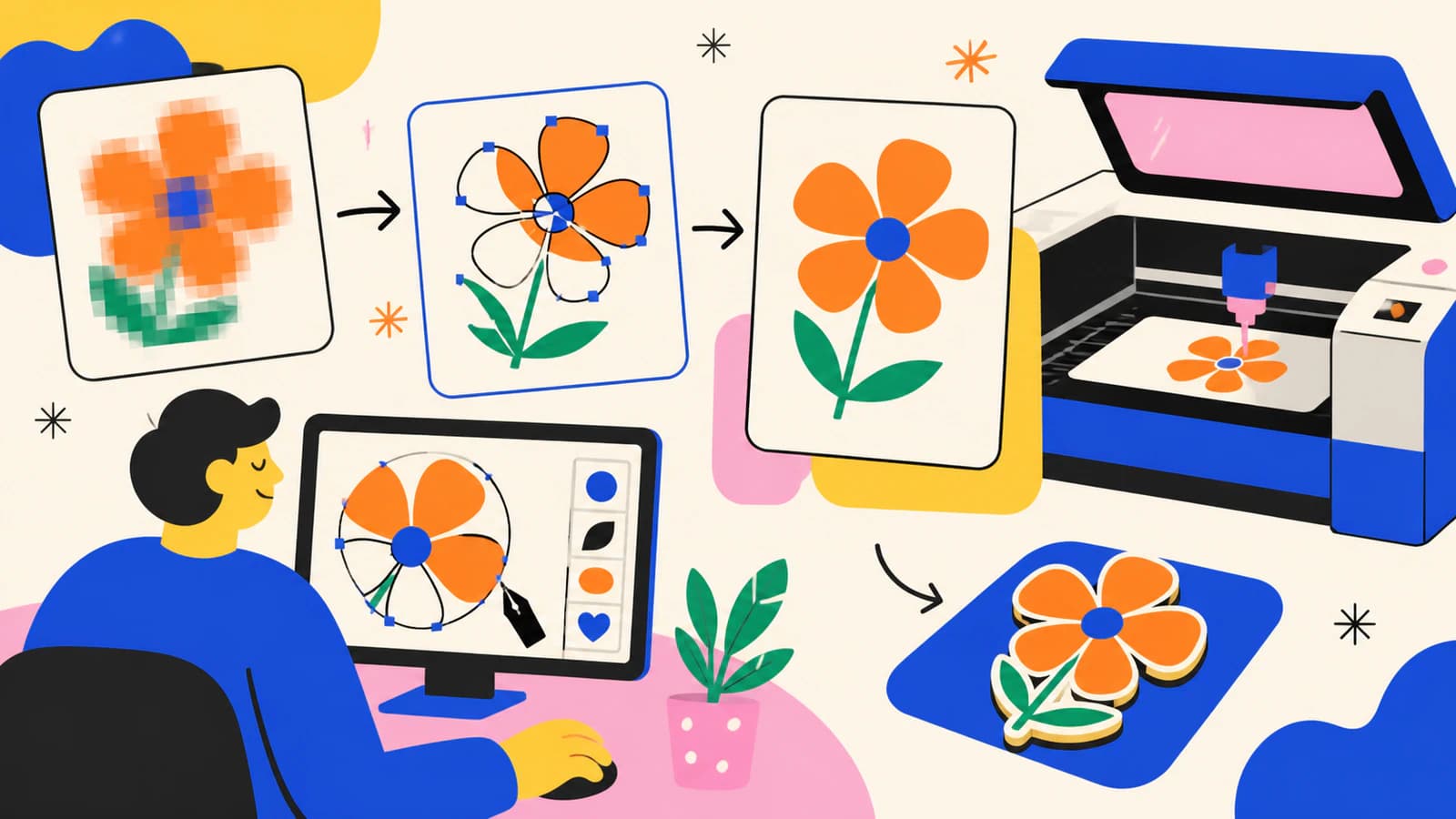
Użyj trybów i ustawień Xara Bitmap Tracer, aby zamienić bitmapę w edytowalne kształty. Przed przekazaniem projektu sprawdź krzywe, narożniki, obszary kolorów i wyeksportowaną grafikę.
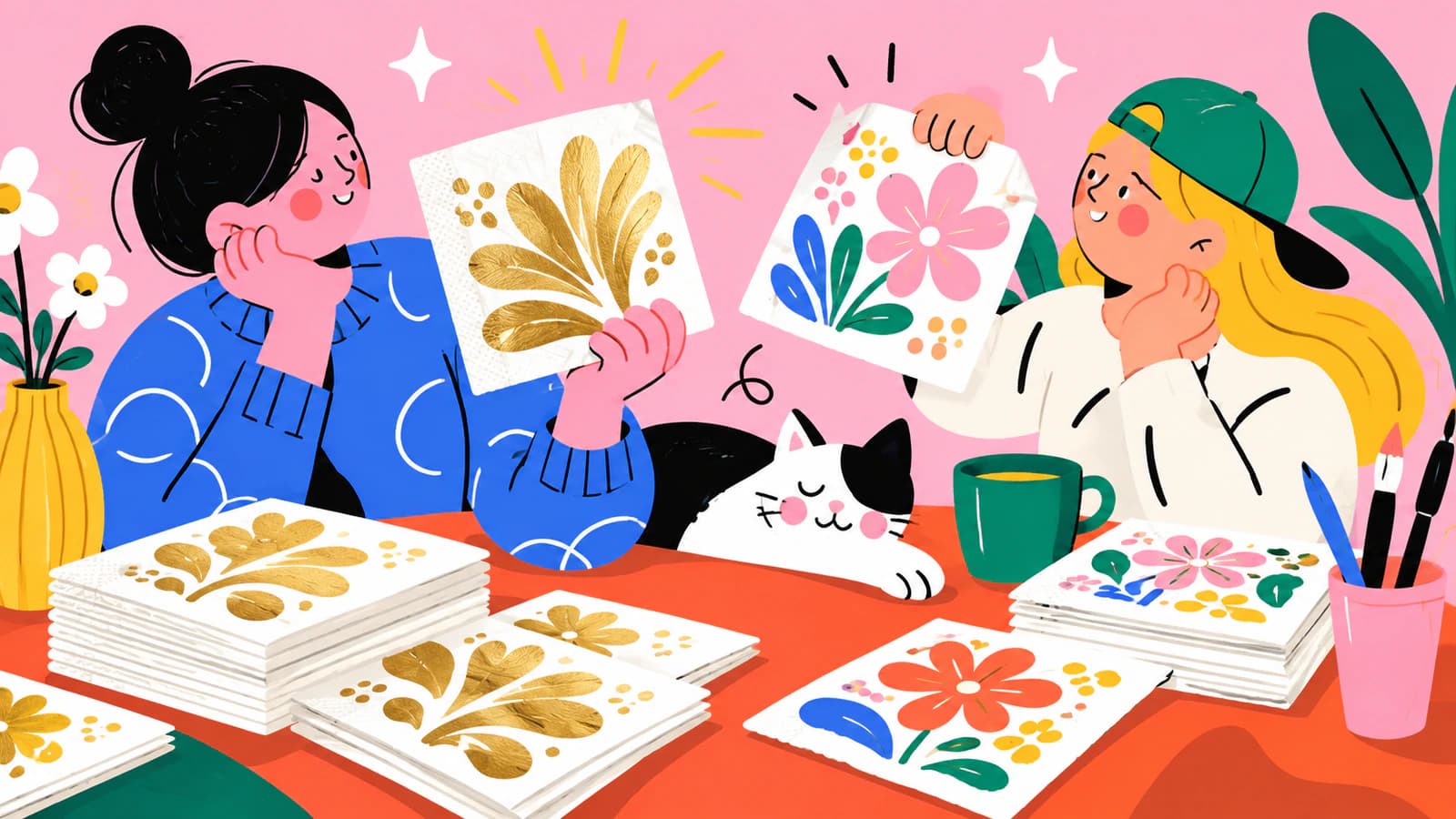
Wybierz nadruk folią, farbą w kolorach dodatkowych lub pełnokolorowy dla swojej grafiki ślubnej na serwetki. Porównaj efekty metaliczne, wymagania dotyczące plików i sprawdź, o jaki projekt do akceptacji poprosić przed zamówieniem.
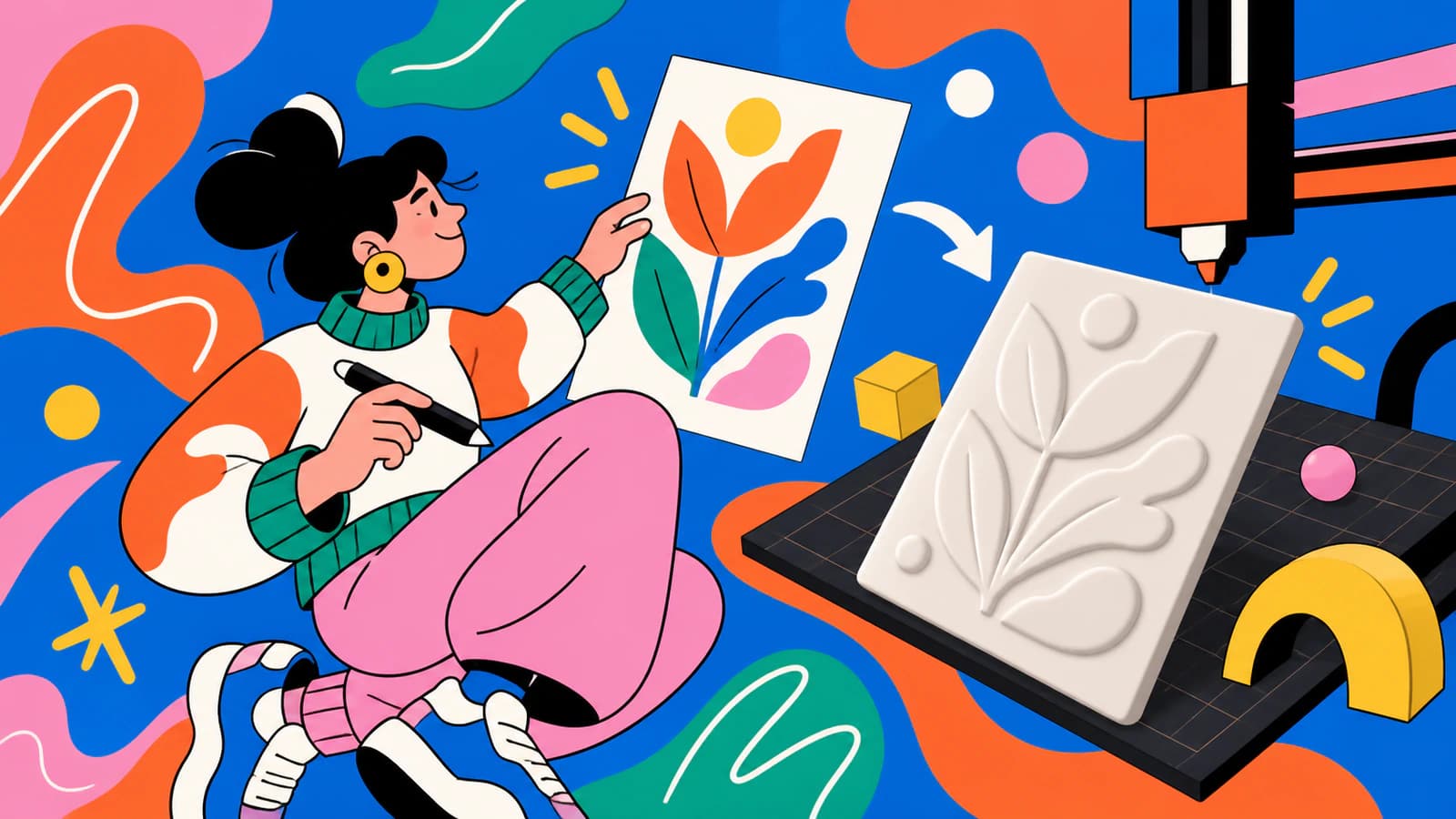
Wybierz efekt odcisku w glinie, zanim zamówisz stempel do ceramiki. Porównaj wypukłe i wklęsłe powierzchnie robocze, oznacz grafikę w odbiciu lustrzanym i sprawdź drobne detale z wykonawcą.
Przekształć SVG w edytowalne kształty w PowerPoint, zmień poszczególne części i ustal, dlaczego brakuje poleceń. Sprawdź obsługę na swojej platformie i zachowaj oryginalną grafikę.
Porównaj bezpośredni import SVG z eksportem SIF z Inkscape do Synfig. Sprawdź warstwy, kolory i oddzielne ruchome części, zanim zaczniesz tworzyć animację lub rig.
Przygotuj SVG do Tinkercad, ustaw jego rozmiar i sprawdź wypełnione obszary, otwory oraz wysokość. Usuń błędy importu, zanim uznasz wyciągniętą bryłę za model gotowy do druku.
Edytuj grafikę SVG w LibreOffice Draw: wybierz Break lub Ungroup, zmieniaj kształty i kolory, zachowaj plik roboczy ODG i sprawdź osobno wyeksportowany plik SVG przed udostępnieniem.
Importuj pliki SVG na obszar roboczy Penpot, sprawdzaj poszczególne wypełnienia i ścieżki oraz diagnozuj brakujące elementy grafiki lub nieedytowalny tekst, zanim dodasz ikony do swojego zestawu projektowego.
Przygotuj SVG do Rive, zachowaj możliwość edycji ruchomych części, rozwiąż problemy z brakującymi obrazami i zmienionymi kolorami oraz zdecyduj, kiedy grafika rastrowa wymaga wektoryzacji przed importem.
Przycisk Convert to Vector w Scratch zmienia tryb edycji bez wektoryzacji obrazu rastrowego. Sprawdź węzły kostiumu, wybierz rozwiązanie i sprawdź zaimportowany SVG przed użyciem.
Wybierz gobo stalowe lub szklane, sprawdzając mostki, zamknięte kształty, tony, kolor i zgodność z oprawą. Na przykładzie tej samej litery O ustal, czego potrzebuje Twoja grafika.
Przekształć obraz w rysunek Grease Pencil w Blenderze, rozwiąż problemy z brakującymi poleceniami i zbyt gęstymi kreskami lub przygotuj kolorowy SVG do importu. Wybierz metodę odpowiednią dla Twojego rysunku.
Usuń rozmycie importowanych SVG w Godot, wybierając Texture2D lub DPITexture. Sprawdź rozmiar obrazu rastrowego, nadpróbkowanie, obsługiwaną grafikę i ikony w skalach potrzebnych w Twoim projekcie.
Wektoryzuj obraz w Toon Boom Harmony, odróżniaj obwiednie obrazów rastrowych od edytowalnych konturów i wybierz natywną konwersję grafiki liniowej lub import SVG w Harmony 25.
Wybierz sposób importu SVG do Unity według wersji edytora i miejsca użycia. Przygotuj ścieżki, uwzględnij nieobsługiwane efekty i sprawdź obrazy UI Toolkit lub sprite’y w docelowym kontekście.
Użyj VectorStyler Image Trace, aby dostroić wynik wektoryzacji powiązany z obrazem, rozwinąć go w edytowalne ścieżki, sprawdzić przycinanie i w razie potrzeby skorzystać z ręcznego prowadzenia po krawędziach za pomocą Tracing Guides.
Zachowaj plik źródłowy Sketchbook z warstwami, wyeksportuj czysty PNG, a następnie zwektoryzuj go do SVG. Sprawdź opcje na komputerze i urządzeniach mobilnych, przezroczyste tło oraz edytowalne kształty.
Twórz karty planu wizualnego z własnych zdjęć lub rysunków. Zachowaj możliwość edycji etykiet, zmieść całe obrazki i sprawdź wymiary kart w pliku PDF przed drukowaniem.
Wybierz wbudowaną wektoryzację, grafikę rastrową z warstwami lub import SVG w Moho. Sprawdź obszary kolorów, otwory i ruchome części, zanim zbudujesz na podstawie swojej grafiki układ sterowania animacją.
Przekształć wybrane rysunki w OpenToonz w poziomy wektorowe. Wybierz Centerline lub Outline, sprawdź strukturę obrysów i poznaj zastosowania plików PLI i SVG.
Sprawdź zasady Shutterstock dotyczące formatu EPS, granic grafiki i rozmiaru pliku, a następnie skontroluj ścieżki, kolory i dopuszczalność materiału źródłowego przed przygotowaniem grafiki wektorowej do przesłania.
Sprawdź formaty grafiki wektorowej, rozmiar obszaru roboczego, edytowalne ścieżki i oznaczenie użycia AI wymagane przez Adobe Stock na przykładzie rzeczywistego pliku SVG po wektoryzacji, zanim przygotujesz własną kopię do przesłania.
Wybierz maski Auto-Trace lub edytowalne warstwy kształtów SVG dla swojego logo w After Effects, dostosuj ustawienia obrysowywania i sprawdź obszary kolorów oraz otwory w literach.
Użyj Capture Shapes w InDesign do tworzenia czarno-białej grafiki wektorowej, odróżnij przycinanie od wektoryzacji i wybierz umieszczenie grafiki lub konwersję PDF do edytowalnego dokumentu na potrzeby swojego układu.
Użyj wbudowanej funkcji Vectorize w Infinite Design, odróżnij tę aplikację od Infinite Painter i sprawdź ścieżki w wyeksportowanym SVG, zanim wykorzystasz przekonwertowaną ilustrację.
Wybierz grafikę wektorową lub rastrową do gry planszowej, przetestuj symbole na różnych elementach, zachowaj malarskie detale i przygotuj pliki wymagane przez producenta gry.
Amadine ma wbudowaną funkcję Image Trace na Macu, iPadzie i iPhonie. Wybierz wektoryzację kolorową lub monochromatyczną, sprawdź wypełnione obszary albo zaimportuj SVG, aby dalej edytować ścieżki.
Boxy SVG ma generator Vectorize. Wybierz śledzenie konturów, stylizację geometryczną lub import SVG, a potem sprawdź edytowalne obszary i otwory, zanim użyjesz grafiki.
Concepts tworzy edytowalne pociągnięcia, ale importowane obrazy wymagają odrysowania. Wybierz eksport natywnych elementów do SVG lub zewnętrzną konwersję, zachowując oryginalną pracę.
Paint.NET edytuje piksele, ale jedna z wtyczek SVG umożliwia też wektoryzację obrazów. Dowiedz się, której operacji potrzebujesz, a następnie sprawdź, czy wyeksportowana grafika zawiera edytowalne kształty.
Wybierz grafikę rastrową, wektorową lub połącz obie w swojej książce obrazkowej. Dobierz pliki źródłowe do malowanych scen i postaci do wielokrotnego wykorzystania, a następnie sprawdź pliki przekazywane do druku.
Dowiedz się, co potrafią warstwy wektorowe w ibisPaint, dlaczego nie wektoryzują automatycznie obrazu rastrowego i jak przekształcić odpowiednią grafikę PNG lub JPG w SVG do użycia w innych aplikacjach.
Tak, Picsart potrafi zamienić PNG na SVG. Porównaj bezpłatny konwerter Quicktools z API dla firm, a następnie sprawdź, czy wynik zawiera rzeczywiste, edytowalne ścieżki wektorowe.
Zwektoryzuj obraz w Easy Cut Studio lub zaimportuj czystszy SVG. Porównaj obie metody, sprawdź zamknięte ścieżki i warstwy, a następnie zweryfikuj plik małym cięciem próbnym.
Porównaj Outline Extraction w FineCut z zaimportowanym SVG, a następnie sprawdź zduplikowane ścieżki, otwory, skalę i końcowy kontur przed wysłaniem zadania druku i cięcia.
Porównaj wbudowaną wektoryzację SignLab z importowanym SVG. Dowiedz się, jak przygotować obraz rastrowy, sprawdzić ścieżki, zachować otwory i przetestować plik gotowy do produkcji.
Dowiedz się, kiedy używać wbudowanych narzędzi FlexiSIGN do wektoryzacji bitmap, kiedy importować SVG z lepszymi ścieżkami i jak sprawdzać węzły, kolory, światła liter oraz kontury cięcia.
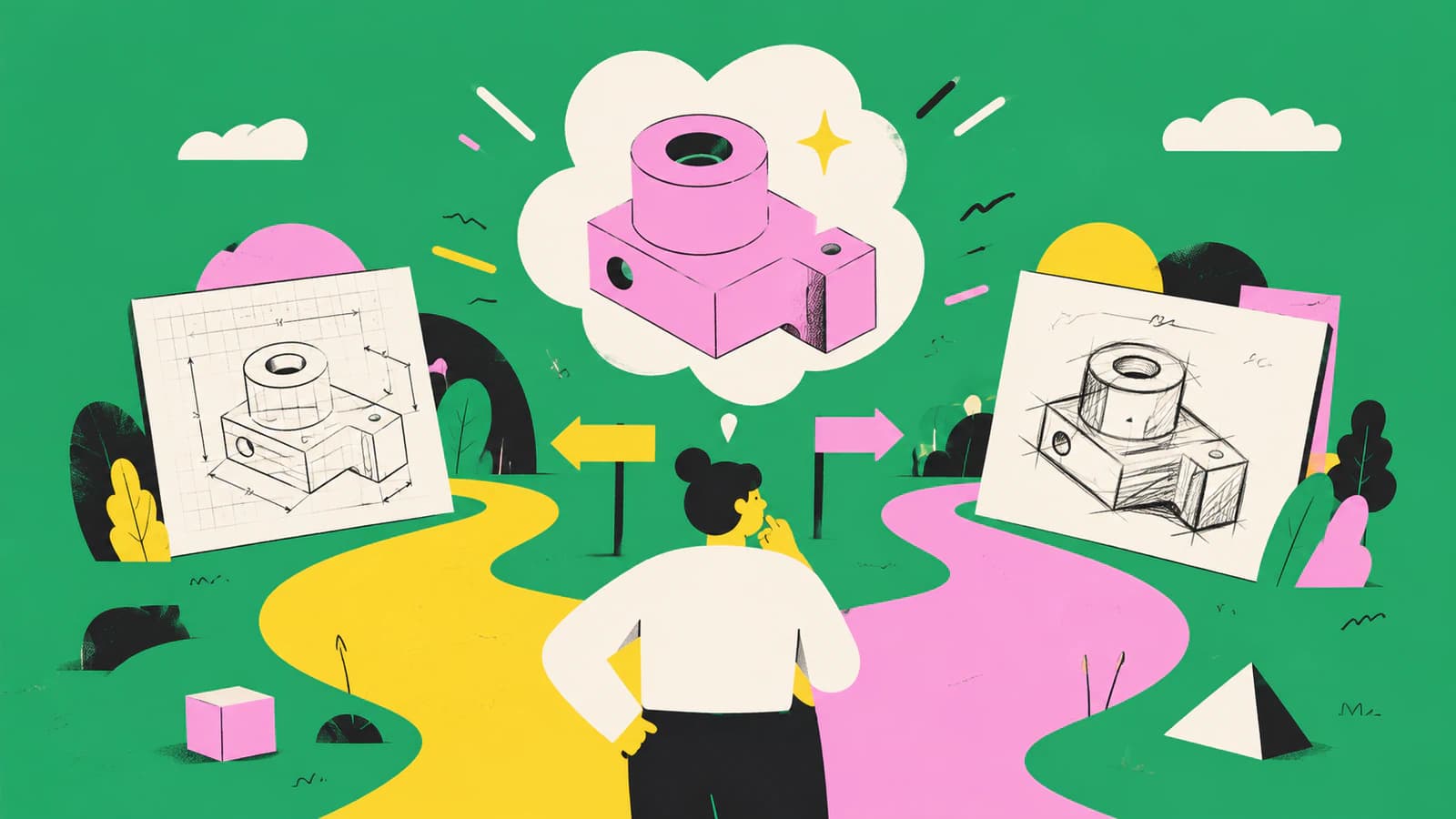
Wybierz odpowiednią metodę przekształcania obrazu w szkic w FreeCAD: obrysuj przeskalowany obraz referencyjny do precyzyjnej pracy w CAD lub przekonwertuj odpowiednią płaską grafikę do DXF i uporządkuj geometrię.
Porównaj wektoryzację bitmapy w RDWorks z importem grafiki wektorowej w formacie zgodnym z Twoją wersją, a następnie sprawdź skalę, warstwy, węzły, podwójne linie i operacje lasera.
Przekształć obraz Sketch Picture w SolidWorks w użyteczną geometrię za pomocą Picture to Sketch, AutoTrace, ręcznego odtworzenia lub importu DXF, a następnie sprawdź wynik.
Przekształć zdjęcie lub rysunek w SVG na telefonie z Androidem, sprawdź, czy zawiera rzeczywiste ścieżki, i uniknij pomylenia standardowego SVG z plikiem XML VectorDrawable dla Androida.
Pixelmator Pro pozwala rysować i edytować kształty wektorowe, ale nie dokumentuje automatycznego trasowania obrazów rastrowych. Dowiedz się, co robi eksport SVG, i wybierz praktyczny sposób pracy z grafiką wektorową.
Napraw częściową wektoryzację, brakujące ścieżki cięcia, małe światła liter i zaszumione kontury w Graphtec Studio 2. Porównaj wbudowaną wektoryzację z metodą, w której najpierw tworzysz czystszą grafikę wektorową.
Obraz wstawiony w Onshape to wzorzec do odrysowania, a nie edytowalna geometria szkicu. Dowiedz się, kiedy odrysować go ręcznie, kiedy przekonwertować do DXF oraz jak sprawdzić skalę i ścieżki.
Użyj Image Outline w Roland CutStudio, rozpoznaj przyczyny poszarpanych lub podwójnych konturów i oceń, kiedy import czystszej grafiki wektorowej zapewni ploterowi lepszą geometrię.
Wybierz wbudowane Image Trace w Sure Cuts A Lot lub zaimportuj przygotowany SVG, a następnie sprawdź warstwy, skalę, podwójne linie, gęstość ścieżek i końcowy podgląd cięcia.
Czy Claude potrafi zwektoryzować obraz do edytowalnego SVG? Może pisać kod SVG, ale wierna wektoryzacja obrazu rastrowego to inne zadanie. Dowiedz się, jak sprawdzić wynik.
Porównaj Image Trace w Carbide Create z importem uporządkowanego SVG. Dowiedz się, kiedy sprawdza się każda z tych metod i jak sprawdzić zamknięte ścieżki, węzły, skalę oraz ścieżki narzędzia.
Dowiedz się, jak wektoryzacja w LaserGRBL zamienia krawędzie obrazu rastrowego w ścieżki cięcia, dlaczego powstają podwójne linie i kiedy oczyszczony zewnętrzny SVG daje Ci większą kontrolę.
Przygotuj grafikę wektorową do tłoczenia wypukłego lub wklęsłego: zadbaj o czyste, jednolite kształty, osobną separację wykończenia w kolorze dodatkowym, wykonalne detale i pliki gotowe do przygotowania próby.
Przygotuj i zaimportuj czysty plik SVG do WeCreat MakeIt. Popraw skalę, warstwy, kolory, otwory i zduplikowane ścieżki przed przypisaniem operacji cięcia lub grawerowania.
Przygotuj grafikę wektorową do tłoczenia folią: utwórz osobną maskę folii, zadbaj o czyste kształty z jednolitym wypełnieniem, kolory dodatkowe zgodne z wymaganiami drukarni, tekst zamieniony na krzywe i plik gotowy do próby.
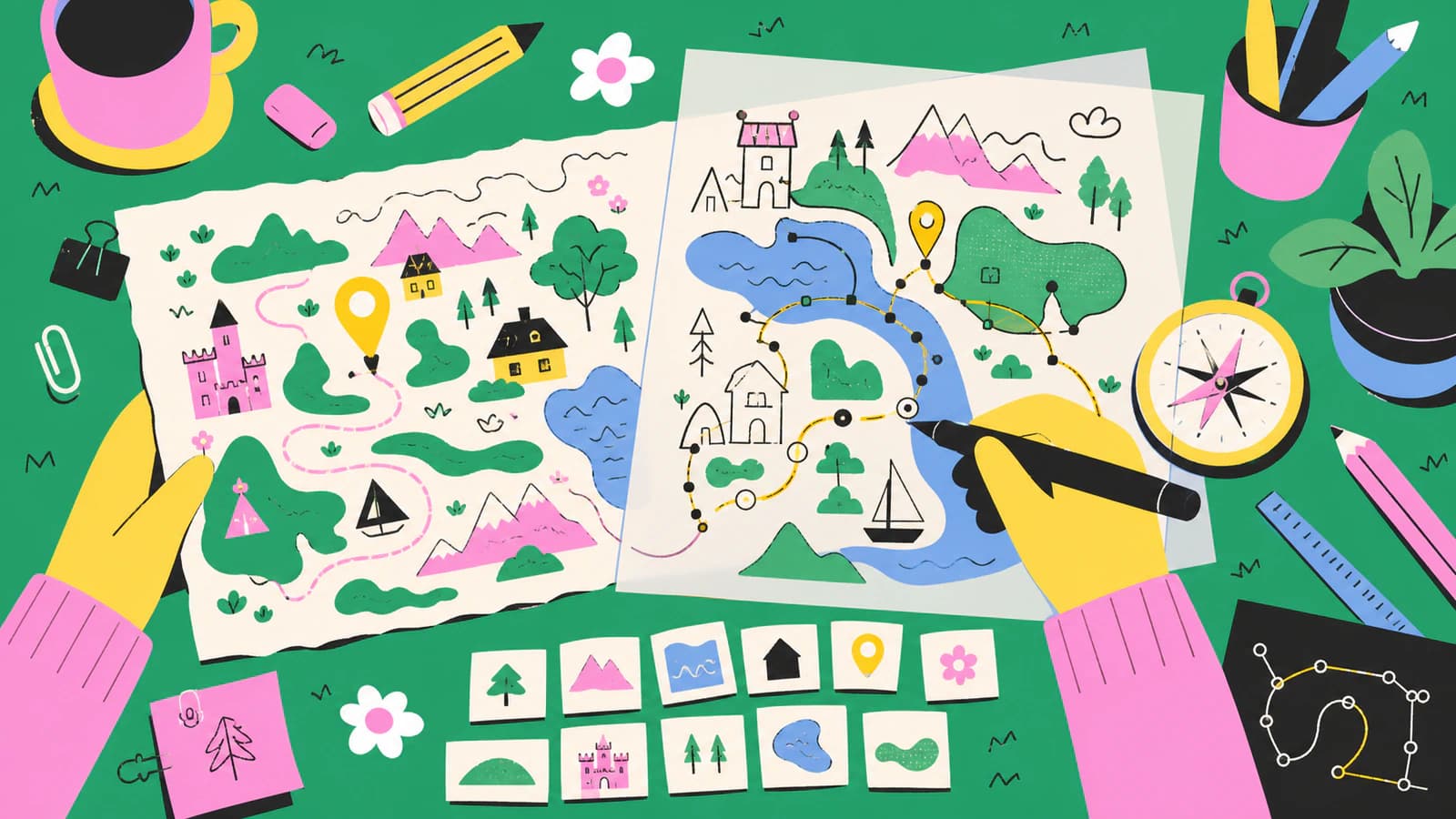
Zamień ręcznie rysowaną mapę w edytowalne ścieżki wektorowe, zachowując nieregularność linii, liternictwo, hierarchię i fakturę — bez udawania, że wynik jest zbiorem danych GIS.
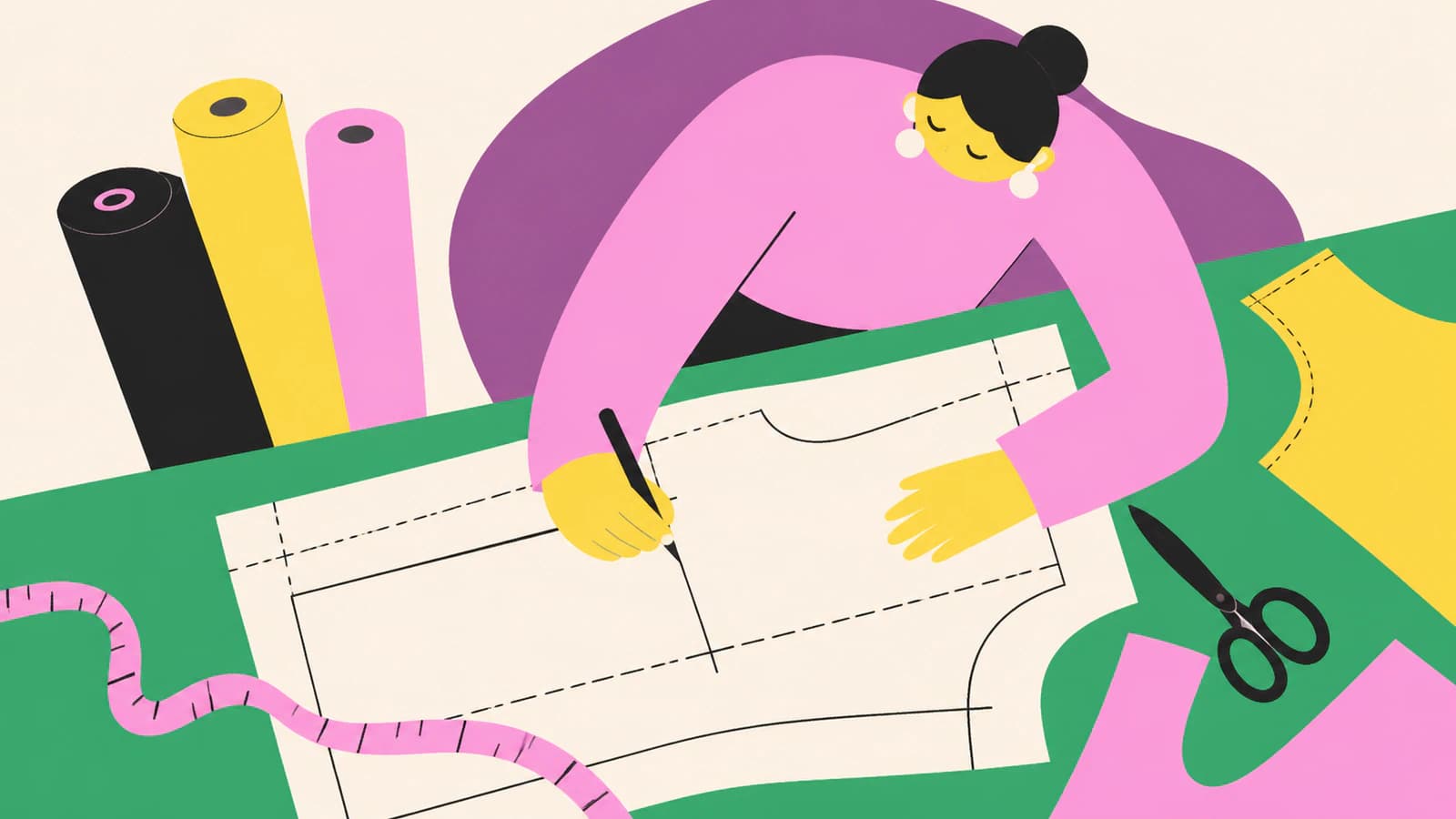
Zamień zeskanowany wykrój krawiecki w edytowalne linie wektorowe, zachowaj jego rzeczywiste wymiary, odtwórz nacinki i linie kierunku nitki oraz sprawdź wynik za pomocą wydruku próbnego.
Przekształć odpowiedni obraz w SVG dla Shaper Origin, zachowaj rzeczywiste wymiary, przypisz typy cięcia, sprawdź zamknięte ścieżki i przetestuj plik przed frezowaniem.
Zamień PNG lub JPG w czysty SVG dla Siser Leonardo, sprawdź ścieżki i kolory, zaimportuj go w docelowym rozmiarze i wykonaj próbne cięcie dostosowane do materiału.
Użyj Adobe Animate Image Trace, aby przekształcić bitmapę w edytowalną grafikę wektorową, dostosować ścieżki, narożniki, szum, wypełnienia i nakładanie kształtów, a następnie dopracować wynik.
Użyj Adobe Capture, aby zwektoryzować obraz na telefonie, dopracować przechwycony kształt, zapisać go w bibliotece Creative Cloud i sprawdzić edytowalny wynik.
Wybierz właściwy sposób dodania logo w KiCad: zaimportuj poprawnie przygotowany SVG, przekształć obraz rastrowy w footprint lub użyj obrazu referencyjnego, który nie trafi na wyprodukowaną płytkę PCB.
Importuj pliki SVG do LaserPecker Design Space jako edytowalne obiekty wektorowe, wybieraj grawerowanie linii, grawerowanie wypełnienia lub cięcie, a z importu jako obraz korzystaj tylko w razie problemów ze zgodnością.
Przygotuj grafikę wektorową do tampodruku gotową do przekazania drukarni: potwierdź skalę i kolory, zamień tekst na krzywe, rozdziel kolory znaku, wyślij podgląd i uniknij pułapek związanych z obrazami rastrowymi.
Fresco tworzy skalowalną grafikę za pomocą pędzli wektorowych, ale istniejące obrazy rastrowe wymagają innej metody. Wybierz Capture, Illustrator, przerysowanie lub narzędzie do wektoryzacji.
Clip Studio Paint może przekształcić warstwę rastrową w linie wektorowe. Dowiedz się, co zachowuje Convert Layer, jak działają jego ustawienia i kiedy lepiej sprawdzi się inne narzędzie do wektoryzacji.
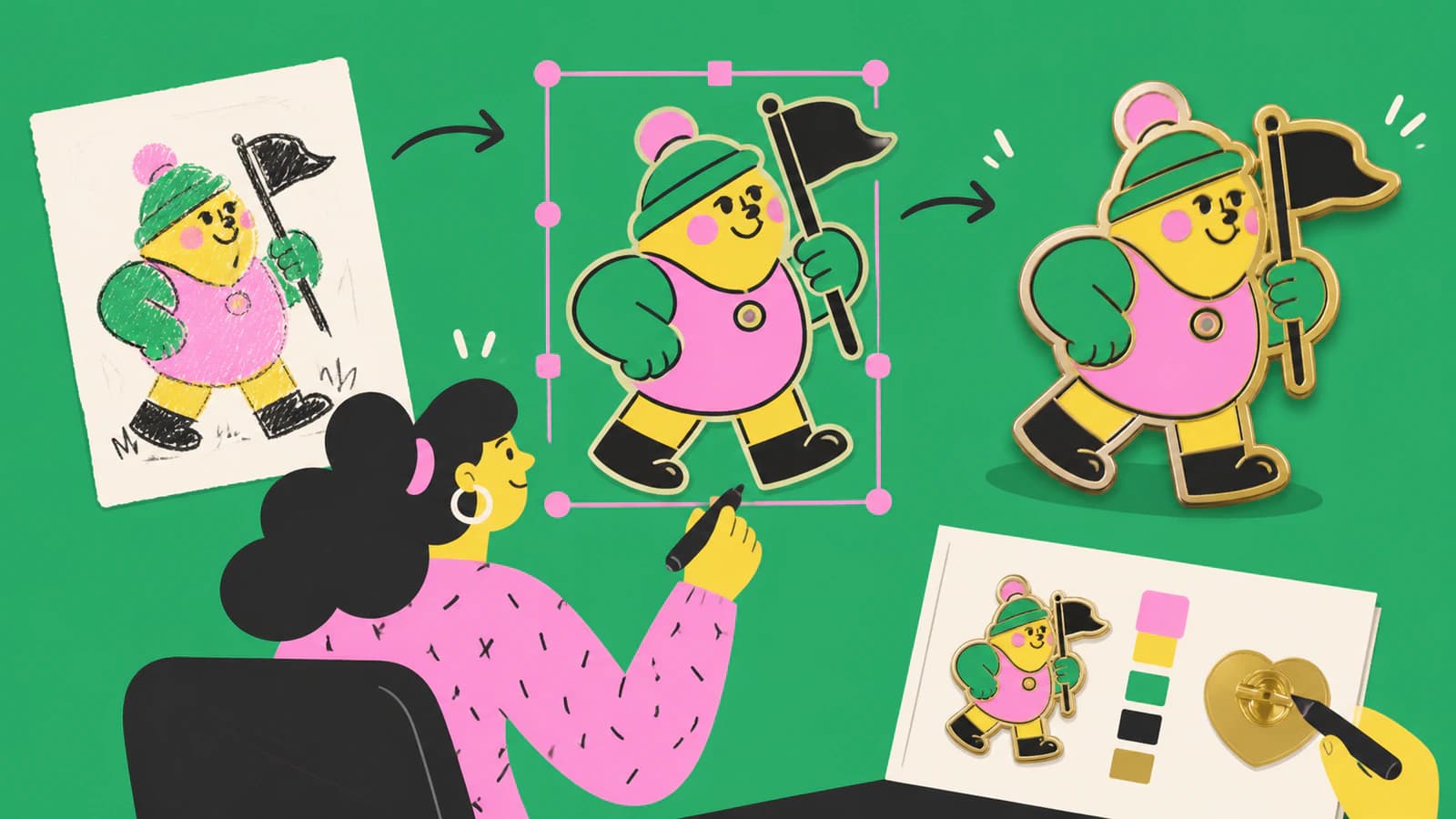
Zamień szkic, PNG lub logo w czytelny projekt przypinki emaliowanej, a następnie sprawdź metalowe linie, obszary kolorów, tekst, rozmiar i projekt produkcyjny od producenta.
Przygotuj obraz rastrowy, dostosuj wektoryzację w SignMaster, sprawdź kontury i węzły oraz oceń, kiedy lepszym rozwiązaniem do cięcia będzie import czystszego SVG.
Użyj Trace Bitmap w VCarve, aby dopasować ścieżki wektorowe do obrazu PNG lub JPG, dostosować próg, kolory, narożniki i szum, a następnie sprawdzić ścieżki przed utworzeniem ścieżek narzędzia.
Przekształć obraz w SVG do cięcia plazmowego CNC, a następnie sprawdź wyspy, mostki, zamknięte kontury, drobne detale i ustawienia CAM przed pierwszym cięciem próbnym.
Wybierz między Image Trace w xTool Creative Space a importem uporządkowanego SVG, a następnie sprawdź kontury, zbędne obszary, węzły, skalę i operacje lasera po imporcie.
DXF to wektorowy format CAD, ale samo rozszerzenie nie gwarantuje użytecznej geometrii. Dowiedz się, kiedy eksportować, kiedy wykonać wektoryzację i co sprawdzić po imporcie.
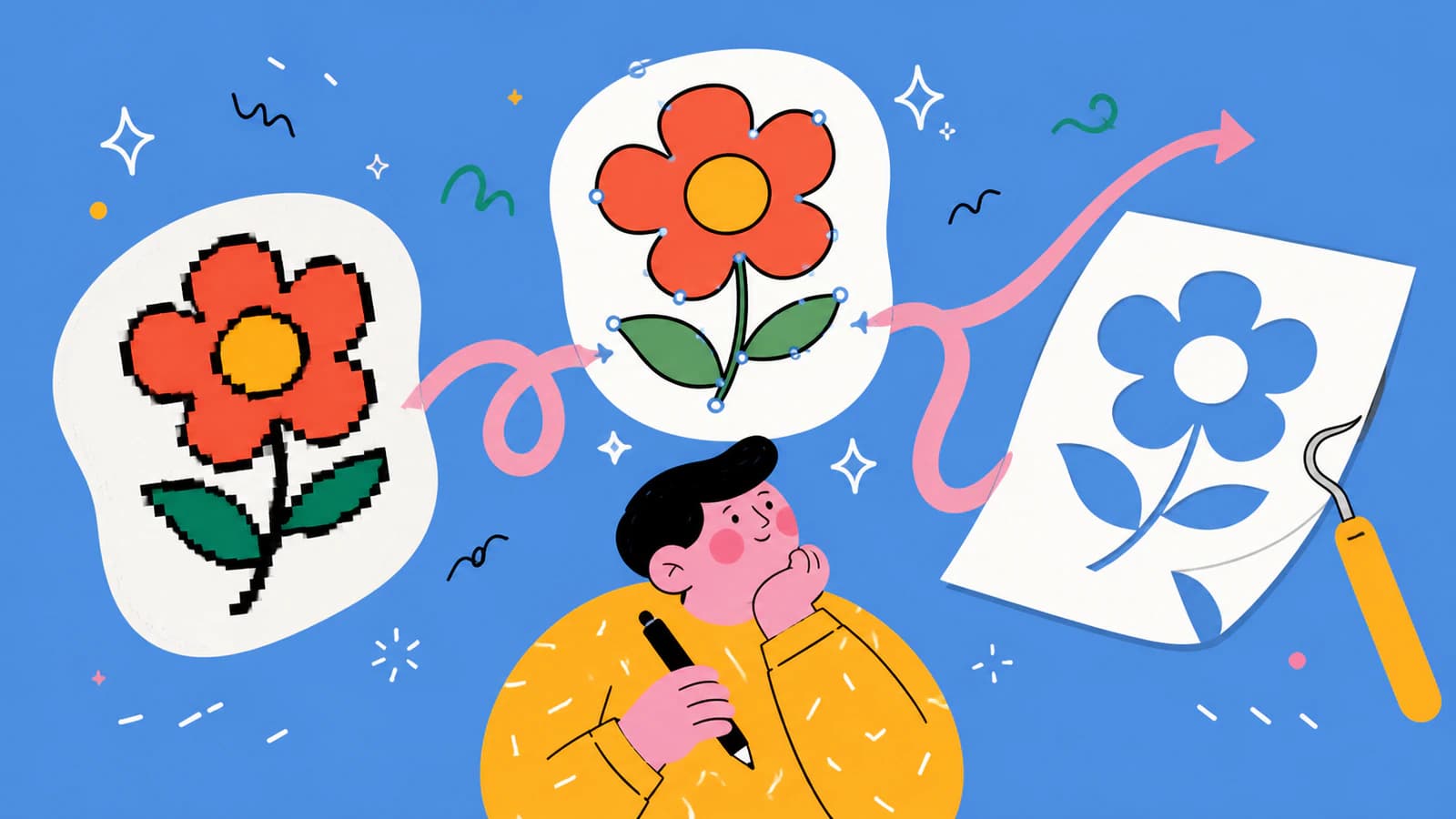
Krita obsługuje warstwy wektorowe, ale nie jest pełnoprawnym narzędziem do wektoryzacji obrazów. Poznaj trzy sposoby na przekształcenie grafiki w edytowalne wektory i ponowne wczytanie SVG do Krity.
Przekonwertuj PNG na SVG dla Bambu Studio, zachowaj potrzebne obszary kolorów, sprawdź zamknięte ścieżki i otwory, a następnie rozmiar i wyciągnięcie przed pocięciem modelu.
Porównaj fizyczne wymiary SVG i obszar zajmowany przez przygotowany projekt z użytecznym obszarem maty, a następnie sprawdź maty dla materiałów, odbicie lustrzane i rozmieszczenie w Design Space.
Podziel wielokolorowy SVG na osobne, wyrównane pliki dla każdej dokładnej wartości koloru, zachowaj viewBox i rozmiar oraz uniknij przesunięć warstw i pułapek związanych z gradientami, tekstem i plikami do cięcia.
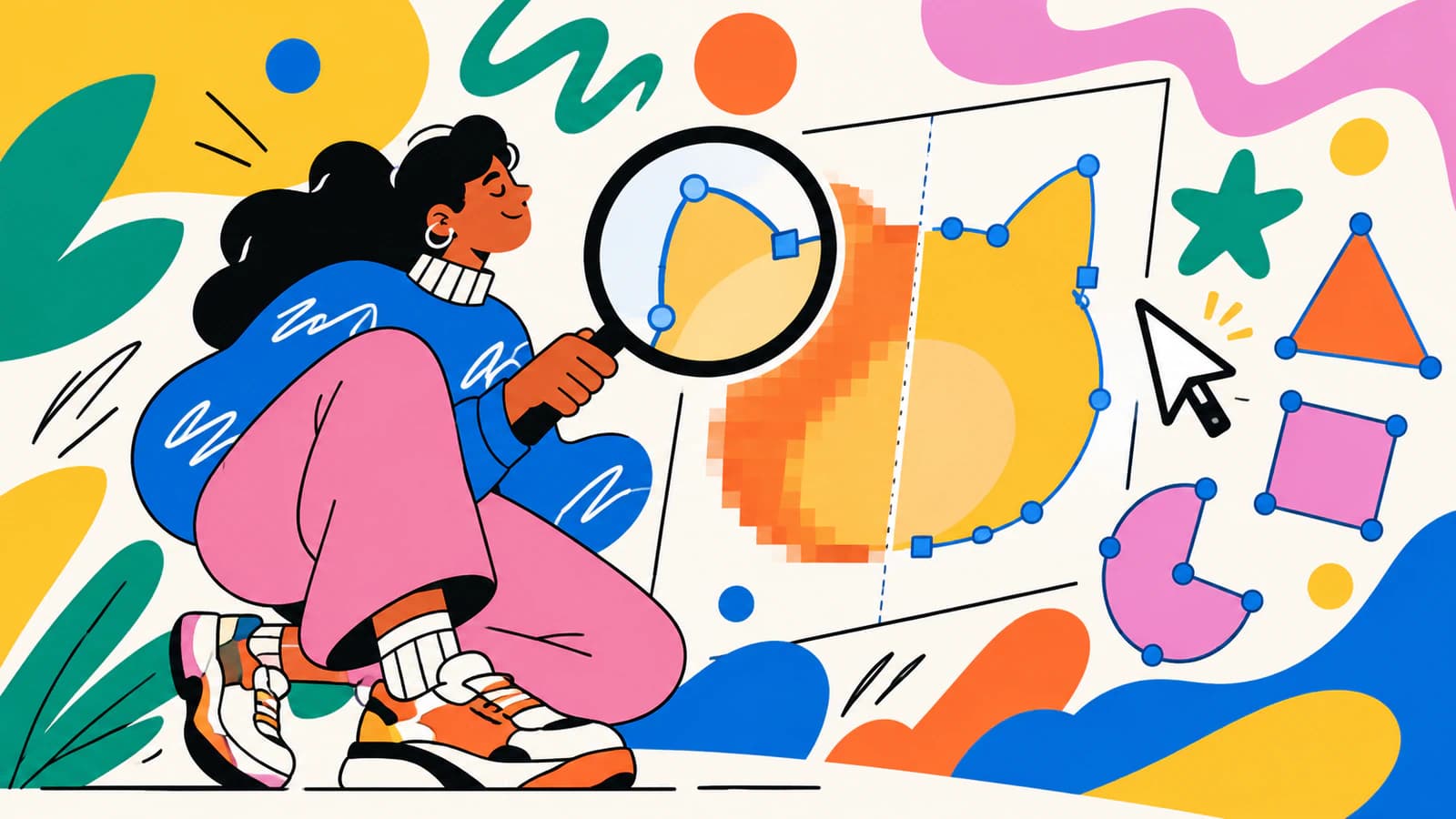
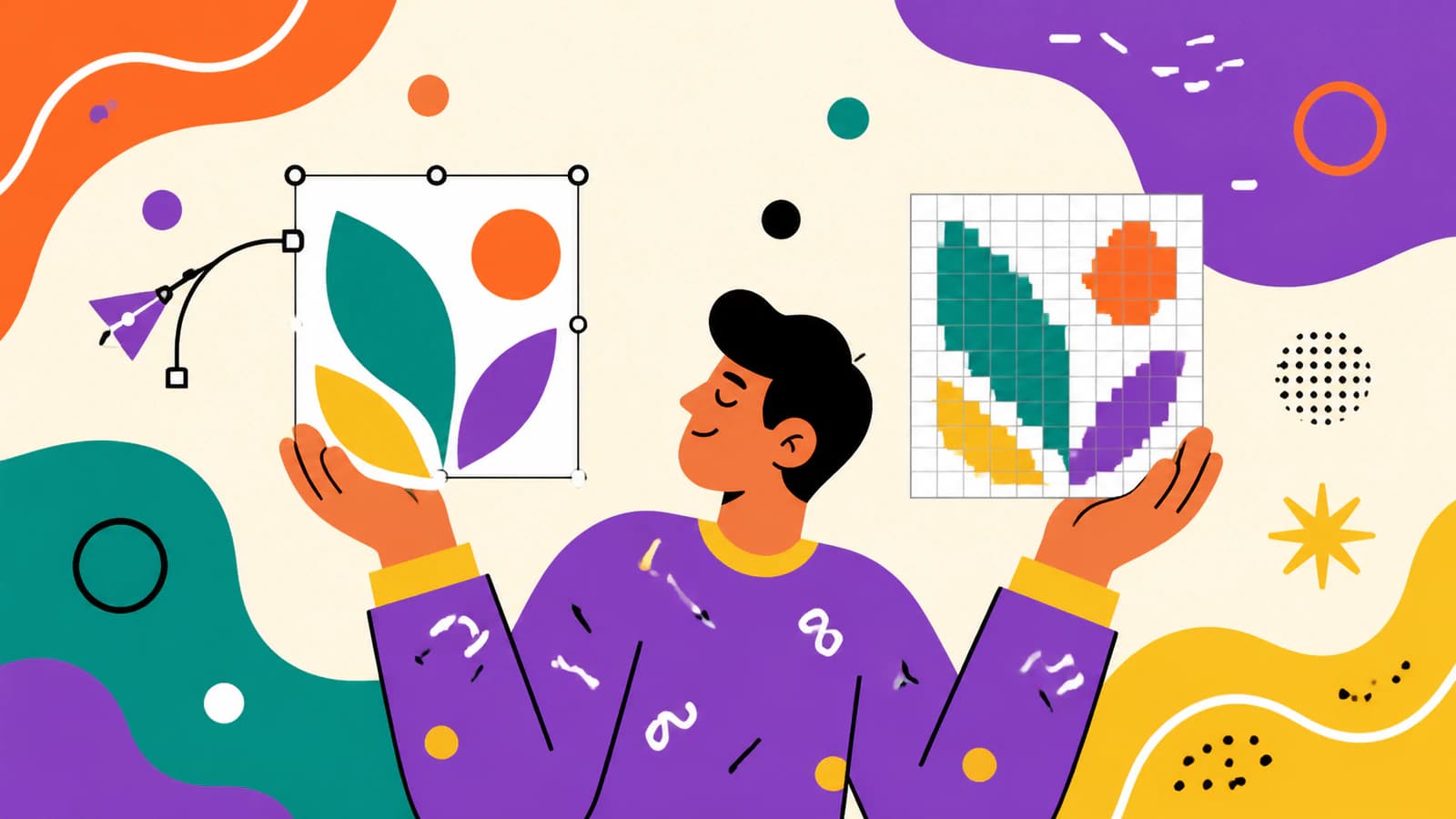
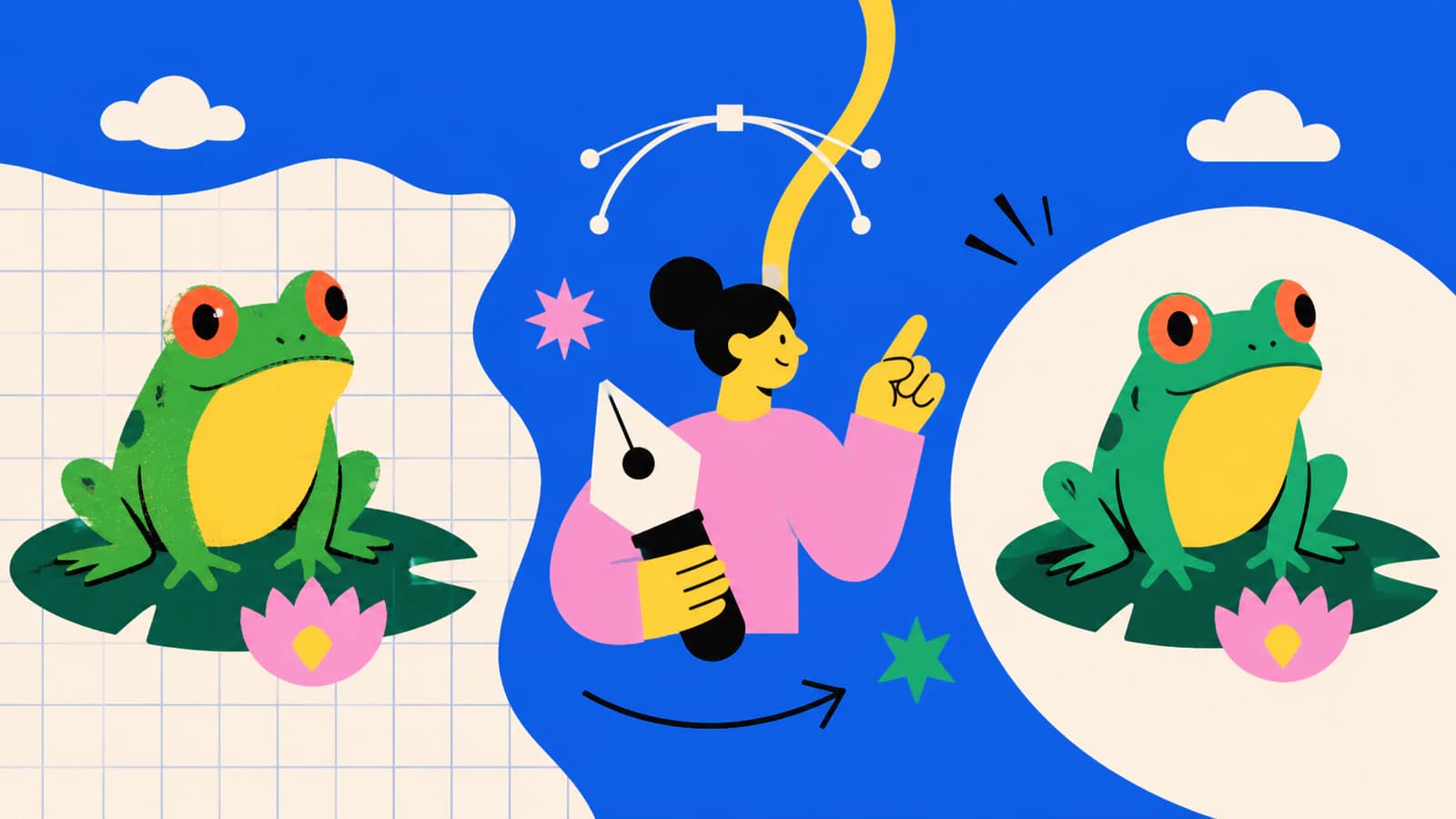
Dowiedz się, jak sprawdzić, czy SVG zawiera osadzone lub podlinkowane obrazy rastrowe, odróżnić je od rzeczywistych ścieżek i wybrać odpowiednie rozwiązanie bez polegania wyłącznie na powiększeniu.
Porównaj SVGTrace, PerfectVector, Inkscape i Vectorizer.AI pod kątem warstw kolorów, porządkowania ścieżek, testów w Cricut, licencji i modelu płatności.
Dowiedz się, kiedy gradient rastrowy można poddać wektoryzacji, kiedy warto odtworzyć go jako natywny gradient SVG, a kiedy zachowanie oryginalnego obrazu daje lepszy efekt.
Zamień PNG lub JPG w edytowalne ścieżki wektorowe, wyeksportuj plik AI zgodny z Illustratorem i sprawdź kolory, spad, fonty oraz wymagania drukarni.
Zamień PNG lub JPG w czysty SVG do LOKLiK IdeaStudio, zaimportuj go we właściwym rozmiarze, sprawdź warstwy i ścieżki oraz przetestuj cięcie, zanim użyjesz materiału.
Przekształć PNG w rzeczywiste ścieżki SVG, zaimportuj je jako XML Android VectorDrawable i sprawdź wypełnienia, gradienty, maski, rozmiar obszaru współrzędnych oraz złożoność ścieżek.
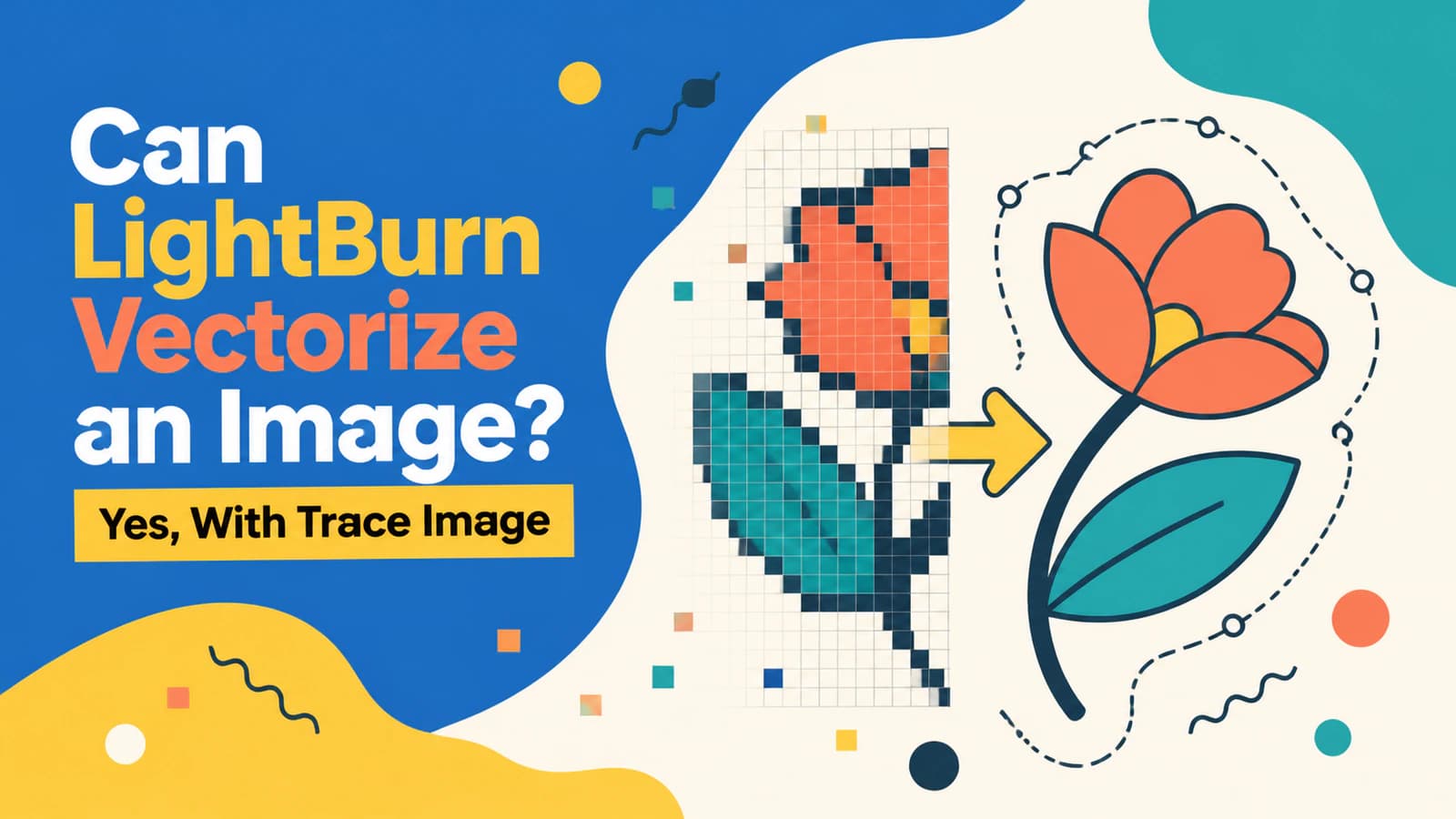
LightBurn potrafi zamienić bitmapę w grafikę wektorową za pomocą Trace Image. Poznaj najważniejsze ustawienia, dowiedz się, kiedy pozostać przy grawerowaniu obrazu rastrowego i co sprawdzić przed próbnym cięciem.
Przekształć obraz w SVG dla Brother ScanNCut. Porównaj wektoryzację w CanvasWorkspace z przygotowanym zewnętrznie, oczyszczonym SVG, a następnie sprawdź kolory, ścieżki, rozmiar, FCM i podgląd.
Otwory w SVG mogą się wypełnić, gdy wycięcie przestaje być podścieżką ścieżki złożonej, zmienia się reguła wypełnienia lub importer gubi tę relację. Sprawdź przyczynę i przywróć otwory.
PSD może zawierać warstwy kształtów, edytowalny tekst, maski i piksele, ale SVG nie zachowa ich wszystkich. Dowiedz się, które elementy najpierw wyeksportować, spłaszczyć lub poddać wektoryzacji.
Zmiana JPG na EPS nie tworzy automatycznie grafiki wektorowej. Dowiedz się, jak EPS może ukrywać piksele, jak sprawdzić obecność prawdziwych ścieżek i kiedy wykonać wektoryzację lub przerysować grafikę.
Dowiedz się, dlaczego edytowalne ścieżki SVG nie gwarantują niezawodnego odwzorowania kolorów CMYK, kiedy zachować SVG, a kiedy bezpieczniej przekazać PDF gotowy do druku lub wymagany EPS.
AI Cricut służy wyłącznie do użytku osobistego. Jeśli tworzysz grafikę w Midjourney lub Nano Banana, sprawdź, jak zamienić ją w dopracowany plik do cięcia z warstwami, który możesz sprzedawać.
Zamień logo wygenerowane przez AI w edytowalny plik SVG, odtwórz zniekształcone napisy jako prawdziwy tekst, sprawdź ścieżki i dowiedz się, kiedy lepiej przerysować logo ręcznie.
Prompt AI ze „stylem wektorowym” daje obraz rastrowy, który tylko wygląda jak grafika wektorowa. Dowiedz się, jak pisać prompty, by uzyskać grafikę, którą da się przekształcić w czysty, edytowalny SVG.
Midjourney generuje wyłącznie rastrowe pliki PNG, więc nie eksportuje SVG. Jego grafiki to jednak świetny punkt wyjścia. Oto jak zmienić obraz z Midjourney w prawdziwą, czystą grafikę wektorową.
Większość grafik AI nie wymaga wektoryzacji. Grafika wektorowa jest potrzebna do wycinania, sitodruku i dużych szyldów. Do większości wydruków wystarczy obraz rastrowy w wysokiej rozdzielczości. Sprawdź, jak zdecydować.
Generator SVG AI tworzy nową grafikę wektorową na podstawie polecenia tekstowego. Narzędzie do wektoryzacji AI konwertuje obraz, który już masz. Dowiedz się, jak wybrać i kiedy potrzebujesz obu.
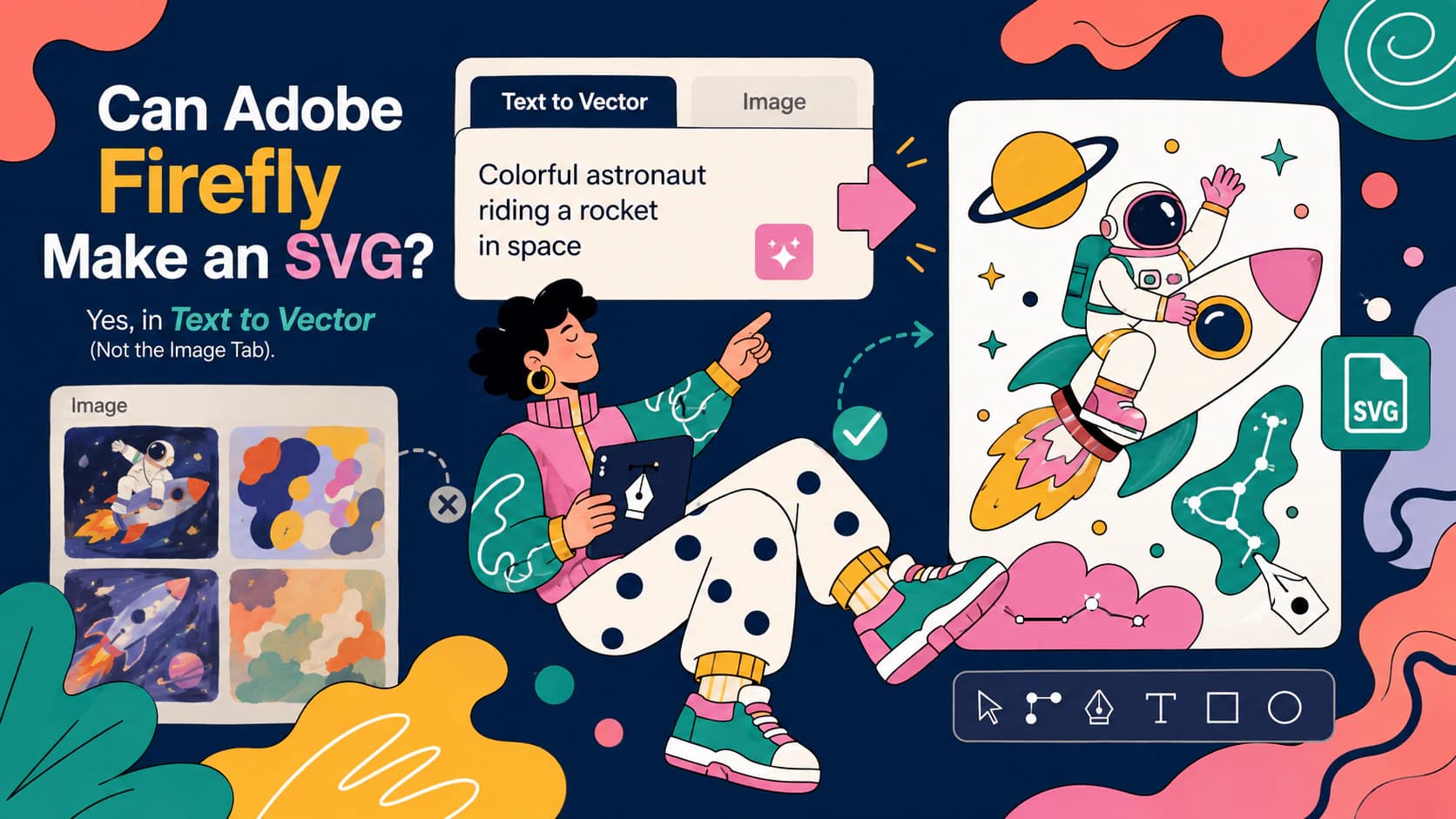
Firefly generuje prawdziwe, edytowalne pliki SVG, ale tylko w module Text to vector. Proszenie generatora obrazów o SVG tylko zużywa kredyty. Oto przewodnik.
Modele dyfuzyjne malują piksele, więc większość obrazów AI nigdy nie może mieć postaci SVG. Oto dlaczego wynika to z samej technologii i jakie są trzy rzeczywiste sposoby uzyskania grafiki wektorowej.
Czysty rysunek liniowy to najlepszy obraz do wektoryzacji. Zobacz, jak zamienić rysunki i kolorowanki w wyraźne pliki SVG i uniknąć pułapki podwójnych linii.
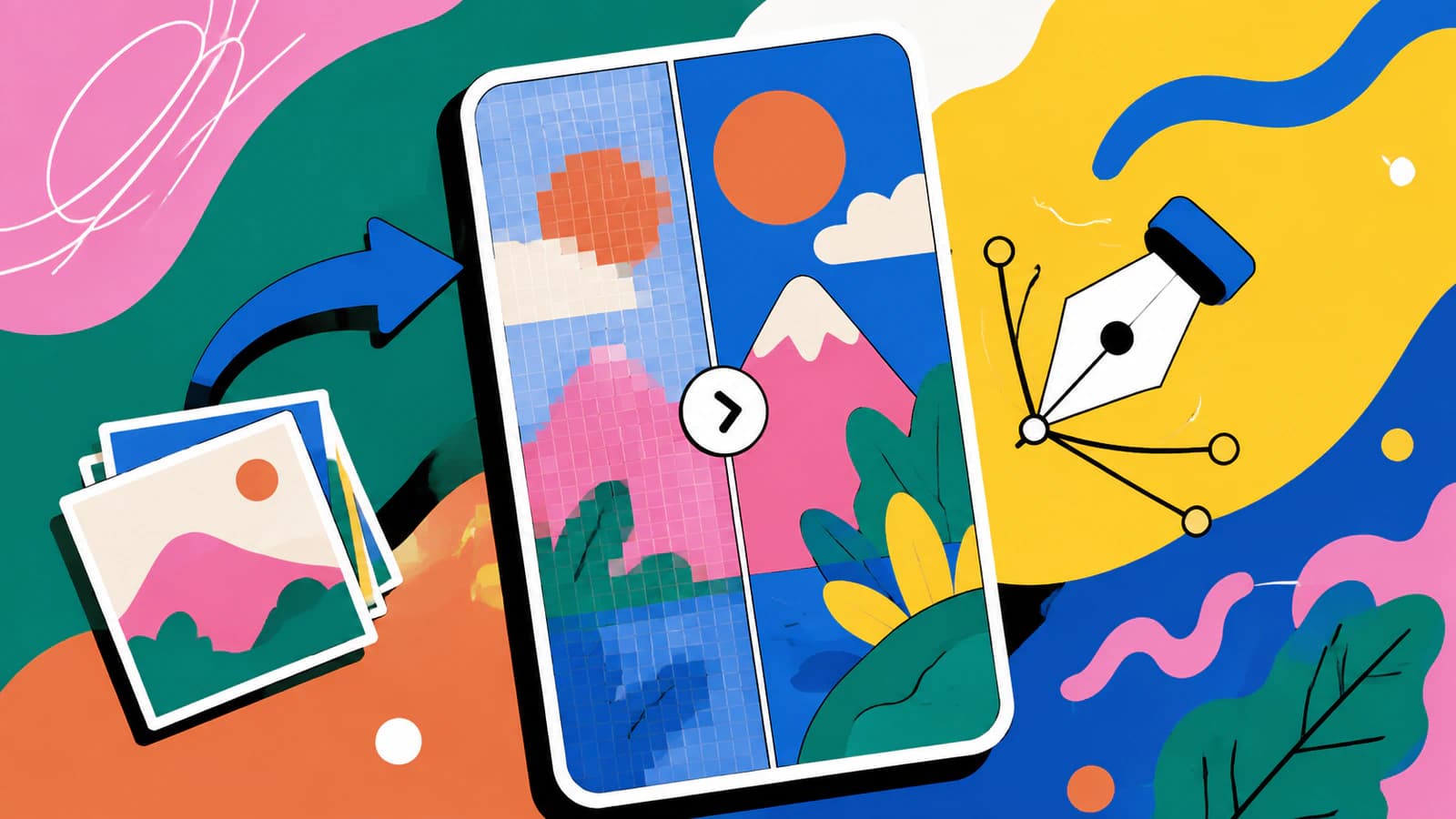
Nawet prawdziwy SVG może pokazywać piksele: przez osadzony w pliku obraz, rasteryzację w programie wyświetlającym SVG lub rozmycie małych ikon. Oto szybka diagnoza i rozwiązanie dla każdej z tych przyczyn.
Generowanie grafiki mamy już opanowane. Trudności zaczynają się przy przygotowaniu pliku, który laser poprawnie wytnie, oznaczy liniowo lub wygraweruje. Oto ta druga połowa pracy.
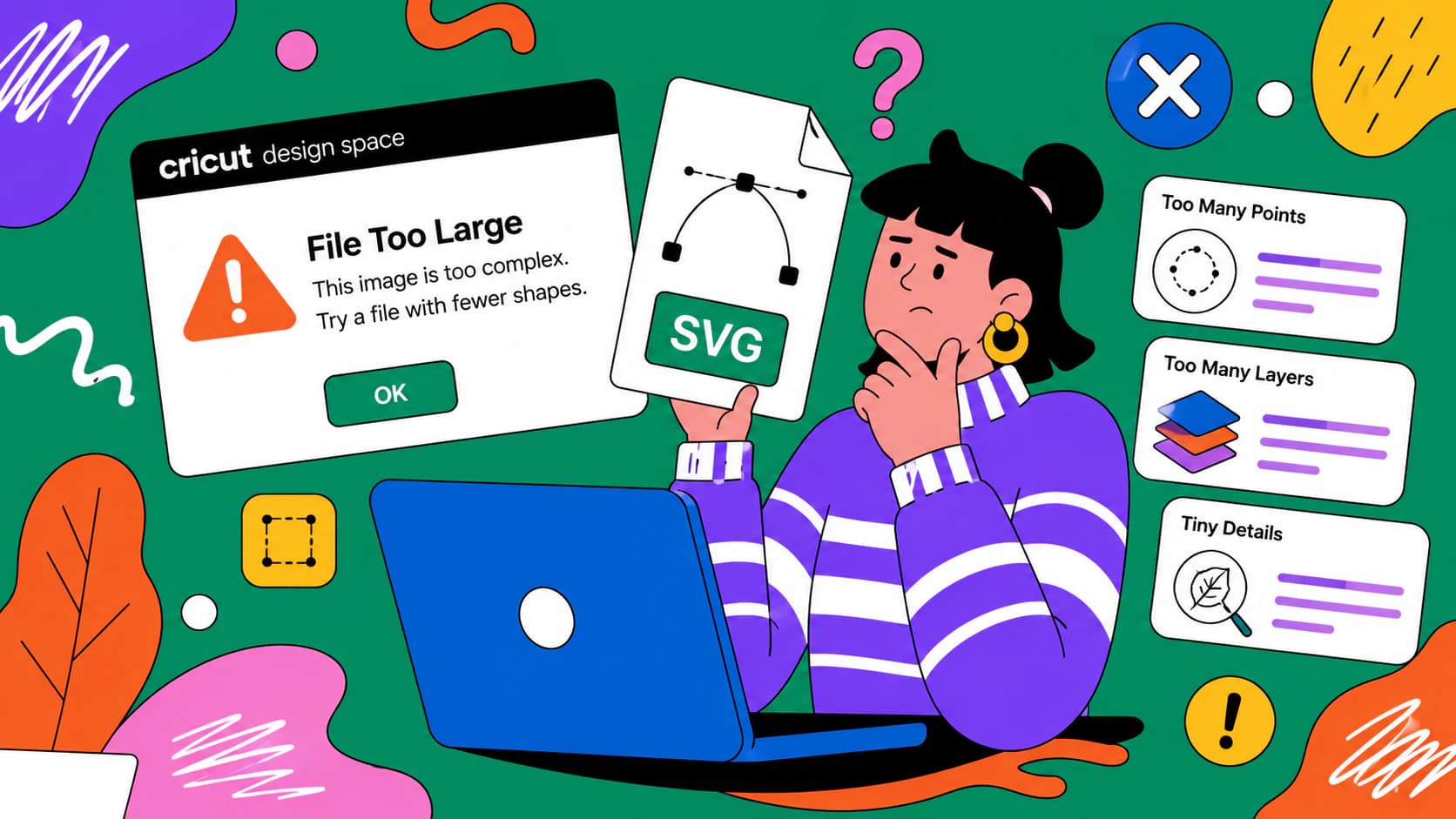
Design Space uznaje plik za zbyt duży z czterech niezależnych powodów, a rozwiązanie jednego z nich nie pomaga w pozostałych. Oto jak odróżnić je w dziesięć sekund.
Trzy różne rzeczy nazywa się podpisem SVG, ale tylko jedna z nich odzwierciedla Twoje pismo. Oto jak je rozróżnić i zwektoryzować prawdziwy podpis.
Vector Magic to dwa produkty o jednej nazwie, a wersji przeglądarkowej brakuje ośmiu funkcji. Zanim zaczniesz szukać zamiennika, sprawdź, z której wersji korzystałeś.
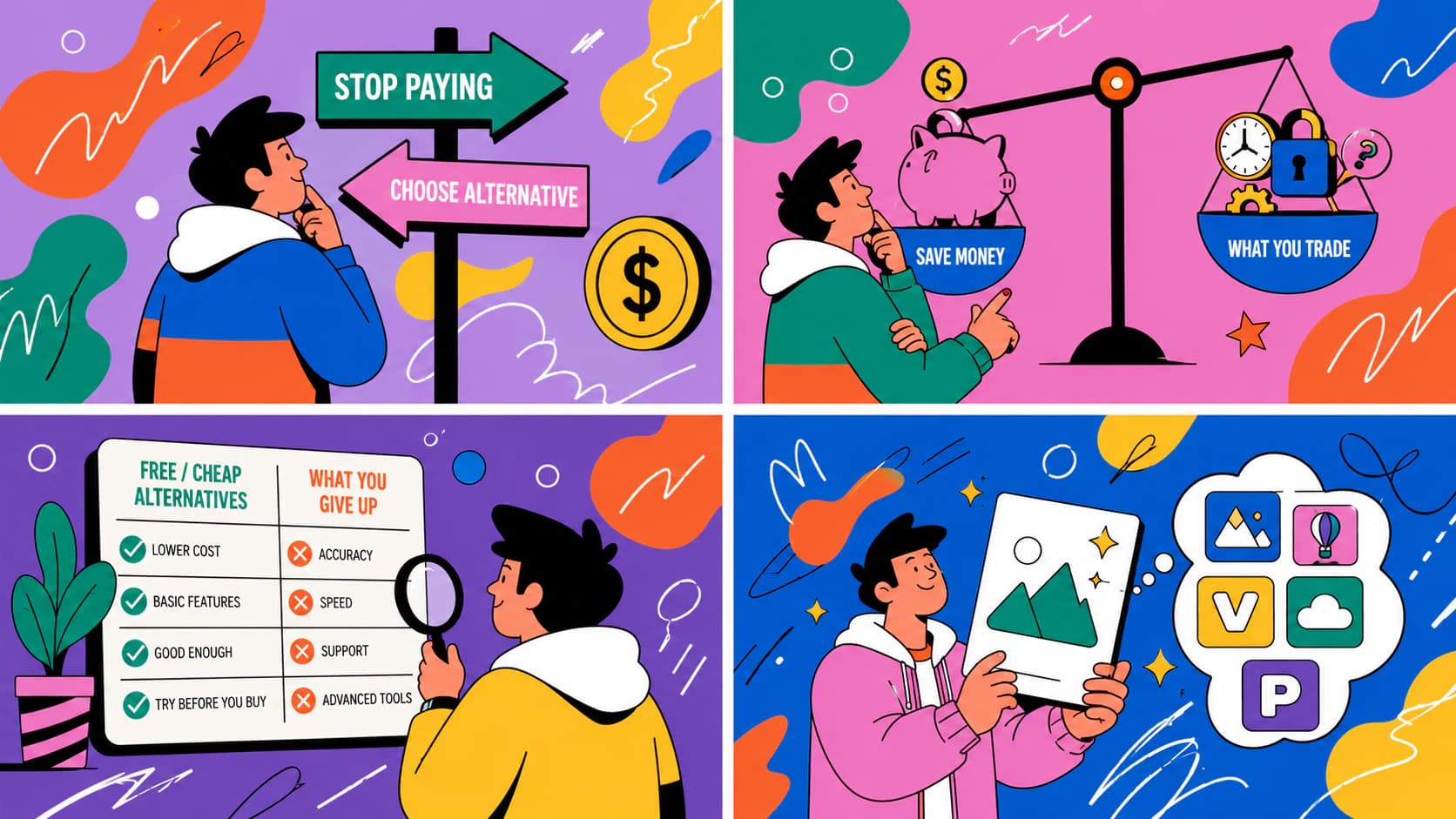
Istnieją darmowe alternatywy dla Vectorizer.AI, a większość recenzji piszą ich twórcy. Oto rzeczywiste kompromisy i sposób na samodzielne sprawdzenie dowolnego konwertera.
Trzy bezpłatne sposoby zmiany kolorów pliku SVG — online, w aplikacji do projektowania lub w kodzie — oraz rozwiązania problemu SVG, który pozostaje czarny mimo wszelkich prób.
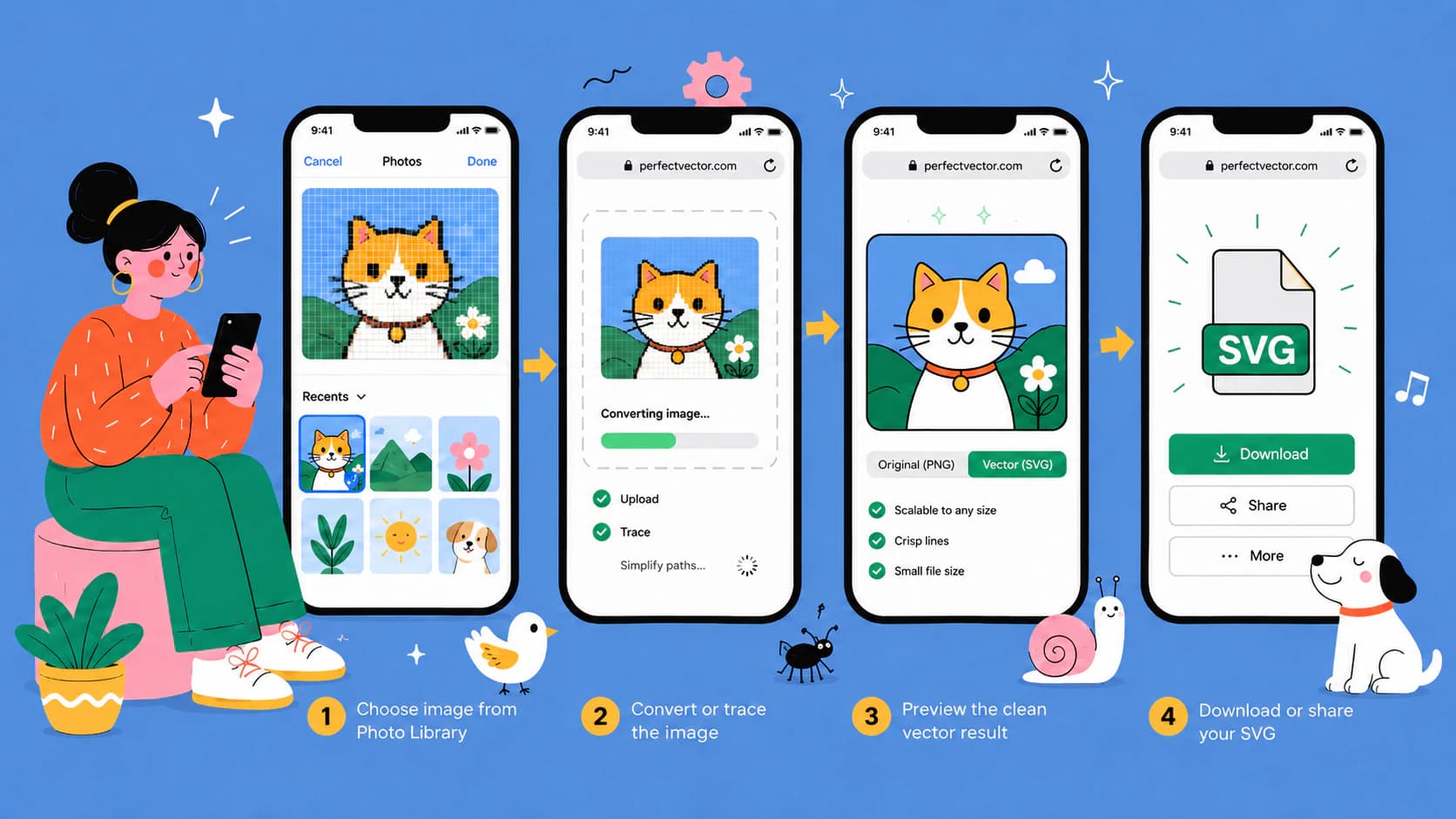
Nie potrzebujesz aplikacji ani komputera: przekonwertuj obraz na SVG w Safari na iPhonie, także zdjęcie HEIC, i zapisz gotowy plik w aplikacji Pliki lub dodaj go do Cricut Design Space.
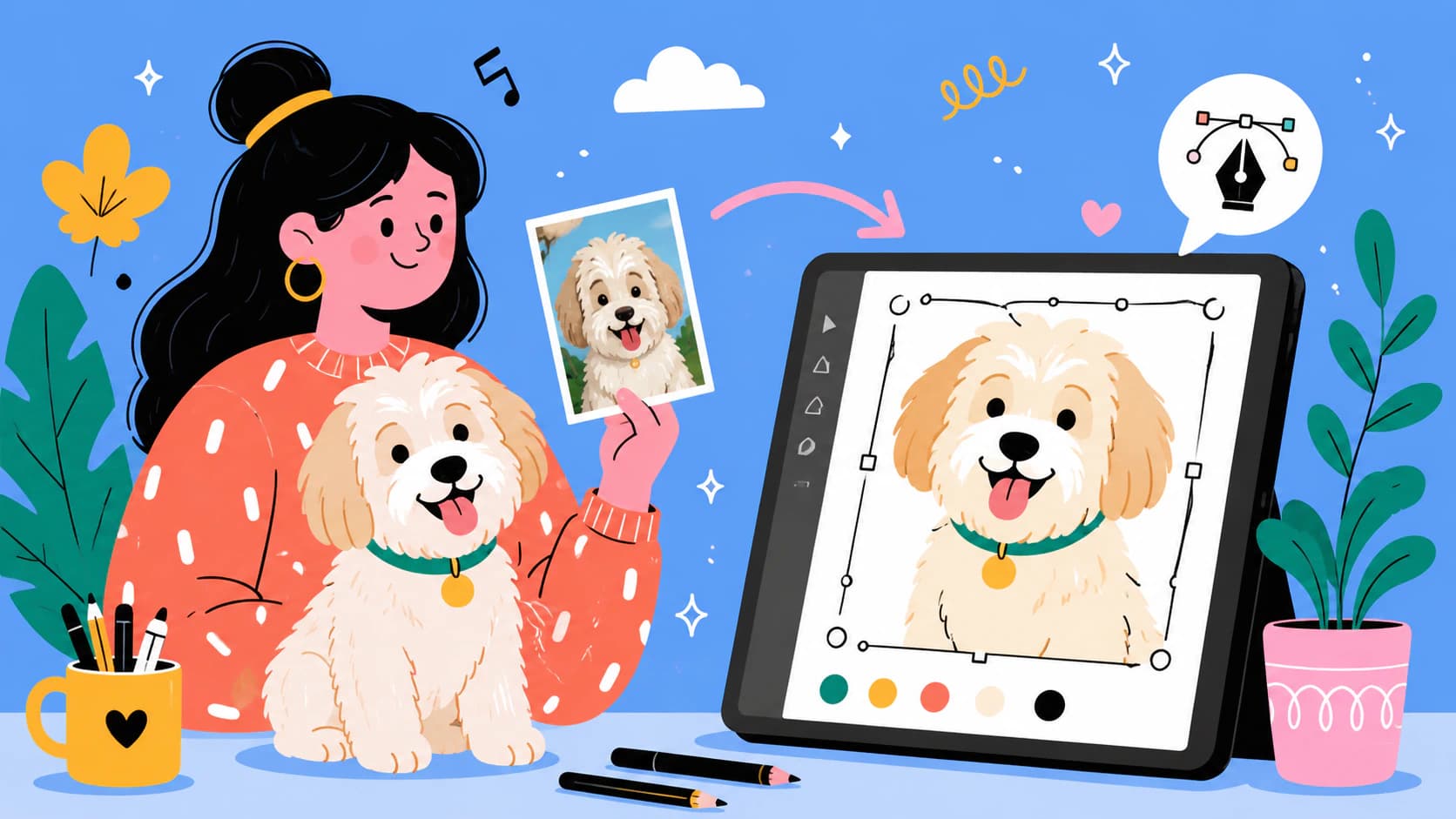
Zamień zdjęcie swojego zwierzaka w portret SVG gotowy do wycinania: wybierz odpowiednie zdjęcie, bezpłatnie usuń tło i przekształć obraz w uporządkowane warstwy wektorowe — bez Photoshopa.
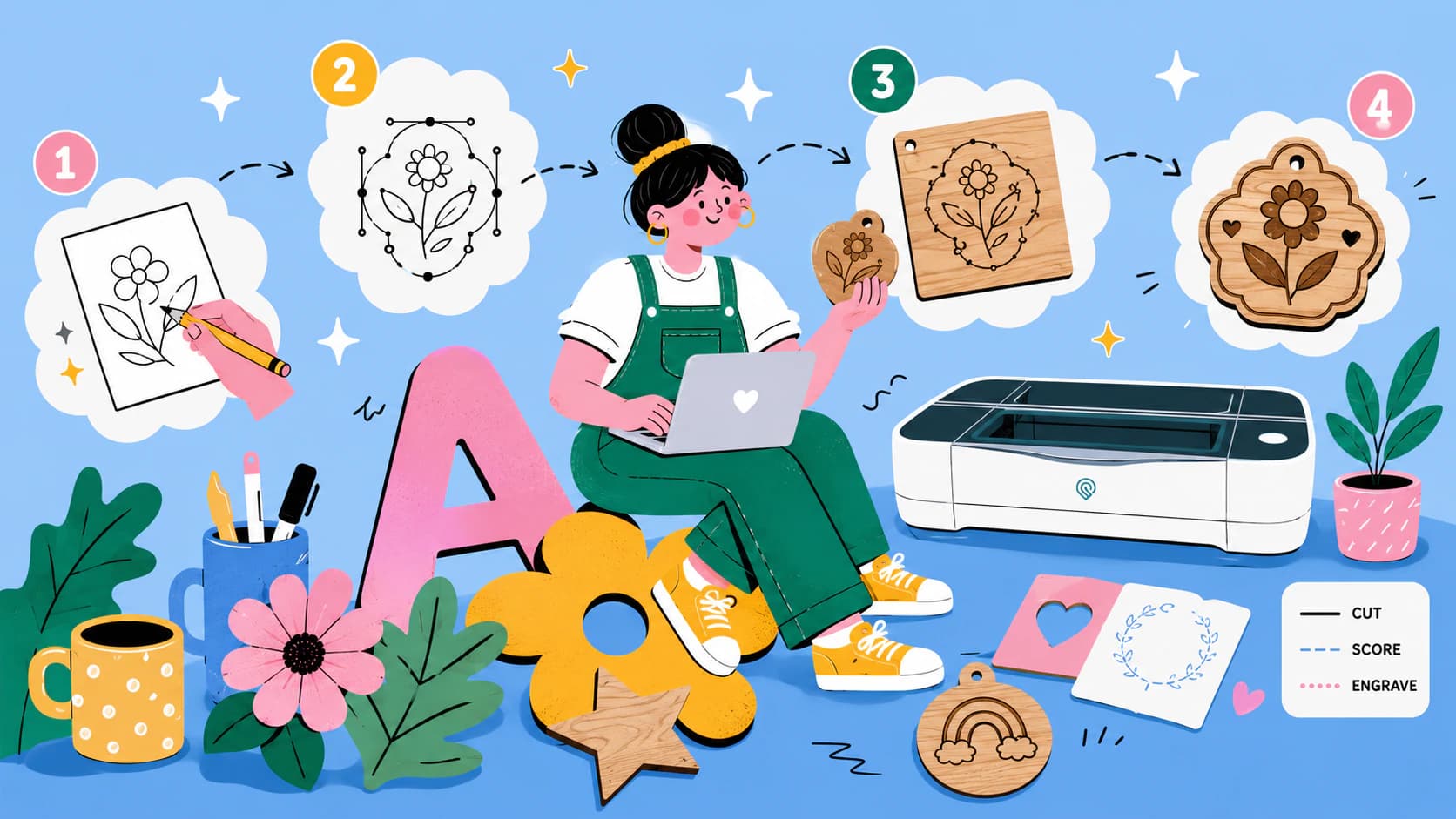
Twórz pliki SVG gotowe do Glowforge z własnych obrazów: sprawdź, co obsługuje aplikacja, jak obrysy stają się liniami cięcia, a wypełnienia grawerowaniem, i poznaj prosty sposób bez Illustratora.
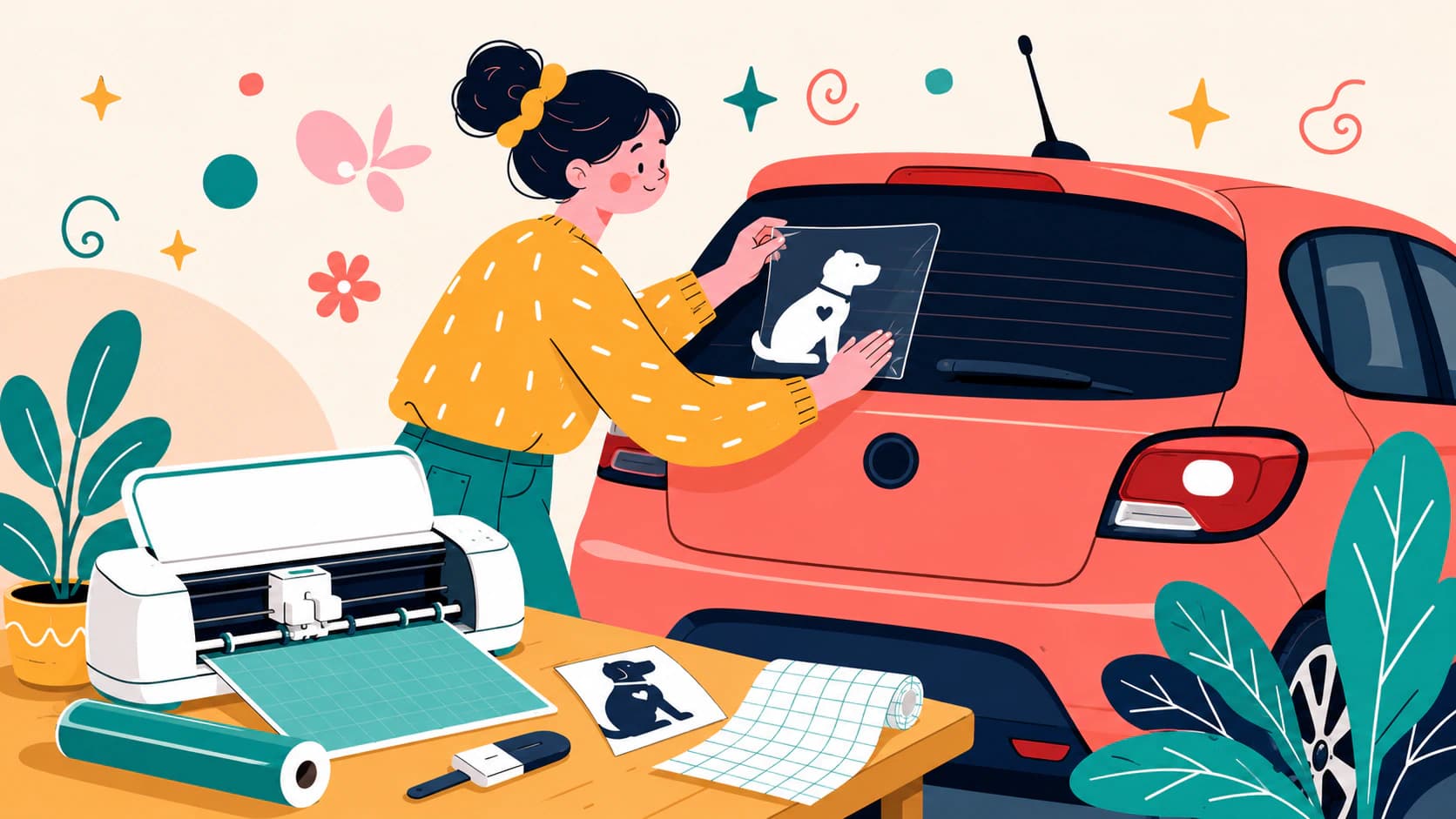
Zrób naklejkę na samochód z własnego logo, rysunku lub zdjęcia zwierzaka: zasady projektowania z myślą o czytelności z daleka, SVG gotowy do cięcia i sytuacje, w których lepiej kupić gotową naklejkę.
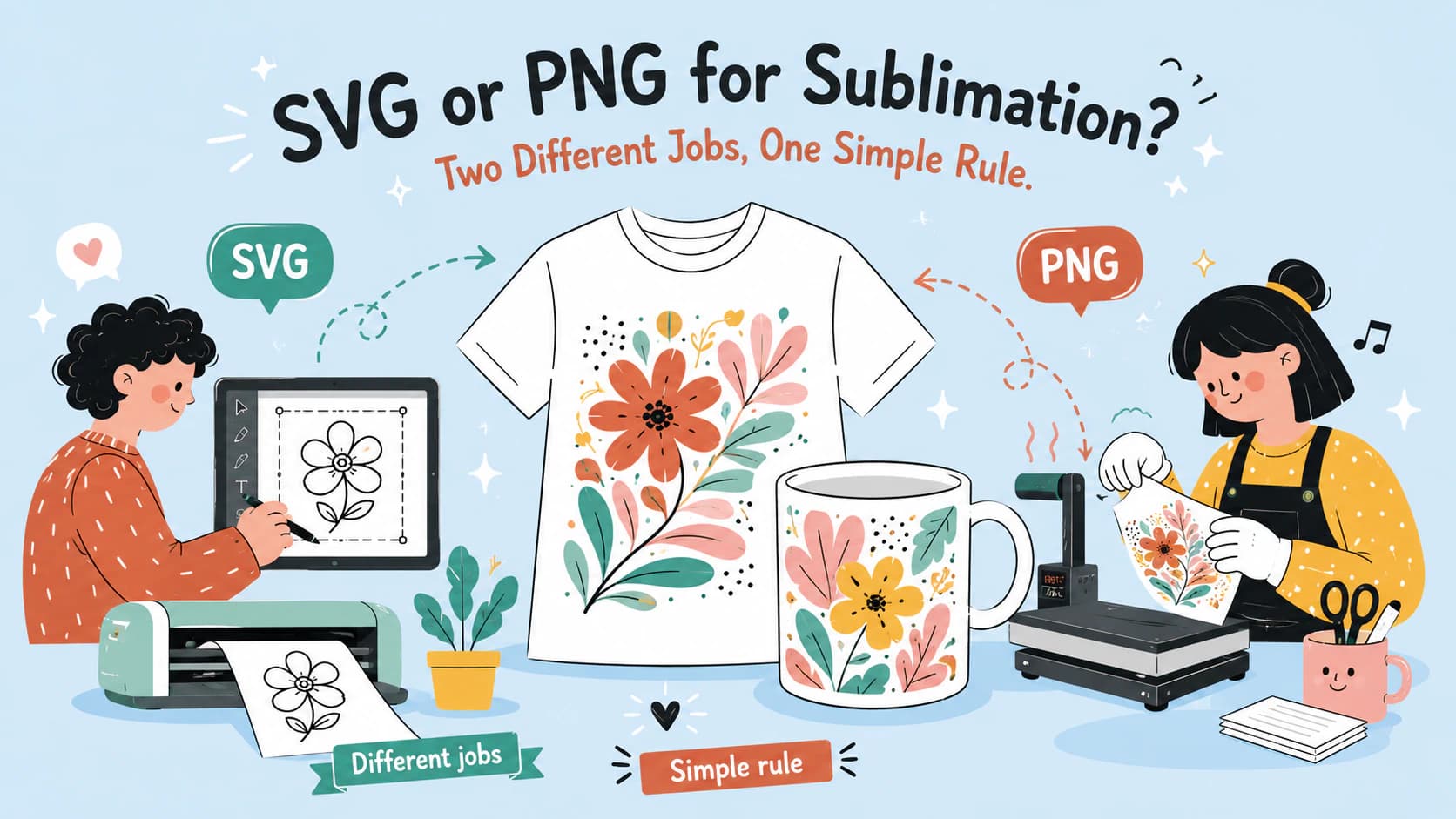
Do druku sublimacyjnego trafiają obrazy rastrowe, więc na etapie drukowania wygrywa PNG. SVG przydaje się jako skalowalny plik wzorcowy projektu i pasujący do niego plik do cięcia.
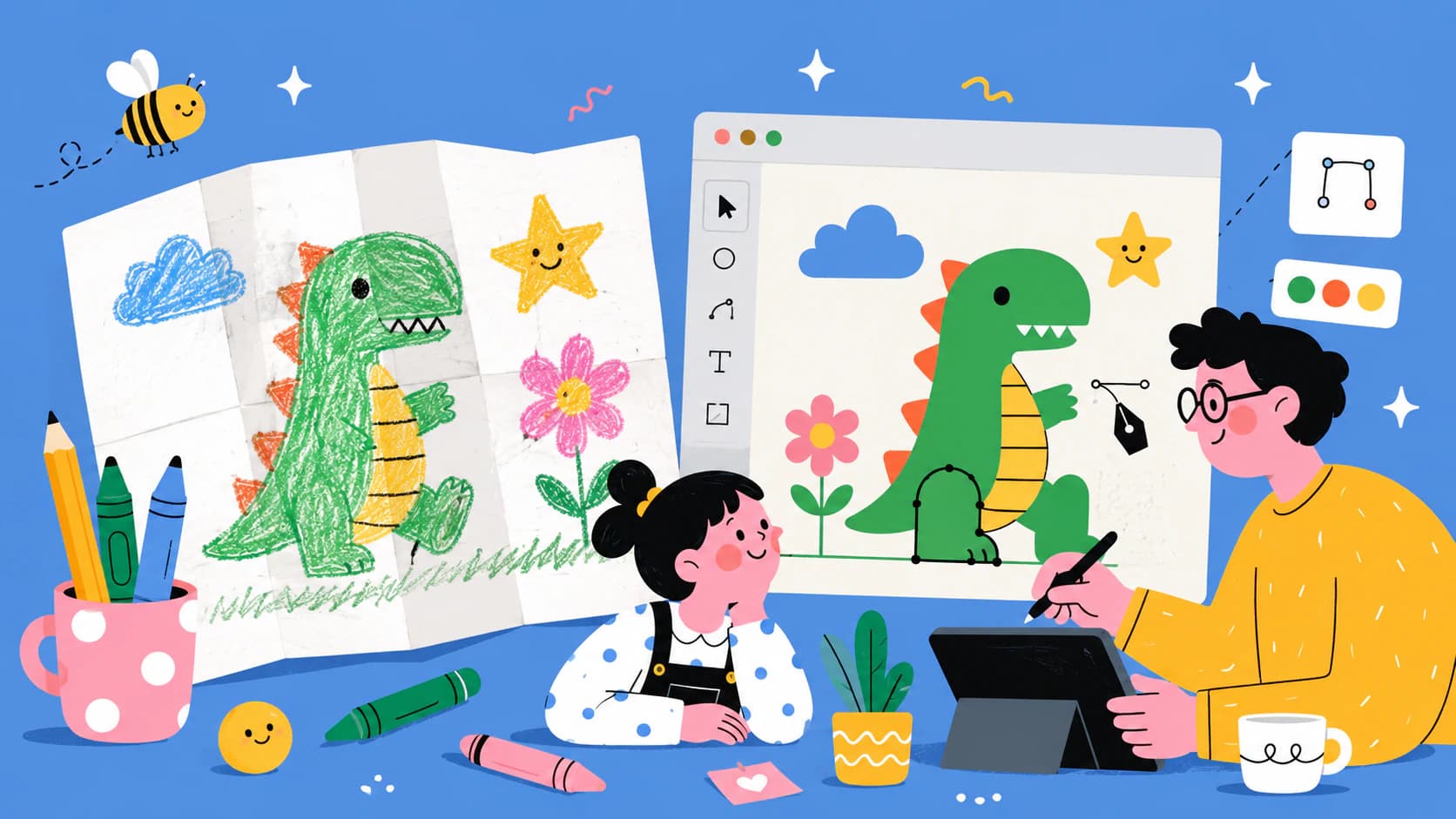
Zamień rysunek swojego dziecka w SVG na koszulki, ozdoby i kartki: zrób dobre zdjęcie, poradź sobie z kredkami i flamastrami i zachowaj nierówności, po których rozpoznasz jego rękę.
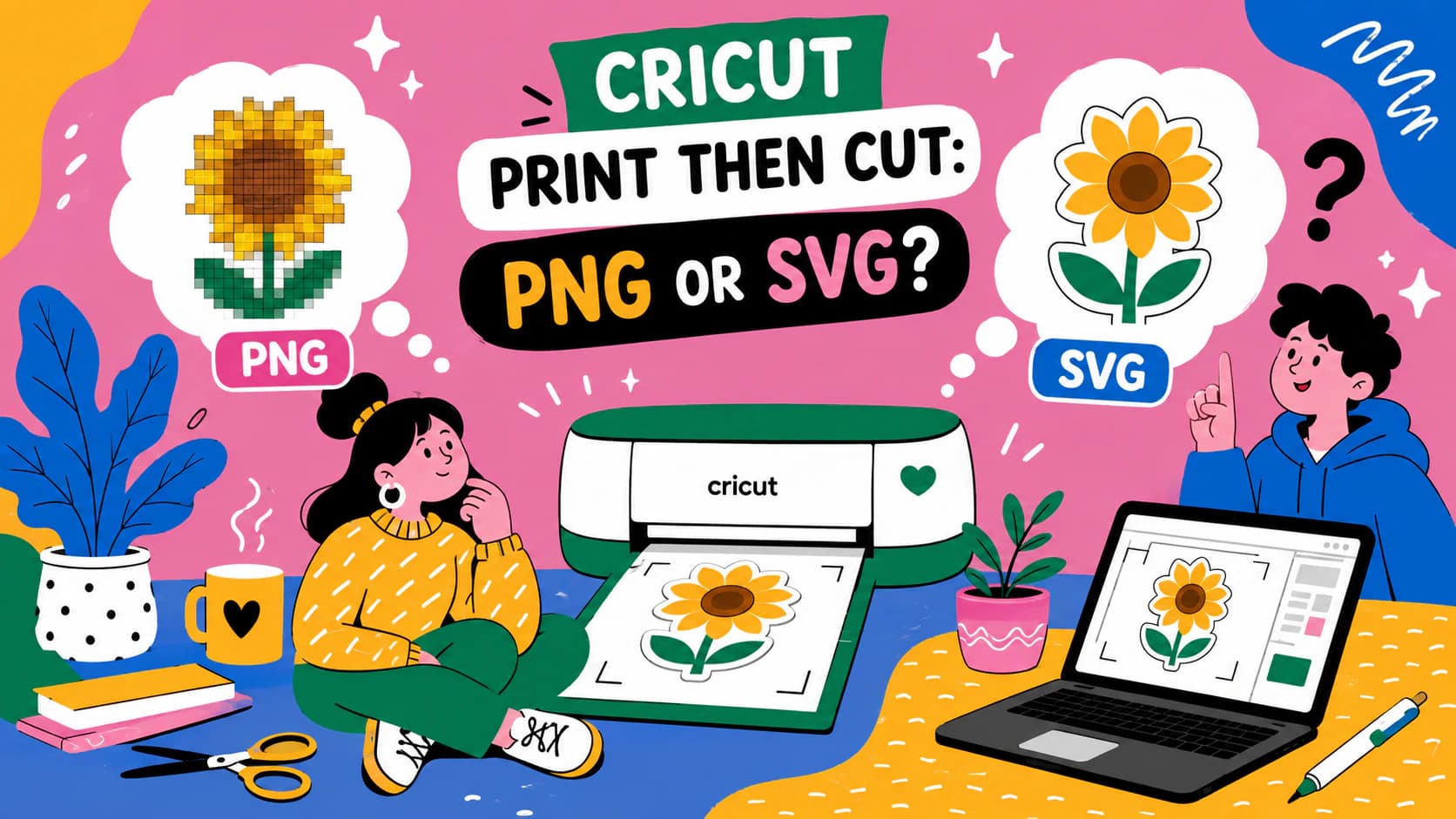
Print Then Cut zawsze drukuje piksele, więc dobry PNG jest naturalnym wyborem. Kiedy SVG nadal się przydaje: zmiana rozmiaru, czyste linie cięcia i projekty do druku oraz wycinania.
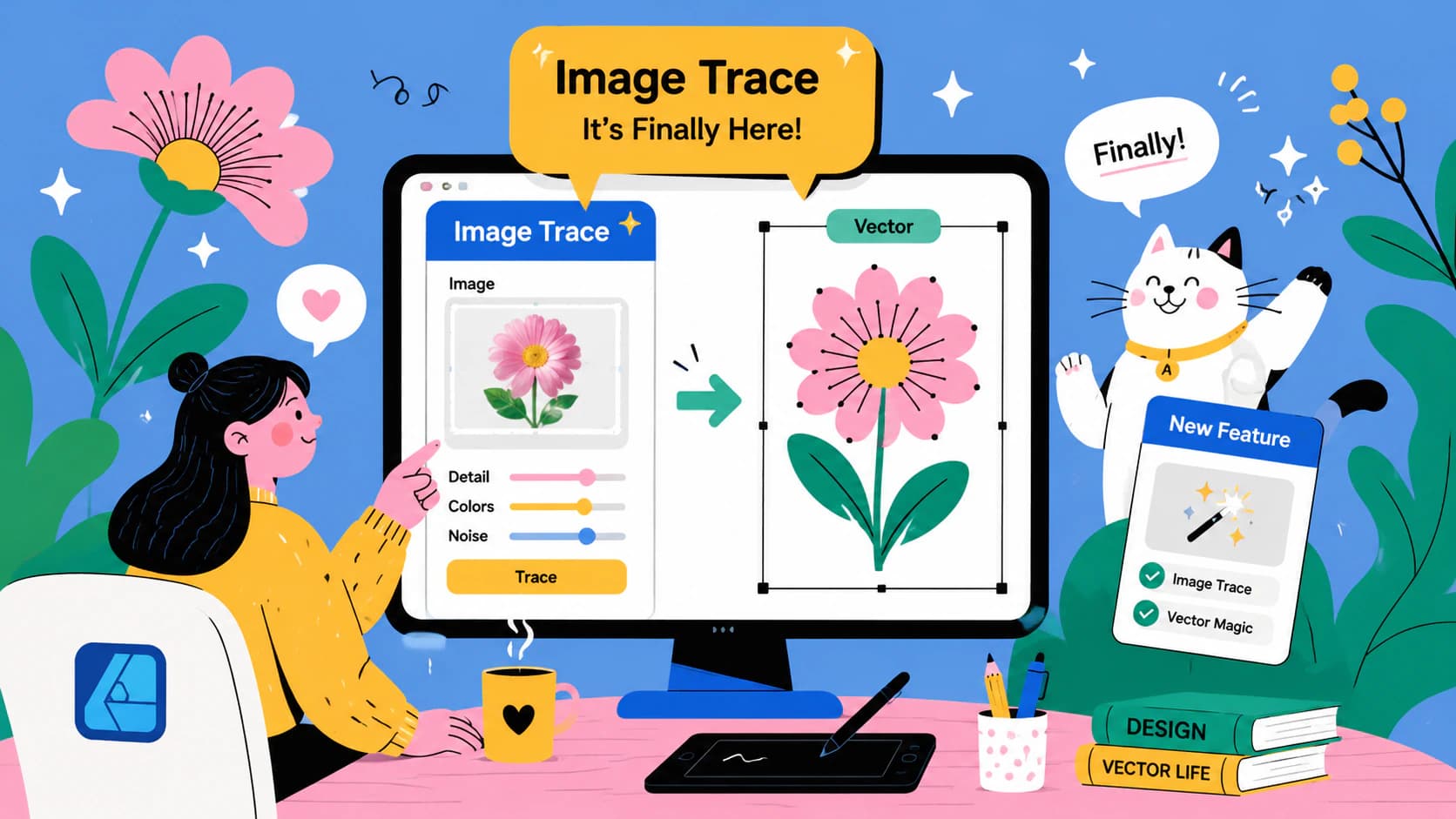
Zintegrowana aplikacja Affinity ma funkcję Image Trace. Zobacz, jak działa, dlaczego nie ma jej w Designer 1 i 2, jakie ma udokumentowane ograniczenia i kiedy porównać ją z innym narzędziem do wektoryzacji.
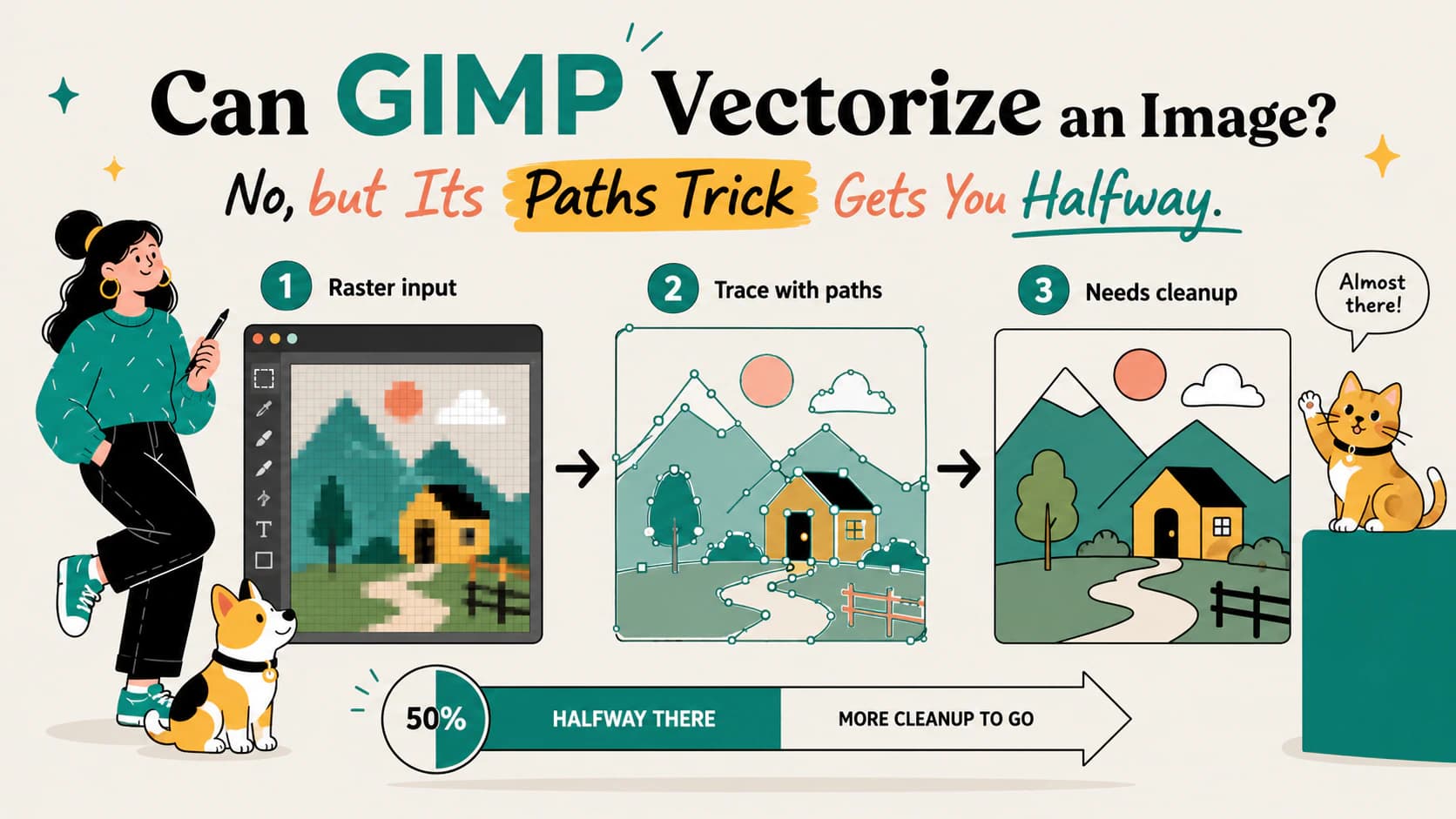
GIMP nie ma automatycznej wektoryzacji: „Trace Bitmap” to funkcja Inkscape. Sprawdź, co daje zamiana zaznaczenia na ścieżkę w GIMP, jakie ma ograniczenia i jak bezpłatnie uzyskać prawdziwy SVG.
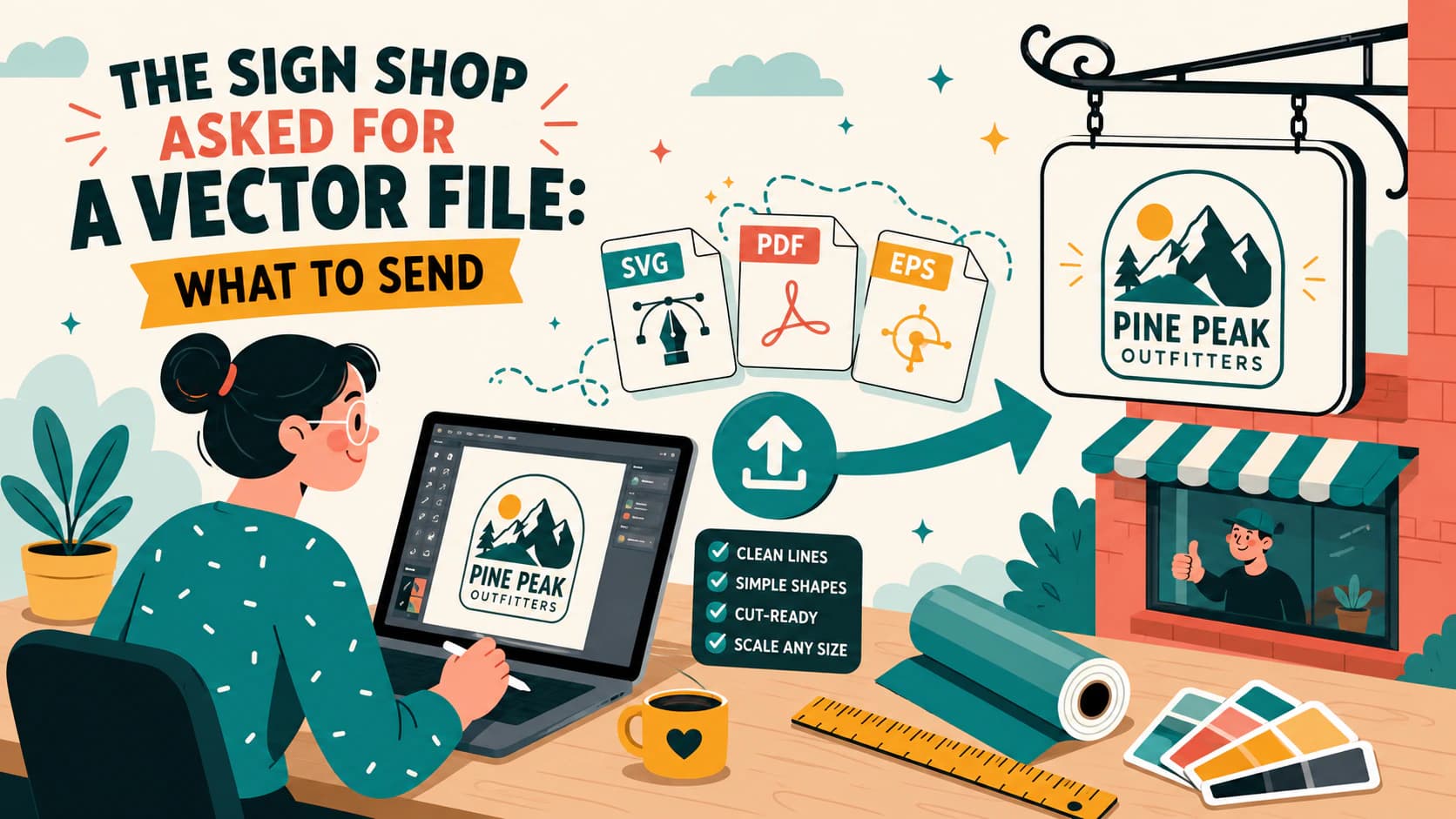
Dlaczego wykonawcy szyldów wymagają grafiki wektorowej, jak sprawdzić, czy Twój plik z logo rzeczywiście jest wektorowy, i jak dostarczyć SVG, EPS lub wektorowy PDF, który można wycinać i skalować.
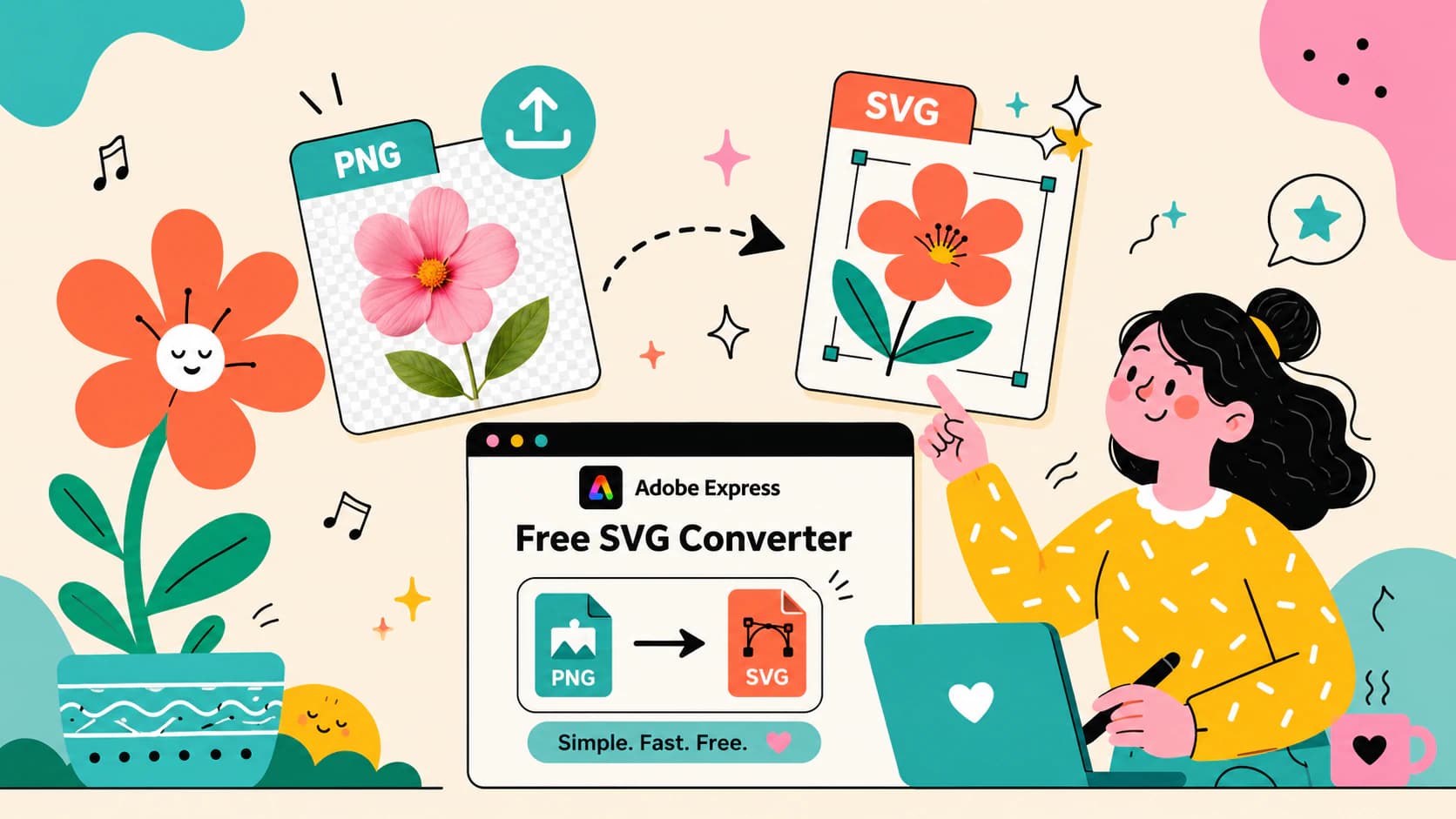
Co oferuje darmowy konwerter SVG w Adobe Express według jego dokumentacji: formaty, ograniczenia i przebieg konwersji. Do tego trzy testy, które powinien przejść każdy SVG, niezależnie od narzędzia, które go utworzyło.
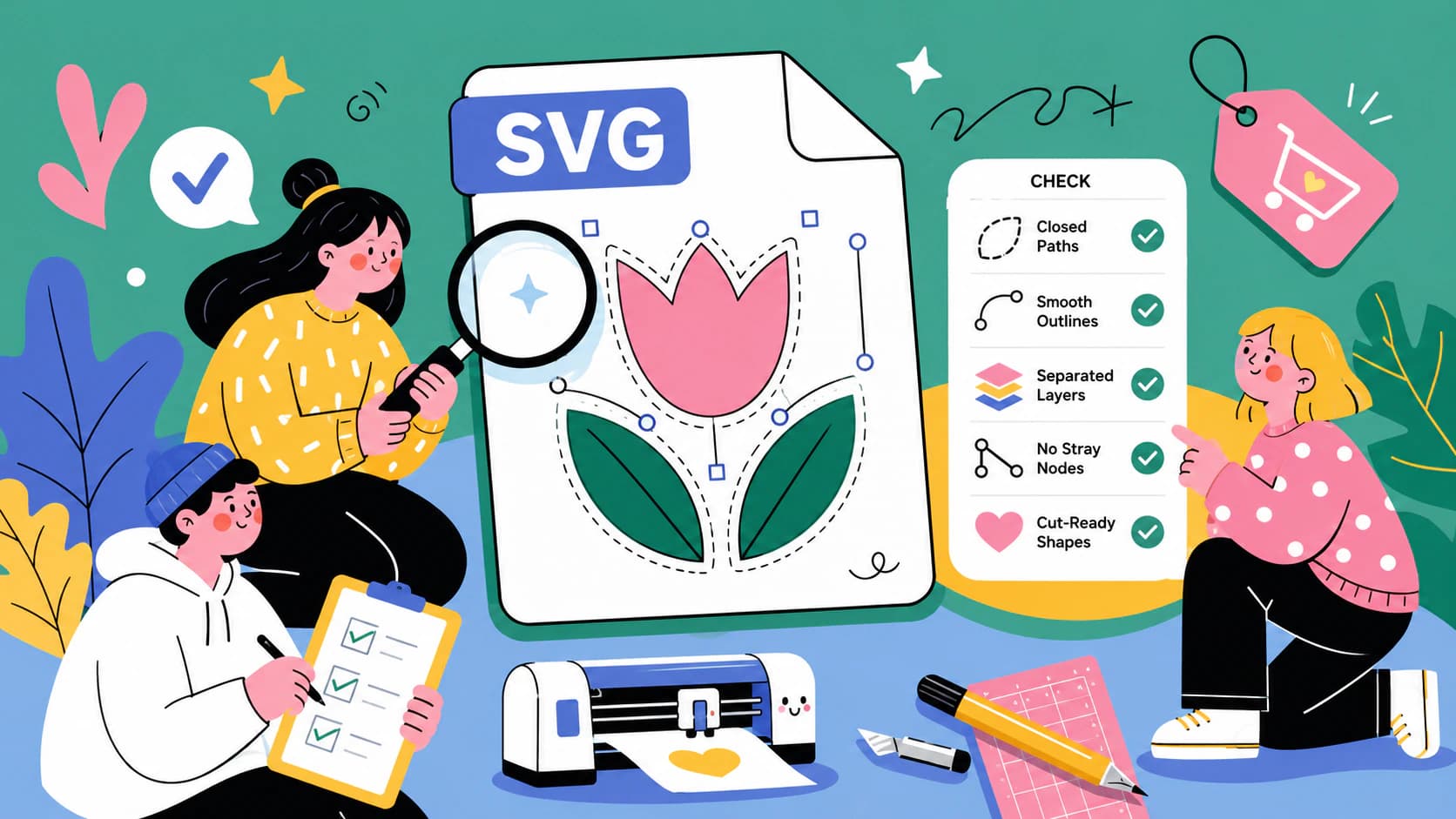
Pięciominutowa kontrola plików do wycinania: wykryj pozorną grafikę wektorową, podwójne ścieżki, nadmiar węzłów i zbędne prostokąty, zanim zmarnujesz folię winylową. Dowiedz się też, co sprawdzić przed zakupem.
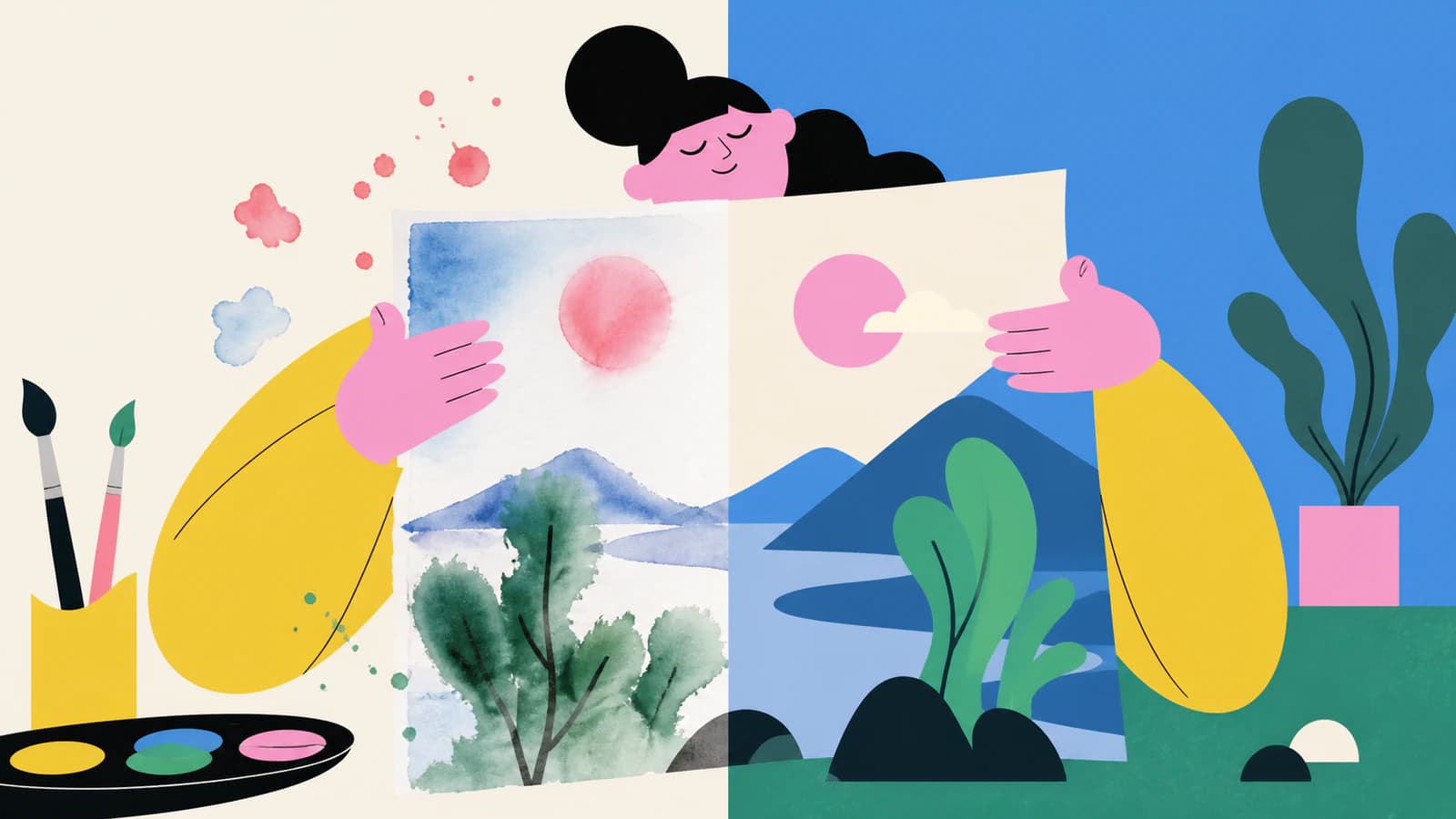
Dowiedz się, kiedy akwarela powinna pozostać obrazem rastrowym, kiedy pomaga wektoryzacja i jak rzeczywiste trasowanie do SVG zamienia delikatne plamy farby w edytowalne kolorowe kształty do ponownego wykorzystania.
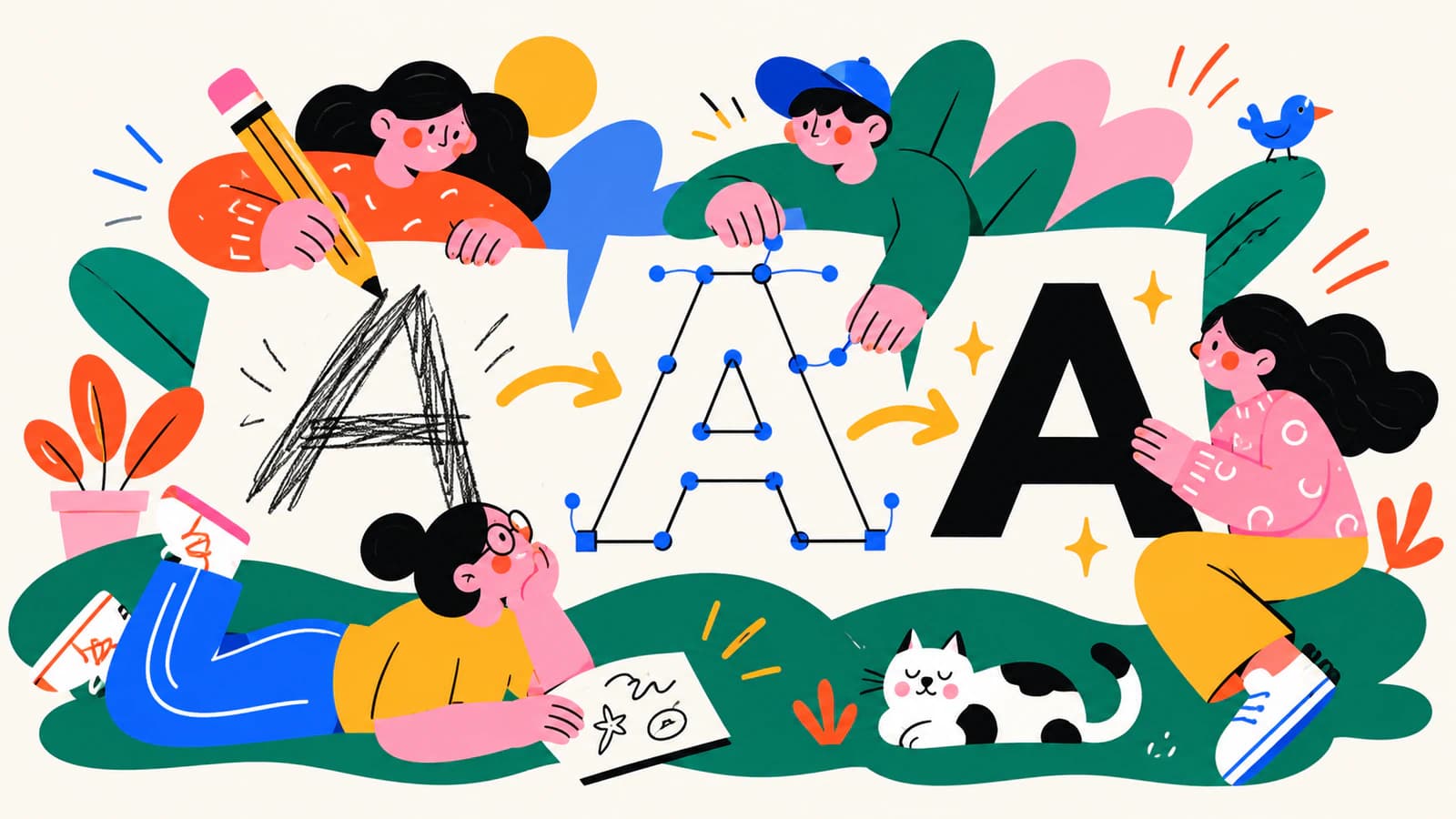
Zamień liternictwo odręczne w czysty plik SVG, zachowując otwarte światła liter, wyraziste zakończenia, zamierzoną fakturę i krzywe, które nadal łatwo edytować.
Przekształć pixel art w SVG z zachowaniem kwadratowej siatki albo świadomie wybierz wektoryzację z wygładzonymi konturami. Poznaj właściwy proces, kompromisy i sposoby kontroli.
Kittl potrafi wektoryzować przesłany obraz i generować nową grafikę wektorową na podstawie promptu. Dowiedz się, którego narzędzia użyć, jak przebiega praca i jak sprawdzić SVG.
Recraft potrafi konwertować obrazy PNG, JPG i WebP do SVG oraz generować nową grafikę wektorową na podstawie promptów. Dowiedz się, którą metodę wybrać i jak sprawdzić wynik.
Jeśli nie da się rozgrupować SVG, może to być pojedyncza ścieżka, ścieżka złożona lub osadzony obraz zamiast grupy. Najpierw rozpoznaj obiekt, a potem zastosuj właściwe rozwiązanie.
Zamień zeskanowany rzut kondygnacji w czyste linie wektorowe, skalibruj go na podstawie jednego znanego wymiaru i sprawdź skalę, zanim użyjesz pliku SVG lub DXF w dalszej pracy.
Przekształć zeskanowany rysunek w SVG ze ścieżkami biegnącymi środkiem kresek, które ploter pisakowy pokona tylko raz, bez podwójnych krawędzi powstających przy zwykłym trasowaniu konturów.
Font w SVG zmienia się, gdy docelowy krój pisma jest niedostępny lub tekst jest inaczej interpretowany. Sprawdź edytowalny tekst, fonty zastępcze i ścieżki liter.
Obrysy SVG mogą znikać z powodu ustawień rysowania, skali, przycinania lub nieobsługiwanych efektów. Najpierw sprawdź ścieżkę, a potem zastosuj najmniejszą skuteczną poprawkę.
SVG może zaimportować się jako zbyt mały lub zbyt duży, gdy dwie aplikacje inaczej interpretują jego jednostki. Sprawdź skalę za pomocą kwadratu referencyjnego, zanim zaczniesz edytować grafikę.
Nie da się wyciągnąć SVG, gdy jego ścieżki nie definiują prawidłowej powierzchni. Znajdź otwarte końce, grafikę złożoną wyłącznie z linii, nakładające się kształty, otwory i nadmiar węzłów, zanim zmienisz format.
Ogranicz paletę SVG według funkcji wizualnej, a nie arbitralnie wybranej liczby. Łącz zbliżone kolory, zachowując kontrast, przestrzeń negatywową, warstwy cięcia i kolory przypisane do operacji.
Białe linie między kształtami SVG mogą być artefaktami antyaliasingu lub rzeczywistymi szczelinami w geometrii. Zanim zmienisz ścieżki, sprawdź powiększenie, tło, eksport rastrowy i widok konturów.
SVG, który wygląda na pusty, może zawierać grafikę poza obszarem roboczym, niewidoczną lub przyciętą, korzystać z nieobsługiwanych funkcji, mieć nieprawidłową strukturę albo być tylko kontenerem obrazu rastrowego. Zachowaj plik i sprawdź siedem rzeczy przed jego odtworzeniem.
Możesz zwektoryzować obsługiwany plik HEIC do SVG, ale większość zdjęć powinna pozostać obrazami rastrowymi. Ten poradnik pomoże Ci wybrać format, przygotować obraz i sprawdzić ścieżki.
BMP może zachować ostre krawędzie i wszystkie defekty źródła. Dowiedz się, jak usuwać je selektywnie, przekształcić obraz w edytowalne ścieżki SVG i sprawdzić wynik.
ICO może zawierać kilka wersji bitmapowych tej samej ikony w różnych rozmiarach. Dowiedz się, jak odzyskać najlepszy obraz źródłowy, odtworzyć go jako rzeczywiste, edytowalne ścieżki SVG i rozpoznać, kiedy lepiej narysować ikonę od nowa.
Skan TIFF może zawierać wyraźne szczegóły linii i sporo szumu. Dowiedz się, jak przygotować źródło, przekształcić je w edytowalne ścieżki SVG i sprawdzić wynik.
Animowany GIF może stać się pojedynczą, statyczną grafiką wektorową lub odtworzoną animacją SVG, ale to różne zadania. Dowiedz się, co każdy konwerter faktycznie zachowuje.
Sprawdź, czy EPS zawiera edytowalne ścieżki wektorowe, osadzone piksele czy oba rodzaje zawartości, korzystając z powiększenia, widoku konturów, zaznaczania obiektów, panelu Links i kontroli tekstu zamienionego na kontury.
Plik DXF staje się zbyt gęsty, gdy wynik wektoryzacji, eksportowane krzywe, zduplikowane ścieżki lub fragmenty tworzą zbyt wiele encji. Ustal przyczynę, a potem uporządkuj plik przed użyciem w CAM.
Sprawdź, czy zmiana kolorów SVG wynika z konwersji przestrzeni barw, dziedziczenia CSS, gradientów, mieszania, krycia czy aplikacji importującej plik.
Skorzystaj z 12-punktowej karty oceny, aby sprawdzić wierność krawędzi, przestrzeń negatywową, kolory, oszczędność węzłów, łatwość edycji i działanie SVG w docelowym zastosowaniu.
Zamień folder ikon PNG w spójny zestaw SVG. Dowiedz się, jak ujednolicić obszary robocze, wielkość optyczną, kolory i ścieżki oraz sprawdzić pliki przed przekazaniem całego zestawu UI.