
Image-to-SVG MCP Credits: When Do You Pay?
See when PerfectVector MCP uses a credit, how approvals vary by assistant, and when resuming an image conversion or getting a new SVG link is free.
On this page
PerfectVector MCP uses one website credit when a finished SVG is delivered to your conversation under the current rate. A price check is free. The point at which you approve the work and the point at which your balance changes are separate. PerfectVector MCP credits and downloads
What changes the credit balance
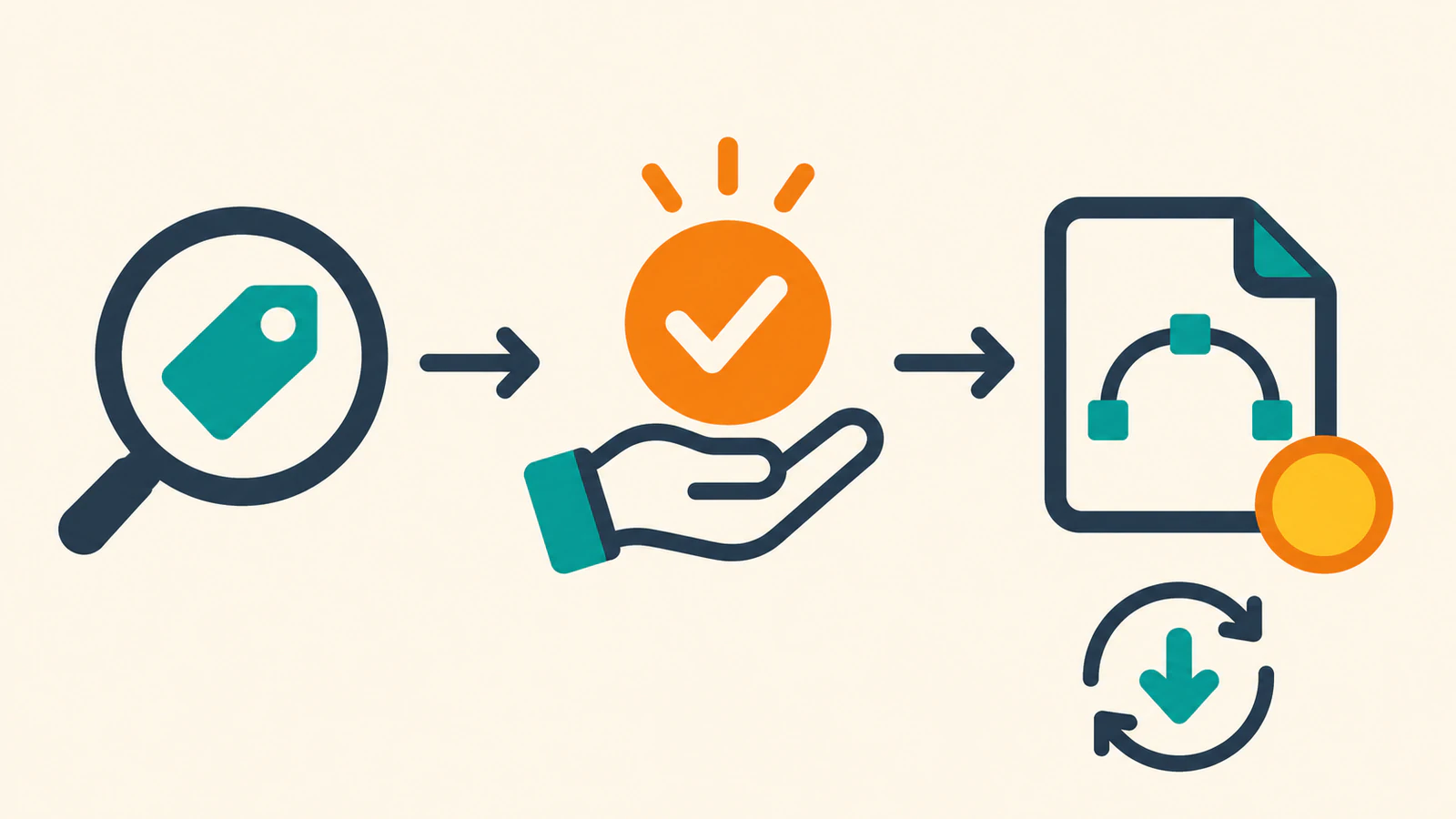
A delivered SVG is a finished file that has become available to download or read in the conversation. The billing trigger is delivery. You can use the following stages to decide whether to wait, resume, or ask for a new request. PerfectVector MCP credits and downloads
| Stage | Credit effect |
|---|---|
| Connect your assistant or check your balance | Free, even if your balance is zero. |
| Check the price for an eligible new request | The check itself is free. You need at least one credit available to start the request. |
| Approve and wait for tracing | The credit is used when the finished SVG is delivered. |
| The conversion fails | The failed conversion uses no credit. |
| Continue the same conversion after a timeout | A finished result is charged once on delivery. An already delivered result can be retrieved again while it remains stored. |
| Start another conversion of the same source | A separate request can use another credit on delivery. |
These are PerfectVector MCP rules. A separate live API conversion uses API credits and is charged when the conversion succeeds. Website and API balances are separate. MCP credits and downloads · PerfectVector API credits
What counts as approval
When PerfectVector's Ask every time setting is on, your assistant asks for approval after the price check. With it off, approval can occur through the assistant's own tool permission. If you set the assistant to always allow the tool, it may start without another prompt. Choosing a file in the PerfectVector card is also approval when the card displays the price and balance. PerfectVector approval rules
The documented default starts Ask every time on in ChatGPT and Codex, and off in Claude and Claude Code, where the host usually asks for permission to run the conversion tool. The current setting on your account can differ from that default. PerfectVector approval rules
A choice such as “Yes, always” changes the PerfectVector account setting across connected assistants. Say “ask me every time” to turn the service's question back on. The assistant's own tool permissions are a separate control. PerfectVector approval rules
Budget for finished files and keep track of them
Suppose you submit six images for a sticker sheet. If five separate requests deliver and one fails, the five deliveries cost five credits at today's rate. If you later request a new conversion of the failed source and it delivers, that sixth delivery adds one credit. Asking for another link to one of the five existing SVGs adds none while the file remains stored. This example uses the published charging rules. PerfectVector MCP credits and downloads
Save the SVG files you want to keep. A download link works for 24 hours. If it expires, ask for a new link while the file remains stored. The published retention window is about 30 days after upload. If the original conversation is interrupted, ask for the status or existing SVG before sending a fresh request. PerfectVector download links · PerfectVector troubleshooting
FAQ
Why can a free price check still require a credit?
PerfectVector requires at least one available credit to start a new conversion request, including a request the assistant only prices. That price check does not deduct a credit. Connecting or asking for your balance works at zero. PerfectVector MCP credits and downloads
Can I buy more credits from the conversation?
Buy website credits through the PerfectVector pricing page, then return to the conversation. If the SVG was already generated and is still stored, ask the assistant to continue the existing conversion. PerfectVector MCP credits and downloads
Sources
- PerfectVector — MCP credits and downloads — Documents price checks, approval, billing, and repeat downloads.
- PerfectVector — MCP troubleshooting — Explains interrupted replies, insufficient credits, and expired links.
- PerfectVector — API credits — Defines the separate Developer API balance.
Check PerfectVector website credits before budgeting a set. Ask your connected assistant for the price and balance for one eligible image, then check those figures before you approve the conversion.
More from the blog

Best AI Image Vectorizers 2026: Top Picks by Use Case
Our 2026 picks: PerfectVector for logos, icons and cut files, and its API for image-to-SVG in your own app. See which tool fits full-color, free or Adobe work.

Plan a Folder-to-SVG Batch in Claude Code
Plan a folder-to-SVG batch in Claude Code with PerfectVector MCP. Give each raster a unique output path and use a tested local audit to identify missing SVGs.