MCP Image to SVG: Local File, Attachment, or URL?
Pick the right image input for your vectorization MCP connector. Compare local paths, chat attachments, file pickers, and direct image URLs in each assistant.
On this page
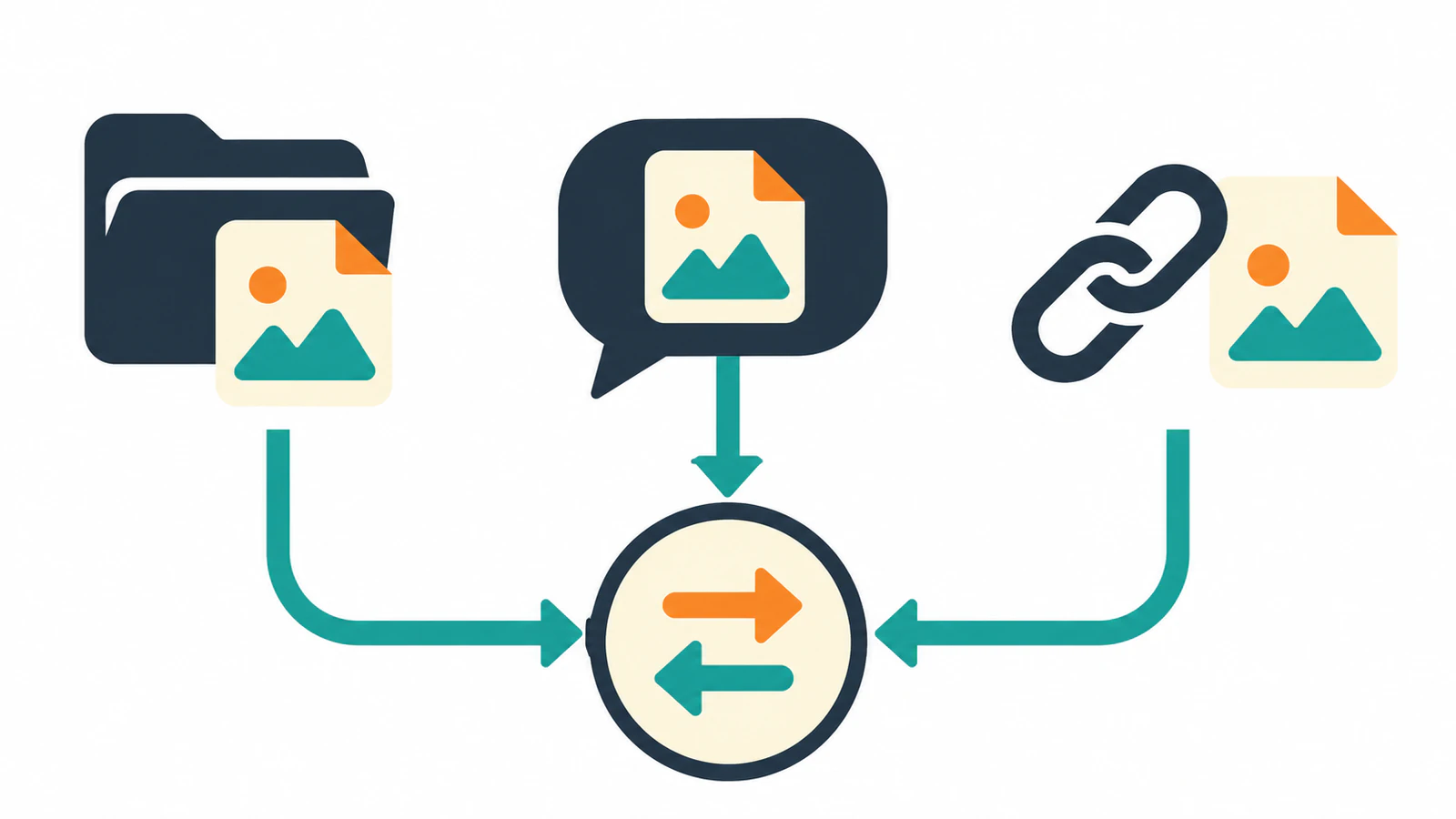
Use the route that gives the vectorizer the original image bytes. With PerfectVector MCP, attach an image in ChatGPT, use the file picker in Claude, or give Claude Code or Codex a path in its workspace. A public HTTPS link to the image file is also an option in each of these assistants. PerfectVector conversion guide
Match the input to the assistant
The table covers the documented PerfectVector connector behavior. Other vectorization MCP servers can expose different input methods. A direct image URL is a public HTTPS link whose response is the image file, rather than an HTML page that displays it. PerfectVector image requirements
| Where you're working | Route for an image on your device | What the connector needs |
|---|---|---|
| ChatGPT | Attach the image to the message and name PerfectVector in the request. | The attached image through the chat host. |
| Claude chat | Open the PerfectVector picker and select the image there. | A file selected in the connector card, or a public image URL. |
| Claude Code or Codex | Give the agent an exact workspace path, such as ./assets/badge.png. | The file bytes uploaded by the agent. Codex may ask for network permission for the upload command. |
| Any of the above with a public file | Paste the direct HTTPS image URL. | A URL the vectorizer can fetch without your sign-in or cookies. |
When an assistant can see a preview of an image, the connector can still have a different input requirement. Claude chat, for example, can receive an attachment in the conversation but cannot pass that attachment to PerfectVector. Use the connector's file picker or send an eligible public image link. PerfectVector troubleshooting
Identify what a link actually returns
A useful check is whether a public GET request returns image bytes. Our public 512-pixel PNG example returned image/png and a valid PNG signature. The MCP overview page returned HTML. Both links are reachable. Only the first is a direct image URL. This check tested the public responses and did not submit either URL for conversion.
A sharing page or sign-in page can open normally in your own browser because your session has access. The remote connector fetches a web link without those cookies. If the image needs a sign-in, save an authorized copy and use the attachment, picker, or workspace route that fits your assistant. Keep private artwork in the route you are allowed to use. PerfectVector image requirements · Privacy and support
PerfectVector MCP accepts single-frame PNG, JPEG, or WebP up to 5 MB, with each side between 100 and 4,096 pixels. These rules apply regardless of the route. If the file is rejected, check the actual format, dimensions, and size before starting another request. PerfectVector image requirements
FAQ
Can I send a local file path in ChatGPT or Claude chat?
For a local image in ChatGPT, attach the file. In Claude chat, select it in the PerfectVector picker. Give a path to an agent such as Claude Code or Codex when that agent can read the workspace file. PerfectVector conversion guide
Why did opening the link in my browser work?
A browser can display a web page around an image or rely on cookies from a signed-in session. PerfectVector needs a public HTTPS response containing the image file. Use the source file route if the link requires your account. PerfectVector image requirements
Sources
- PerfectVector — Convert an image — Documents the available input routes by assistant.
- PerfectVector — Image requirements — Defines file limits and the direct public HTTPS requirement.
- PerfectVector — Troubleshooting — Explains Claude attachment handoff and URL rejections.
- PerfectVector — Privacy and support — Explains what the service receives during a request.
Open PerfectVector MCP and choose one eligible image. Use the documented input route for your assistant, then open the saved SVG beside the original to check that the artwork you intended to send was the one traced.
More from the blog
Can ChatGPT Create Vector Images? How to Get a Real SVG
ChatGPT's images come out as PNG, WebP, or JPEG, not traced SVG paths. See what it makes, how to spot a fake SVG, and how to turn its image into a real vector.
Plan a Folder-to-SVG Batch in Claude Code
Plan a folder-to-SVG batch in Claude Code with PerfectVector MCP. Give each raster a unique output path and use a tested local audit to identify missing SVGs.